
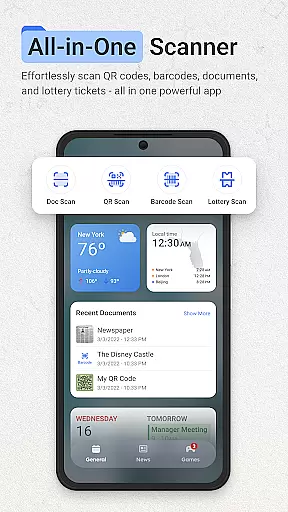
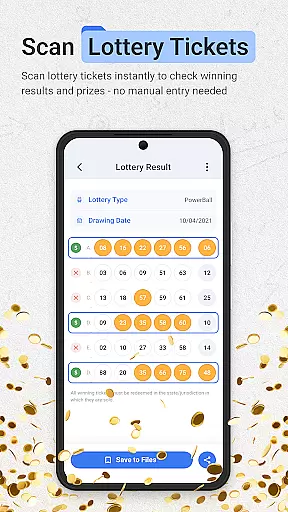
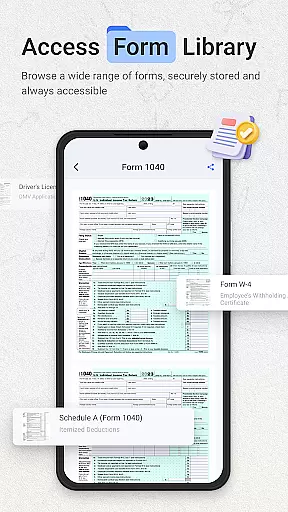
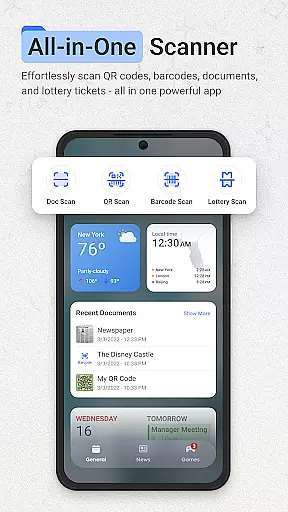
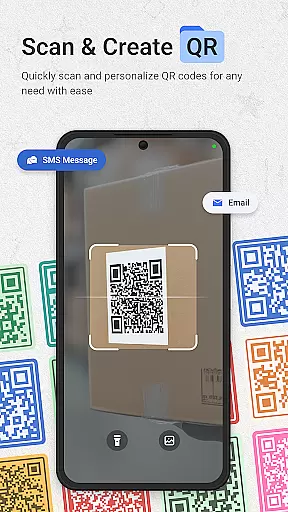
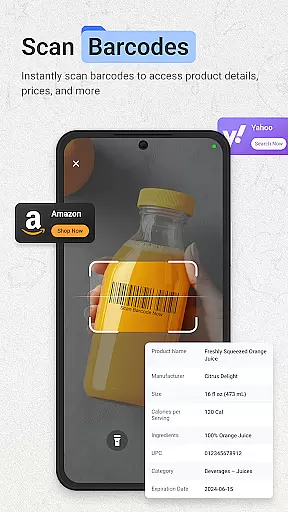
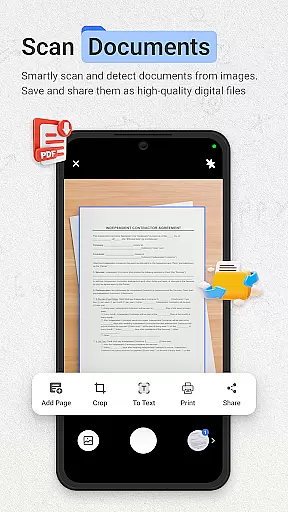
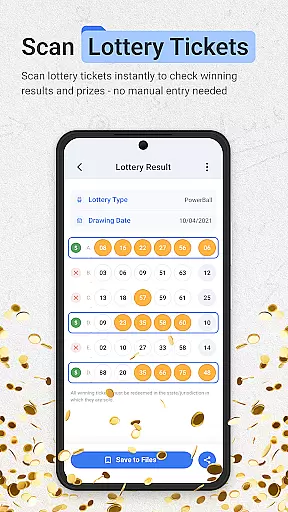
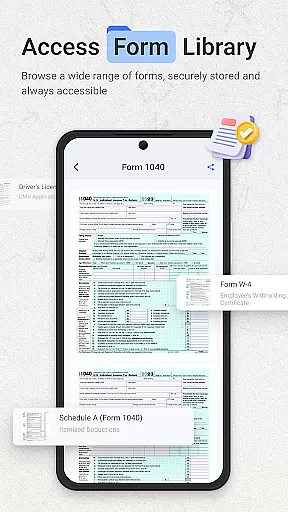
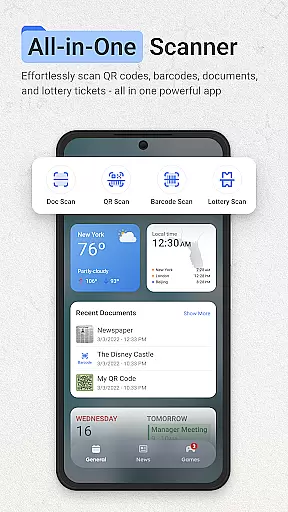
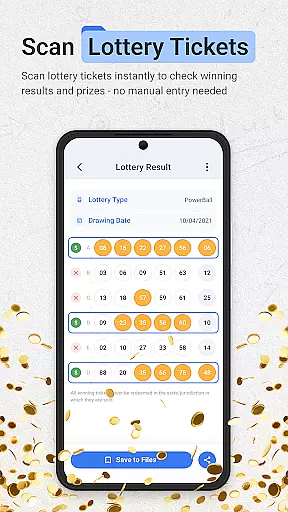
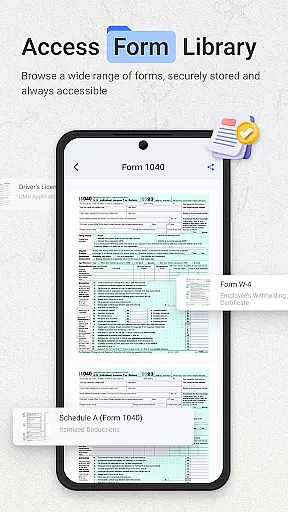
ScanNow Home revolutionizes productivity by integrating advanced scanning tools directly into your home screen experience. This innovative launcher combines essential document, barcode, and lottery ticket scanning with a clean, customizable interface. The app's standout feature is its seamless access to powerful scanning functions while maintaining the core functionality of a mobile launcher.
The application supports multiple scanning modes including document digitization with auto-edge detection, price-comparing barcode scanner, and a dedicated lottery ticket validator. These features are complemented by smart launcher capabilities such as adaptive icon support and dark mode. ScanNow Home particularly shines for professionals who need quick access to scanning tools without switching between multiple applications, making daily tasks more efficient.
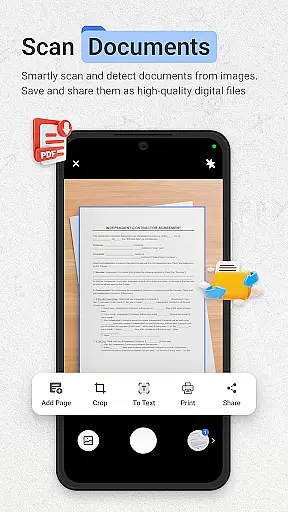
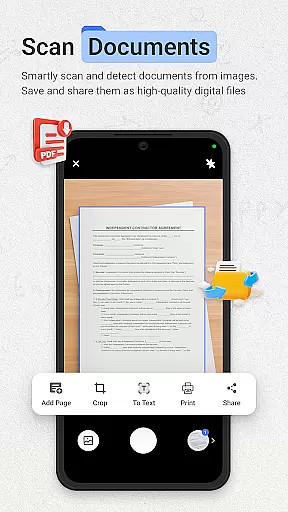
ScanNow Home distinguishes itself through a comprehensive set of productivity-focused features. The document scanner offers advanced capabilities like perspective correction, batch processing, and multi-format exporting, while the image enhancement technology ensures professional-grade results every time. The integrated Yahoo Search functionality provides quick access to web content directly from the home screen.
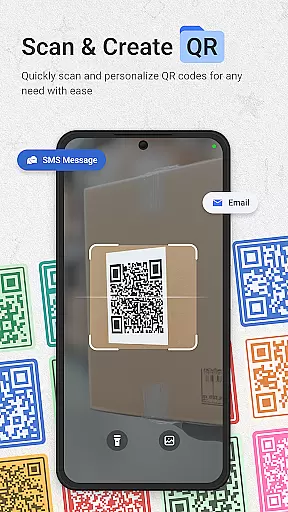
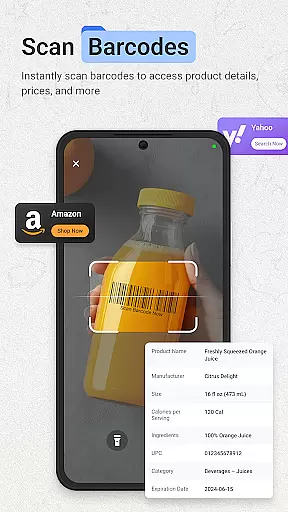
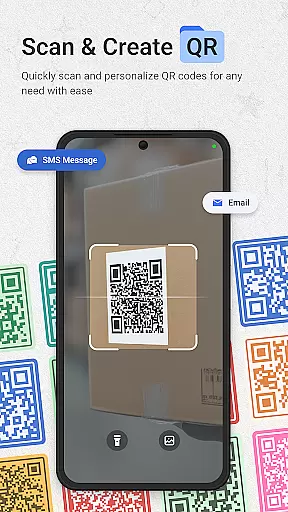
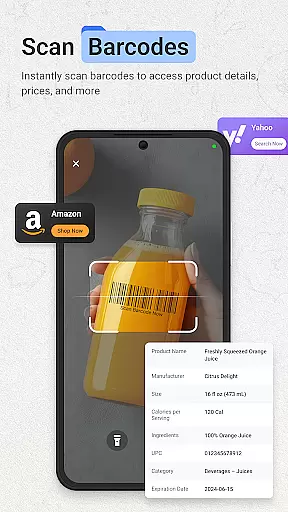
What sets this launcher apart is its specialized scanning modules. The barcode scanner supports all major formats with added price comparison features, while the QR code reader enables instant URL browsing. The lottery ticket validator goes beyond basic checking by offering saving functionality, winning notifications, and history tracking. These features are housed within a material design interface that includes smart app categorization and various customization options, making it both powerful and user-friendly.
ScanNow Home revolutionizes productivity by integrating essential scanning tools directly into your home screen experience, making task management seamless and efficient. The app provides instant access to powerful document, barcode, and lottery ticket scanning features, allowing users to digitize important information quickly.
The document scanner offers auto-edge detection, perspective correction, and advanced image enhancement, ensuring crystal-clear results for all scanned materials. With support for batch scanning and multi-page exports to PDF or JPG formats, users can efficiently organize their digital documents without switching between multiple apps.
Barcode and QR code scanning capabilities further enhance productivity by enabling quick price comparisons, URL browsing, and sharing of scanned data. The app's smart launcher interface with adaptive icon support and dark mode ensures a comfortable user experience while managing various tasks.
One of ScanNow Home's standout features is its reliable cross-device synchronization, which ensures that all scanned documents, barcodes, and lottery tickets are securely stored and accessible across multiple devices. This functionality is particularly valuable for users who need consistent access to their scanned data on the go.
The app's cloud-based synchronization system automatically updates and backs up all scans, maintaining accurate records regardless of which device was used for scanning. Users can start a scan on their phone and continue working on it from their tablet or another Android device without losing any progress or data quality.
With improved scanning accuracy, better low-light performance, and optimized battery usage, ScanNow Home guarantees reliable performance across different devices. These enhancements ensure that users can depend on consistent scanning quality and speed, regardless of their current device or environmental conditions.
Instant access to scanning tools
Multi-functional productivity suite
Clean customizable interface
Advanced document processing
Integrated search functionality
Some features require in-app purchases
Privacy concerns with Yahoo integration
Requires multiple permissions
May drain battery faster
Complex for casual users

Secure, fast, open-source, VNC and SSH Remote Desktop for Windows, Linux and Mac
 4.70
4.70
CalenGoo is a very flexible and feature-rich calendar app
4.40
Fill, sign & send docs, forms, agreements & contracts via electronic signature.
4.50
* block pre-roll ads, pop-up and forced redirect ads * Samsung certification app
4.00
To do list widget with a notebook organizer, checklist, simple shopping list
4.60
A Pixel Art watchface inspired by other iconic 90s designs for Wear OS devices!
4.40
Set up, print, and get support—in one place
4.20
Browse and view your photos and videos from the phone with photo & video hide.
4.10
QuickEdit is a fast, stable and full featured text and code editor.
4.20
Native client for Forgejo and Gitea
5.00
Protect and view your important info on your phone and tablet with eWallet®
4.80
QuickBooks Workforce lets teams view pay info and track time in one place.
4.70
Quickly and easily keep track of your work shifts
4.70
Stay on top of your to-dos with Google Tasks, part of Google Workspace.
4.60
Pwnagotchi companion app
4.20
Device's storage information in a simple and clear graphical form (infographics)
4.10
Activate Two Factor Authentication (2FA or Multi OTP), Password manager and more
4.10
Smart PDF reader & editor to view, organize and manage PDF documents easily.
3.70
Make your handwriting beautiful, even more than pen on paper.
3.60


User Reviews