
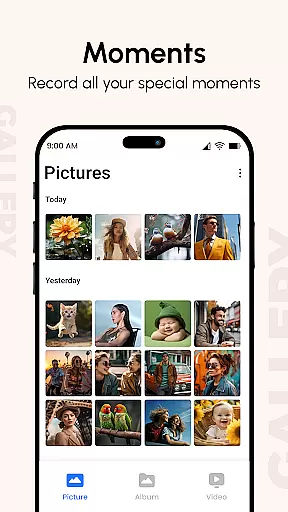
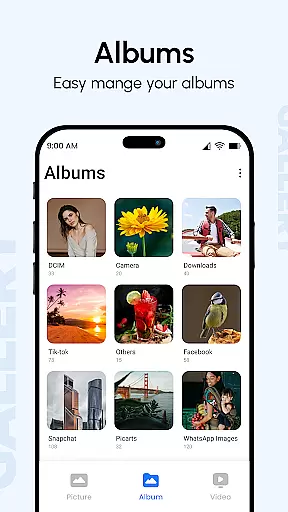
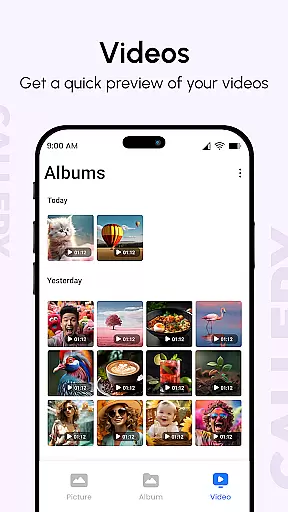
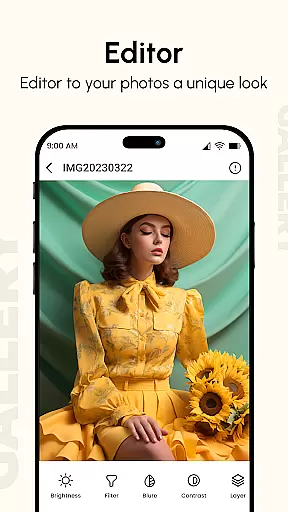
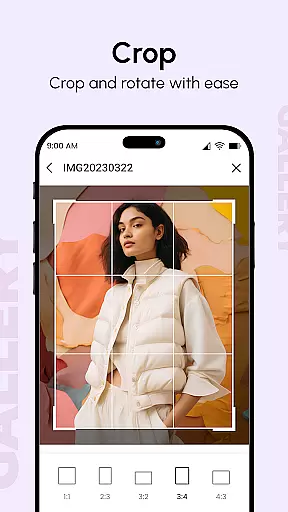
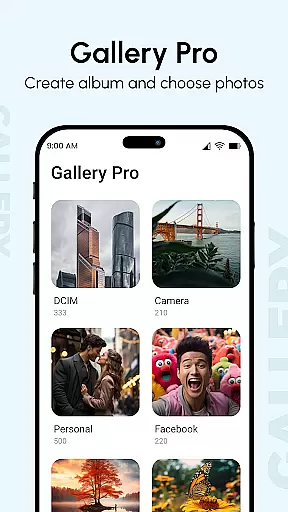
Gallery is a comprehensive photo and video management application designed to enhance your digital memories. This productivity app brings together media from all your devices, automatically organizing them into visually appealing albums while enhancing image quality. The app's intelligent organization system sorts photos based on metadata, location, and date, making it easy to find specific moments.
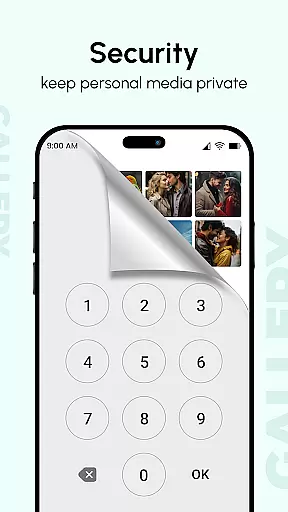
Beyond basic viewing, Gallery offers advanced features like hidden galleries with PIN protection, metadata-based search capabilities, and support for various file formats including GIFs and HD videos. Users can create stunning slideshows with customizable transitions and share their favorite moments securely. The app's Smart Mode and multiple gesture controls provide efficient navigation, while its enhanced security features make it ideal for both personal and professional use.
Gallery distinguishes itself through its robust feature set tailored for productivity-focused users. The app's Smart Mode utilizes advanced algorithms to automatically categorize and tag images, saving users valuable time in organization. Its comprehensive metadata reader supports EXIF, XMP, and IPTC standards, enabling detailed searches by camera settings, location, or other parameters.
The application's security features are particularly noteworthy, offering multiple layers of protection including password-locked galleries and hidden albums accessible only through secret PIN codes. Professional users will appreciate the app's ability to handle large media collections efficiently, with support for thousands of images and smooth multi-touch gestures. Additionally, the built-in slideshow creator provides complete customization options, from transition effects to playback speed, making it suitable for both casual viewing and professional presentations.
In the realm of digital photo and video organization, Gallery excels in core task management by offering a comprehensive suite of features. This app consolidates media from all your devices, enhancing image quality and organizing them into visually appealing albums.
Gallery's prowess in task management is evident through its advanced sorting capabilities. It leverages metadata such as EXIF, XMP, and IPTC to enable metadata-based searches, ensuring that every photo or video is easily retrievable based on detailed criteria like location or camera type.
Users benefit from an optimized experience for large screens, with support for multiple finger gestures that make navigation intuitive. The ability to instantly view thousands of photos, coupled with smooth performance, ensures that managing your digital memories is both efficient and enjoyable.
The true value lies in its ability to streamline the organization process without compromising on functionality, making it an indispensable tool for anyone looking to maintain a well-ordered digital gallery.
Gallery sets a high standard for cross-device synchronization reliability, ensuring that your cherished memories are seamlessly synced across all your devices. This feature is crucial for users who switch between smartphones, tablets, and computers throughout their day.
The app employs robust syncing protocols that guarantee your photos and videos are updated in real time, regardless of where they were added. Whether you capture a moment on your phone or upload images from your DSLR to a tablet, Gallery ensures these files are immediately accessible on all linked devices.
Moreover, the reliability of this synchronization is fortified by the app's ability to handle various file types, including GIFs and video formats, without faltering. This versatility supports uninterrupted access to your media library, no matter the device in hand.
By prioritizing consistent and dependable cross-device updates, Gallery provides peace of mind, knowing your digital content is always current and secure across your entire device ecosystem.
User-friendly interface
Advanced security features
Efficient organization tools
Comprehensive file support
Smart categorization system
Occasional sync issues
Storage-intensive
Premium feature costs
Complex settings
Learning curve

Easily read and manage all your PDF files
 4.10
4.10
A simple, portable logger for POTA, SOTA, Field Day, and more
4.0
CalenGoo is a very flexible and feature-rich calendar app
4.40
All in One PDF Reader: Manage, Read and Edit your Documents
4.20
Translate text/voice/photos in 150+ languages. Offline & fast translator app.
4.50
Access, manage and transfer files on Android, PC, Mac, NAS and cloud storages.
4.30
AT&T Internet customers can use this app to personalize their Wi-Fi network.
4.40
Daily processing of PDF documents.
4.40
Set up, print, and get support—in one place
4.20
Great calculator for Android named one of USA TODAY's "25 Essential Apps".
4.90
Android Wallet Password Manager
4.80
Lightweight PDF, Word, Excel reader.
4.60
Automates browsing any website and notifies you of important changes or events
4.30
Todo reminder
4.10
Customizable calendar widget for seamless event sync, planning & scheduling.
4.00
All in one sketching tool. Technical and General drawing. Online Maps support.
3.70
Find and delete junk files & block unwanted notifications & manage files
3.70
AI Video AI Image Private LLM AI Browser Llama Gemma Ollama Connect LLM Studio
4.5
A comprehensive suite of tools designed specifically for Lactation Consultants
4.4


User Reviews