
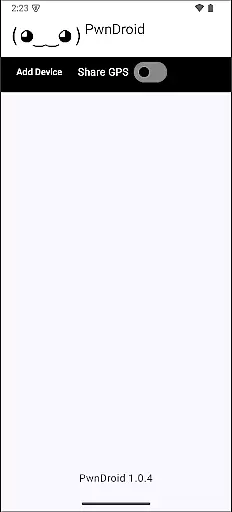
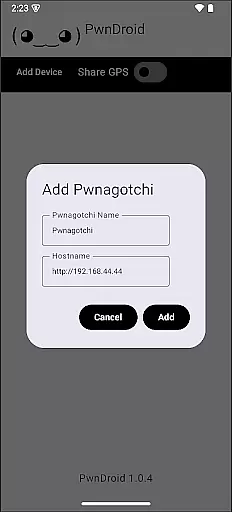
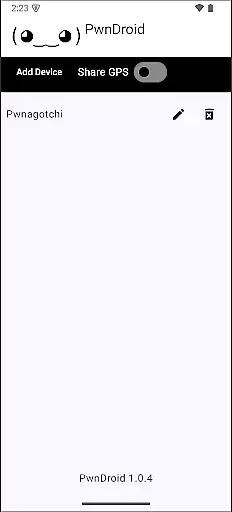
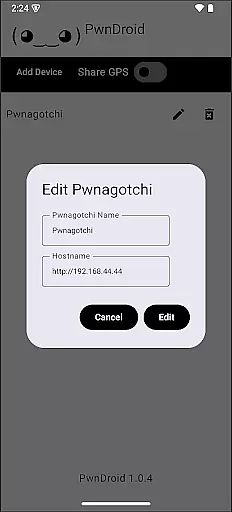
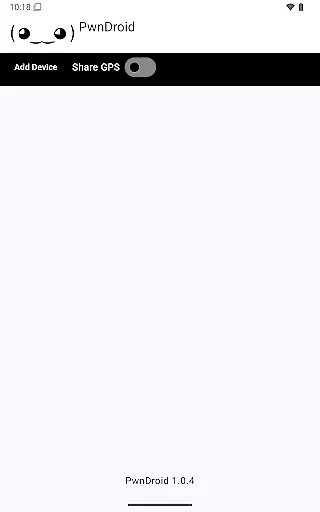
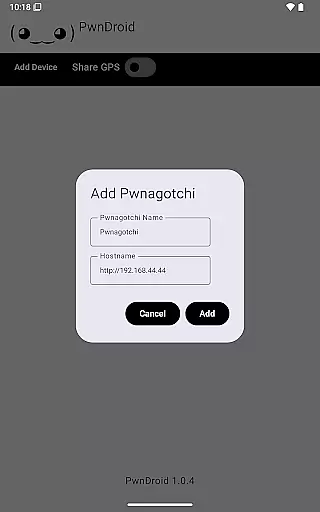
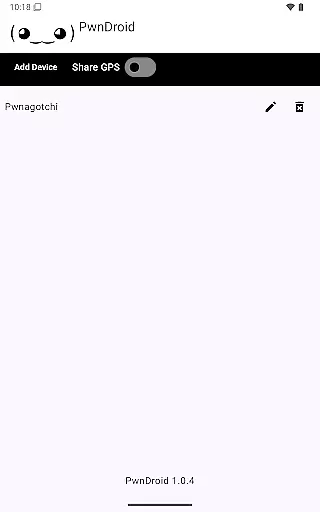
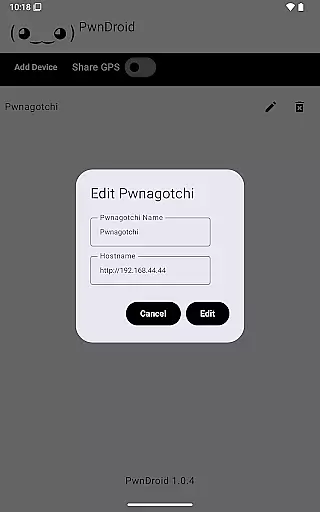
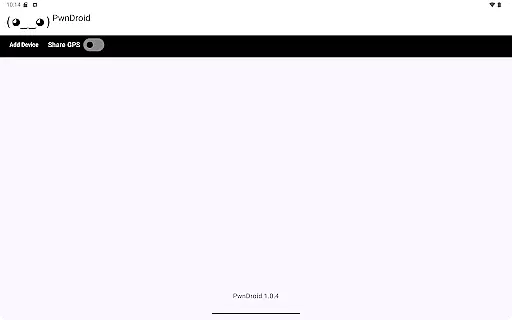
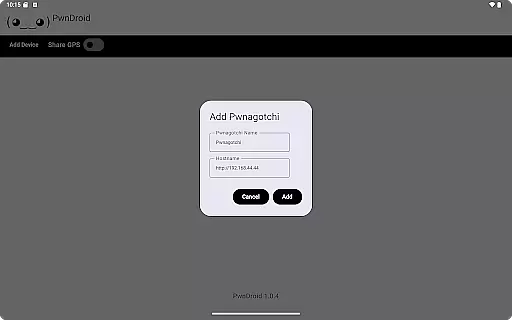
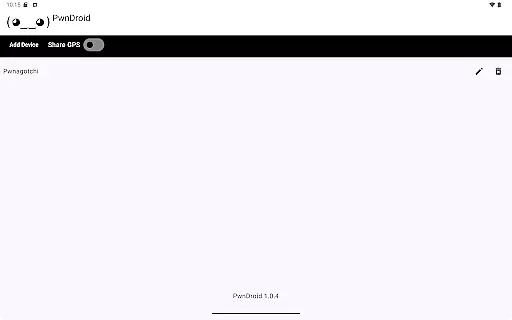
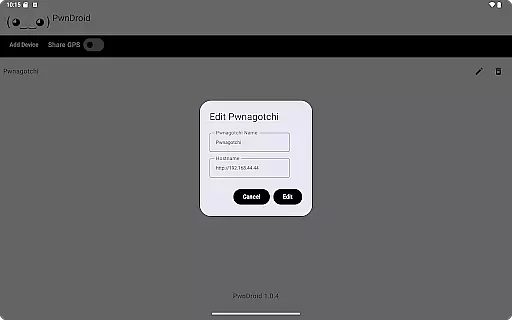
PwnDroid is a productivity-focused application designed specifically for Pwnagotchi enthusiasts. This innovative app allows users to conveniently add their Pwnagotchi devices and access the web UI through an integrated in-app web browser. With its streamlined interface, the app ensures seamless interaction between your mobile device and Pwnagotchi units, making it easier than ever to manage and monitor your devices on the go.
The app's core functionality lies in its ability to provide direct access to the Pwnagotchi web interface without requiring external browsers. This feature significantly enhances workflow efficiency for cybersecurity professionals and hobbyists alike. Whether you're conducting penetration tests or simply monitoring your Pwnagotchi's performance, PwnDroid offers a practical solution that combines convenience with comprehensive device management capabilities.
PwnDroid stands out with its specialized feature set tailored for Pwnagotchi users. The app's primary feature is its built-in web browser, specifically optimized for accessing and displaying Pwnagotchi web interfaces. This dedicated browser ensures proper rendering of all web UI elements while maintaining optimal performance on mobile devices.
Additional notable features include automatic device detection, which simplifies the process of adding new Pwnagotchi units to your account. The app also supports multiple device management, allowing users to switch between different Pwnagotchi instances effortlessly. Furthermore, PwnDroid implements advanced security protocols to ensure safe and encrypted communication between your mobile device and Pwnagotchi units, protecting sensitive data during remote management sessions.
Task management is a critical component of productivity applications, enabling users to organize and prioritize their work efficiently. PwnDroid excels in this area by integrating a unique approach to task handling specifically for Pwnagotchi enthusiasts.
The app allows users to add multiple Pwnagotchi instances and manage them through an intuitive interface. This feature streamlines the process of monitoring various devices, making it easier for users to stay on top of their tasks without switching between different applications or physical devices.
By providing direct access to the web UI of Pwnagotchi through an in-app browser, PwnDroid ensures that all essential functions are centralized. Users can conveniently view and interact with their Pwnagotchi's data, enhancing their ability to manage tasks effectively while maintaining a high level of security and control over their information.
In today's interconnected world, reliable cross-device synchronization is vital for maintaining workflow continuity. PwnDroid addresses this need by ensuring seamless integration across different devices used by Pwnagotchi administrators.
The application supports real-time updates, meaning any changes made to your Pwnagotchi settings or configurations via the web UI are instantly reflected within the app. This immediate synchronization guarantees that users always have the most current information at their fingertips, regardless of which device they use to access it.
Furthermore, PwnDroidu2019s robust backend infrastructure ensures minimal latency and maximum uptime, providing a dependable platform for managing your Pwnagotchi ecosystem. With such reliable synchronization capabilities, users can focus more on optimizing their networks rather than worrying about data consistency across platforms.
User-friendly interface
Seamless device integration
Enhanced security protocols
Multiple device support
Optimized performance
Limited to Pwnagotchi devices
No offline functionality
Requires stable internet
Specific user base
Advanced technical knowledge needed

Take control of your clipboard with Clipper!
 3.90
3.90
Mega cloud explorer plugin for Solid Explorer
3.80
Absolutely the best CNC machinist speed and feed calculator around. fswizard.com
4.60
Remotely view listen control and record cameras.
3.70
Cloud storage, automatic phone backup, and more.
4.10
Subscribe to Webcal & .ics calendars and keep them up-to-date!
4.50
Access, manage and transfer files on Android, PC, Mac, NAS and cloud storages.
4.30
Docker, Kubernetes management over Portainer Mobile
4.40
Lightweight PDF, Word, Excel reader.
4.60
Great calculator for Android named one of USA TODAY's "25 Essential Apps".
4.90
Multilingual translator for text, voice, and image translation!
4.90
Android Wallet Password Manager
4.80
Mind Map and brainstorm, note taking and idea collection
4.80
Direct Chat without saving contacts & Dual WA Account on Single Device
4.70
The AI assistant that thinks with you - write, code, and solve complex tasks
4.60
A simple Whisper AI keyboard for reliable speech transcription and rewording
4.60
Planet Free VPN - The best Fast Unlimited and Secure VPN Without Logs
4.50
Font maker keyboard with your own handwriting
4.10
⏰ Finally a timer app which can run multiple timers simultaneously on your watch
3.90


User Reviews