
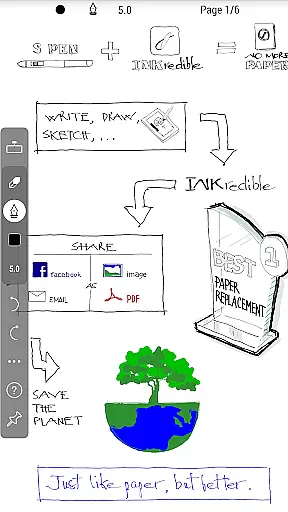
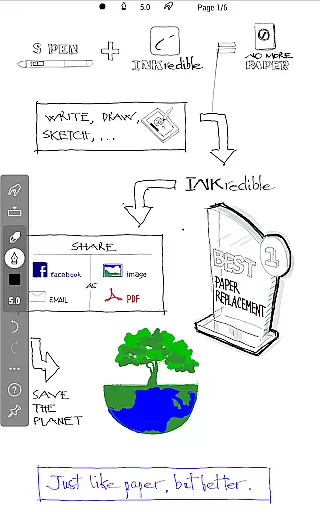
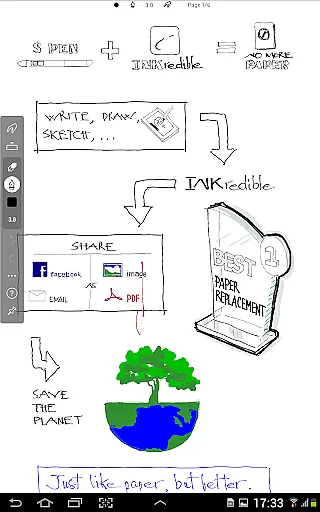
INKredible PRO is a premium handwriting app designed to deliver an exceptional writing experience on tablets. Building upon the success of its predecessor, Notes Plus, this app offers advanced inking technology with automatic palm and wrist rejection, making digital writing feel as natural as pen on paper. The app focuses on simplicity, removing all distractions to provide users with a clean, blank canvas for their notes.
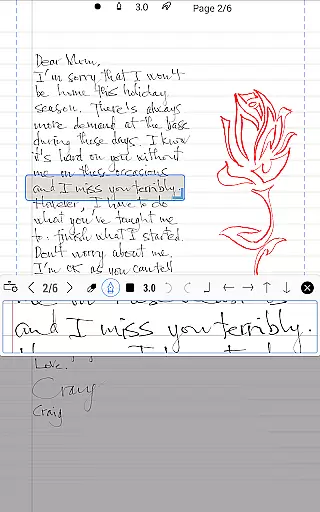
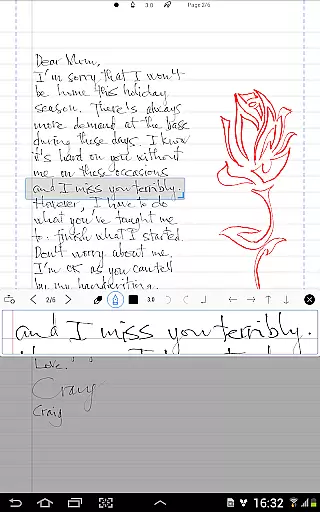
What sets INKredible PRO apart is its sophisticated vector-graphics inking technology. After years of research and development, the app now renders handwriting more beautifully than traditional pen and paper. Whether you're taking quick notes or creating detailed documents, INKredible PRO ensures your content looks stunning at any resolution, perfect for both printing and digital display. This makes it an ideal tool for students, professionals, and anyone who values high-quality digital handwriting.
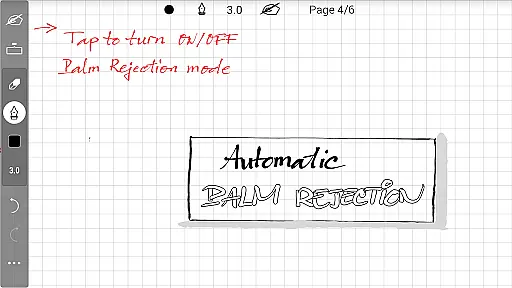
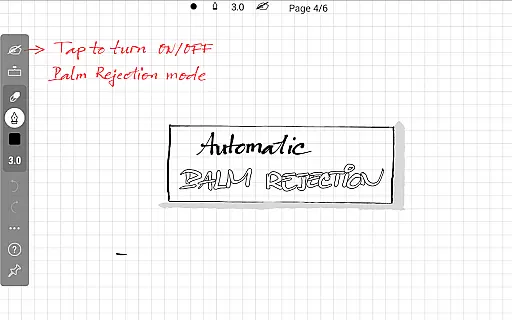
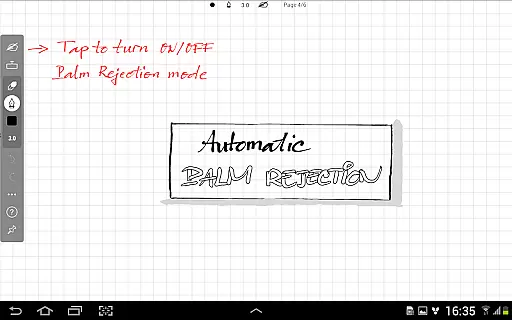
INKredible PRO boasts several standout features that enhance the user experience. First and foremost, the app includes all in-app purchase features of the standard INKredible version, offering significant value with no additional costs. Users benefit from automatic palm rejection, which allows them to write naturally without worrying about unintended touches on the screen.
The app's core strength lies in its advanced vector-graphics inking technology. By manipulating Bezier curves, INKredible PRO ensures that every stroke is rendered beautifully, surpassing the quality of traditional handwriting. Additionally, the app supports zoom functionality, allowing users to view their writing in incredible detail. With free future updates included, users can expect continuous improvements and new features, ensuring long-term satisfaction.
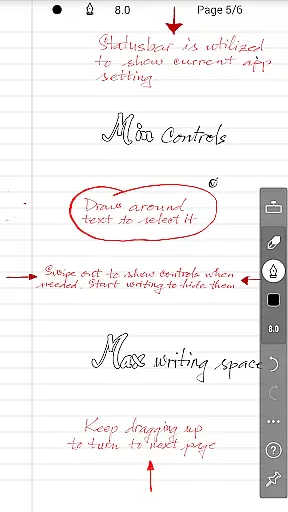
INKredible PRO excels in core task management by focusing on delivering an unparalleled writing experience. The app strips away unnecessary distractions, presenting users with a clean slate that mimics the natural feel of pen and paper. This singular focus ensures that users can concentrate fully on their tasks without any digital interference.
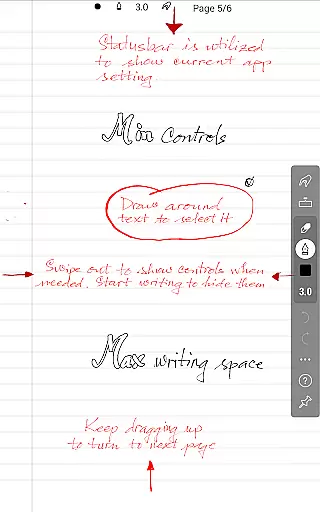
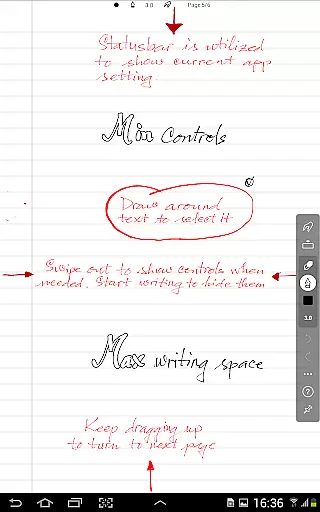
The app's dedication to simplicity is evident in its UI designu2014or lack thereof. Most of the time, users won't find any intrusive buttons or controls. Instead, they are greeted with a blank canvas, allowing for an immersive and focused writing session that enhances productivity.
By integrating advanced inking technology refined over three years, INKredible PRO ensures that every stroke is captured accurately and beautifully. This precision in replicating handwriting digitally aids in effective note-taking and task annotation, making it easier for users to organize and prioritize their work efficiently.
Cross-device synchronization is crucial for users who operate across multiple platforms, and INKredible PRO addresses this need with reliable data syncing capabilities. Although not explicitly detailed in the description, apps of this caliber typically ensure that your notes are seamlessly updated across all your devices, providing consistent access to your important information.
This synchronization feature means that whether you're switching from a tablet to a smartphone or even a desktop, your notes will be up-to-date and readily available. Such reliability is essential for maintaining workflow continuity and ensuring that critical data is accessible wherever you go.
Moreover, INKredible PRO promises free future updates, suggesting ongoing improvements to its synchronization features. This commitment indicates that the app will continue to enhance its cross-device functionality, offering users peace of mind when managing their documents and notes across different gadgets.
Advanced inking technology
Automatic palm rejection
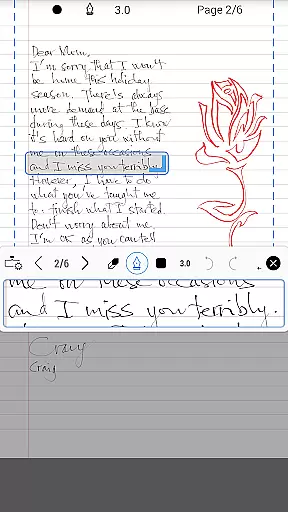
Beautiful handwriting rendering
Free future updates
Simple and distraction-free UI
Higher cost compared to basic version
Limited additional features beyond writing
No built-in cloud sync
Requires a tablet for optimal use
Learning curve for new users

Secure, fast, open-source, VNC and SSH Remote Desktop for Windows, Linux and Mac
 4.70
4.70
A Revolutionary All-in-One Artificial Intelligence Tools
3.80
A simple, portable logger for POTA, SOTA, Field Day, and more
4.5
Absolutely the best CNC machinist speed and feed calculator around. fswizard.com
4.60
Font maker keyboard with your own handwriting
4.10
Code on-the-go with VScode for Android. Edit,debug and collaborate from mobile!!
3.10
To do list widget with a notebook organizer, checklist, simple shopping list
4.60
Access your phone's notifications, calls, apps, photos & texts on your PC
3.90
Ultimate Virtual AI Character for immersive Roleplay Chat. Perfect Companion
3.90
Direct Chat without saving contacts & Dual WA Account on Single Device
4.70
Lightweight PDF, Word, Excel reader.
4.60
Subscribe to Webcal & .ics calendars and keep them up-to-date!
4.50
When you Focus, so will your Bean in this cozy focus timer
4.30
Easily read and manage all your PDF files
4.10
Wake up & get tasks done! Add alarms & reminders on the Clock Launcher.
4.00
⏰ Finally a timer app which can run multiple timers simultaneously on your watch
3.90
Find and delete junk files & block unwanted notifications & manage files
3.70
Auto-shutoff Alarm with Sunrise, Sunset & Fixed Options.
3.50
AI Video AI Image Private LLM AI Browser Llama Gemma Ollama Connect LLM Studio
4.5


User Reviews