
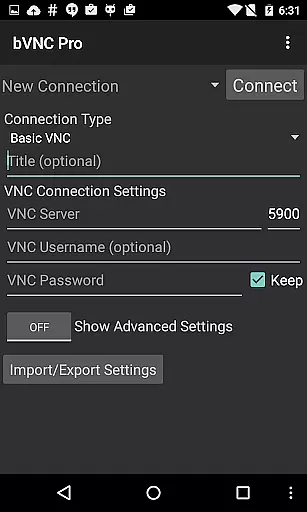
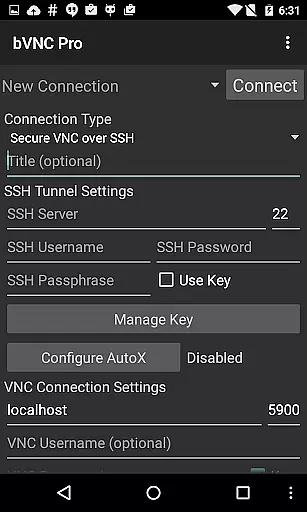
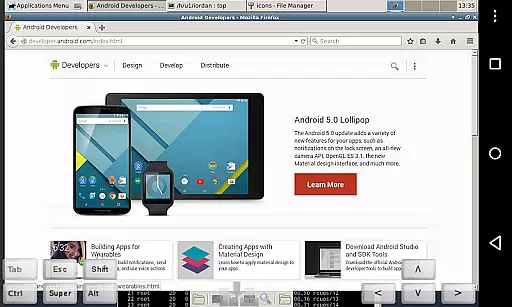
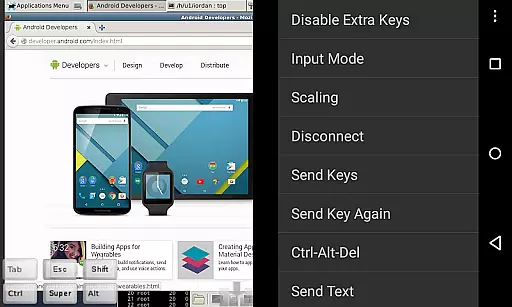
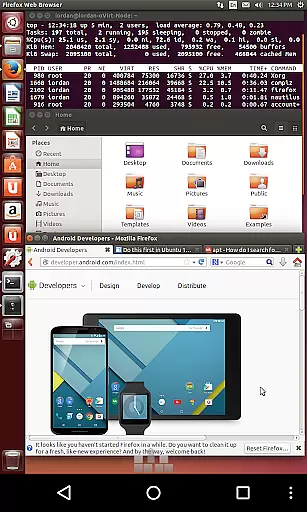
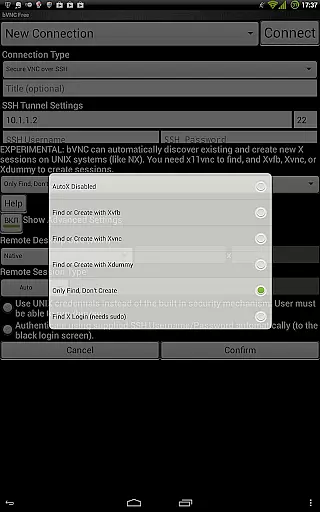
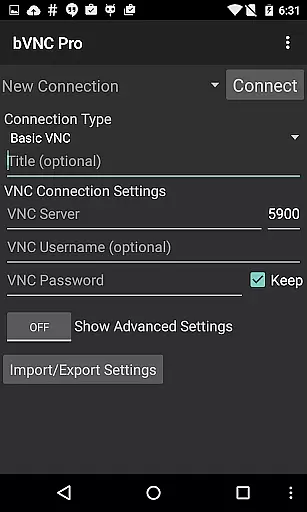
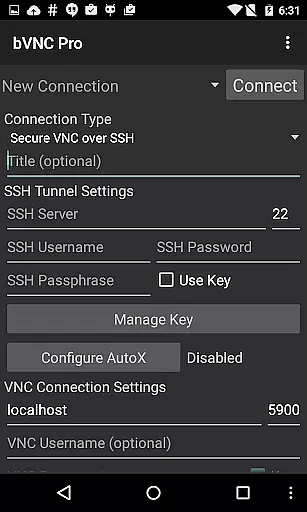
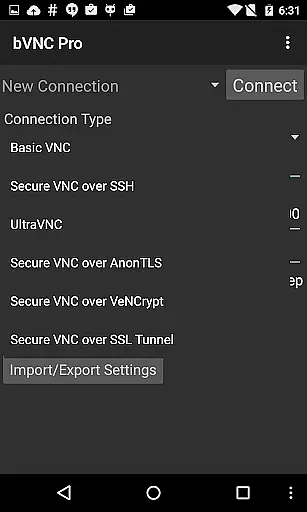
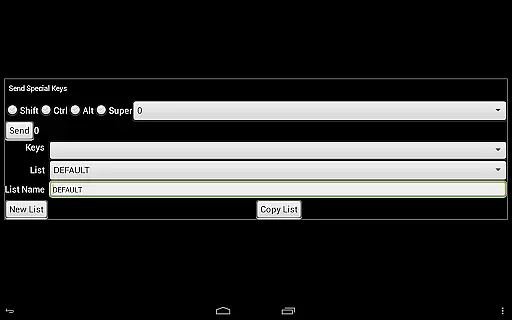
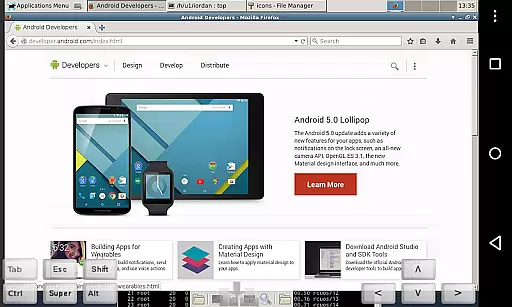
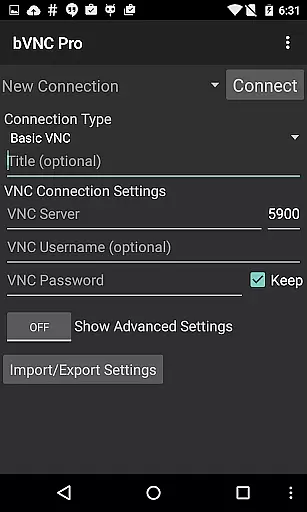
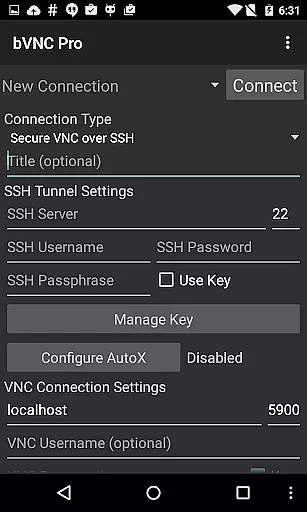
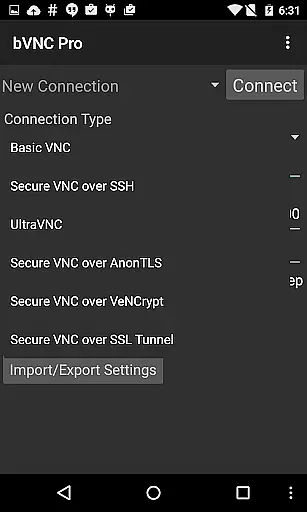
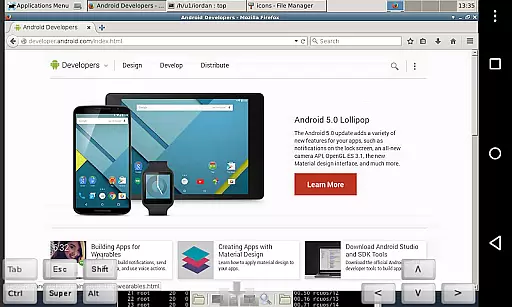
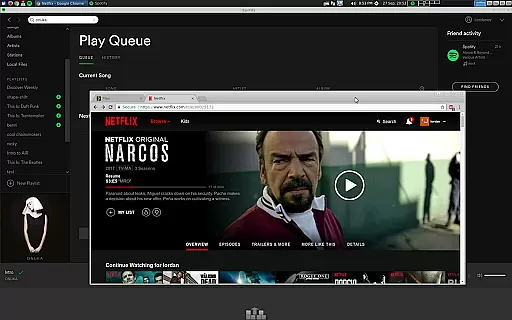
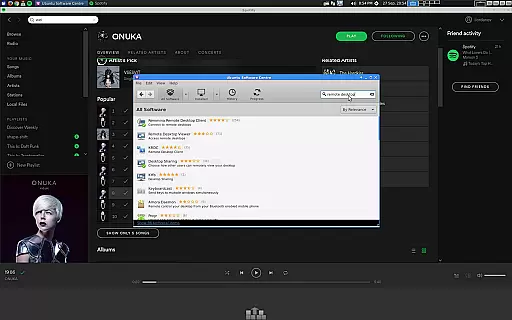
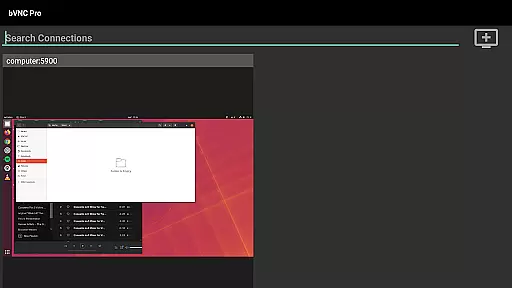
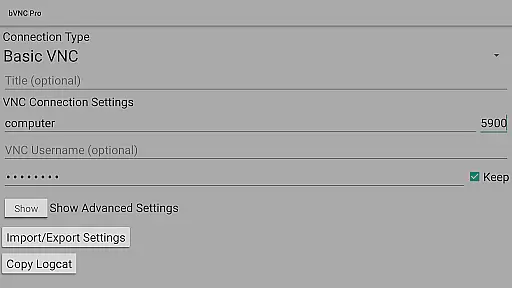
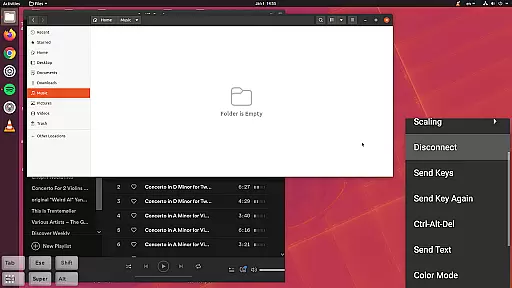
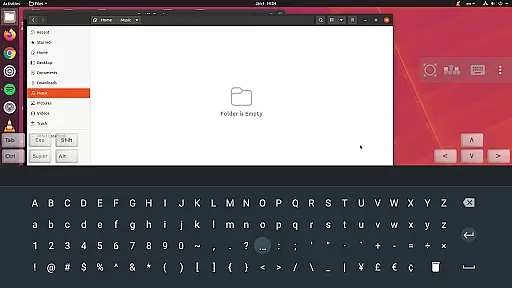
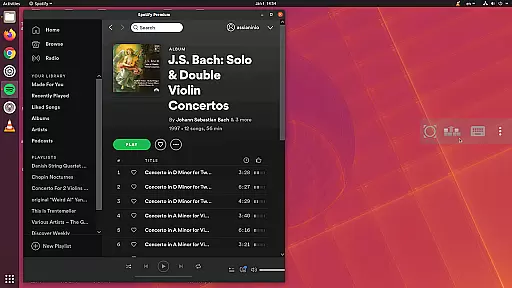
bVNC Pro is a secure, open-source VNC client designed for productivity-focused users who need reliable remote desktop access. The app supports multiple operating systems including Windows, Mac, Linux, and BSD, making it versatile for various professional environments. Its compatibility with PiKVM and advanced security features like SSH tunneling, AnonTLS, and VeNCrypt ensure safe connections.
One of the standout features is its multi-touch control system, allowing users to perform left, right, and middle clicks with simple finger taps. The app also offers dynamic resolution changes, full rotation, and pinch-zoom functionality, providing an adaptable user experience. With support for high-grade encryption superior to RDP, bVNC Pro ensures protection against man-in-the-middle attacks, making it ideal for secure enterprise use.
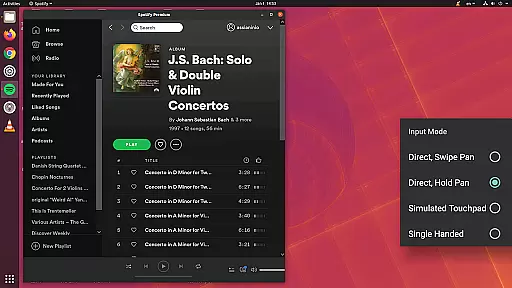
bVNC Pro stands out with its comprehensive feature set tailored for power users. The app includes master password support and multi-factor SSH authentication in the Pro version, enhancing security for sensitive connections. Its innovative input modes cater to different user preferences, offering two direct modes, one simulated touchpad mode, and a unique single-handed input mode that allows long-tapping for additional options.
The application supports most VNC servers, including TightVNC, UltraVNC, TigerVNC, and RealVNC, ensuring broad compatibility. It also works seamlessly with Mac OS X's built-in remote desktop server and authentication. Additional functionalities like Samsung DEX support, Alt-Tab capture, and Ctrl+Space capture make it highly versatile. The inclusion of stowable on-screen keys, hardware keyboard support, and view-only mode further enhances its utility for various professional scenarios.
bVNC Pro is not just a remote desktop application but also an advanced productivity tool designed to streamline core task management. The app offers robust features for managing multiple remote connections efficiently.
With support for SSH tunneling, master password protection, and multi-factor authentication, users can securely organize and access their remote servers. The ability to save connection profiles ensures quick access to frequently used systems.
The implementation of dynamic resolution changes and multiple input modes allows users to adapt their workspace according to specific tasks. This flexibility in managing different desktop environments enhances overall productivity.
Additionally, the app's support for various VNC servers and operating systems creates a unified platform for managing diverse IT infrastructure. These capabilities make bVNC Pro an essential tool for system administrators and power users.
One of bVNC Pro's standout features is its exceptional cross-device synchronization reliability. The application maintains consistent connection parameters across different devices, ensuring seamless transitions between workstations.
Through its implementation of high-grade encryption protocols including SSH and VeNCrypt, the app guarantees secure synchronization of connection settings and credentials. This security feature is crucial when managing sensitive enterprise systems.
The app's support for Samsung DEX and various keyboard configurations demonstrates its commitment to reliable cross-platform performance. Users can confidently switch between mobile devices and desktop environments without losing functionality.
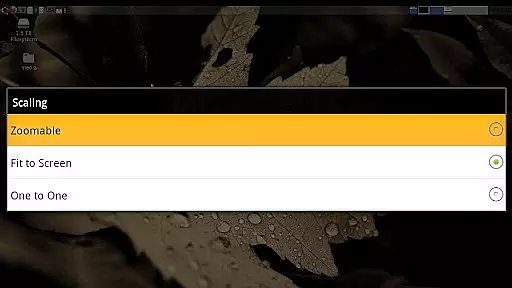
Furthermore, the inclusion of multi-touch controls and adaptable scaling modes ensures that the user experience remains consistent regardless of the device being used. This reliability makes bVNC Pro an excellent choice for professionals requiring dependable remote access solutions.
Secure connections
Multi-touch controls
Dynamic resolution
High-grade encryption
Broad VNC support
No RealVNC encryption
Complex setup
Paid Pro features
Advanced knowledge required
Limited iOS support

A customizable calendar for your Wear OS watch
 4.20
4.20
Experience real multitasking on your Android!
4.00
Mind Map and brainstorm, note taking and idea collection
4.80
Easiest event planning, volunteer signups & parent teacher conference scheduling
2.20
Functional QR scanner and barcode reader that requires little storage space.
4.60
This small app MUST BE INSTALLED after purchase, else license won't work
4.40
Scan paperwork into PDF/JPG, generate your own e-signature and send fax or email
4.70
Simple notepad & memo. Take notes, to-do list, shopping list with reminders.
4.80
Browse and view your photos and videos from the phone with photo & video hide.
4.10
Android Wallet Password Manager
4.80
App lock - lock apps with fingerprint, password, pin or pattern, protect privacy
4.70
Quickly and easily keep track of your work shifts
4.70
To do list widget with a notebook organizer, checklist, simple shopping list
4.60
Experience Reading - Night Mode for Documents
4.40
Send files, sync SMS, notifications & clipboard across devices via local network
4.40
When you Focus, so will your Bean in this cozy focus timer
4.30
Todo reminder
4.10
Intelligent AI Assistant
4.10
Create study competitions, track your hours, and stay consistent with friends
4.5


User Reviews