
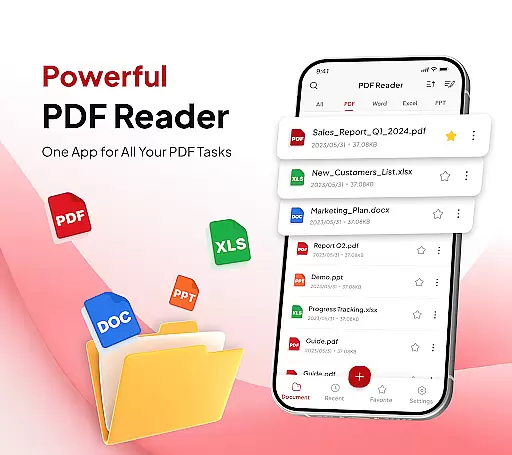
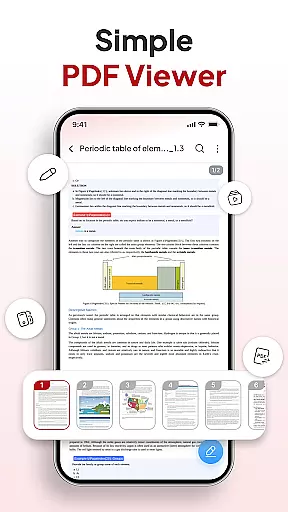
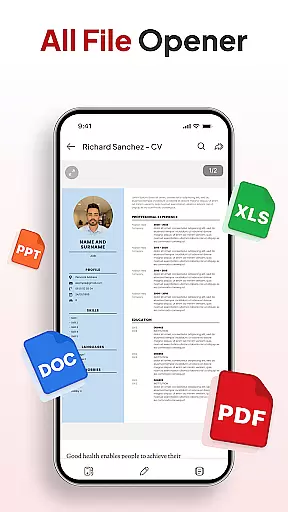
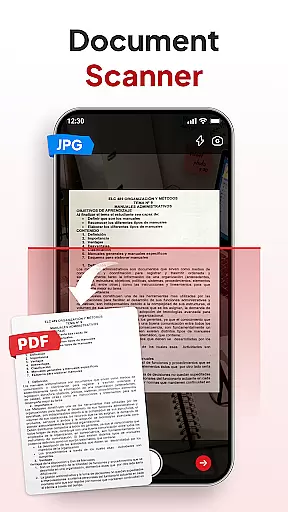
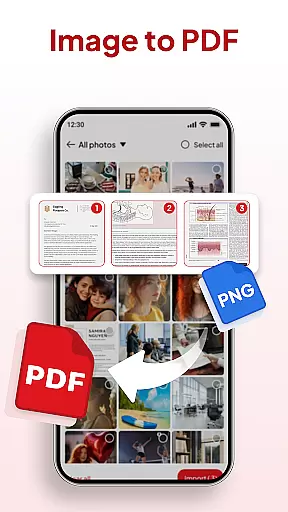
PDF Reader - Document Editor is a comprehensive productivity tool designed to simplify how you manage digital documents. This app allows users to read, edit, organize, and convert PDF files with ease, making it an essential utility for students, professionals, and anyone handling documents regularly.
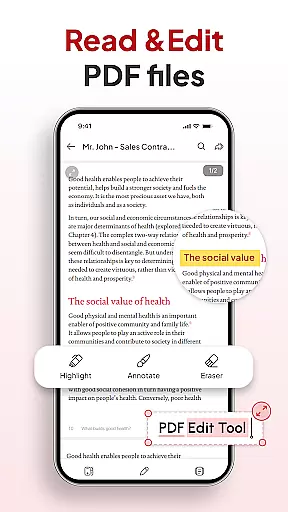
Key features include smooth PDF reading with zoom functionality, smart conversion tools like Document Scanner and Image to PDF, and advanced file management options. Whether you need to highlight important text, sort files by various parameters, or add signatures, this app streamlines document handling while maintaining a user-friendly interface.
Ideal for work, school, or personal use, PDF Reader - Document Editor ensures efficient document processing, saving time and enhancing productivity across different scenarios.
PDF Reader - Document Editor offers an extensive set of features that cater to diverse document management needs. The app provides seamless navigation through large PDFs and supports multiple file formats such as XLS, DOCX, and PPT, ensuring compatibility across different document types.
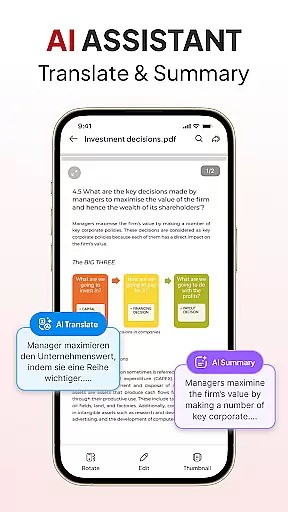
One standout feature is its smart conversion capability. Users can instantly scan physical documents into clear PDFs using the Document Scanner or transform images into professional-quality documents via the Image to PDF function. Additionally, the AI Assistant helps summarize or translate content, adding another layer of utility.
The app also excels in organization and sharing. With File Organizer, users can declutter their storage efficiently. Instant Sharing allows quick distribution of files through preferred apps, while the ability to add and manage signatures facilitates smoother workflows. These robust features collectively enhance document handling efficiency.
In the realm of productivity, managing tasks efficiently is paramount. PDF Reader u2013 Document Editor excels in this area by offering a comprehensive suite of tools designed to streamline your document handling experience.
At its core, the app provides an intuitive file organizer that allows users to declutter their digital space with ease. By creating folders and marking favorites, individuals can maintain a structured environment that enhances accessibility and workflow.
The sort and search functionality further augments task management capabilities. Users can quickly locate any document using various filters such as name, date, or size, ensuring that no time is wasted looking for important files.
With these features, PDF Reader u2013 Document Editor not only simplifies file organization but also empowers users to focus on their primary objectives without being bogged down by disarrayed documents.
For professionals and students alike, having reliable access to documents across multiple devices is crucial. PDF Reader u2013 Document Editor addresses this need with robust cross-device synchronization, ensuring seamless transitions between workspaces.
This application supports real-time updates, which means changes made on one device are immediately reflected on all others linked to the same account. This feature guarantees that whether you're switching from your tablet to your smartphone or desktop, your documents remain up-to-date and consistent.
Moreover, instant sharing capabilities enhance collaboration efforts. With just a tap, users can send PDFs via their preferred apps, making teamwork more efficient regardless of location or device used.
By prioritizing synchronization reliability, PDF Reader u2013 Document Editor ensures users have uninterrupted access to their essential files whenever they need them, wherever they may be.
User-friendly interface
Advanced PDF tools
Multi-format support
Efficient file management
Smart AI integration
Limited free features
Occasional lag
Subscription required
Ads in free version
Complex settings

A customizable calendar for your Wear OS watch
 4.20
4.20
Experience real multitasking on your Android!
4.00
Easily read and manage all your PDF files
4.10
A lightweight JSON & XML files creator, editor and viewer (Premium Version)
4.40
Make your handwriting beautiful, even more than pen on paper.
3.60
Absolutely the best CNC machinist speed and feed calculator around. fswizard.com
4.60
Docker, Kubernetes management over Portainer Mobile
4.40
A simple Whisper AI keyboard for reliable speech transcription and rewording
4.60
Scientific calculator for Android - looks and operates like the real thing!
4.90
Best Tool for the professionals Electrician, Electrical contractors, etc.
4.90
Secure, fast, open-source, VNC and SSH Remote Desktop for Windows, Linux and Mac
4.70
The AI assistant that thinks with you - write, code, and solve complex tasks
4.60
Activate Two Factor Authentication (2FA or Multi OTP), Password manager and more
4.10
Create and edit presentations with Google Slides, part of Google Workspace.
4.00
Take control of your clipboard with Clipper!
3.90
A Revolutionary All-in-One Artificial Intelligence Tools
3.80
Easiest event planning, volunteer signups & parent teacher conference scheduling
2.20
AI Video AI Image Private LLM AI Browser Llama Gemma Ollama Connect LLM Studio
4.2
Create study competitions, track your hours, and stay consistent with friends
4.3


User Reviews