
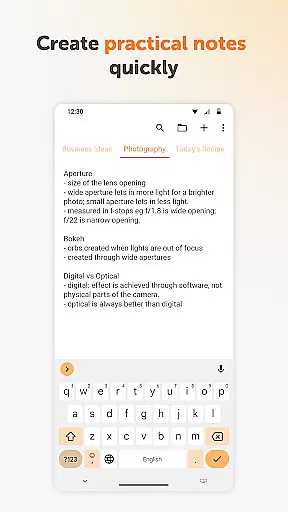
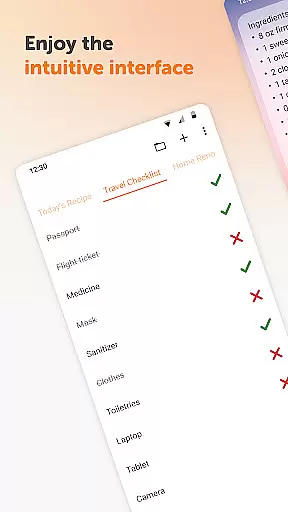
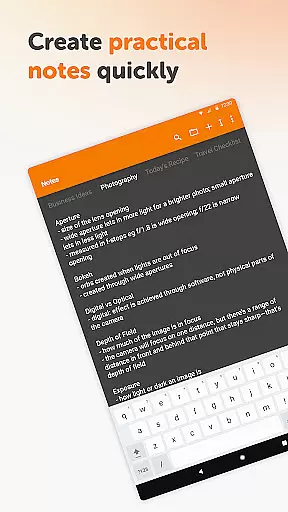
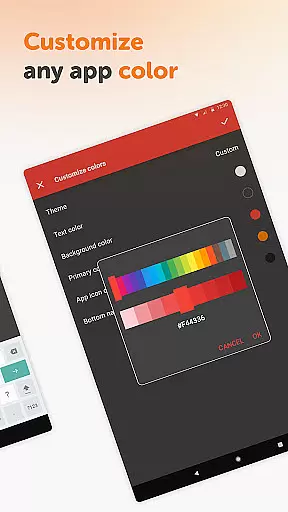
Simple Notes Pro is a productivity-focused note-taking app designed to help users quickly capture ideas, create shopping lists, and manage daily tasks. The app emphasizes simplicity and efficiency, allowing users to take notes without any complicated setup. With its user-friendly interface, it serves as an invaluable tool for organizing reminders, agendas, and essential information.
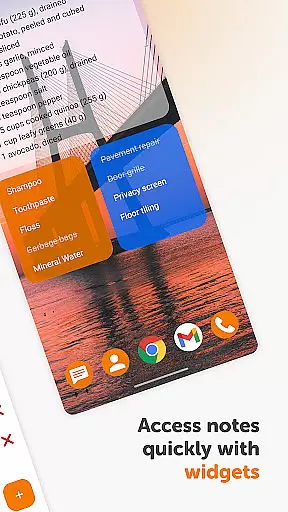
One of the standout features of Simple Notes Pro is its autosave functionality, ensuring that users never lose their important notes due to accidental errors. Additionally, the app supports multiple independent plain text notes and lists, making it versatile for various use cases. Whether you need a personal notebook for groceries or a planner for meetings, Simple Notes Pro offers a reliable solution with its customizable and resizable widget, which provides quick access to your notes.
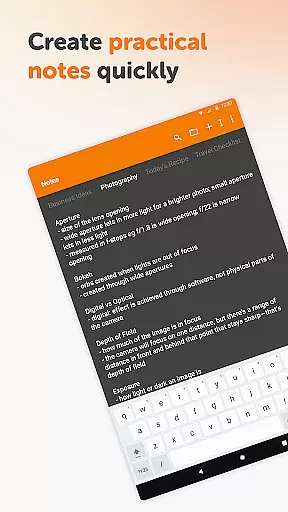
Simple Notes Pro stands out with its rich feature set tailored for productivity enthusiasts. The app includes an autosave function, which automatically saves changes to prevent data loss. This feature is particularly useful when creating quick lists or jotting down ideas on the go. Moreover, the app allows users to create multiple independent plain text notes, enabling efficient organization of different types of information.
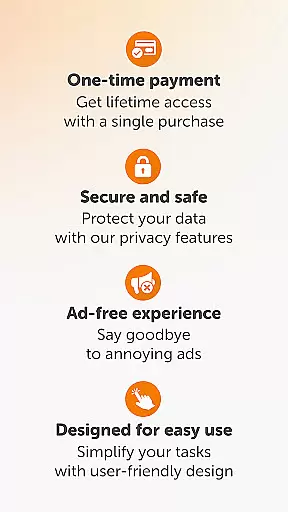
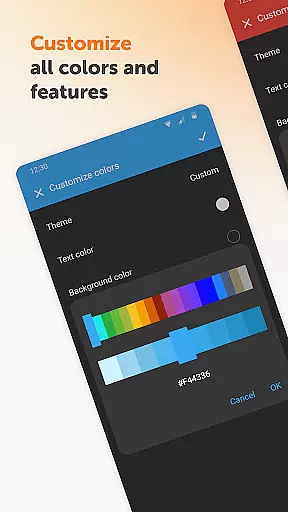
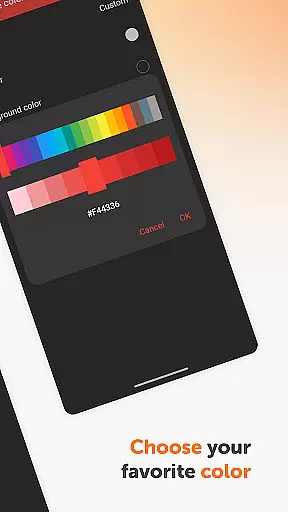
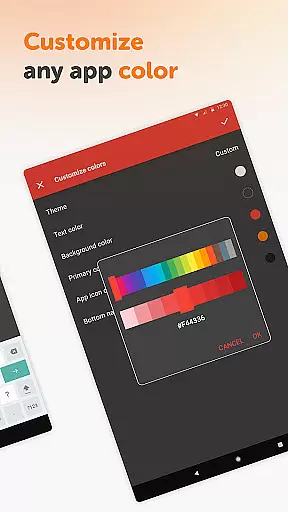
The app also offers a customizable and resizable widget, enhancing accessibility and ease of use. This widget opens the app with a simple tap, streamlining the process of accessing and managing notes. Additionally, Simple Notes Pro is fully open-source and free from ads or unnecessary permissions, ensuring a seamless and secure user experience. Its material design and optional dark theme provide a visually appealing interface that prioritizes user comfort and privacy.
Effective task management is essential for staying organized and productive. Simple Notes Pro excels in this area by providing users with a streamlined interface to create, manage, and prioritize tasks effortlessly.
The app supports the creation of multiple independent plain text notes and lists rapidly, ensuring that jotting down ideas or reminders is as efficient as possible. With an autosave feature, users never have to worry about losing their important notes due to accidental closures or crashes.
For those who prefer visual aids, Simple Notes Pro offers a customizable and resizable widget. This widget not only enhances accessibility but also allows users to open the app and view their notes instantly, making task management seamless and intuitive.
By focusing on user-friendly design and functionality, Simple Notes Pro ensures that managing daily tasks and responsibilities becomes a hassle-free experience, ultimately boosting productivity and efficiency.
In today's interconnected world, reliable cross-device synchronization is crucial for maintaining consistency and access to information across different platforms. Simple Notes Pro addresses this need by ensuring that all notes and lists are synced accurately and promptly across devices.
Although Simple Notes Pro does not explicitly mention cloud services, its robust architecture supports the seamless transition of data between devices. This means users can start a note on their mobile phone and continue editing it on a tablet without any disruptions or data loss.
The app's lack of internet access might initially seem like a limitation; however, it enhances privacy, security, and stability. Users can rest assured that their personal information remains confidential and protected from potential online threats.
Simple Notes Pro combines reliable synchronization with top-notch security features, offering peace of mind and uninterrupted access to vital information whenever and wherever needed.
User-friendly interface
Autosave functionality
Multiple note support
Customizable widget
No ads or unnecessary permissions
Limited advanced features
No cloud sync option
Basic design elements
Restricted collaboration tools
Offline-only access

8 custom complications. Custom Time Fonts. Beautiful color schemes. A++ Design.
 5.00
5.00
Android Wallet Password Manager
4.80
The upgraded version of Name Wheel with AI and the power to add your own wheels.
4.2
Activate Two Factor Authentication (2FA or Multi OTP), Password manager and more
4.10
Functional QR scanner and barcode reader that requires little storage space.
4.60
All document reader, all in one file viewer read PDF, DOCX, XLS, PPT, TXT files.
4.60
A beautiful digital clock with autostart and many other functions
4.70
Secure your apps with lock screens, use custom themes and different features.
4.40
Intelligent AI Assistant
4.10
Scientific calculator for Android - looks and operates like the real thing!
4.90
The Pro Version of Android's tiniest Notepad app. Just 0.3MB but feature-packed!
4.60
Lightweight PDF, Word, Excel reader.
4.60
Translate text/voice/photos in 150+ languages. Offline & fast translator app.
4.50
Send files, sync SMS, notifications & clipboard across devices via local network
4.40
A lightweight JSON & XML files creator, editor and viewer (Premium Version)
4.40
Docker, Kubernetes management over Portainer Mobile
4.40
Take control of your clipboard with Clipper!
3.90
Experience and share your SolidWorks designs on your Android® phone and tablet.
2.50
Easiest event planning, volunteer signups & parent teacher conference scheduling
2.20


User Reviews