
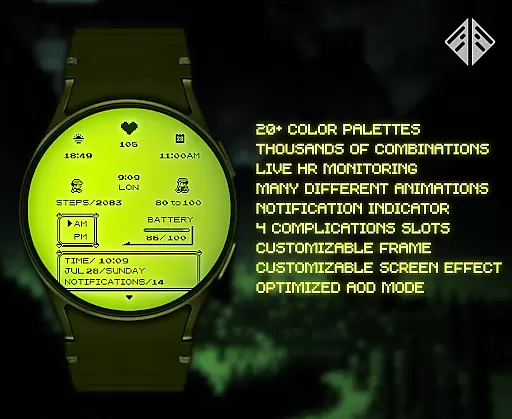
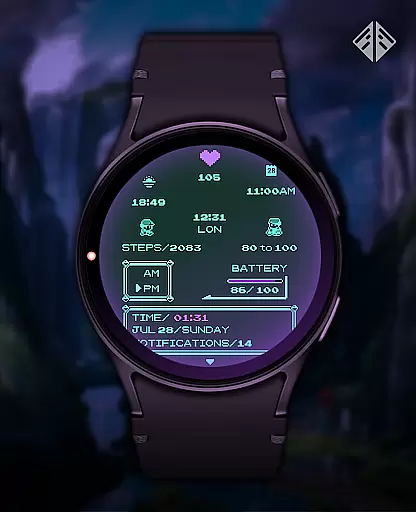
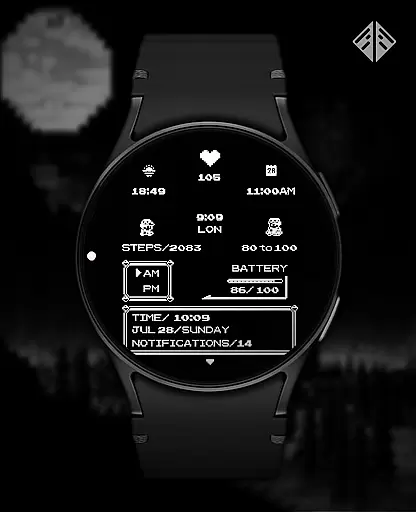
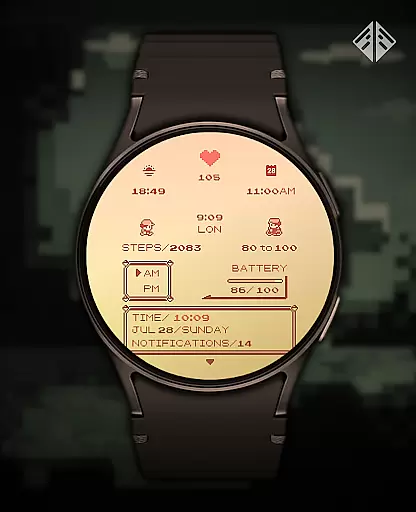
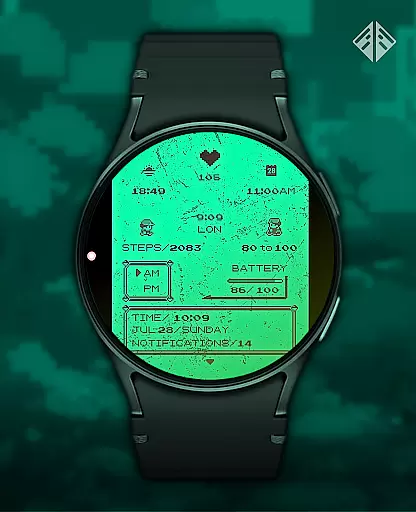
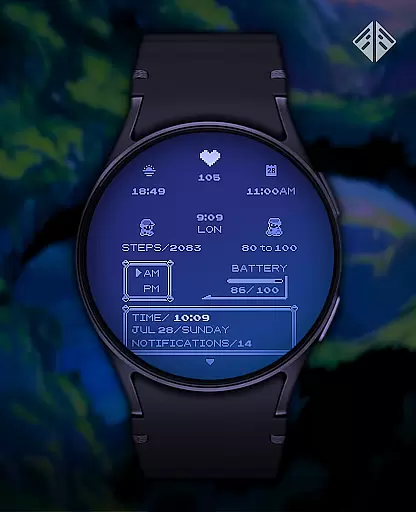
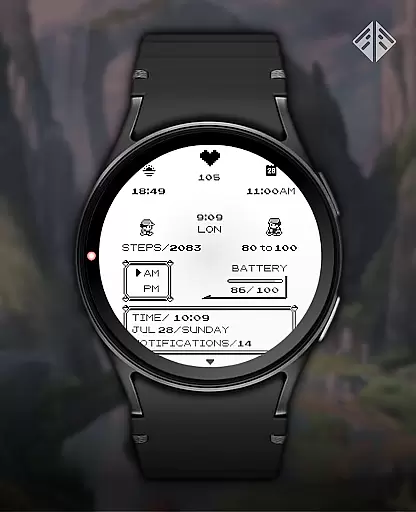
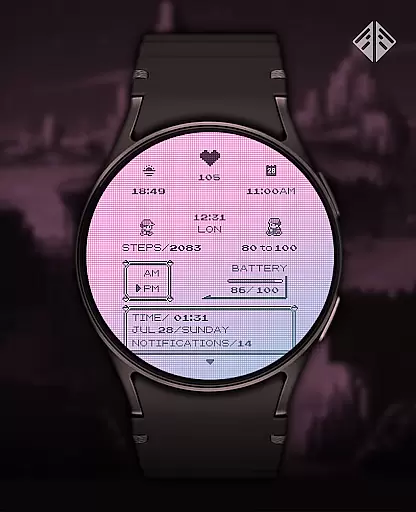
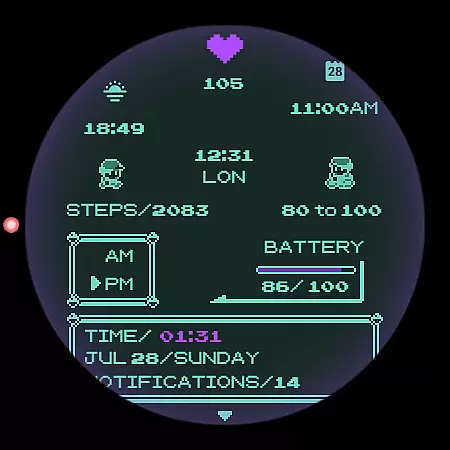
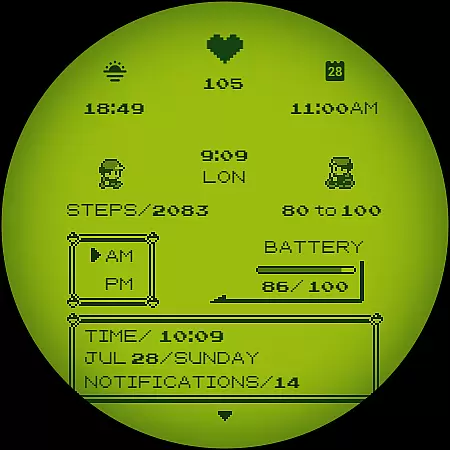
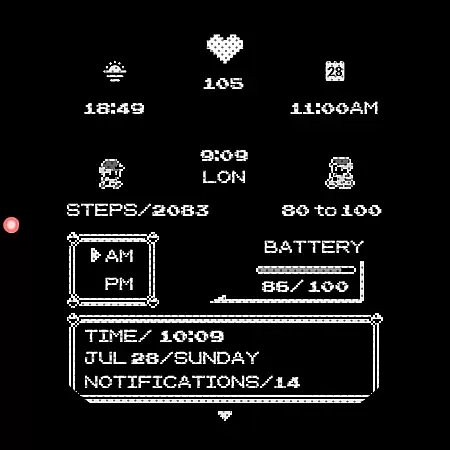
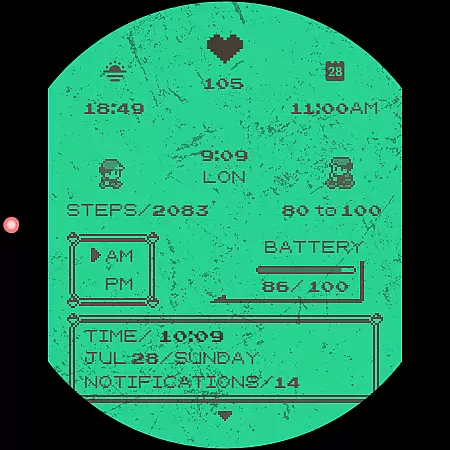
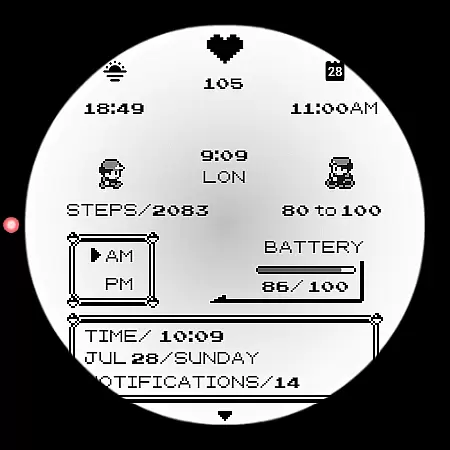
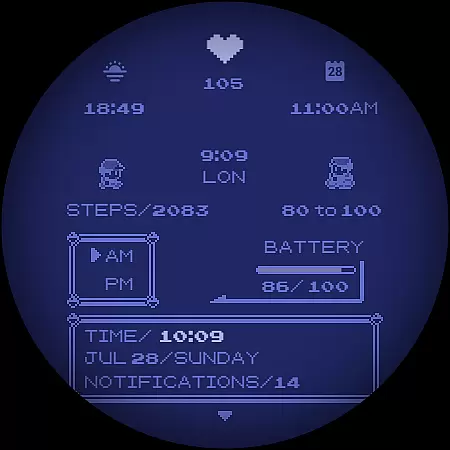
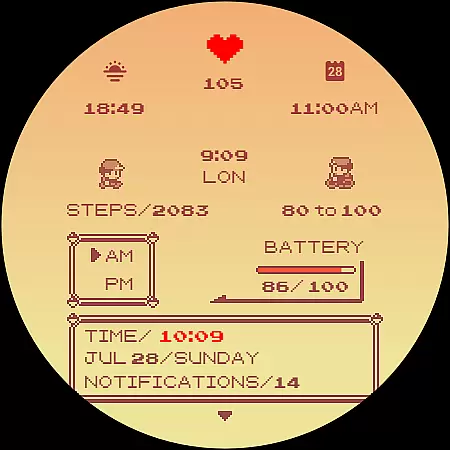
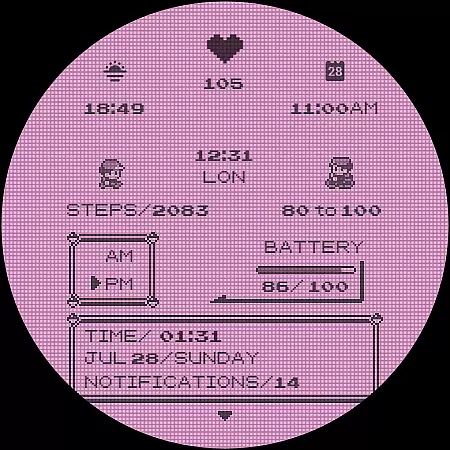
Poke Pixel Retro Watch Face is a pixel art themed watch face designed for Wear OS smartwatches. This standalone app offers users an animated, highly customizable experience with over 1000 possible combinations. It supports various features like 12/24 hour format and auto date format while displaying a lot of information at a glance.
The design is inspired by retro consoles and games, providing a clean, pixel-perfect style that stands out on your wrist. With easy installation through its companion app, this watch face allows you to personalize your smartwatch's appearance extensively.
Whether you're looking for functionality or nostalgia, Poke Pixel Retro Watch Face caters to both needs seamlessly. Its unique handcrafted design ensures it remains distinct among other watch faces available in the market today.
This productivity-focused watch face boasts numerous features that enhance user interaction with their smartwatches. Users can choose from thirty different color schemes, customize frames, and even see working battery lights directly on their watch face.
With support for both 12-hour and 24-hour formats as well as automatic date formatting, Poke Pixel Retro Watch Face adapts easily to individual preferences. The ability to display extensive information quickly makes it not only functional but also practical for everyday use.
Moreover, its compatibility across multiple brands such as Samsung, Mobvoi Ticwatch, Fossil, Oppo ensures wide accessibility. Each element has been meticulously crafted to ensure uniqueness while maintaining ease of use via its companion application.
Poke Pixel Retro Watch Face offers a unique approach to core task management through its highly customizable interface. The watch face allows users to manage their time effectively by providing multiple color schemes and display formats, including 12/24-hour support and automatic date formatting.
With over 1000 possible combinations of customizations, users can tailor the watch face to prioritize and display the information most important to them. This includes battery status, animated features, and various data points that can be viewed at a glance, ensuring that wearers are always aware of their schedule and tasks.
The intuitive design is inspired by retro gaming consoles, offering not only functionality but also a sense of nostalgia. Users can easily switch between different layouts with a simple gesture, making task management on the go both efficient and enjoyable.
By installing the companion app, users gain even more control over their productivity, with easy access to additional settings and features that further enhance the ability to manage daily tasks from their wrist.
Cross-device synchronization is a critical feature for any productivity tool, and Poke Pixel Retro Watch Face excels in this area. By connecting your smartphone to your Wear OS smartwatch, you can seamlessly sync your preferences and settings across devices, ensuring a consistent experience no matter which device you're using.
The installation process is straightforward, guiding users through connecting their smartwatch to their smartphone. Once connected, the watch face can be easily installed and managed directly from the companion app, allowing for real-time updates and changes without missing a beat.
Should any issues arise during setup or synchronization, comprehensive support is available. The developer provides clear instructions and responsive email support to address any concerns, ensuring reliable performance and peace of mind.
Moreover, the watch face supports a wide range of Wear OS devices, from Samsung to Fossil, ensuring broad compatibility and reliability across different hardware platforms. This versatility makes it an ideal choice for users seeking a dependable cross-device synchronization solution.
Highly Customizable
Unique Pixel Art Style
Wide Compatibility
Supports Multiple Formats
Regular Updates
Paid Application
Requires Companion App
Limited Free Options
Occasional Sync Issues
No Live Weather Data

Professional calendar app for Google Calendar, MS Outlook & Exchange
 4.20
4.20
aCalendar+ makes your day, week and month
4.70
All in One PDF Reader: Manage, Read and Edit your Documents
4.20
Stay on top of your to-dos with Google Tasks, part of Google Workspace.
4.60
Access, manage and transfer files on Android, PC, Mac, NAS and cloud storages.
4.30
Docker, Kubernetes management over Portainer Mobile
4.40
To do list widget with a notebook organizer, checklist, simple shopping list
4.60
Understand anything with a personalized AI research assistant
4.80
Note taking, handwriting, record audio, PDF annotation, planner & journal
4.20
The long-awaited modern gallery app for your Nextcloud server
4.70
Planet Free VPN - The best Fast Unlimited and Secure VPN Without Logs
4.50
This small app MUST BE INSTALLED after purchase, else license won't work
4.40
When you Focus, so will your Bean in this cozy focus timer
4.30
Automates browsing any website and notifies you of important changes or events
4.30
Experience real multitasking on your Android!
4.00
The ultimate file manager for rooted devices. The original and still the best.
4.00
Remotely view listen control and record cameras.
3.70
Simple and reliable communication between inmates, friends and family
3.20
A comprehensive suite of tools designed specifically for Lactation Consultants
4.2


User Reviews