
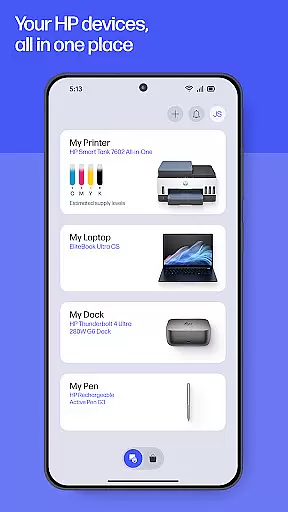
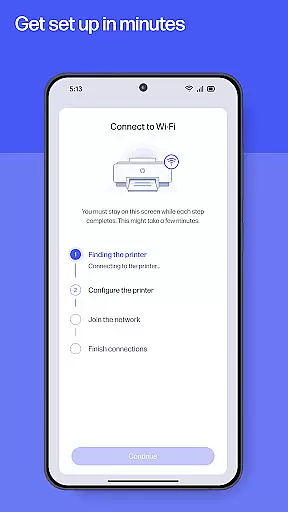
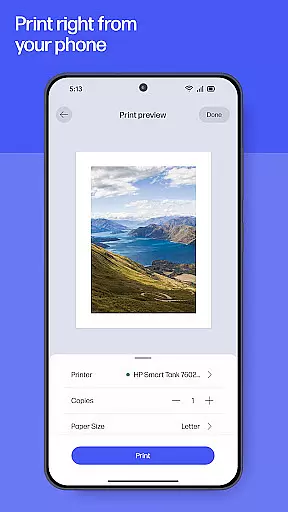
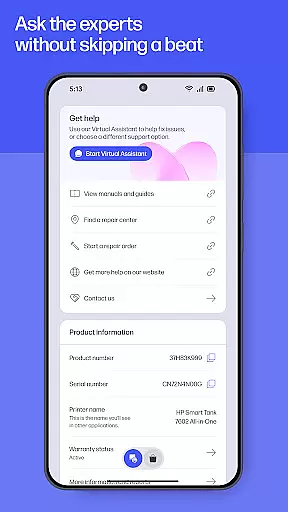
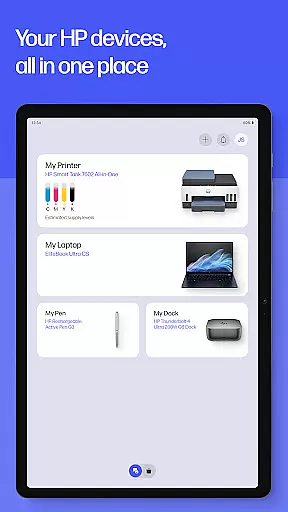
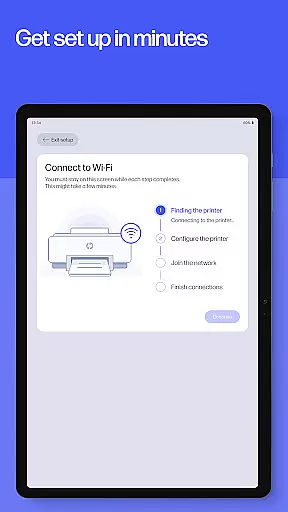
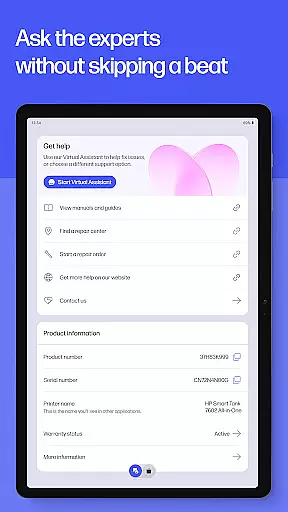
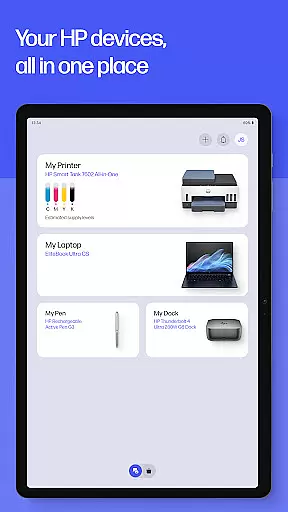
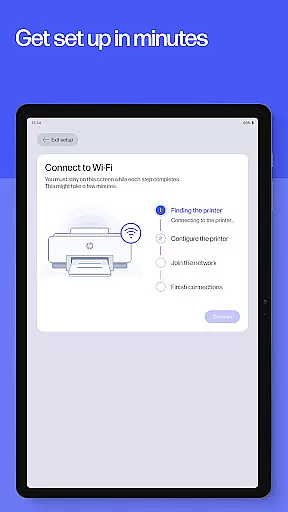
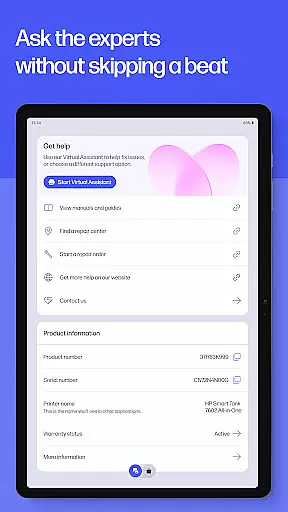
The HP app is your all-in-one solution for managing HP devices. It offers a comprehensive suite of tools to set up, personalize, and maintain your printers and computers. With guided setup processes, users can quickly configure new devices and manage essential tasks like checking ink levels. The app also provides instant access to support through calls, live chat, or in-app resources.
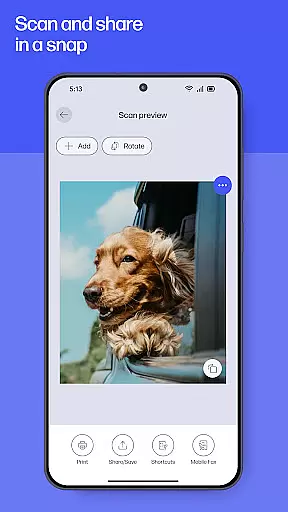
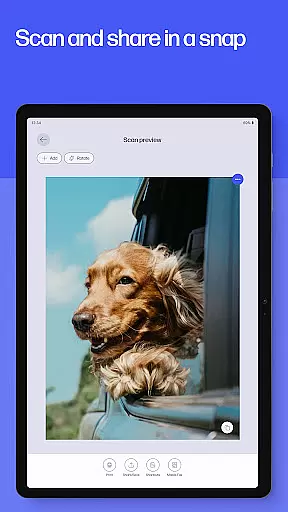
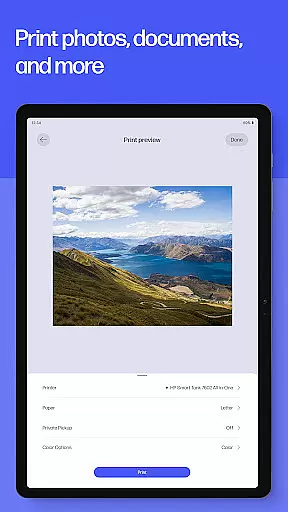
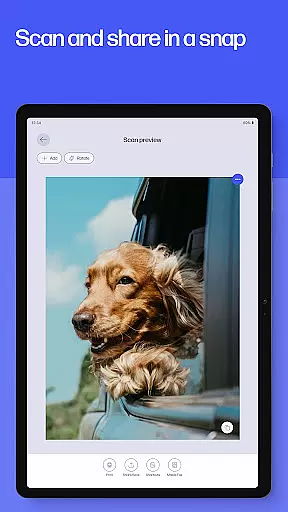
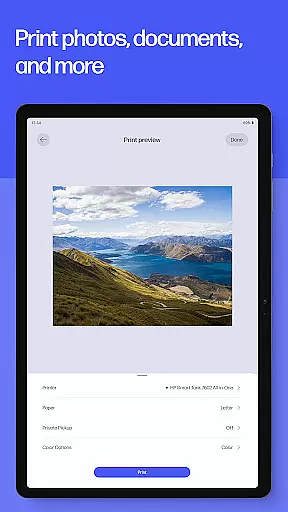
Designed for productivity, the HP app allows users to print, scan, and fax documents directly from their mobile devices. Whether you need to print a school form at home or digitize receipts at the office, this app streamlines document management. Additionally, features like HP Printables unlock creative possibilities with templates for cards, coloring pages, and educational materials.
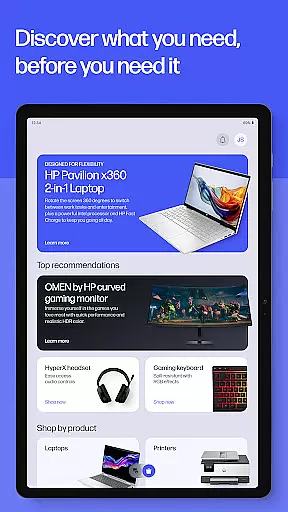
The HP app stands out with its robust feature set tailored for efficient device management. Its guided setup simplifies the process of configuring new printers and computers, ensuring users can start printing and scanning without hassle. The app's interface provides easy access to critical functions such as checking ink levels and managing print supplies, which helps prevent interruptions in workflow.
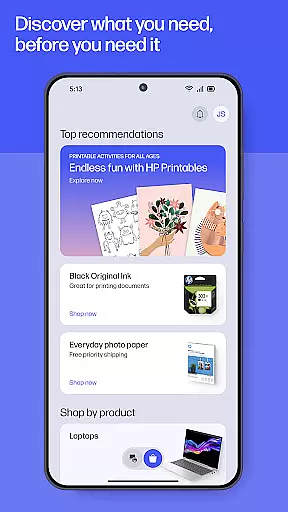
One of the standout features is HP Printables, which offers a wide array of printable templates for personal use. Users can explore educational worksheets, fun crafts, and creative projects. Moreover, the app supports high-quality photo printing and document scanning with editing capabilities. With integrated fax functionality and customizable print shortcuts, the HP app delivers a versatile and user-friendly experience for both home and office environments.
Task management is at the heart of productivity applications, and HP's app excels in providing users with comprehensive tools to manage their printing and scanning tasks efficiently. The app offers a guided setup for new devices, ensuring that users can start managing their tasks without hassle.
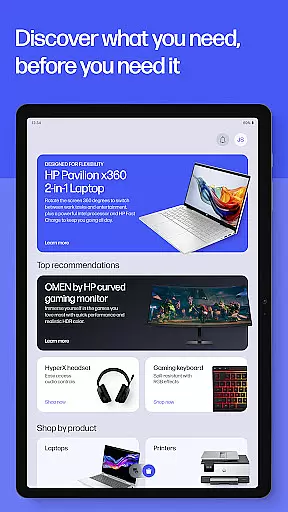
With features like checking ink levels, adjusting device settings, and discovering products that match your needs, HP ensures that you stay on top of your device management. These capabilities allow users to customize their experience and optimize their workflow according to personal preferences and requirements.
The ability to print and scan documents from anywhere, whether at home or in the office, adds another layer of convenience. Users can complete essential tasks such as printing school forms or scanning receipts quickly, which saves time and enhances overall productivity.
By integrating various functions into one platform, HP's app simplifies task management for its users, allowing them to focus on what truly matters while the application takes care of the rest.
Cross-device synchronization is crucial for maintaining consistency across multiple platforms, and HP's app delivers reliable performance in this aspect. By enabling users to manage their printers and computers from a single interface, it ensures that all devices are in sync and up-to-date with the latest settings and information.
The app supports auto-updates, which means users will always have access to the newest features and improvements without manual intervention. This seamless update process guarantees that every connected device operates with the most current software version, enhancing compatibility and functionality.
Moreover, HP's notification system for low ink or paper levels helps maintain uninterrupted printing by alerting users to replenish supplies promptly. Such proactive measures contribute significantly to cross-device reliability, ensuring smooth operation regardless of where the user is working.
Overall, HP's commitment to synchronization reliability empowers users to transition effortlessly between different devices while enjoying consistent performance and support throughout their digital ecosystem.
User-friendly interface
Comprehensive device management
Versatile printing options
Instant support access
Creative template library
Limited to HP devices
Some features English-only
Internet connection required
HP account necessary
Potential future charges

Experience Reading - Night Mode for Documents
 4.40
4.40
Mega cloud explorer plugin for Solid Explorer
3.80
Android Wallet Password Manager
4.80
Protect and view your important info on your phone and tablet with eWallet®
4.80
Font maker keyboard with your own handwriting
4.10
Enjoy classic gameplay with customizable features and retro-style graphics.
4.30
Docker, Kubernetes management over Portainer Mobile
4.40
Scientific calculator for Android - looks and operates like the real thing!
4.90
Browse and view your photos and videos from the phone with photo & video hide.
4.10
Secure, fast, open-source, VNC and SSH Remote Desktop for Windows, Linux and Mac
4.70
Client for Nextcloud Deck
4.60
CalenGoo is a very flexible and feature-rich calendar app
4.40
A customizable calendar for your Wear OS watch
4.20
All in One PDF Reader: Manage, Read and Edit your Documents
4.20
A Revolutionary All-in-One Artificial Intelligence Tools
3.80
Find and delete junk files & block unwanted notifications & manage files
3.70
ID.me Authenticator is a simple and free Two Factor Authentication solution
3.50
Create study competitions, track your hours, and stay consistent with friends
4.5
A comprehensive suite of tools designed specifically for Lactation Consultants
4.3


User Reviews