
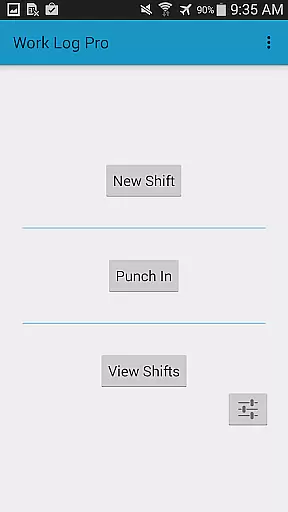
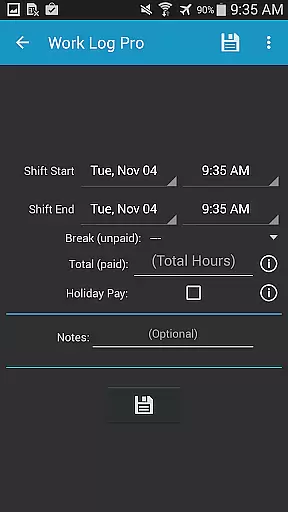
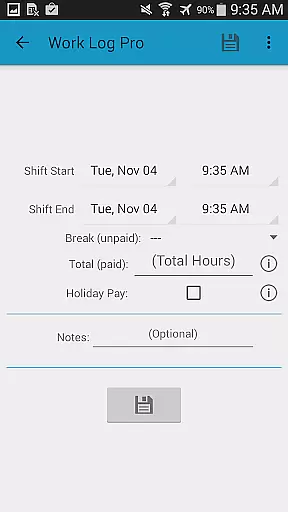
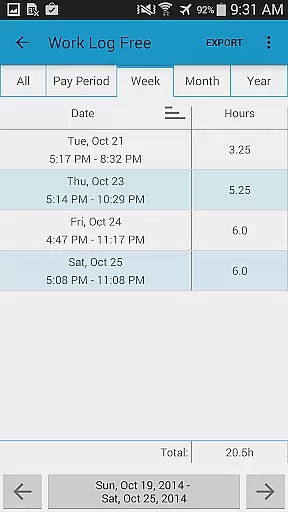
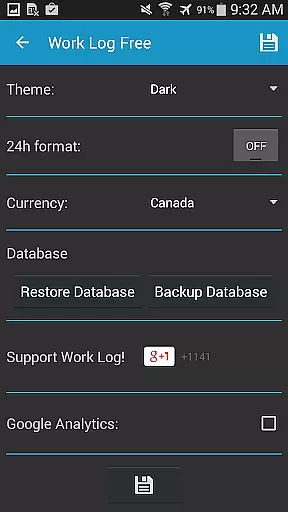
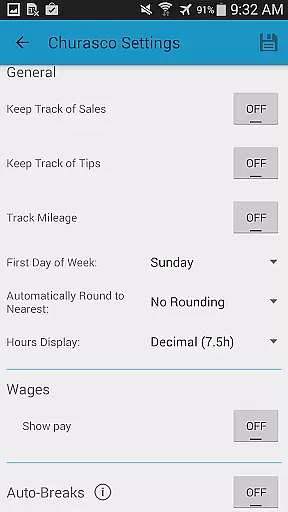
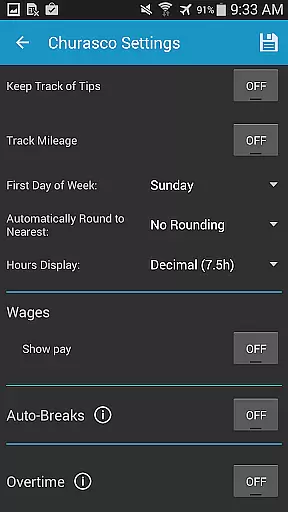
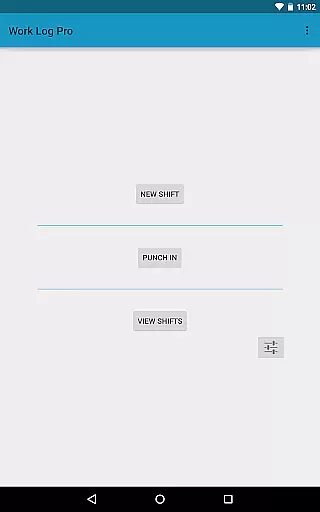
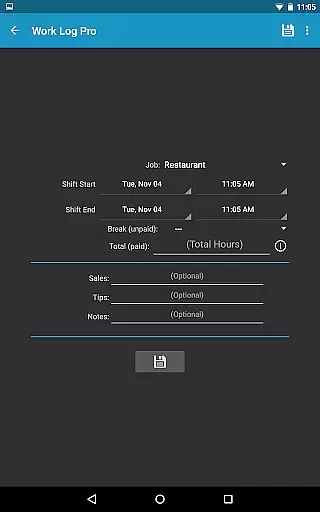
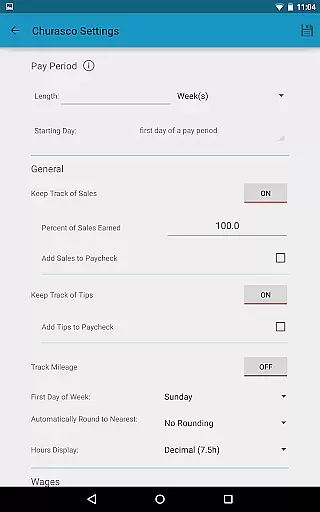
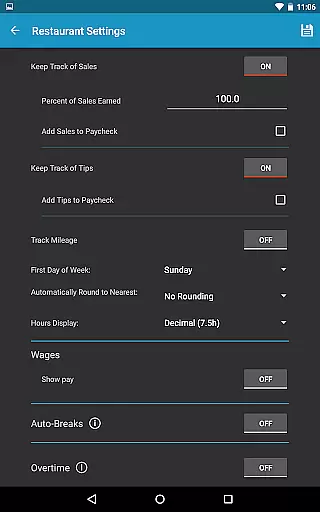
Work Log Pro is a comprehensive productivity tool designed for professionals who need to efficiently track their work hours and manage multiple jobs. The app offers an intuitive interface that allows users to punch in and out, manually enter shift hours, and customize settings to suit individual preferences. With support for overtime tracking, automatic break deductions, and paycheck calculations, it ensures accurate wage computations.
One of the standout features is its ability to export shifts as spreadsheets or PDFs, making payroll processing seamless. Additionally, the app provides extensive customization options such as 24-hour time formatting, pay period configurations, and backup reminders. Whether you're a server tracking tips or a salesperson monitoring commissions, Work Log Pro adapts to various professional needs while maintaining an ad-free experience.
Work Log Pro stands out with its robust feature set tailored for productivity enthusiasts. It includes advanced functionalities like exporting data in CSV format, importing and exporting backups, and removing ads for uninterrupted usage. Users can benefit from automatic break deductions based on customizable rules, ensuring precise time tracking without manual intervention.
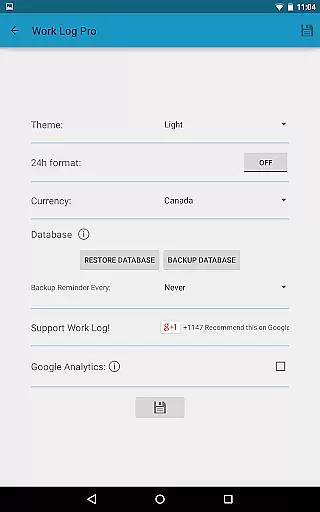
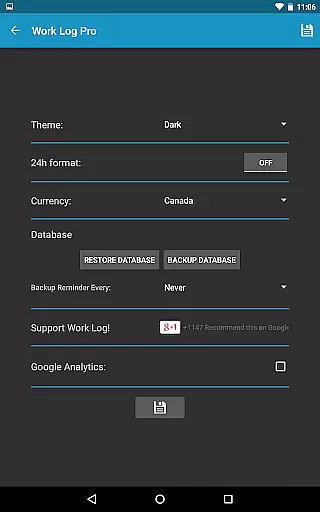
The app also supports multiple job profiles, each with unique settings, allowing users to manage diverse employment scenarios effortlessly. Customization extends to themes, currency symbols, and time displays, catering to global users. Moreover, widgets provide quick access to punch in/out functions, enhancing user convenience. These features collectively make Work Log Pro a versatile tool for anyone seeking detailed and flexible work hour management.
Work Log Pro excels in core task management by offering users a comprehensive suite of tools to track and manage their work hours efficiently. The app allows users to punch in and out, manually enter shift hours, and customize settings for multiple jobs.
One of the standout features is its ability to automatically calculate break deductions and pay period settings, saving users valuable time. This ensures accurate tracking of hours worked and wages earned across different pay periods, making payroll processing seamless.
Additionally, the app supports advanced functionalities such as overtime tracking, automatic rounding of shifts, and customizable pay period calculations. These features provide users with precise control over their time management, ensuring they are compensated fairly for their work.
By integrating widgets for quick access and providing extensive customization options, Work Log Pro empowers users to tailor the app to their specific needs, enhancing productivity and simplifying complex tasks.
Cross-device synchronization is a critical feature of Work Log Pro, ensuring that users can reliably access their data across multiple devices. By utilizing backup and restore functionalities, the app guarantees that all recorded shifts and settings are safely stored and easily transferable.
Users can create backups of their database and send them via email, allowing for straightforward restoration on new devices. This process not only secures user data but also facilitates a smooth transition when upgrading hardware or switching between devices.
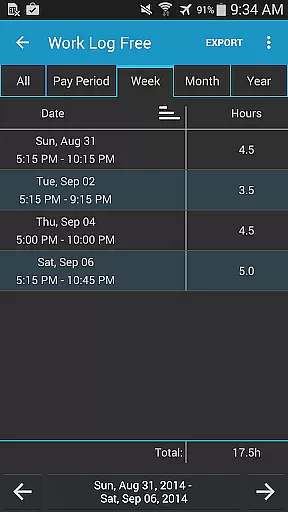
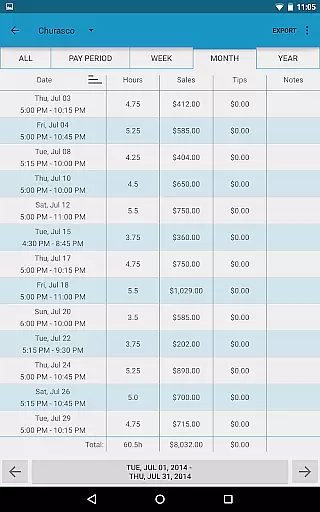
The app's ability to export shifts as spreadsheets or PDFs further enhances synchronization reliability. Whether exporting by week, month, year, or all recorded shifts, users have the flexibility to manage and share their data in various formats, ensuring compatibility and accessibility.
With these robust synchronization features, Work Log Pro ensures that users can maintain consistent and up-to-date records regardless of the device they are using, promoting seamless workflow continuity.
User-friendly interface
Extensive customization
Accurate wage calculations
Multiple job support
Ad-free experience
Requires free version
No cloud sync
Paid upgrade
Complex setup
Limited integrations

Send files, sync SMS, notifications & clipboard across devices via local network
 4.40
4.40
Make your handwriting beautiful, even more than pen on paper.
3.60
⏰ Finally a timer app which can run multiple timers simultaneously on your watch
3.90
Fill, sign & send docs, forms, agreements & contracts via electronic signature.
4.50
Font maker keyboard with your own handwriting
4.10
Tally and goal counter for Wear OS & mobile
4.50
Lightweight PDF, Word, Excel reader.
4.60
Okta MFA
4.70
AT&T Internet customers can use this app to personalize their Wi-Fi network.
4.40
Protect and view your important info on your phone and tablet with eWallet®
4.80
Secure, fast, open-source, VNC and SSH Remote Desktop for Windows, Linux and Mac
4.70
aCalendar+ makes your day, week and month
4.70
Enjoy classic gameplay with customizable features and retro-style graphics.
4.30
Access, manage and transfer files on Android, PC, Mac, NAS and cloud storages.
4.30
Make apps & sites with natural language prompts
4.10
Mega cloud explorer plugin for Solid Explorer
3.80
Remotely view listen control and record cameras.
3.70
ID.me Authenticator is a simple and free Two Factor Authentication solution
3.50
IP Camera Viewer - Android TV : RTSP Surveillance camera viewer for Android TV
4.0


User Reviews