
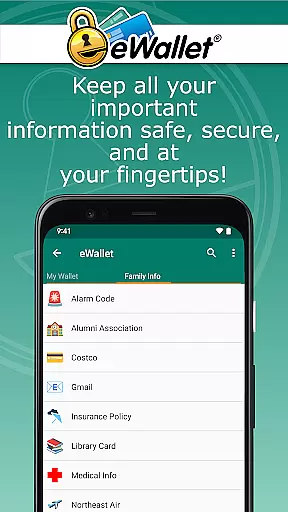
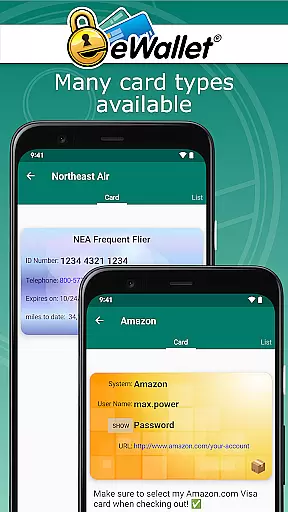
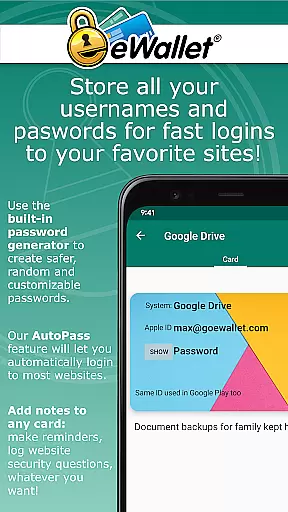
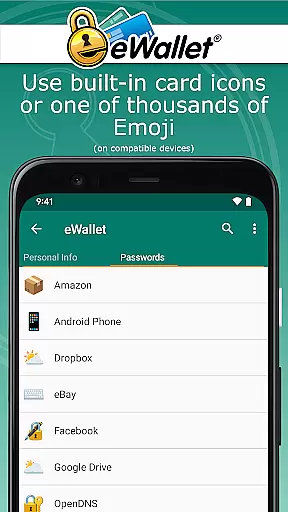
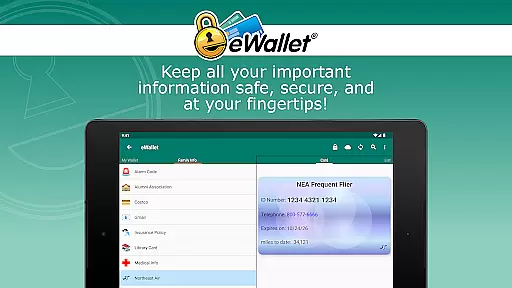
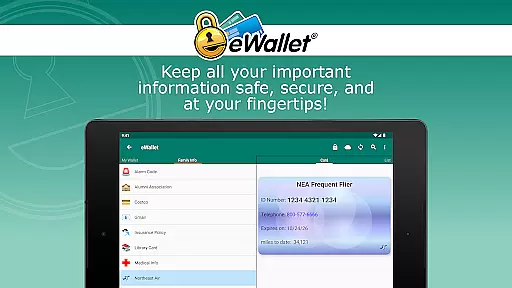
eWallet is a sophisticated password manager app designed for Android smartphones and tablets, offering military-grade encryption to secure sensitive information such as passwords, credit cards, and bank account numbers. The app ensures users can carry their crucial data wherever they go while maintaining top-notch security.
One of eWallet's standout features is its updated Biometric authentication, supporting fingerprint, iris scan, and facial recognition based on the device's capabilities. This functionality provides a seamless yet secure way to access stored information. Additionally, eWallet supports cloud synchronization via Dropbox, Google Drive, or Microsoft OneDrive, ensuring data consistency across multiple devices.
The app is particularly useful for individuals who need to manage a wide array of digital credentials securely. With its user-friendly interface and powerful security measures, eWallet helps users stay organized, safe, and efficient in their daily digital activities.
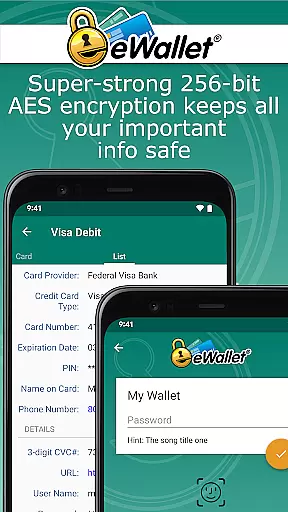
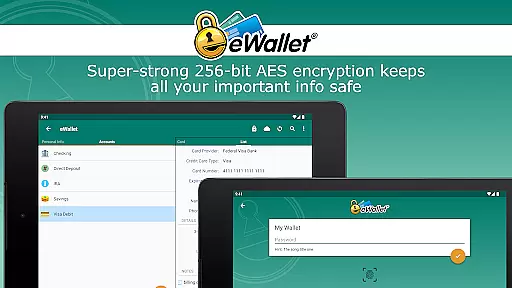
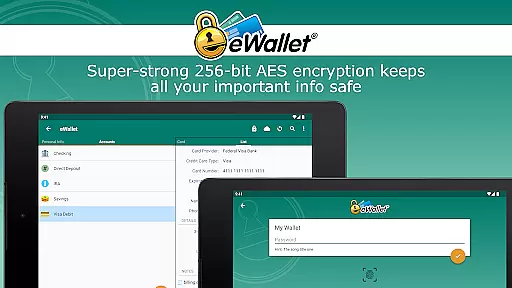
eWallet stands out with its comprehensive set of features tailored for secure and convenient password management. The app employs 256-bit military-grade AES encryption, ensuring that all stored data remains protected against unauthorized access. Its support for biometric authentication methods like fingerprint and facial recognition adds an extra layer of security while maintaining ease of use.
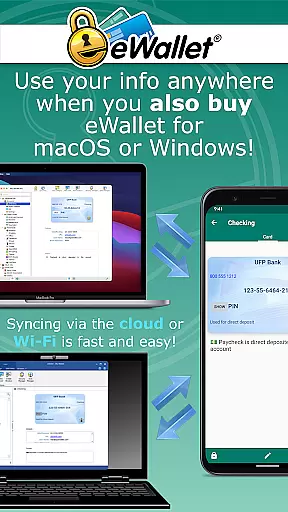
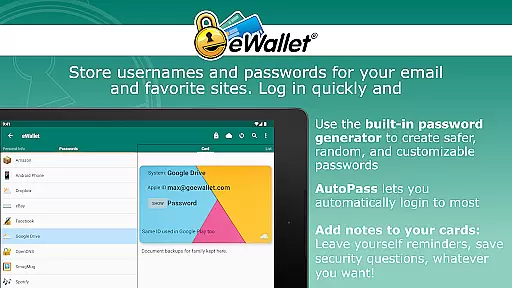
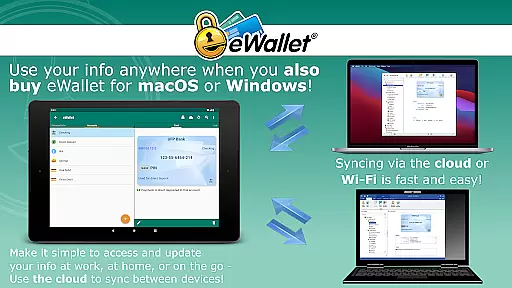
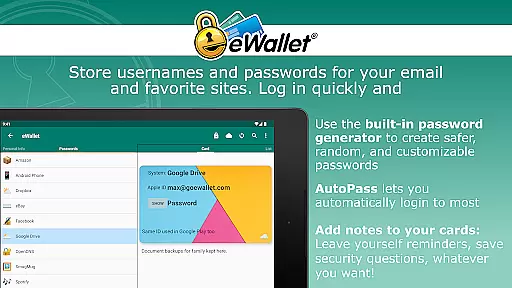
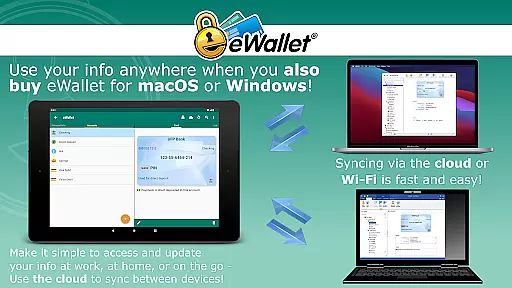
Another significant feature is the ability to sync data seamlessly over the cloud or via Wi-Fi with eWallet’s macOS or Windows versions. This ensures that users can access their information from various devices without compromising security. The inclusion of a random password generator further enhances protection by creating strong, unique passwords for different accounts.
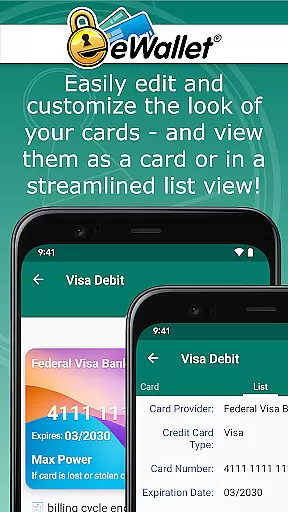
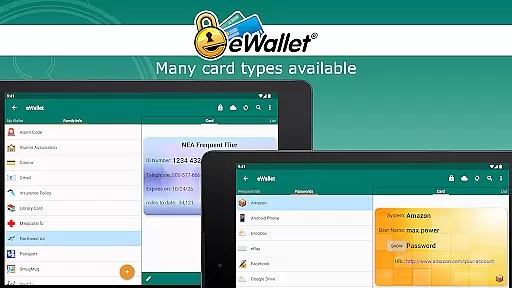
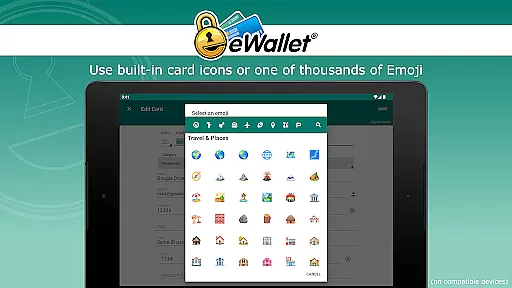
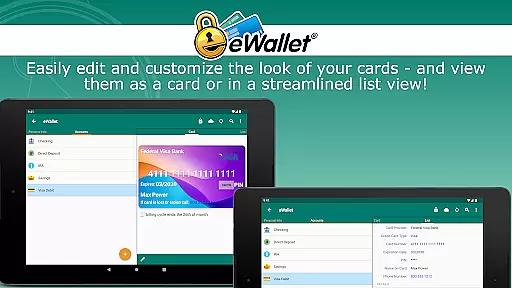
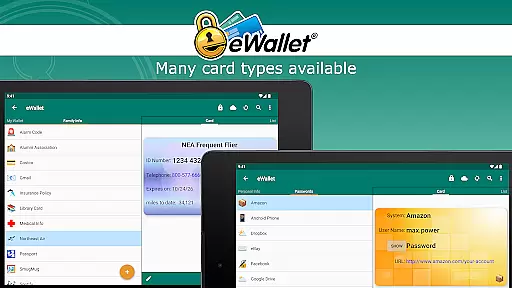
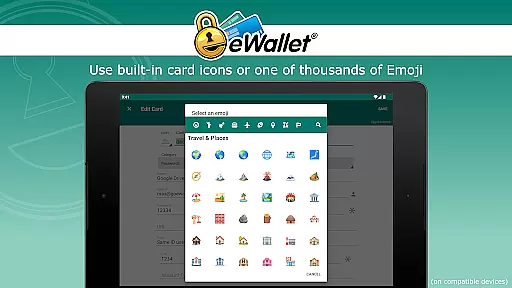
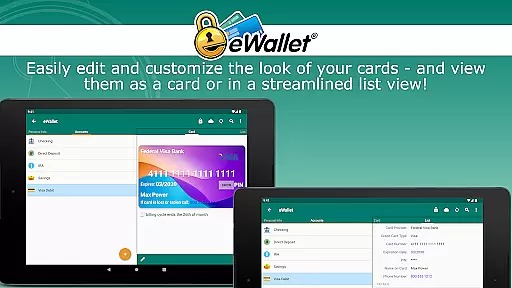
Additionally, eWallet offers customization options, allowing users to personalize their wallets with different card designs, backgrounds, and categories. The auto-locking feature and the ability to create and sync multiple wallets between devices make it a versatile tool for managing personal and professional information securely.
In the realm of productivity, eWallet excels in core task management by providing a secure and efficient way to handle sensitive information. This app allows users to manage an array of personal data including passwords, credit card details, and bank account numbers with military-grade encryption.
The functionality extends to organizing this information into multiple wallets that can be synced across devices via cloud services or Wi-Fi. This ensures that whether you're at home or on the go, your digital life is not only protected but also organized and easily accessible.
With features like auto-locking and random password generation, eWallet offers a comprehensive suite for managing online credentials safely. Users benefit from having all their essential data encrypted yet readily available, which simplifies their daily routines without compromising security.
eWallet stands out in cross-device synchronization reliability by offering seamless sync options over popular cloud platforms such as Dropbox, Google Drive, and Microsoft OneDrive. This means users can maintain up-to-date copies of their wallets across smartphones, tablets, and desktops effortlessly.
For those preferring local solutions, full Wi-Fi synchronization is available between Android devices and computers running macOS or Windows versions of eWallet (sold separately). This dual approach caters to different user preferences while ensuring data integrity through regular backups.
By supporting biometric access methods like fingerprint scanning and facial recognition on compatible devices, eWallet enhances convenience without sacrificing security during synchronization processes. Such robust mechanisms ensure reliable access control when updating critical personal information across various gadgets.
Strong encryption
Biometric login
Cloud sync
Customizable UI
Auto-lock feature
No iOS version
Paid desktop app
Limited free features
Complex setup
High system requirements

AI Video AI Image Private LLM AI Browser Llama Gemma Ollama Connect LLM Studio
 4.4
4.4
Take control of your clipboard with Clipper!
3.90
Total remote control for your Android device, PC and cloud services (IFTTT)!
4.20
Android Wallet Password Manager
4.80
Mind Map and brainstorm, note taking and idea collection
4.80
The AI assistant that thinks with you - write, code, and solve complex tasks
4.60
A simple Whisper AI keyboard for reliable speech transcription and rewording
4.60
The ultimate file manager for rooted devices. The original and still the best.
4.00
AI Chatbot and AI writing assistant powered by ChatGPT.
4.60
Direct Chat without saving contacts & Dual WA Account on Single Device
4.70
aCalendar+ makes your day, week and month
4.70
Scan paperwork into PDF/JPG, generate your own e-signature and send fax or email
4.70
Tally and goal counter for Wear OS & mobile
4.50
Share files & memories safely. Keep your photos and videos secure.
4.40
Cloud storage, automatic phone backup, and more.
4.10
Experience real multitasking on your Android!
4.00
Remotely view listen control and record cameras.
3.70
Make your handwriting beautiful, even more than pen on paper.
3.60
A simple, portable logger for POTA, SOTA, Field Day, and more
4.2


User Reviews