
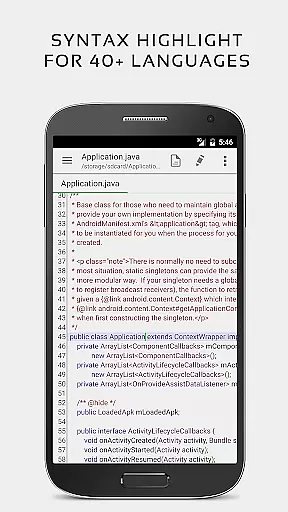
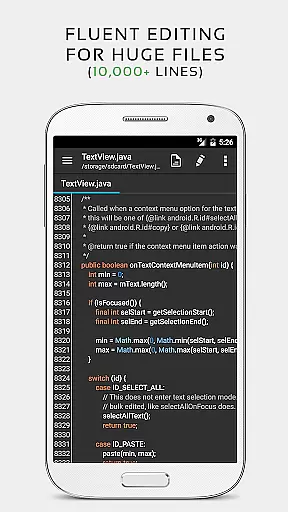


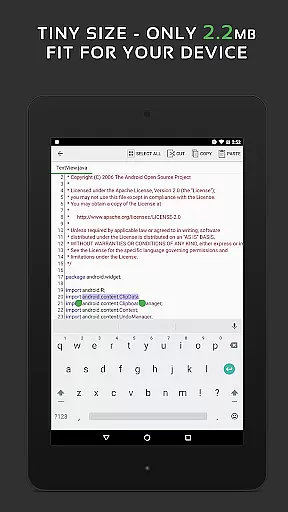
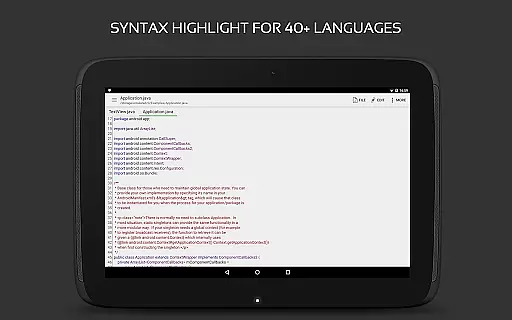
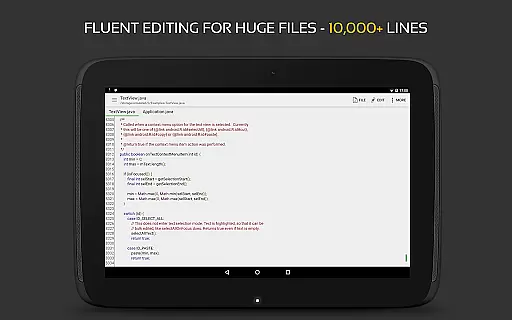
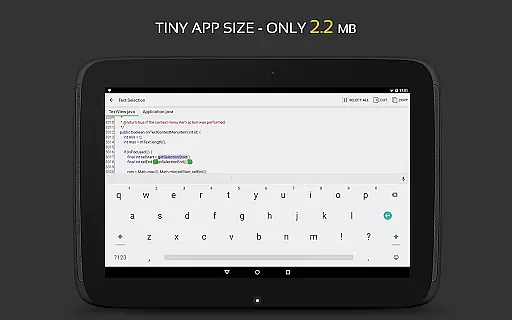
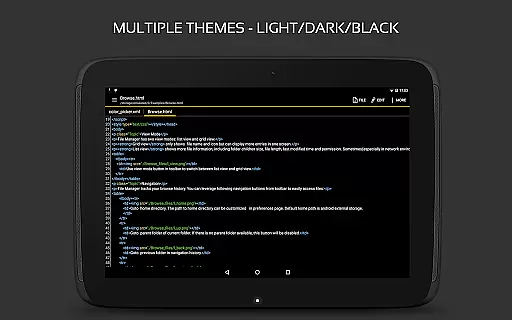
QuickEdit Text Editor Pro is a versatile and high-performance text editing application designed for both general users and professionals. This app serves as both a standard text editor for plain text files and a powerful code editor for programming files, supporting syntax highlighting for over 170 languages. Its optimization for speed and responsiveness ensures smooth performance even with large files of more than 10,000 lines.
The app includes advanced features such as an online compiler that supports over 30 common programming languages, making it a valuable tool for developers. QuickEdit also offers user-friendly functionalities like line numbering, unlimited undo/redo, and smooth scrolling in both vertical and horizontal directions. With support for physical keyboards, FTP clients, and cloud storage services like Google Drive and Dropbox, this editor provides seamless access to files across devices.
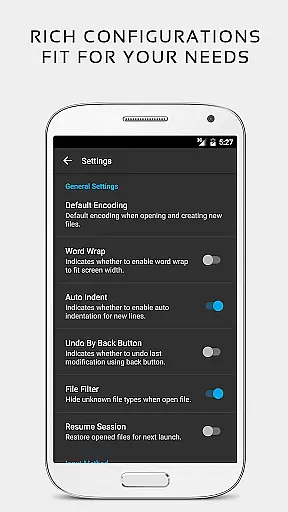
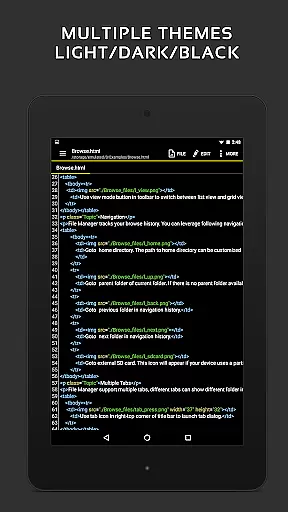
Whether you're writing code or editing documents, QuickEdit Text Editor Pro enhances productivity by offering a streamlined experience on both phones and tablets. The ad-free version ensures uninterrupted focus, while its customizable interface allows users to choose between light and dark themes, various fonts, and adjustable sizes. This makes it suitable for extended work sessions in any environment.
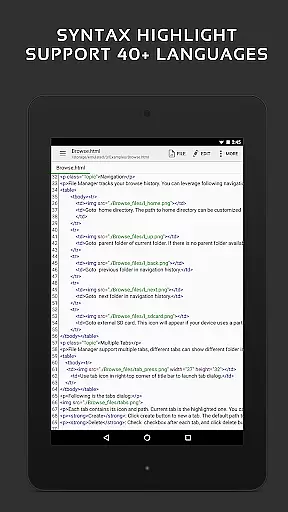
QuickEdit Text Editor Pro stands out with its extensive feature set tailored for both casual and professional use. One of its key strengths is the robust syntax highlighting for over 170 programming languages, including C++, Java, Python, and Ruby. This functionality is complemented by an integrated online compiler that supports over 30 languages, enabling users to compile and run code directly within the app.
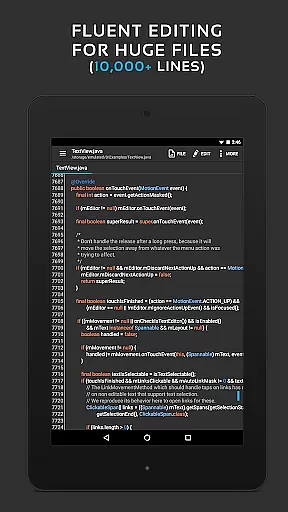
The app's performance optimizations ensure lag-free operation, even when handling large text files exceeding 10,000 lines. Features like smooth scrolling, quick navigation between multiple tabs, and direct targeting of specific line numbers enhance usability. Additionally, QuickEdit provides advanced editing tools such as unlimited undo/redo, automatic indentation, and fast selection capabilities, which streamline the editing process.
For added convenience, QuickEdit supports external file sources like FTP, Google Drive, and Dropbox, allowing users to manage files from virtually anywhere. Physical keyboard support with key combinations further boosts efficiency, especially for power users. With its comprehensive feature set, QuickEdit caters to a wide range of needs, from basic text editing to complex coding tasks, all while maintaining an intuitive and responsive interface.
For a productivity app like QuickEdit Text Editor Pro, core task management is essential for efficient text and code editing. This feature allows users to handle multiple tasks simultaneously without losing track of their progress.
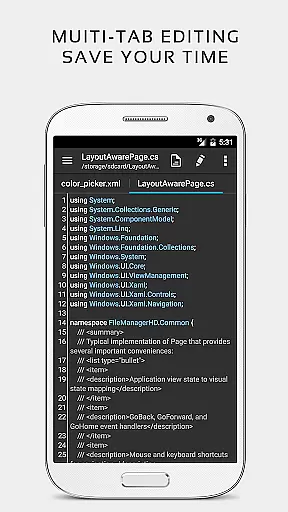
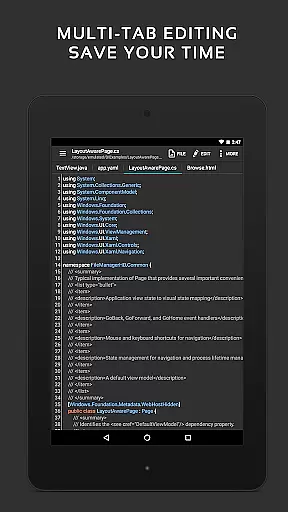
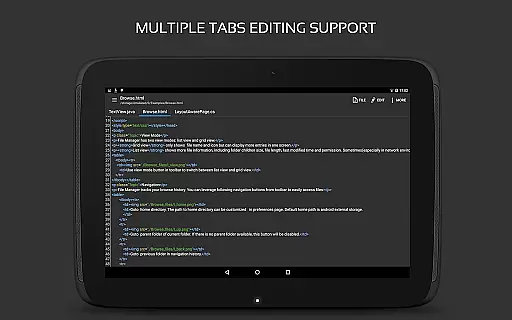
The app enables easy navigation between multiple open tabs, ensuring that users can switch contexts quickly and efficiently. This tab management system is crucial for developers and writers who work on several files at once.
QuickEdit also supports undo and redo changes without limit, providing flexibility in task management. Users can experiment with different edits and revert them if necessary, which enhances the overall workflow and efficiency.
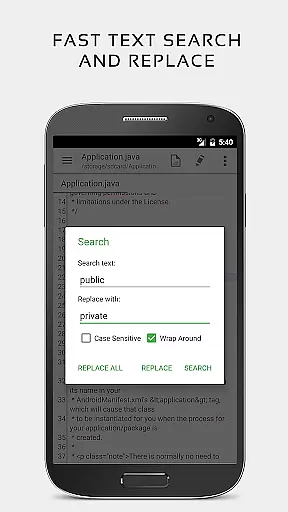
Additionally, the ability to directly target any specified line number and quickly search and replace content makes task management more precise. These features ensure that users can locate and modify specific parts of their text or code swiftly, streamlining the editing process.
Cross-device synchronization is vital for users who operate on multiple devices. QuickEdit Text Editor Pro ensures that your work is seamlessly synchronized across all your devices, maintaining consistency and reliability.
With support for accessing files from FTP, Google Drive, Dropbox, and OneDrive, QuickEdit provides a robust platform for cloud-based synchronization. This means you can start editing on one device and continue on another without missing a beat.
The app's high performance and responsiveness, even on large text files, ensure that synchronization does not compromise speed or efficiency. Whether you're editing on a phone or a tablet, QuickEdit maintains its functionality and user experience.
Furthermore, the app's optimization for both phones and tablets guarantees that the synchronization process is smooth regardless of the device type. This cross-device reliability empowers users to work flexibly and efficiently, enhancing productivity wherever they are.
Fast and responsive performance
Extensive language support
User-friendly interface
Integrated online compiler
Ad-free experience
Limited offline help
No collaborative editing
Premium price tag
Complex for beginners
Few templates available

 4.20
4.20
Create study competitions, track your hours, and stay consistent with friends
4.1
Unlock AutoNotification
4.00
Easiest event planning, volunteer signups & parent teacher conference scheduling
2.20
App lock - lock apps with fingerprint, password, pin or pattern, protect privacy
4.70
All in One PDF Reader: Manage, Read and Edit your Documents
4.20
Fill, sign & send docs, forms, agreements & contracts via electronic signature.
4.50
A beautiful digital clock with autostart and many other functions
4.70
AI Chatbot and AI writing assistant powered by ChatGPT.
4.60
8 custom complications. Custom Time Fonts. Beautiful color schemes. A++ Design.
5.00
Seamlessly integrate data and reports to build your presentation to impress
4.80
Secure, fast, open-source, Remote Desktop Client for Windows and Linux with SSH
4.60
Calendar 2023 widget for Android. Appointment scheduler, planner, and reminder
4.60
PDF scanner & converter for files, photos, lottery, QR codes. One swipe away!
4.50
A Pixel Art watchface inspired by other iconic 90s designs for Wear OS devices!
4.40
When you Focus, so will your Bean in this cozy focus timer
4.30
Make apps & sites with natural language prompts
4.10
Cloud storage, automatic phone backup, and more.
4.10
Make your handwriting beautiful, even more than pen on paper.
3.60


User Reviews