
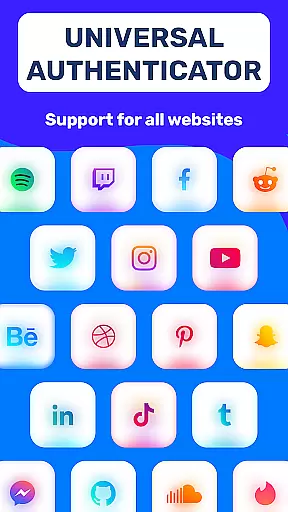
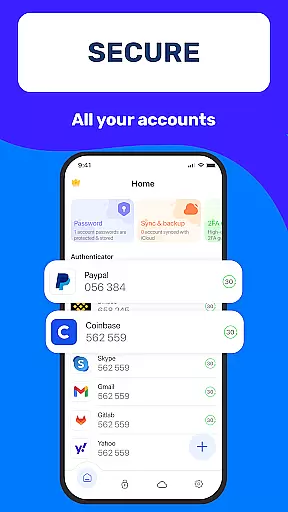
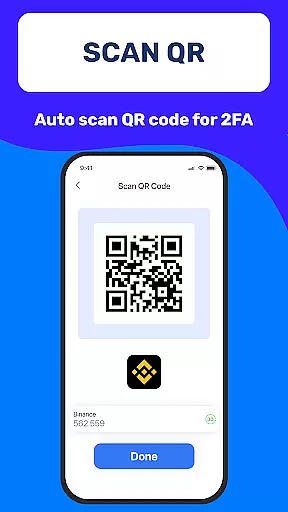
Authenticator App 2FA - Password Manager is a comprehensive productivity tool designed to enhance both security and convenience for users managing multiple accounts. The app's core functionality revolves around two-factor authentication (2FA) through QR code scanning, providing an extra layer of protection for user accounts while simplifying the login process.
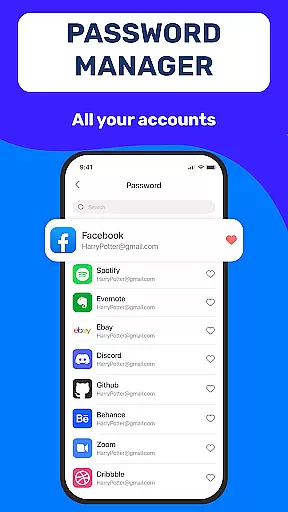
Beyond its primary security features, the application offers robust password management capabilities including secure storage, autofill functionality, and cross-device synchronization. These features are particularly valuable for professionals and individuals who need to maintain complex digital profiles across various platforms and devices.
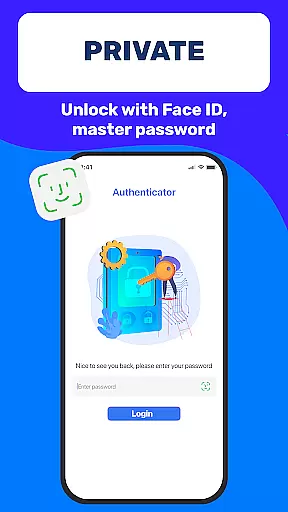
The app's versatility extends to its support for biometric authentication and master password protection, making it suitable for enterprise environments where data security is paramount. Its cloud-based storage solution ensures business continuity even in cases of device loss or failure, establishing it as an essential tool for modern productivity workflows.
One of the most notable aspects of Authenticator App 2FA - Password Manager is its comprehensive feature set that addresses multiple aspects of digital security and productivity. The application's two-factor authentication system stands out through its seamless integration with existing account ecosystems via QR code scanning technology.
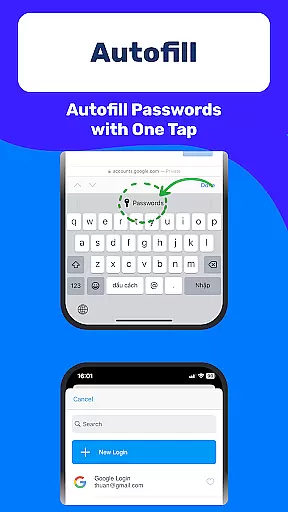
The app implements advanced backup and synchronization mechanisms that ensure data integrity across devices. This is complemented by its sophisticated password management system which not only stores credentials securely but also automates the login process through intelligent autofill capabilities. The inclusion of biometric authentication options alongside traditional master password protection demonstrates the app's commitment to flexible security solutions.
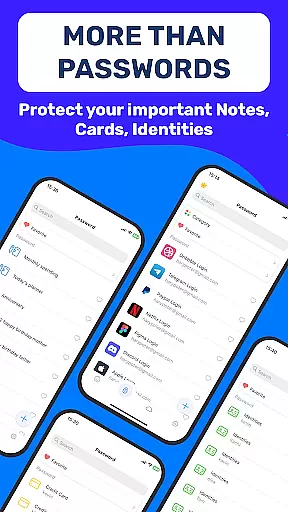
Additional productivity-enhancing features include dark mode for comfortable usage in various lighting conditions, secure storage for sensitive information such as credit card details, and comprehensive data import/export functionality. These elements work together to create a unified platform that streamlines account management while maintaining enterprise-grade security standards.
At the heart of Authenticator App 2FA - Password Manager lies its robust core task management system, designed to streamline your digital life. This feature is not just about keeping your accounts organized; it's about enhancing your productivity by ensuring that every piece of information has its place.
The app integrates multifunctional security measures with practical account management tools. With features like Scan QR 2FA and Autofill, users can swiftly access their accounts without compromising on safety, making daily login tasks seamless and secure.
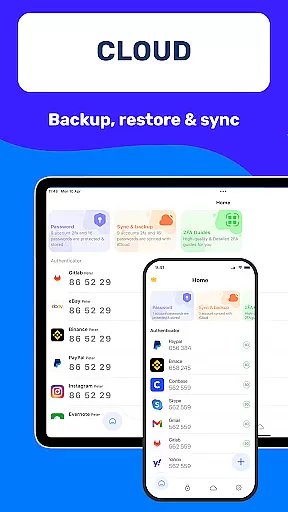
Furthermore, the Backup & Sync functionality ensures that your data remains consistent across all devices. Whether you're switching phones or reinstalling the app, your information is preserved, allowing for uninterrupted productivity. This reliability empowers users to focus on their essential tasks without worrying about data loss.
Cross-device synchronization is a pivotal feature of Authenticator App 2FA - Password Manager, setting a new standard for reliability in today's fast-paced digital world. The ability to maintain consistency across multiple devices ensures that users have access to their critical information wherever they are.
This app employs Cloud-based Data Storage to safeguard against common issues such as device loss or damage. By storing your data securely in the cloud, Authenticator App guarantees that your credentials and sensitive information are always within reach, yet protected from unauthorized access.
Moreover, the Import and Export Data feature adds another layer of flexibility, enabling effortless data migration between devices. This means whether you're at work, home, or on the go, your productivity remains unaffected, thanks to Authenticator Appu2019s dependable cross-device synchronization capabilities.
Enhanced Security
Easy Account Management
Cross-Device Sync
Biometric Login
Cloud Backup
Premium Features Locked
Occasional Sync Issues
Steep Learning Curve
Limited Free Storage
High System Requirements

AI Video AI Image Private LLM AI Browser Llama Gemma Ollama Connect LLM Studio
 4.0
4.0
When you Focus, so will your Bean in this cozy focus timer
4.30
Native client for Forgejo and Gitea
5.00
Android Wallet Password Manager
4.80
Mind Map and brainstorm, note taking and idea collection
4.80
Remotely view listen control and record cameras.
3.70
ID.me Authenticator is a simple and free Two Factor Authentication solution
3.50
Share files & memories safely. Keep your photos and videos secure.
4.40
Note taking, handwriting, record audio, PDF annotation, planner & journal
4.20
Best Tool for the professionals Electrician, Electrical contractors, etc.
4.90
Send files, sync SMS, notifications & clipboard across devices via local network
4.40 4.20
4.20
Total remote control for your Android device, PC and cloud services (IFTTT)!
4.20
All in One PDF Reader: Manage, Read and Edit your Documents
4.20
Device's storage information in a simple and clear graphical form (infographics)
4.10
Make apps & sites with natural language prompts
4.10
Create and edit presentations with Google Slides, part of Google Workspace.
4.00
Secure, open-source, SPICE and SSH Remote Desktop for QEMU KVM virtual machines
4.00
A comprehensive suite of tools designed specifically for Lactation Consultants
4.2


User Reviews