
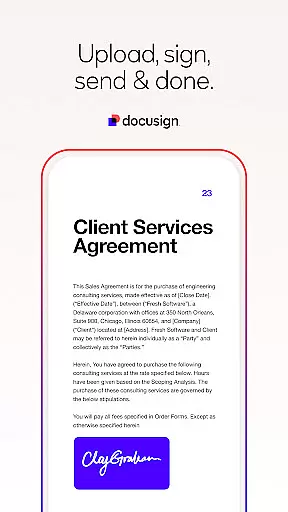
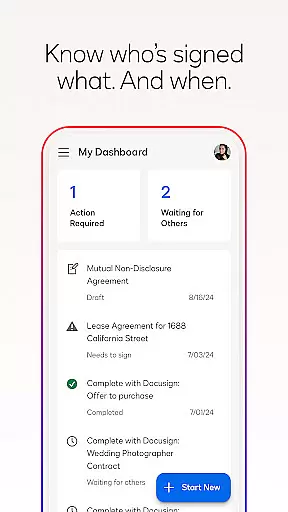


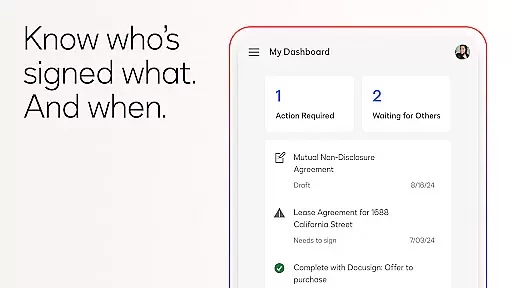
Docusign is the leading Intelligent Agreement Management solution, revolutionizing how businesses and individuals handle agreements. The app provides a secure and convenient way to send, sign, and manage documents from virtually anywhere, at any time, using most devices. Trusted by millions globally, Docusign eSignature offers unlimited free signing for all parties.
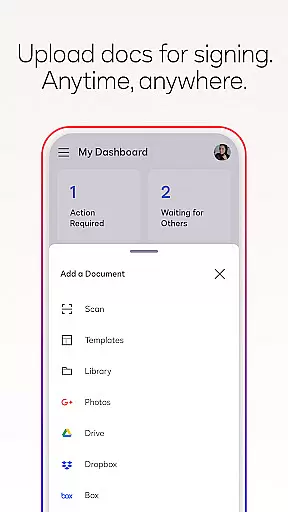
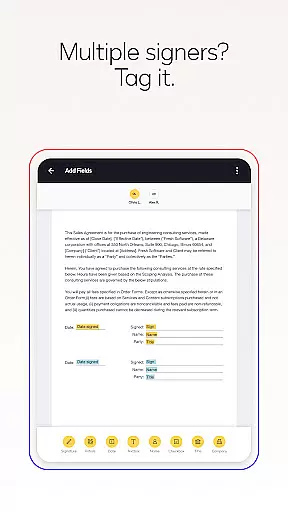
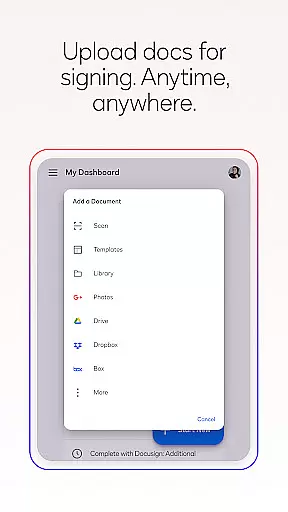
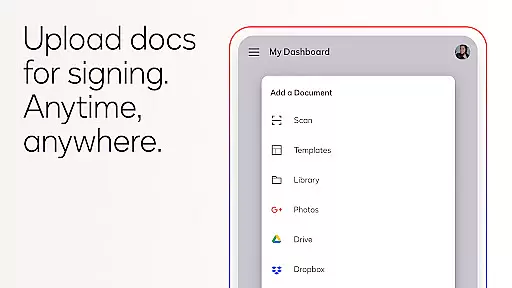
With its user-friendly interface, Docusign simplifies the entire agreement process. Users can upload documents via various platforms like Google Drive or DropBox, create customized digital signatures, and utilize 'Sign Here' tags that guide signers precisely where to sign. The app also supports real-time push notifications and responsive signing functionality, adapting documents for optimal mobile viewing.
Docusign stands out with its comprehensive features designed to streamline agreement processes. One key feature is the ability to upload files from multiple sources such as email, cloud storage services, or even photo scans. This flexibility ensures users can access and sign their documents regardless of the original file location.
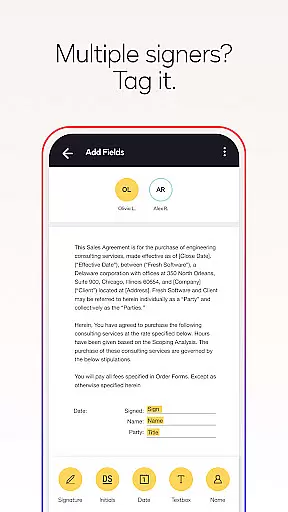
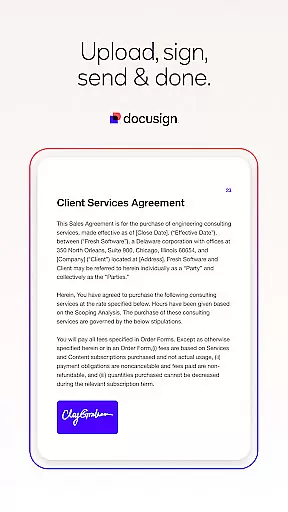
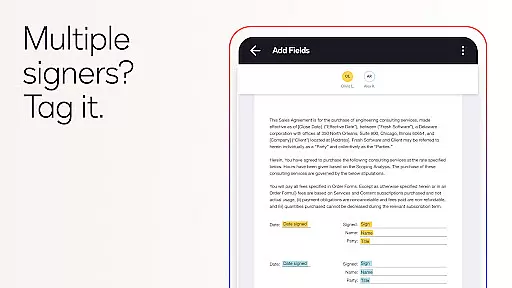
The app's advanced document preparation tools allow users to add specific tags indicating where signatures or additional information are needed. It supports complex workflows for multiple signers, including setting signing orders and enabling both in-person and remote signing. Furthermore, Docusign complies with the eSign Act, ensuring legal validity, complete audit trails, and top-tier security through encryption and ISO 27001 SSAE16 compliance.
In the realm of productivity, core task management is pivotal for organizing and executing work efficiently. DocuSign excels in this area by streamlining the agreement process through its eSignature solution.
DocuSign's task management capabilities allow users to create customized digital signatures, upload documents from various sources, and prepare documents with 'Sign Here' tags that guide signers precisely where to sign or add information. This simplifies the workflow significantly, especially when dealing with multiple signers, as it supports setting the signing order and adapting documents for mobile viewing.
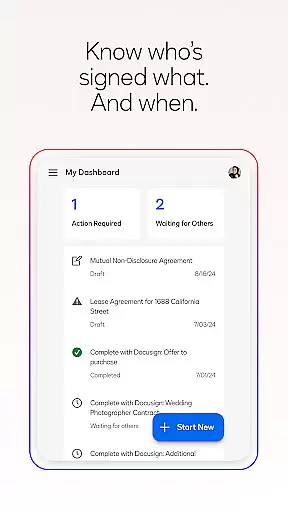
The app further enhances task management by enabling users to send reminders, void documents, and receive real-time push notifications upon completion. These features ensure that agreements are not only managed effectively but also expedited through timely alerts and status updates.
By integrating these comprehensive task management features, DocuSign empowers businesses and individuals to maintain control over their document processes, resulting in increased productivity and peace of mind.
Cross-device synchronization is essential for maintaining consistency and accessibility across multiple platforms, a feature where DocuSign demonstrates exceptional reliability.
DocuSign ensures that all your agreements and related data are synchronized seamlessly across devices. Whether you're using a smartphone, tablet, or computer, you can securely send and sign agreements from practically anywhere, at any time.
This reliable synchronization is supported by robust security measures, including compliance with the eSign Act, complete audit trails, and document encryption. Such measures guarantee that your documents remain safe and tamper-proof, regardless of the device used.
Ultimately, DocuSign's cross-device synchronization reliability provides users with the flexibility and assurance needed to manage their agreements efficiently, enhancing both accessibility and security in today's fast-paced digital environment.
User-friendly interface
Unlimited free signing
Secure and legally binding
Supports multiple file formats
Real-time notifications
Limited free sending
Premium features require subscription
No offline functionality
Occasional syncing issues
Advanced features have a learning curve

Experience Reading - Night Mode for Documents
 4.40
4.40
Android Wallet Password Manager
4.80
IP Camera Viewer - Android TV : RTSP Surveillance camera viewer for Android TV
4.5
Todo reminder
4.10
A simple Whisper AI keyboard for reliable speech transcription and rewording
4.60
Experience and share your SolidWorks designs on your Android® phone and tablet.
2.50
Understand anything with a personalized AI research assistant
4.80
Okta MFA
4.70
AT&T Internet customers can use this app to personalize their Wi-Fi network.
4.40
Scientific calculator for Android - looks and operates like the real thing!
4.90
Tally and goal counter for Wear OS & mobile
4.50
PDF scanner & converter for files, photos, lottery, QR codes. One swipe away!
4.50
A lightweight JSON & XML files creator, editor and viewer (Premium Version)
4.40
Docker, Kubernetes management over Portainer Mobile
4.40 4.20
4.20
Professional calendar app for Google Calendar, MS Outlook & Exchange
4.20
Experience real multitasking on your Android!
4.00
Ultimate Virtual AI Character for immersive Roleplay Chat. Perfect Companion
3.90
A simple, portable logger for POTA, SOTA, Field Day, and more
4.5


User Reviews