
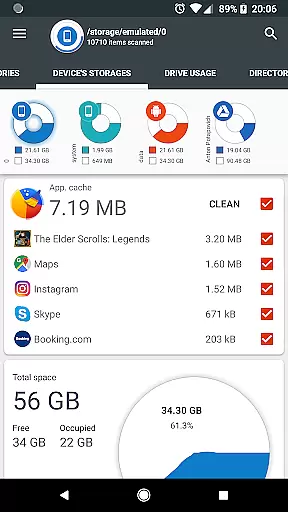
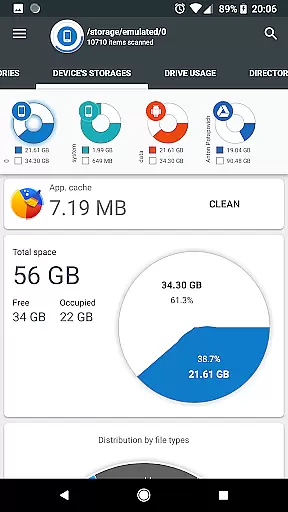
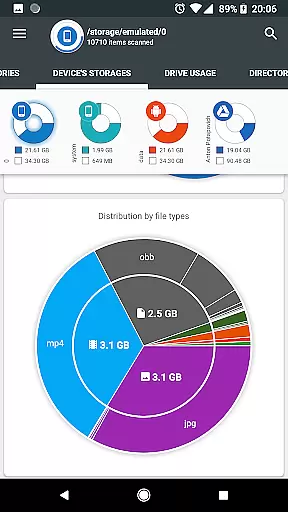
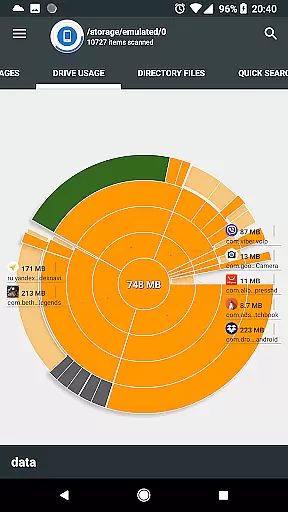
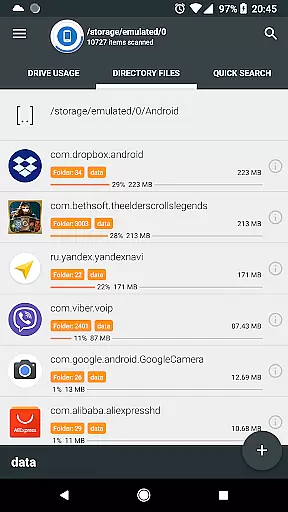
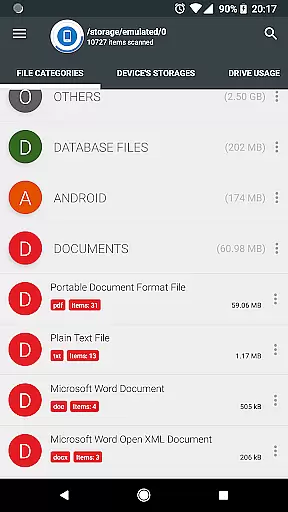
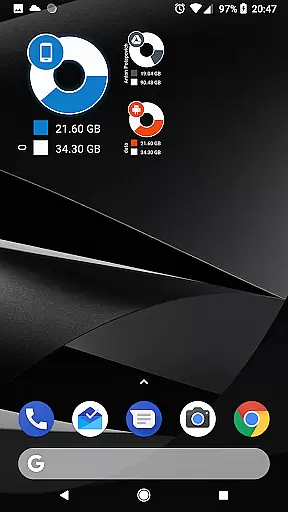
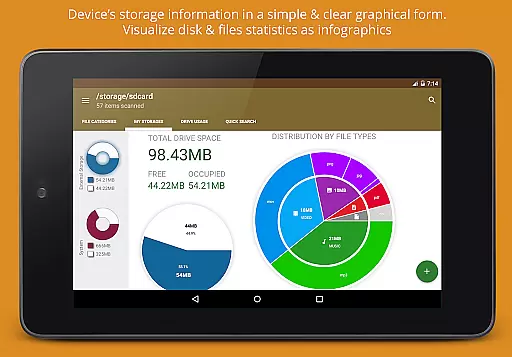
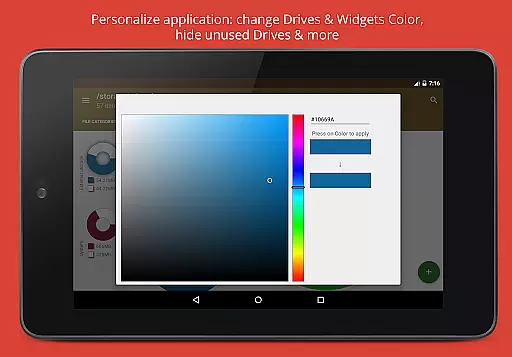
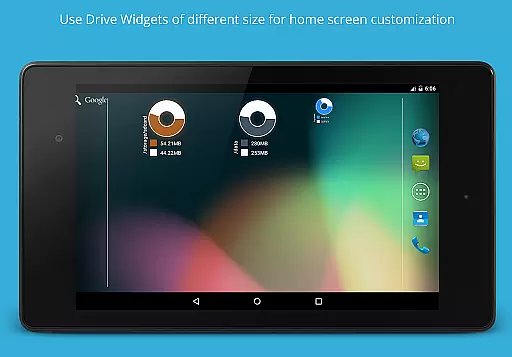
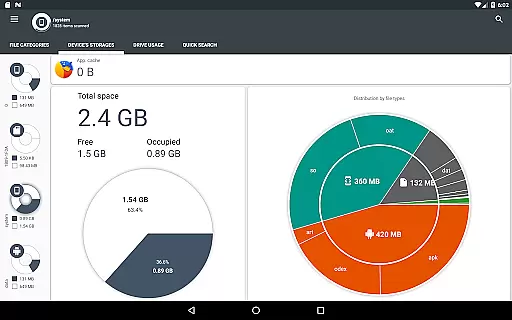
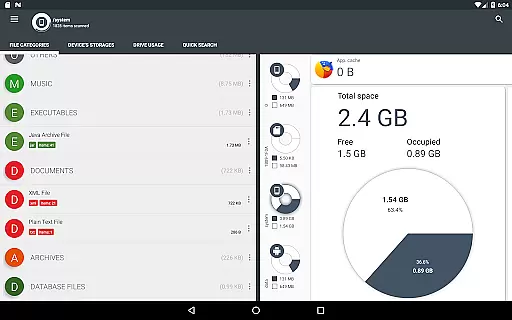
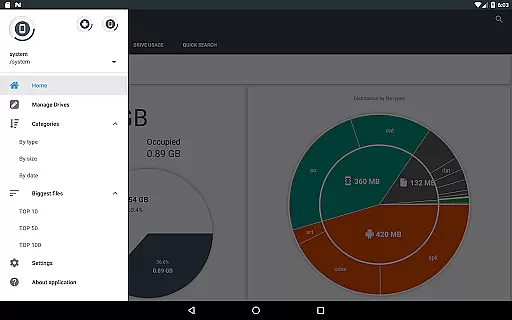
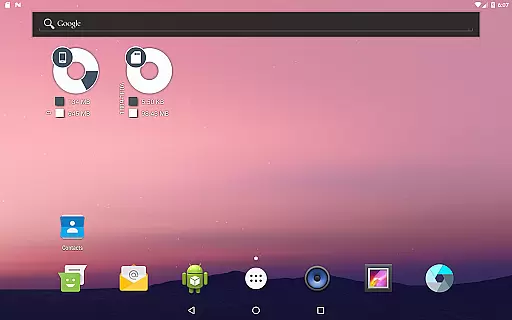
Disk & Storage Analyzer [PRO] is a comprehensive productivity tool designed to help users manage their device's storage efficiently. The app provides detailed insights into internal and external storage, USB devices, and cloud drives through intuitive infographics like pie charts and sunburst diagrams. Its standout feature is the ability to display file usage statistics in a visually appealing and easy-to-understand format.
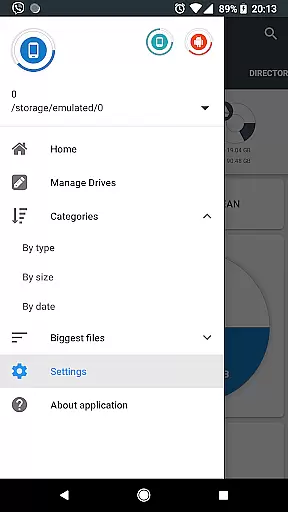
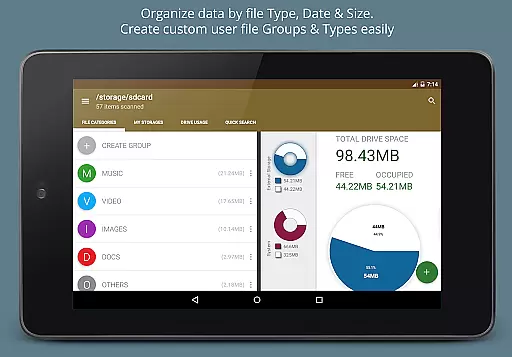
With this app, users can analyze installed applications, clean cache, and even delete unnecessary apps. It also supports global search functionality, categorizes files by type, size, and date, and allows users to perform actions such as deleting or sharing files directly from the interface. Whether you're looking to free up space or organize your files better, Disk & Storage Analyzer [PRO] offers the tools necessary to maintain an optimized device.
The app boasts a variety of advanced features tailored for productivity enthusiasts. One key feature is its ability to connect to cloud drives like Google Drive, Dropbox, and Yandex.Disk, enabling users to analyze cloud storage usage just as they would with local storage. This functionality extends to displaying detailed file-specific data such as name, path, size, and last modified date, ensuring users have all the information needed to make informed decisions.
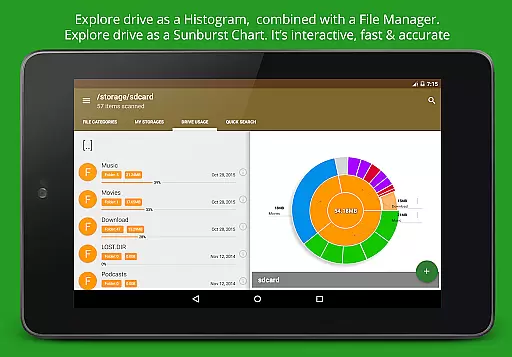
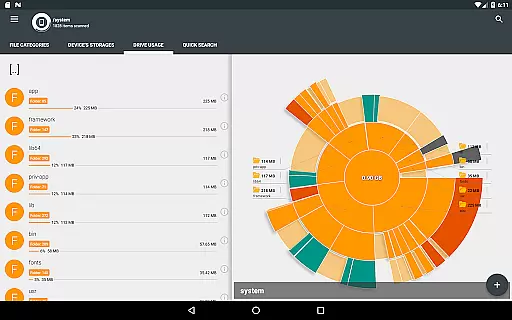
Another notable feature is the Sunburst chart visualization, which represents folders and files in a nested, interactive diagram sorted by size. Users can click on sectors to explore deeper levels of their storage hierarchy. Additionally, the app includes a Quick Search page that indexes files at startup, allowing users to find specific files quickly. With options to categorize files by type, size, or date, Disk & Storage Analyzer [PRO] ensures maximum flexibility in managing digital content.
Disk & Storage Analyzer [PRO] excels in core task management by offering users a comprehensive suite of tools to monitor and manage their device's storage efficiently. The application provides detailed insights into file usage, categorizing data across internal and external storage, USB devices, and cloud drives.
Through its intuitive interface, the app allows users to access specific file data such as name, path, size, and last modified date. This functionality supports effective task management by enabling users to make informed decisions about their storage needs.
Additionally, the app goes beyond simple file management by providing features like cache cleaning and the ability to delete selected apps. These capabilities ensure that users can reclaim valuable space and maintain optimal device performance.
The true value lies in the app's ability to present complex storage data through clear graphical representations like pie charts and sunburst diagrams. This visualization empowers users to understand their storage distribution at a glance and take appropriate action.
While Disk & Storage Analyzer [PRO] primarily focuses on individual device storage, it offers reliable cross-device synchronization through its cloud integration features. Users can connect various cloud services including Google Drive, Dropbox, and Yandex.Disk, ensuring consistent access to their storage data across multiple devices.
The application maintains synchronization reliability by indexing files from connected cloud drives and presenting them alongside local storage information. This unified view allows users to manage their digital assets seamlessly, regardless of their physical location.
Furthermore, the app's global search functionality enhances synchronization by indexing both local and cloud storage files during startup. This feature ensures that users can quickly locate their files across all connected devices and cloud services.
Although the app doesn't provide real-time synchronization, its robust indexing system and regular updates create a reliable cross-device experience. The consistent presentation of storage data across different platforms helps users maintain better control over their digital resources.
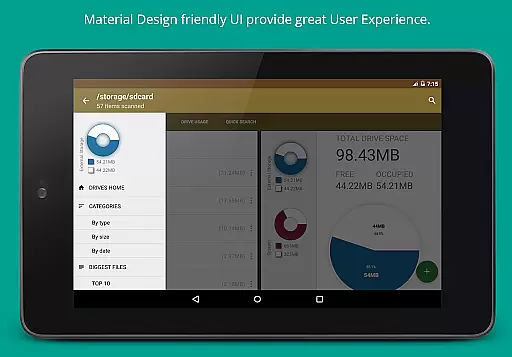
User-friendly interface
Comprehensive storage analysis
Cloud drive integration
Cache cleaning functionality
Interactive file visualization
No automatic backup option
Limited real-time sync
Premium version cost
Occasional force closes
Requires multiple permissions

 4.20
4.20
Wake up & get tasks done! Add alarms & reminders on the Clock Launcher.
4.00
Make apps & sites with natural language prompts
4.10
Functional QR scanner and barcode reader that requires little storage space.
4.60
Create and edit presentations with Google Slides, part of Google Workspace.
4.00
Ultimate Virtual AI Character for immersive Roleplay Chat. Perfect Companion
3.90
Seamlessly read, manage, and organize all your PDF files solution in one place
4.40
QuickEdit is a fast, stable and full featured text and code editor.
4.20
Note taking, handwriting, record audio, PDF annotation, planner & journal
4.20
Best Tool for the professionals Electrician, Electrical contractors, etc.
4.90
Multilingual translator for text, voice, and image translation!
4.90
Understand anything with a personalized AI research assistant
4.80
Direct Chat without saving contacts & Dual WA Account on Single Device
4.70
App lock - lock apps with fingerprint, password, pin or pattern, protect privacy
4.70
When you Focus, so will your Bean in this cozy focus timer
4.30
Customizable calendar widget for seamless event sync, planning & scheduling.
4.00
* block pre-roll ads, pop-up and forced redirect ads * Samsung certification app
4.00
Simple and reliable communication between inmates, friends and family
3.20
A comprehensive suite of tools designed specifically for Lactation Consultants
4.1


User Reviews