
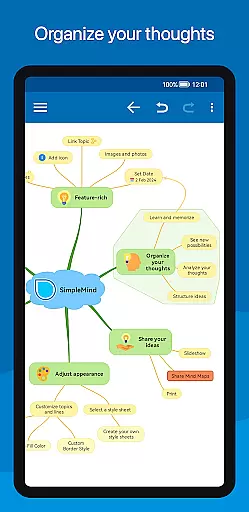
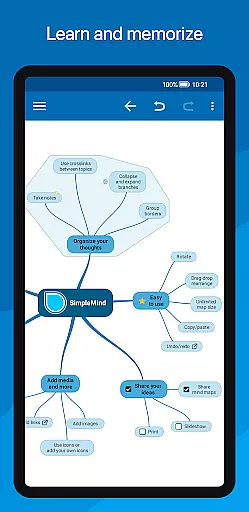
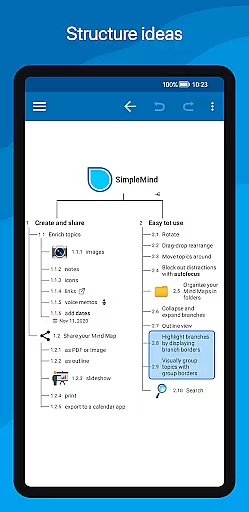
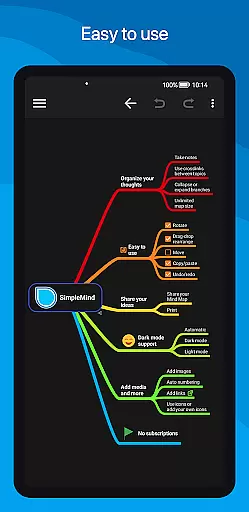
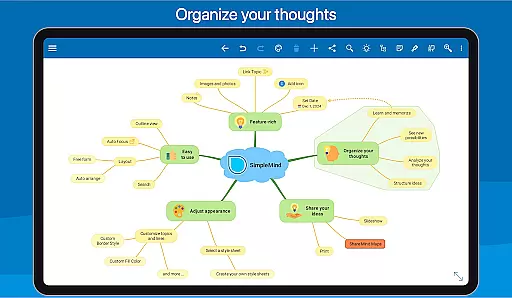
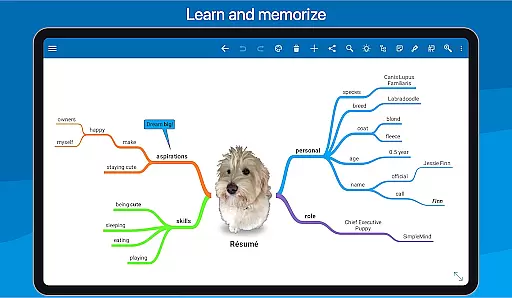
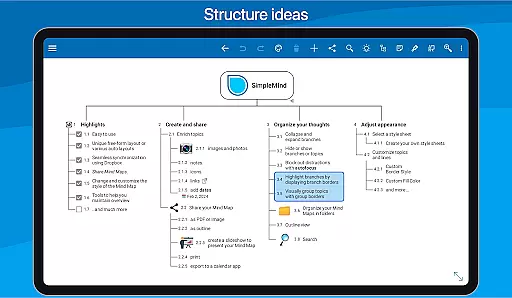
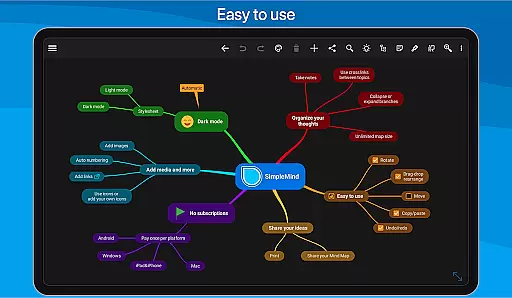
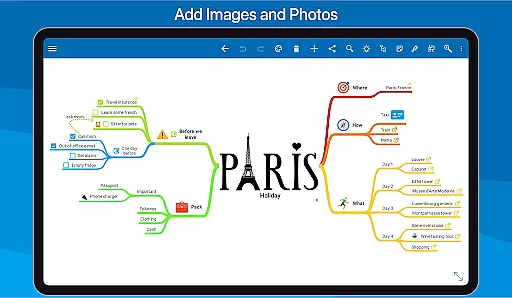
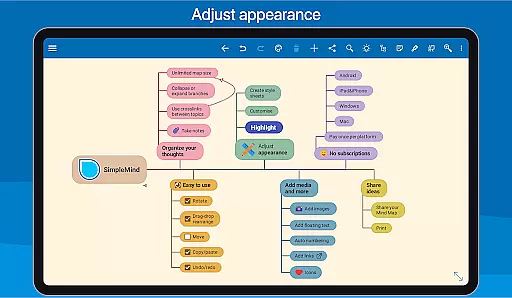
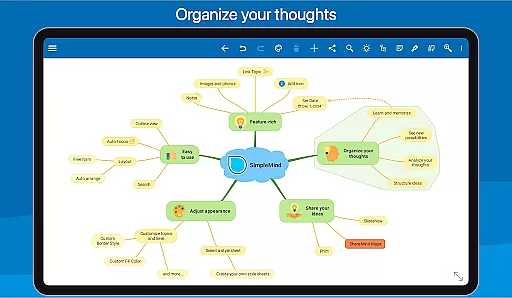
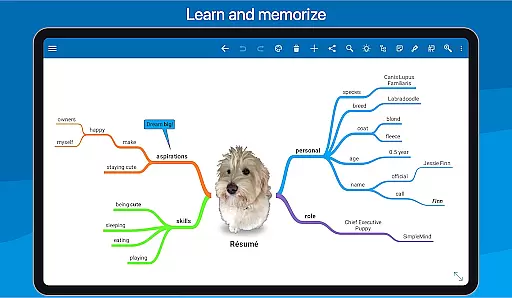
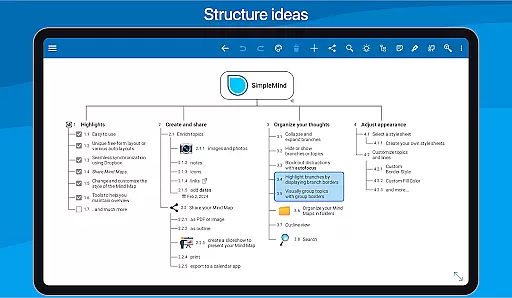
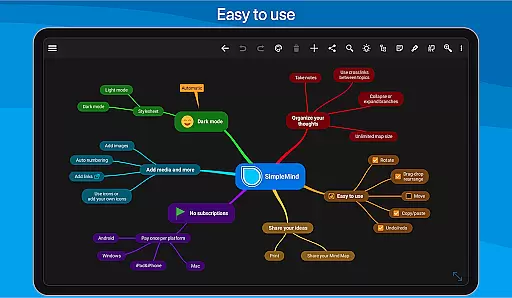
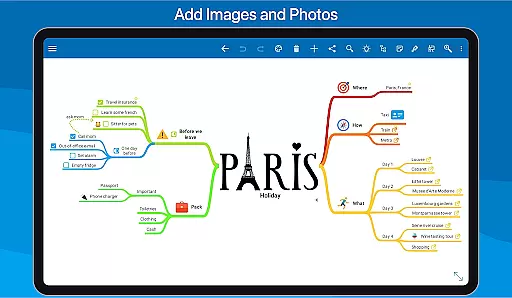
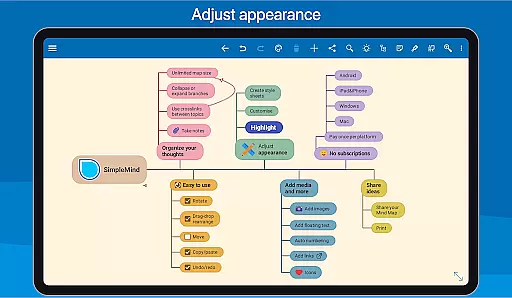
SimpleMind Pro is a premier mind mapping application designed to help users organize thoughts, retain information, and generate innovative ideas. The app offers an intuitive interface that allows for effortless mind mapping anytime, anywhere. With its unique synchronization feature, users can maintain consistency across multiple platforms, including Windows and Mac (available as separate purchases). SimpleMind Pro stands out with its versatile free-form layout options and various automated layouts, making it suitable for diverse applications such as business, education, and healthcare.
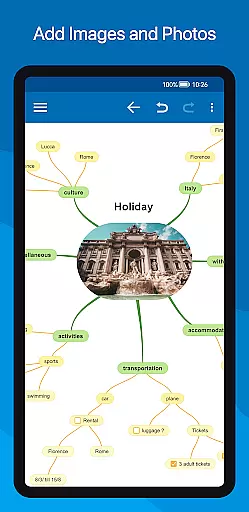
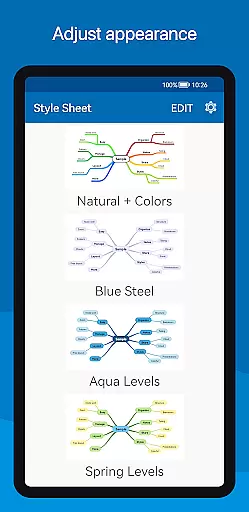
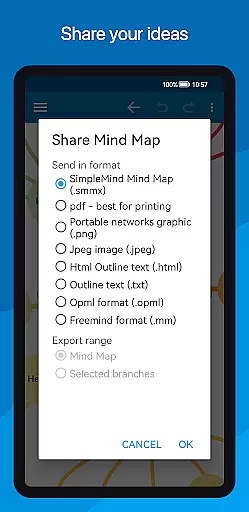
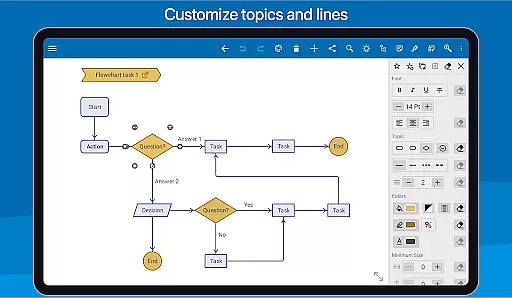
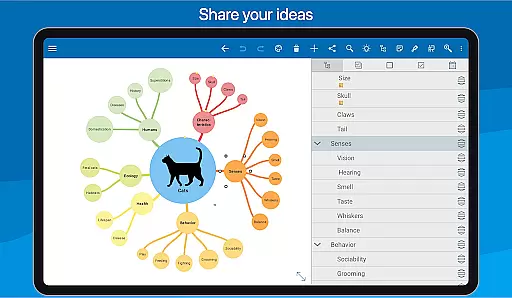
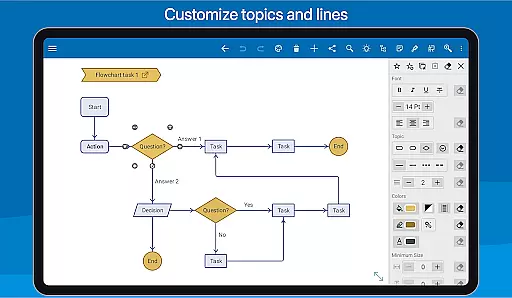
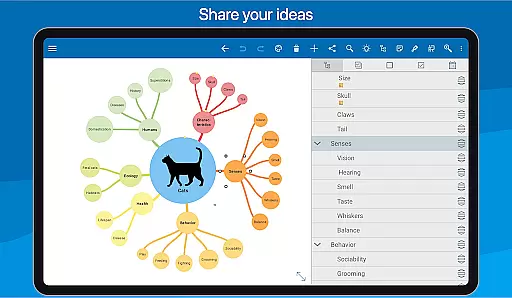
The app's robust functionality extends to adding multimedia elements like images, videos, and voice memos, enhancing the depth of your mind maps. Sharing capabilities allow you to export your work in formats like PDF or integrate with word processors. Additionally, SimpleMind Pro provides extensive customization options, enabling users to tailor the appearance of their mind maps with different style sheets and detailed formatting choices. These features collectively ensure that users can maintain clarity and focus while working on complex projects.
SimpleMind Pro boasts a comprehensive suite of features designed to cater to all your mind mapping needs. One of its standout functionalities is the seamless synchronization across devices using cloud services like Dropbox. This ensures that your mind maps are always up-to-date, whether you're switching between an Android device or moving to a desktop platform. The app also supports a unique free-form layout, allowing you to place topics anywhere on the canvas, alongside automated layout options perfect for brainstorming sessions.
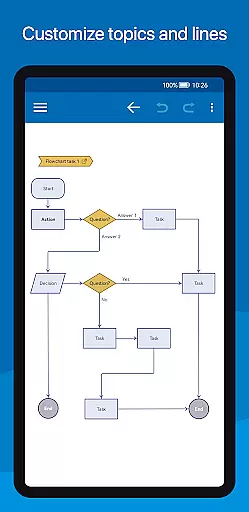
Further enhancing its utility, SimpleMind Pro enables the integration of various media types, including images, notes, icons, and even voice memos. Users can employ tools like checkboxes, progress bars, and auto-numbering to better organize their thoughts. The app facilitates sharing through multiple export options such as PDF, image files, and outlines. Moreover, its powerful styling tools let you customize every aspect of your mind map, from borders and lines to colors and backgrounds, ensuring your maps are both functional and visually appealing.
SimpleMind Pro excels in core task management by offering a versatile mind mapping experience that helps users organize thoughts and generate ideas effectively. The app allows for both free-form and structured layouts, making it adaptable to various thinking styles.
With features like drag-and-drop functionality, auto-numbering, checkboxes, and progress bars, the app ensures that managing tasks is both intuitive and efficient. Users can easily reorganize their mind maps by rotating or reconnecting topics, ensuring that their workflow remains fluid and responsive to new insights.
The ability to add crosslinks between topics and label relationships enhances the clarity of task dependencies. This interconnected approach not only simplifies complex projects but also fosters creative thinking by visualizing how different elements relate to each other.
Ultimately, SimpleMind Pro's task management capabilities empower users to maintain an organized workspace while encouraging innovation through its flexible design options and robust organizational tools.
Cross-device synchronization is a standout feature of SimpleMind Pro, enabling users to seamlessly work across multiple platforms. Whether you're transitioning from a phone to a tablet or syncing with desktop versions on Windows or Mac, the app ensures your mind maps are always up-to-date.
Utilizing cloud services such as Dropbox, SimpleMind Pro guarantees reliable data transfer and accessibility. This means you can start brainstorming on your Android device during a commute and continue refining those ideas on a larger screen at home without missing a beat.
The synchronization process is designed to be effortless, allowing users to focus on content creation rather than technical logistics. By maintaining consistency across devices, the app supports productivity regardless of where inspiration strikes.
This level of integration underscores SimpleMind Pro's commitment to providing a trustworthy tool for professionals who rely on uninterrupted access to their mind maps across various environments.
User-friendly interface
Extensive customization options
Cross-platform synchronization
Versatile layout options
Reliable long-term support
Premium version comes at a cost
Steeper learning curve for beginners
Limited free version features
Occasional sync issues reported
Resource-intensive on older devices

Client for Nextcloud Deck
 4.60
4.60
All in one sketching tool. Technical and General drawing. Online Maps support.
3.70
The Pro Version of Android's tiniest Notepad app. Just 0.3MB but feature-packed!
4.60
Translate text/voice/photos in 150+ languages. Offline & fast translator app.
4.50
Docker, Kubernetes management over Portainer Mobile
4.40
Experience and share your SolidWorks designs on your Android® phone and tablet.
2.50
Daily processing of PDF documents.
4.40
Put a lock on your cloud: Take the security of your data into your own hands
3.70
QuickEdit is a fast, stable and full featured text and code editor.
4.20
Multilingual translator for text, voice, and image translation!
4.90
Understand anything with a personalized AI research assistant
4.80
QuickBooks Workforce lets teams view pay info and track time in one place.
4.70
Functional QR scanner and barcode reader that requires little storage space.
4.60
To do list widget with a notebook organizer, checklist, simple shopping list
4.60
PDF scanner & converter for files, photos, lottery, QR codes. One swipe away!
4.50
Cloud storage, automatic phone backup, and more.
4.10
Secure, open-source, SPICE and SSH Remote Desktop for QEMU KVM virtual machines
4.00
The ultimate file manager for rooted devices. The original and still the best.
4.00
Ads Free App! Editor, Hide File, Copy, Move, Delete and Rename.. all facility av
1.70


User Reviews