
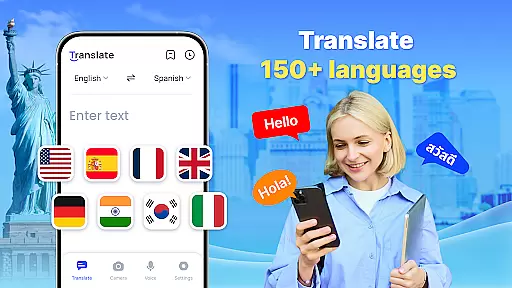
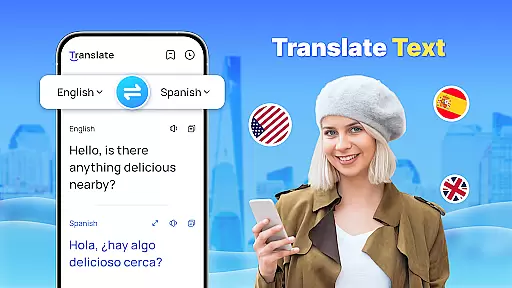
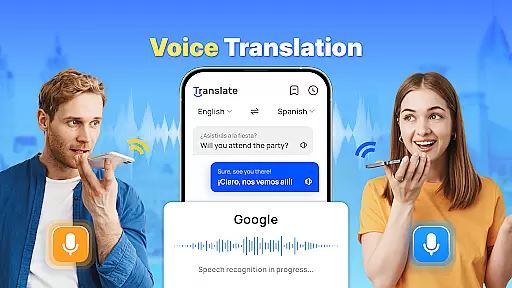
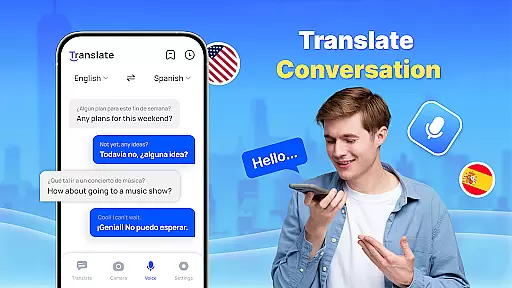
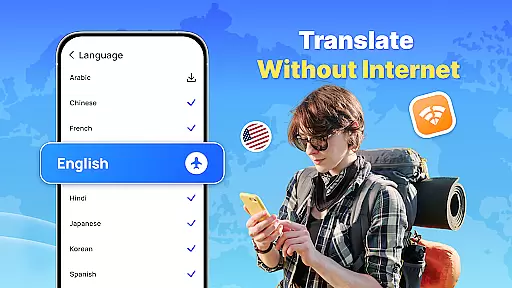
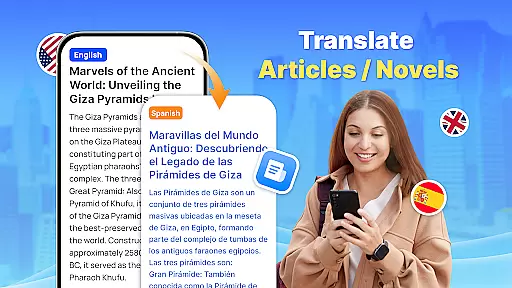
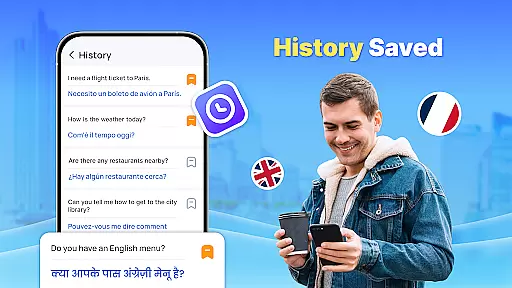
Translate - Translator is a versatile productivity app designed to break language barriers through its robust text, voice, and photo translation capabilities. Supporting over 150 languages, this free translator app offers both online and offline functionality, making it an essential tool for travelers, students, and professionals alike. With features like instant text translation, real-time voice recognition, and AI-powered photo translation, users can seamlessly communicate across different languages.
The app also includes practical tools such as full-screen translation via a floating ball, auto-detection of input languages, reverse translation, and the ability to save and share translations. Whether you're traveling abroad, engaging in business negotiations, or learning a new language, Translate - Translator ensures smooth and efficient communication while offering convenience and accessibility.
Translate - Translator stands out with its comprehensive set of features tailored to enhance productivity in multilingual environments. The app provides instant text translation across 150+ languages, catering to various needs such as travel, business, and education. Its advanced voice recognition technology allows for real-time spoken language translation, ensuring fluid conversations with foreign speakers without any language constraints.
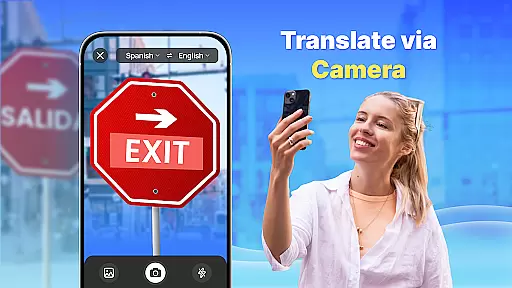
One of the app's most innovative features is its AI-powered photo translation, which enables users to capture images of foreign language texts—such as menus, signs, or documents—and receive accurate translations. Additionally, the offline translation mode ensures uninterrupted service even without an internet connection, saving on roaming charges while traveling. Users can also create collections of important translations for quick reference, enhancing their efficiency when communicating in non-native languages.
In the realm of productivity, core task management is pivotal for organizing and prioritizing tasks efficiently. Translate - Translator excels in this area by offering a multifaceted approach to managing language translation tasks.
The app supports text, voice, and photo translation across 150+ languages, providing users with versatile tools to handle various translation needs. Its ability to auto-detect input language and reverse translate ensures that users can focus on the content rather than the mechanics of translation.
Translate - Translator also allows users to save and share translation results, creating an organized system for referencing past translations. This feature proves invaluable when revisiting important communications or frequently used phrases.
By integrating quick translation via a floating ball and offline capabilities, the app empowers users to manage their translation tasks seamlessly, whether they're online or offline, thus enhancing overall productivity.
Cross-device synchronization is essential for maintaining consistency and accessibility of information across different platforms. Translate - Translator addresses this need by ensuring reliable synchronization of translation data.
With its offline translation feature, the app guarantees uninterrupted access to translations without requiring an internet connection. This functionality is particularly beneficial when traveling or in areas with poor connectivity, allowing users to rely on consistent performance.
The application's support for full-screen text translation and a floating ball for quick translation enhances the user experience by providing instant access to translations on any device. These features ensure that users can obtain translations swiftly, regardless of the device in use.
Translate - Translator's commitment to accessibility and reliability means that users can expect a seamless experience when switching between devices, making cross-cultural interactions effortless and efficient.
User-friendly interface
Wide language support
Offline functionality
Real-time voice translation
AI-powered photo translation
Limited advanced features
Occasional inaccuracies
Ads in free version
Requires permissions
Large file size

Wake up & get tasks done! Add alarms & reminders on the Clock Launcher.
 4.00
4.00
Smart PDF reader & editor to view, organize and manage PDF documents easily.
3.70
Customizable calendar widget for seamless event sync, planning & scheduling.
4.00
The AI assistant that thinks with you - write, code, and solve complex tasks
4.60
Intelligent AI Assistant
4.10
Lightweight PDF, Word, Excel reader.
4.60
Understand anything with a personalized AI research assistant
4.80
Okta MFA
4.70
Daily processing of PDF documents.
4.40
Best Tool for the professionals Electrician, Electrical contractors, etc.
4.90
Direct Chat without saving contacts & Dual WA Account on Single Device
4.70
A beautiful digital clock with autostart and many other functions
4.70
A simple Whisper AI keyboard for reliable speech transcription and rewording
4.60
Fill, sign & send docs, forms, agreements & contracts via electronic signature.
4.50
Docker, Kubernetes management over Portainer Mobile
4.40
Cloud storage, automatic phone backup, and more.
4.10
Experience real multitasking on your Android!
4.00
Take control of your clipboard with Clipper!
3.90
The upgraded version of Name Wheel with AI and the power to add your own wheels.
4.3


User Reviews