
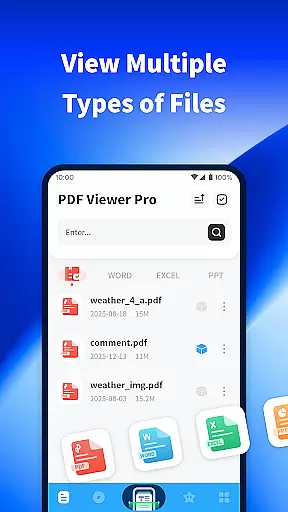
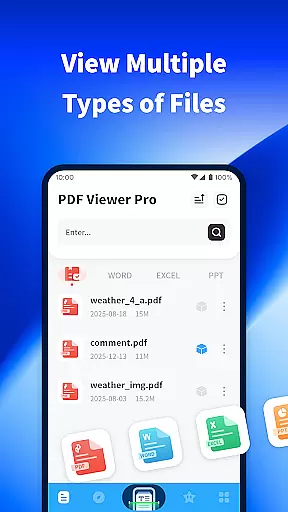
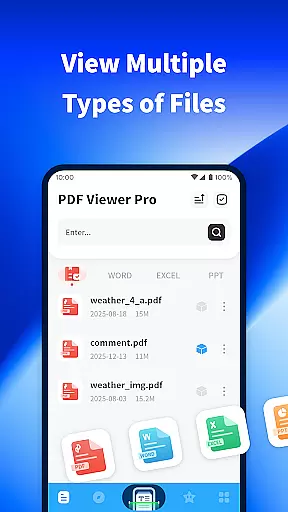
PDF Viewer Pro is a versatile productivity application designed to enhance document management and reading experiences. This app allows users to open, view, and manage files in various formats, making it an essential tool for both personal and professional use. With features like file scanning, PDF annotation, and night mode, it ensures maximum usability across different scenarios.
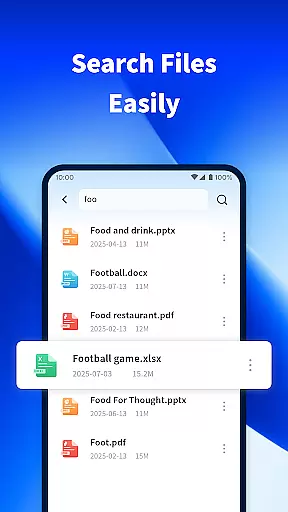
The app stands out with its powerful document search functionality and user-friendly interface, enabling quick access to files stored on your device. Whether you're a student managing study materials or a professional handling work documents, PDF Viewer Pro provides the tools needed to streamline your workflow and improve productivity.
By combining essential PDF tools with a comfortable reading experience, this app adds significant value to anyone who regularly works with digital documents. Its intuitive design and comprehensive feature set make it a must-have application for efficient document handling.
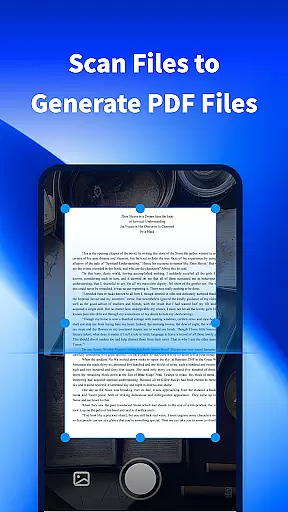
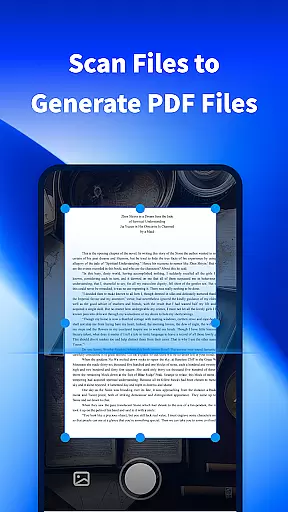
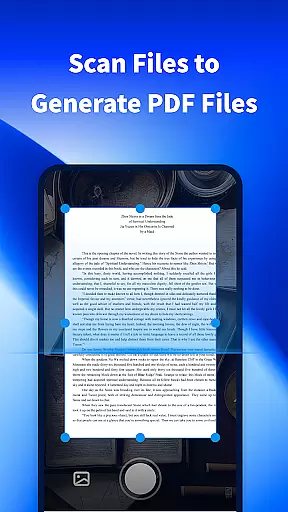
PDF Viewer Pro offers an impressive range of features that cater to diverse document management needs. The app's scanning functionality allows users to capture physical documents and convert them into digital PDFs instantly. This feature is particularly useful for creating digital copies of important paperwork or notes.
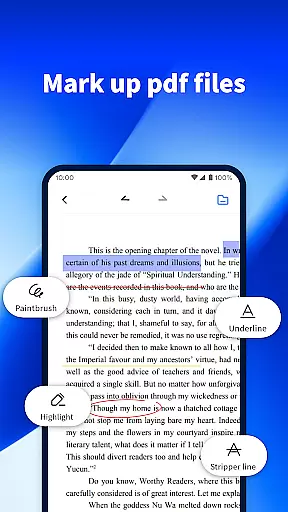
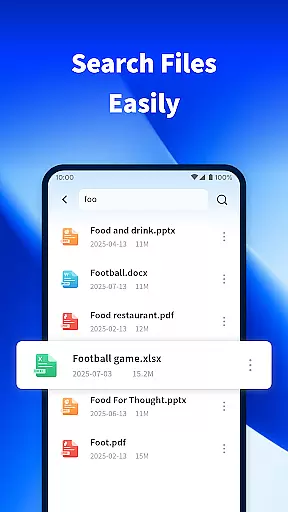
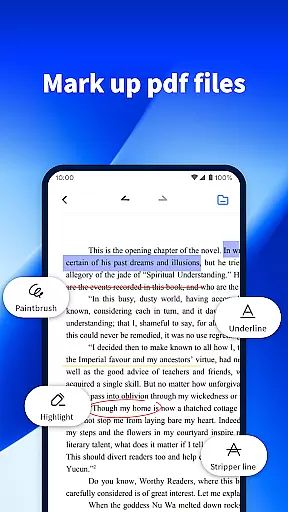
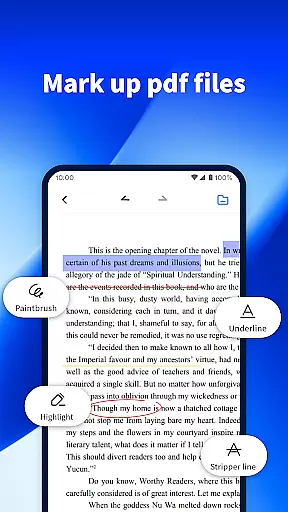
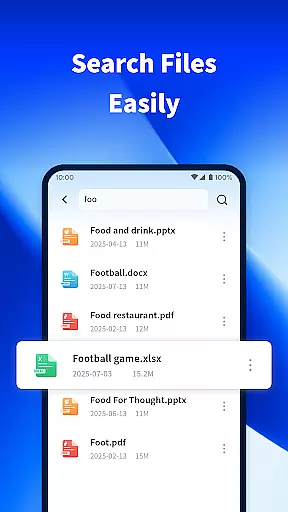
One of the standout capabilities is its advanced PDF annotation tools. Users can easily highlight text, add comments, and create digital signatures directly within PDF documents. The app also includes a powerful search function that helps locate specific files quickly, saving valuable time when working with large document collections.
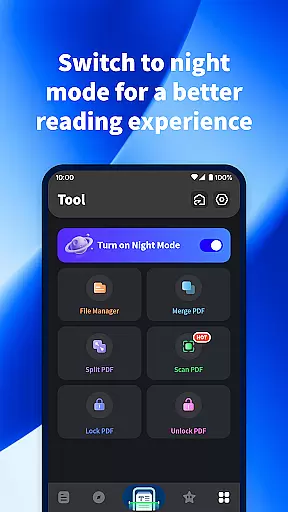
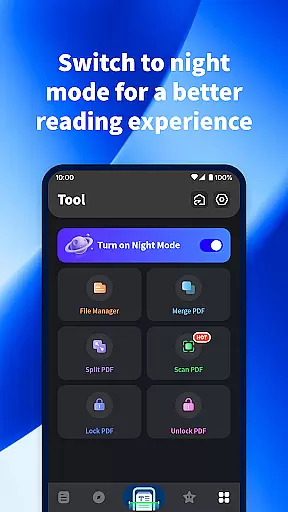
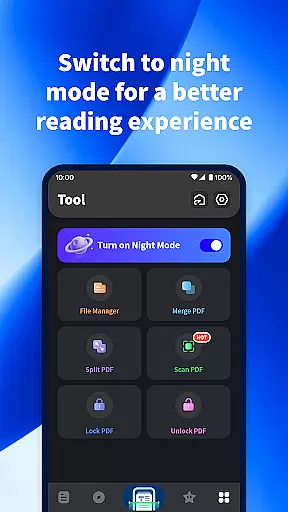
The implementation of night mode demonstrates the app's attention to user comfort. This feature adjusts the display for optimal readability in low-light conditions, reducing eye strain during extended reading sessions. These carefully designed features collectively contribute to a more efficient and comfortable document management experience.
PDF Viewer Pro excels in core task management by offering a comprehensive suite of tools designed to handle PDF documents efficiently. This includes the ability to scan files and generate PDFs, making document creation seamless.
The app allows users to mark PDF documents with ease, providing essential annotation features that are crucial for productivity. These marking tools enable users to highlight, underline, and add notes to their documents, facilitating better information processing and retention.
Additionally, the app's powerful search functionality ensures that users can quickly locate specific files among various formats on their device. This feature significantly enhances task management by reducing the time spent searching for documents, thus streamlining workflow and boosting overall productivity.
Cross-device synchronization is a standout feature of PDF Viewer Pro, ensuring that users can access their documents from multiple devices without any loss of data or formatting. This reliability is critical for users who switch between devices frequently.
The app supports real-time updates, meaning any changes made to a document on one device are immediately reflected on all other linked devices. This seamless synchronization ensures that users always have the most up-to-date version of their documents at their fingertips.
Moreover, PDF Viewer Pro offers a consistent reading experience across devices with its adaptive night mode. Designed for comfort during nighttime reading, this feature adjusts the display to reduce eye strain, providing a better user experience regardless of the device being used.
User-friendly interface
Powerful PDF tools
Quick document search
Comfortable night mode
Free to use
Limited format support
No cloud integration
Basic editing tools
Occasional bugs
Ads in free version

Ads Free App! Editor, Hide File, Copy, Move, Delete and Rename.. all facility av
 1.70
1.70
Wake up & get tasks done! Add alarms & reminders on the Clock Launcher.
4.00
Direct Chat without saving contacts & Dual WA Account on Single Device
4.70
Cloud storage, automatic phone backup, and more.
4.10
Functional QR scanner and barcode reader that requires little storage space.
4.60
Tally and goal counter for Wear OS & mobile
4.50
Access, manage and transfer files on Android, PC, Mac, NAS and cloud storages.
4.30
Simple notepad & memo. Take notes, to-do list, shopping list with reminders.
4.80
Browse and view your photos and videos from the phone with photo & video hide.
4.10
Best Tool for the professionals Electrician, Electrical contractors, etc.
4.90
Android Wallet Password Manager
4.80
Protect and view your important info on your phone and tablet with eWallet®
4.80
Make apps & sites with natural language prompts
4.10
Create and edit presentations with Google Slides, part of Google Workspace.
4.00
The ultimate file manager for rooted devices. The original and still the best.
4.00
Mega cloud explorer plugin for Solid Explorer
3.80
Smart PDF reader & editor to view, organize and manage PDF documents easily.
3.70
Make your handwriting beautiful, even more than pen on paper.
3.60
Easiest event planning, volunteer signups & parent teacher conference scheduling
2.20


User Reviews