
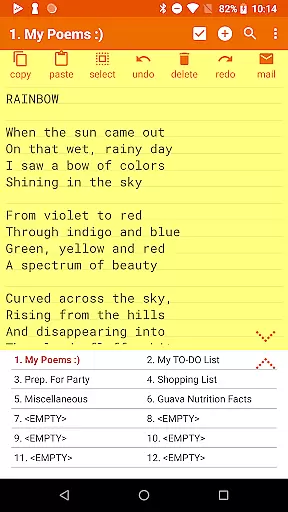



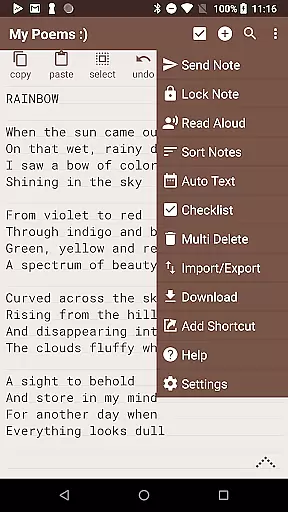
Notepad Pro represents the pinnacle of note-taking applications on Android, offering a robust set of features in an incredibly lightweight package. This productivity tool stands out with its versatile auto-save functionality and unlimited notepad slots, ensuring that users never lose their valuable notes. The app's tiny size of just 0.3 MB means it won't hog device resources, while its comprehensive feature set includes in-line checklist capabilities, cross-note search functionality, and desktop widget support.
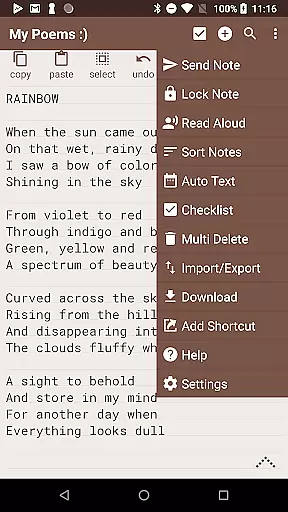
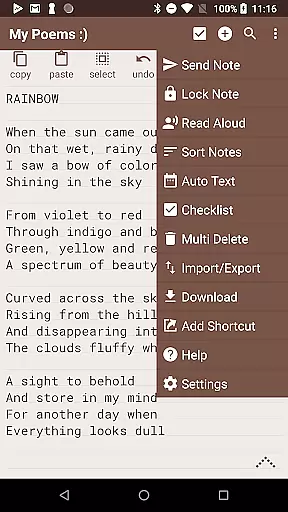
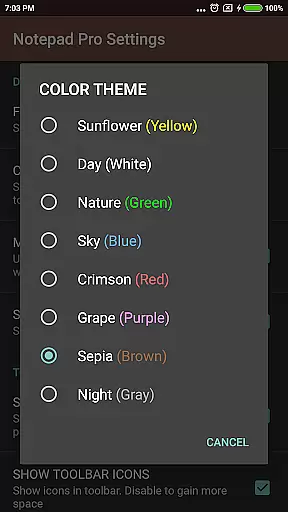
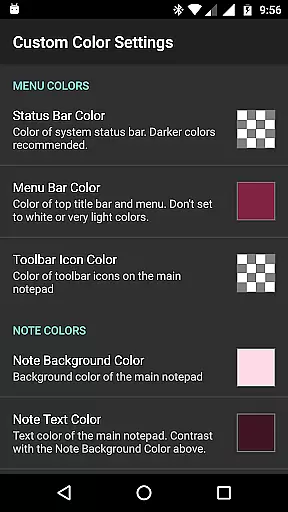
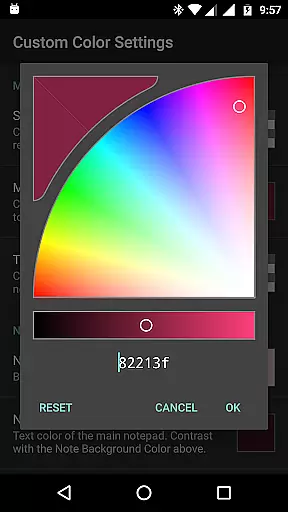
Beyond basic note-taking, Notepad Pro excels in organization and customization. Users can categorize and bookmark notes, apply custom themes, and enjoy enhanced accessibility features like read-aloud functionality. The app also provides advanced safeguarding measures including selective import/export options, backup frequency settings, and local download capabilities for notes and backups. These enterprise-grade features make it particularly suitable for professionals who need reliable, secure, and flexible note management.
The true value of Notepad Pro lies in its ability to streamline both personal and professional workflows. From creating desktop shortcuts for quick access to specific notes, to enabling users to attach notes as files in emails, the application serves as a comprehensive solution for efficient information management. Its compatibility with various email clients and ability to handle external text sharing further enhances its utility in modern work environments.
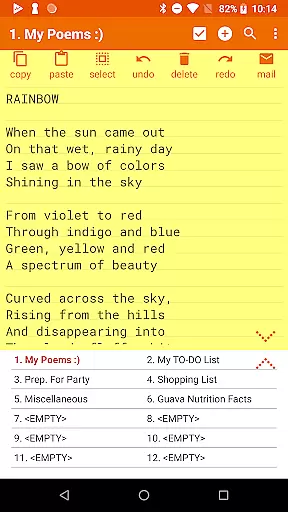
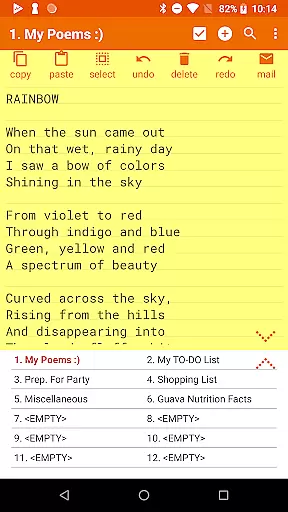
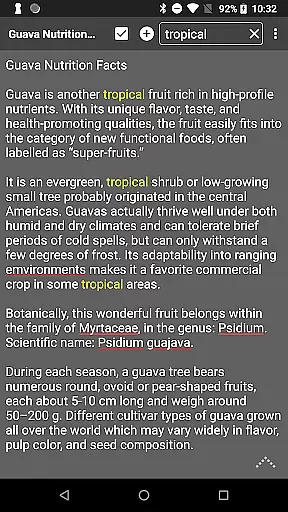
Notepad Pro distinguishes itself through its comprehensive feature set that addresses various user needs. The application's general features include unlimited notepad slots, inline checklist capabilities, and cross-note search functionality, all packaged in an impressively small 0.3 MB footprint. The absence of unnecessary permissions ensures user privacy while desktop widget support provides convenient access to notes.
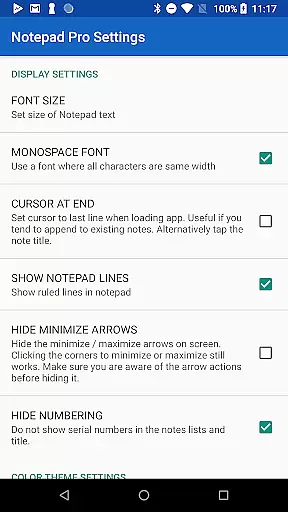
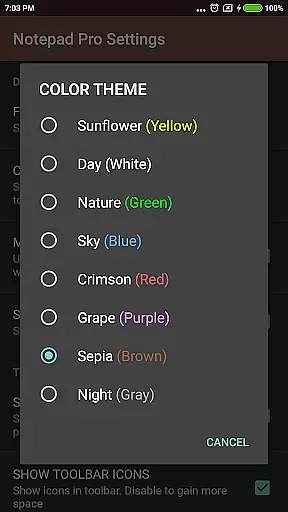
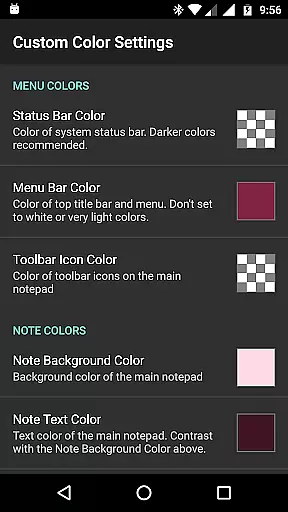
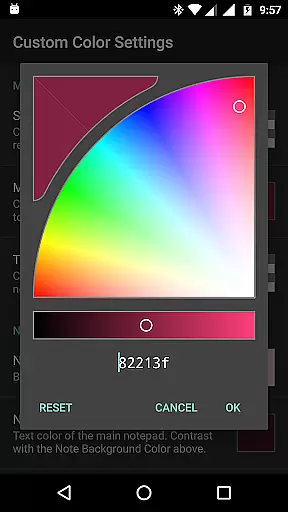
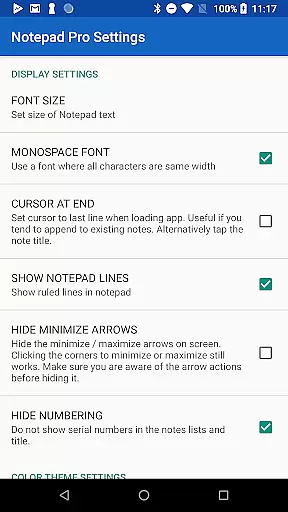
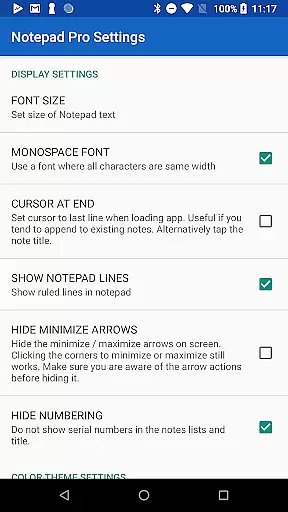
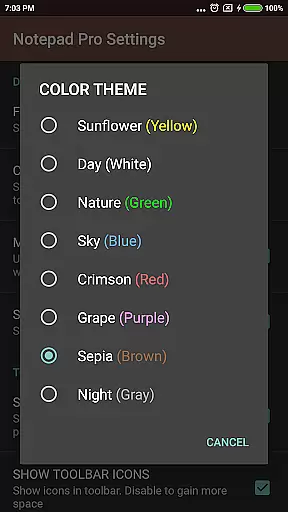
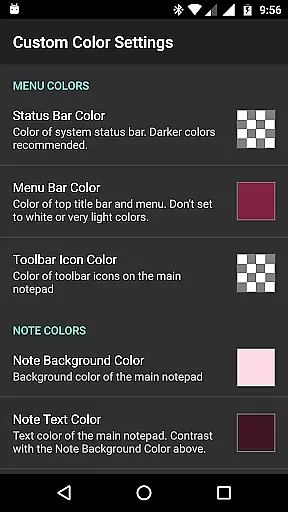
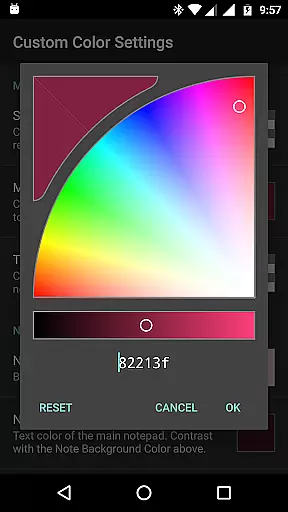
In terms of display customization, the app offers extensive options for organizing and viewing notes. Users can sort and rearrange notes according to their preferences, categorize and bookmark important entries, and choose from multiple custom themes. The always-visible note title and full-screen notes list view enhance usability, while additional configuration options allow for personalized workflow optimization.
The application's safeguarding features provide peace of mind for security-conscious users. Notable capabilities include selective import/export functionality, local backup downloads, and read-only note settings. Advanced sharing options enable seamless integration with other applications, allowing users to open text from external sources, attach notes as files in emails, and specify preferred email clients. These features collectively create a robust ecosystem for managing and protecting important information.
Notepad Pro excels in core task management by providing users with unlimited notepad slots, allowing for extensive note-taking without constraints. This ensures that users can organize their tasks and thoughts comprehensively.
The app goes beyond basic note-taking by offering in-line checklist capabilities, enabling users to create actionable items directly within their notes. This feature is crucial for task management as it allows users to track progress efficiently.
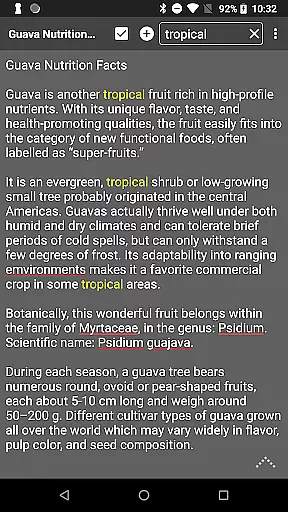
Additionally, the search functionality within and across notes makes information retrieval swift and straightforward. Users can quickly locate specific notes or tasks, enhancing productivity and ensuring that no critical information is overlooked.
While Notepad Pro focuses on device-local features, its reliable backup and restore system ensures that notes are safeguarded and can be transferred between devices. Users can download notes and backups locally, which provides flexibility in managing their data across multiple devices.
The app allows specifying backup frequency, giving users control over how often their notes are backed up. This level of customization ensures that cross-device synchronization meets individual user needs and preferences.
Selective import/export functionality further enhances synchronization reliability. Users can choose which notes to move between devices, maintaining organization and coherence in their task management process across different platforms.
Lightweight design
Unlimited note storage
Advanced customization
Robust security features
Cross-platform compatibility
Paid application
Steeper learning curve
Limited visual design
No cloud sync
Basic collaboration tools

 4.20
4.20
8 custom complications. Custom Time Fonts. Beautiful color schemes. A++ Design.
5.00
Secure, fast, open-source, Remote Desktop Client for Windows and Linux with SSH
4.60
PDF scanner & converter for files, photos, lottery, QR codes. One swipe away!
4.50
Functional QR scanner and barcode reader that requires little storage space.
4.60
Access, manage and transfer files on Android, PC, Mac, NAS and cloud storages.
4.30
Quickly and easily keep track of your work shifts
4.70
Intelligent AI Assistant
4.10
Note taking, handwriting, record audio, PDF annotation, planner & journal
4.20
Mind Map and brainstorm, note taking and idea collection
4.80
A simple Whisper AI keyboard for reliable speech transcription and rewording
4.60
To do list widget with a notebook organizer, checklist, simple shopping list
4.60
When you Focus, so will your Bean in this cozy focus timer
4.30
All in One PDF Reader: Manage, Read and Edit your Documents
4.20
Easily read and manage all your PDF files
4.10
Activate Two Factor Authentication (2FA or Multi OTP), Password manager and more
4.10
Access your phone's notifications, calls, apps, photos & texts on your PC
3.90
A Revolutionary All-in-One Artificial Intelligence Tools
3.80
Code on-the-go with VScode for Android. Edit,debug and collaborate from mobile!!
3.10


User Reviews