
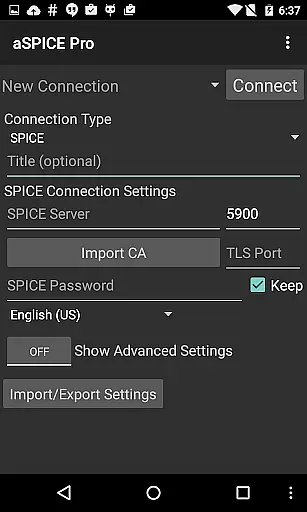
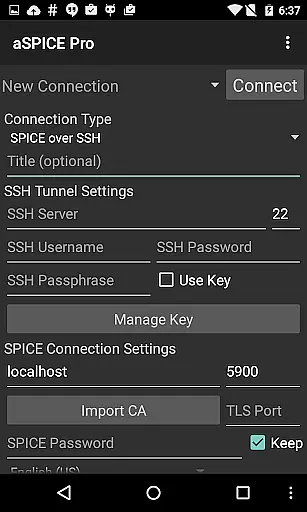
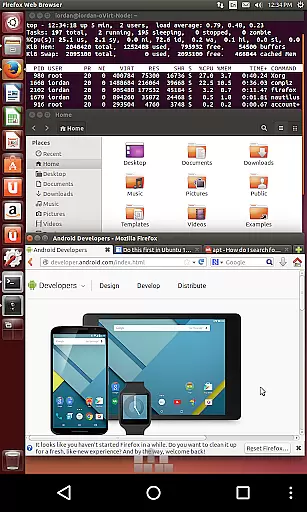
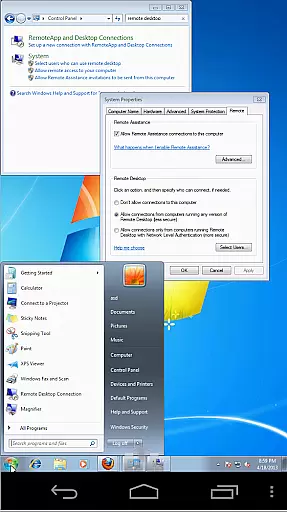
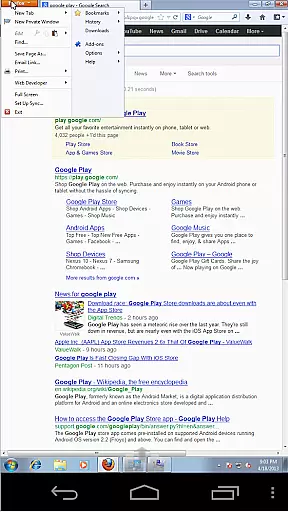

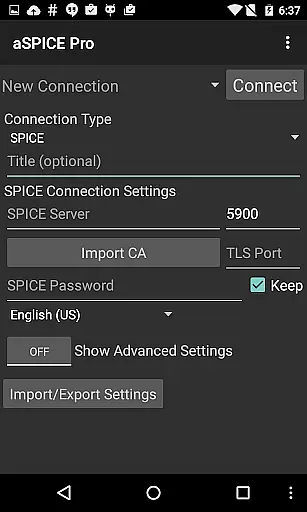
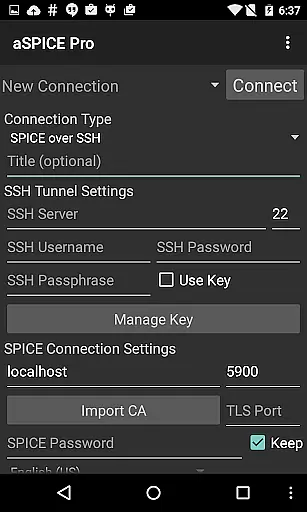
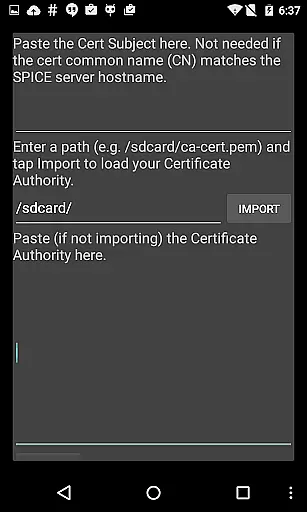
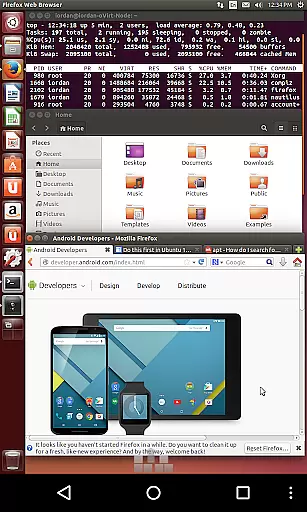
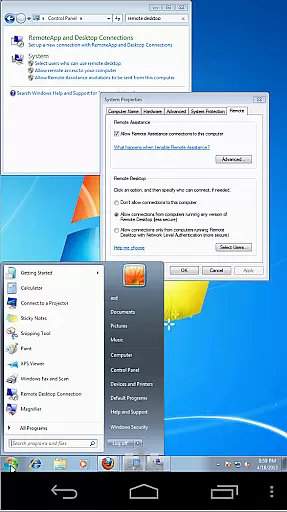
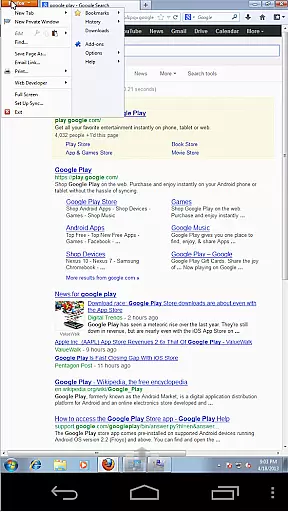

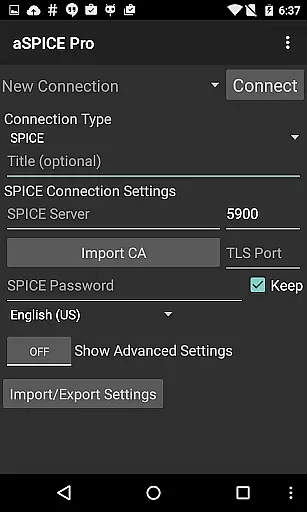
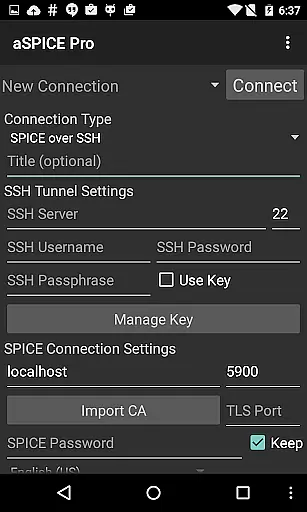
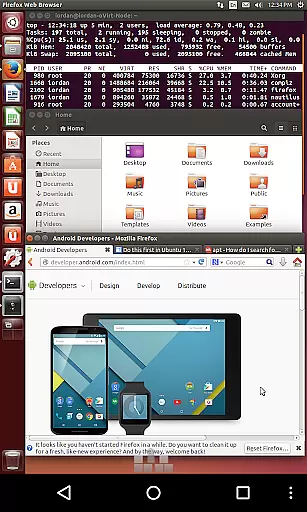
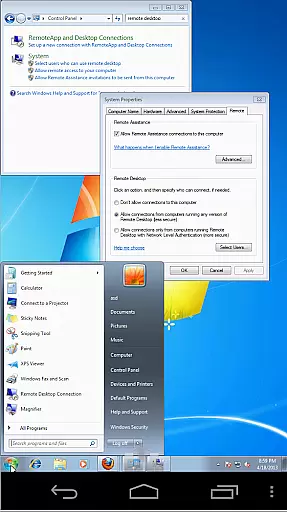
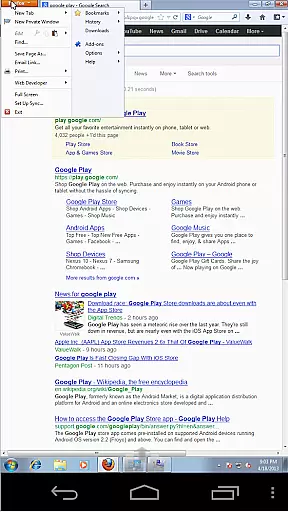
aSPICE Pro Secure SPICE Client is a powerful productivity tool designed for users who need to remotely control virtual machines with precision and security. This application supports the SPICE protocol, enabling seamless interaction with any SPICE-enabled QEMU virtual machine regardless of the guest operating system. Its standout feature is the robust SSH tunneling capability, which ensures secure connections even behind firewalls, making it ideal for IT professionals managing remote servers or developers testing environments.
With advanced input modes like Simulated Touchpad and Single-handed mode, aSPICE offers versatile multi-touch controls that mimic mouse actions such as left, right, and middle clicks through intuitive gestures. The app also provides dynamic resolution changes and full rotation support, allowing users to adjust their workspace on-the-fly. Whether you're using a smartphone or tablet, aSPICE optimizes UI elements for different screen sizes while maintaining complete desktop visibility, even when the soft keyboard is extended.
aSPICE Pro stands out with its comprehensive set of features tailored for productivity. One of its core strengths is the ability to handle complex input methods, including multi-touch gestures, pinch-zooming, and scroll functionality via two-finger drags. These features ensure smooth navigation within virtual machines without the need for external peripherals. Additionally, the inclusion of stowable on-screen keys like Ctrl, Alt, Tab, Super, and arrow keys enhances usability by providing quick access to essential commands directly from your mobile device.
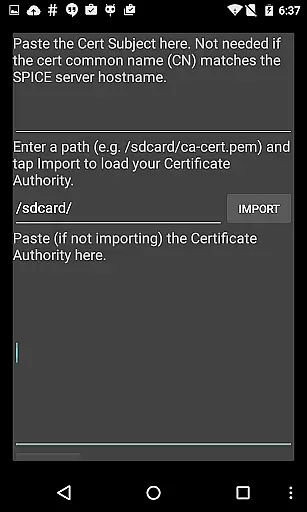
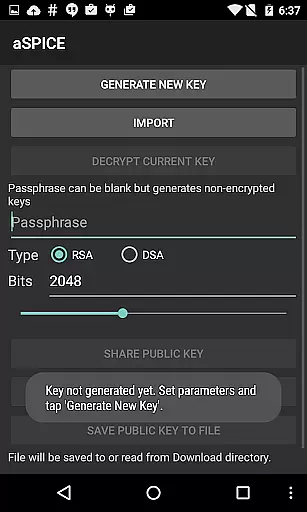
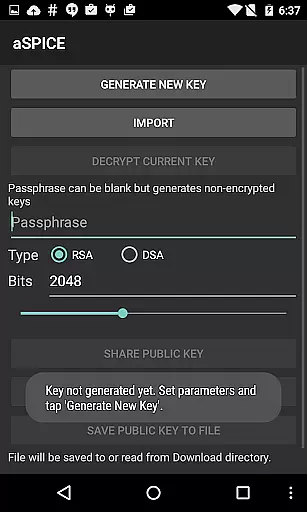
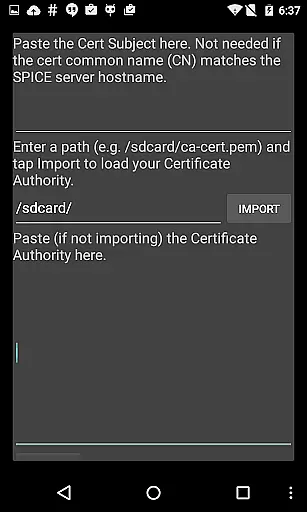
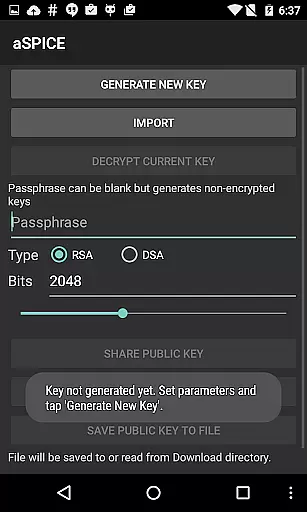
Security is another cornerstone of aSPICE Pro's design. It supports Master Passwords and Multi-Factor Authentication (MFA/2FA) for SSH connections, ensuring that only authorized users can access sensitive systems. Furthermore, the app allows importing encrypted RSA keys in PEM format and unencrypted DSA keys in PKCS#8 format, adding an extra layer of protection. With automatic session saving and various scaling modes—Zoomable, Fit to Screen, and One to One—users can customize their experience to suit specific tasks efficiently.
aSPICE Pro Secure SPICE Client excels in core task management by offering users comprehensive control over their virtual machines. The application supports any SPICE-enabled QEMU virtual machine, regardless of the guest operating system, ensuring broad compatibility and flexibility.
One of the standout features is its multi-touch control, which allows for intuitive interaction with the remote mouse. Users can perform left, right, and middle clicks with one, two, and three-finger taps respectively. This tactile approach to navigation simplifies complex tasks and enhances productivity.
In addition to touch controls, aSPICE provides dynamic resolution changes, enabling users to reconfigure their desktop environments on-the-fly. This feature ensures that whether you're adjusting settings in the BIOS or managing an OS, your view remains optimal and responsive to your needs.
The inclusion of SSH tunneling adds a layer of security, making it possible to safely reach machines behind firewalls. With these capabilities, aSPICE not only streamlines task management but also fortifies the connection between the user and their virtual workspace.
Cross-device synchronization is a critical component of aSPICE Pro Secure SPICE Client, ensuring that users can seamlessly transition between different devices without losing functionality or data integrity. By leveraging advanced SSH authentication methods, including MFA/2FA, the app guarantees secure and reliable connections across various platforms.
The application supports automatic connection session saving, meaning that users won't lose their place or progress when switching devices. Whether you're moving from a smartphone to a tablet or vice versa, aSPICE maintains the continuity of your work sessions, allowing for uninterrupted productivity.
Furthermore, aSPICE offers UI optimizations tailored for both tablets and smartphones, ensuring that the interface remains intuitive and accessible regardless of screen size. Samsung multi-window support extends this adaptability, providing even more flexibility for users who multitask across applications.
With robust import/export capabilities for settings and RSA/DSA keys, aSPICE ensures that personal configurations are preserved and easily transferable. This reliability in maintaining user preferences and security parameters underscores the app's commitment to delivering a consistent and dependable cross-device experience.
Secure SSH connections
Multi-touch controls
Dynamic resolution changes
Comprehensive input modes
Optimized UI for all devices
No clipboard integration yet
Limited language options
Complex setup for beginners
Occasional connection issues
Advanced features require learning

When you Focus, so will your Bean in this cozy focus timer
 4.30
4.30
Take control of your clipboard with Clipper!
3.90
Ads Free App! Editor, Hide File, Copy, Move, Delete and Rename.. all facility av
1.70
App lock - lock apps with fingerprint, password, pin or pattern, protect privacy
4.70
All in One PDF Reader: Manage, Read and Edit your Documents
4.20
Make apps & sites with natural language prompts
4.10
Font maker keyboard with your own handwriting
4.10
Activate Two Factor Authentication (2FA or Multi OTP), Password manager and more
4.10
A Pixel Art watchface inspired by other iconic 90s designs for Wear OS devices!
4.40
Multilingual translator for text, voice, and image translation!
4.90
Android Wallet Password Manager
4.80
Understand anything with a personalized AI research assistant
4.80
All document reader, all in one file viewer read PDF, DOCX, XLS, PPT, TXT files.
4.60
Lightweight PDF, Word, Excel reader.
4.60
Docker, Kubernetes management over Portainer Mobile
4.40
A customizable calendar for your Wear OS watch
4.20
Todo reminder
4.10
The ultimate file manager for rooted devices. The original and still the best.
4.00
⏰ Finally a timer app which can run multiple timers simultaneously on your watch
3.90


User Reviews