
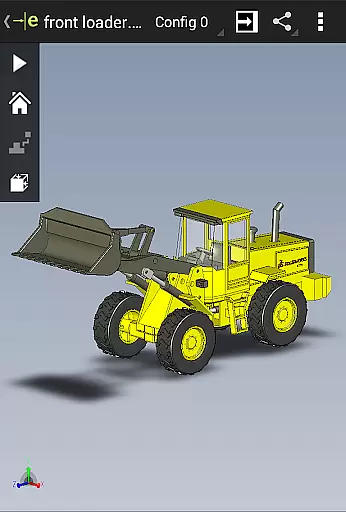
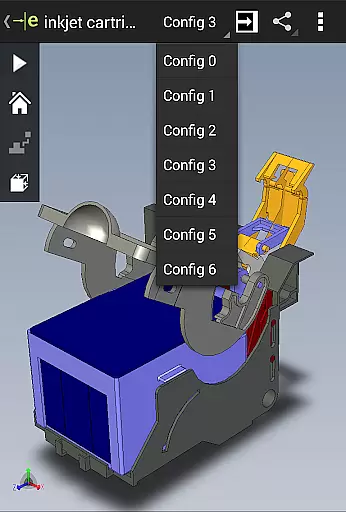
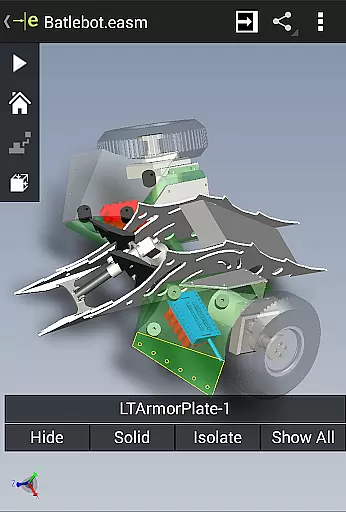
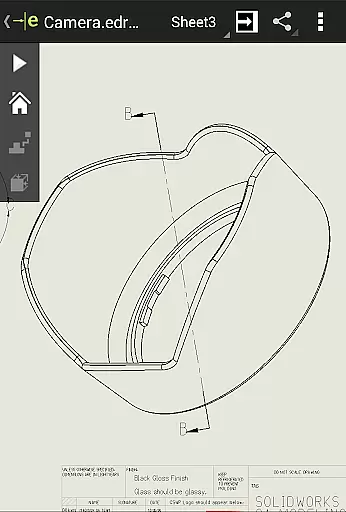
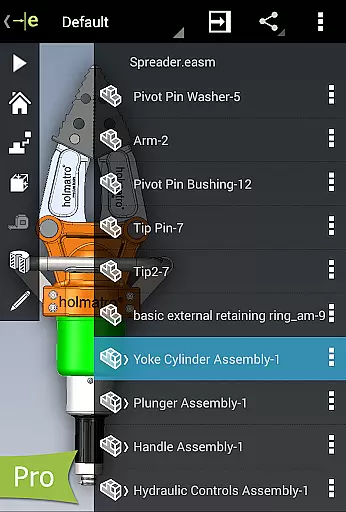
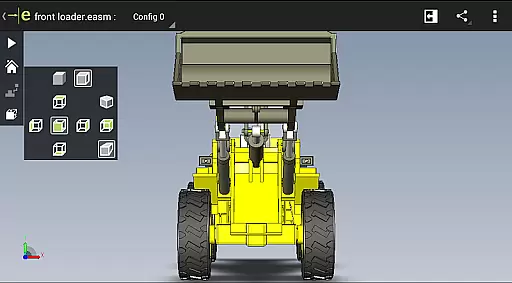
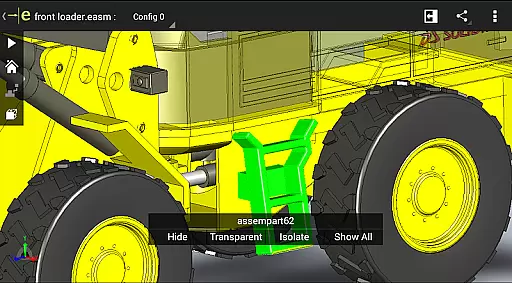
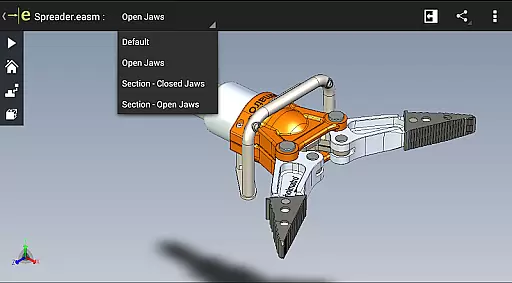
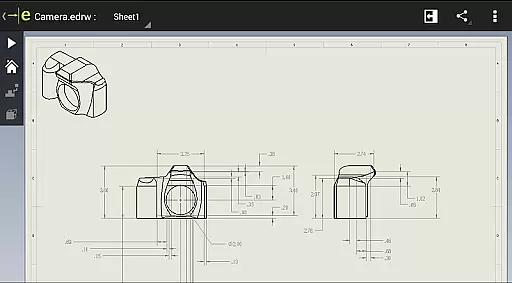
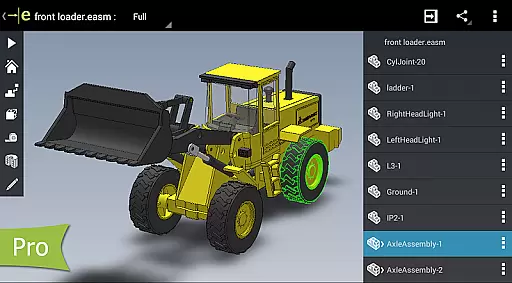
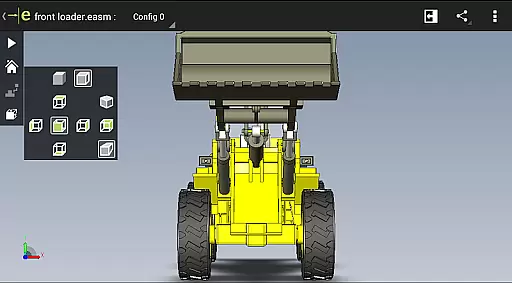
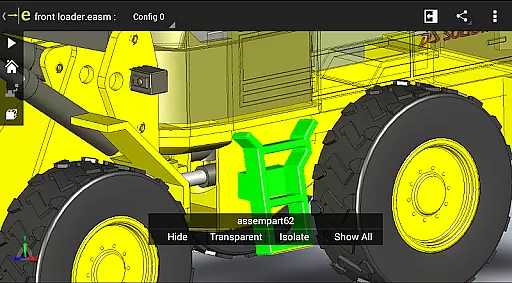
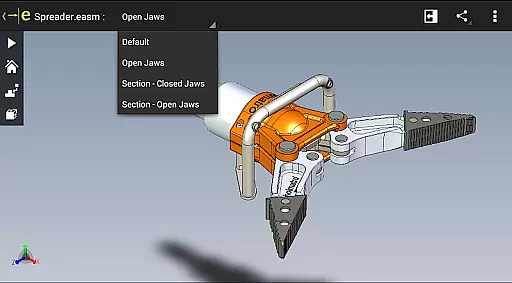
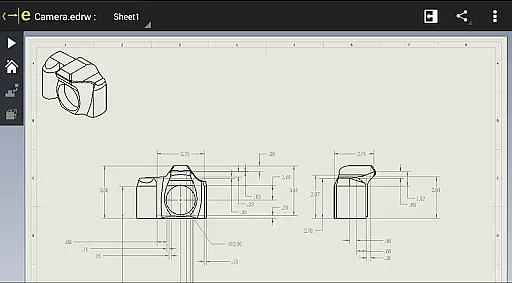
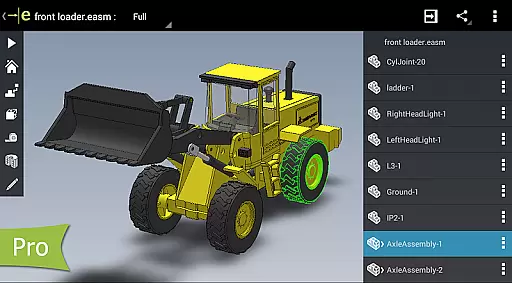
eDrawings is a powerful CAD viewer designed for Android devices, enabling users to view native eDrawings files as well as SolidWorks parts, assemblies, and drawings. This app revolutionizes the way product design information is shared by allowing users to easily load and send CAD files via email, facilitating collaboration with all stakeholders in product development.
With multi-touch gestures, users can effortlessly pan, zoom, and rotate models. The app supports drawing sheets and exploded views for files published from SolidWorks, making it an essential tool for anyone involved in CAD design. Whether you're a professional designer or simply need to interpret 2D and 3D designs, eDrawings provides an intuitive platform to visualize and understand complex CAD data.
eDrawings offers a comprehensive set of features that cater to both casual users and professionals. The app's user-friendly interface allows for easy navigation and manipulation of CAD files. Users can open various 3D and 2D file formats including EASM, EPRT, SLDASM, SLDPRT, IGES, IGS, JT, STEP, STP, IFC, EDRW, SLDDRW, DWG, and DXF from multiple sources such as email attachments, cloud storage services, web and FTP sites, and network folders.
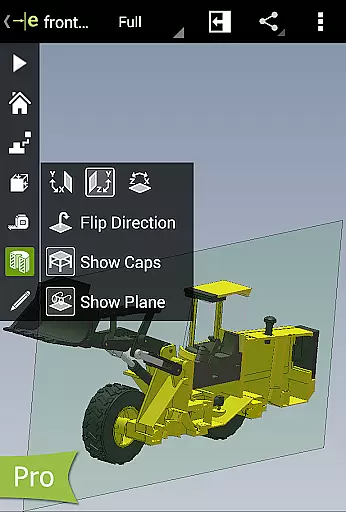
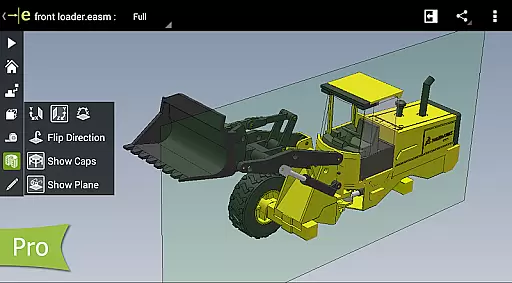
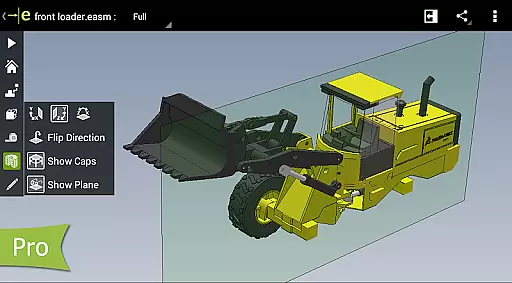
One of the standout features is the ability to upgrade to eDrawings Pro through an in-app purchase, unlocking advanced capabilities like measurement tools, dynamic cross-section viewing, and markup functionalities. These features allow users to measure distances, angles, and lengths, create detailed annotations, and share marked-up files for further review, enhancing the collaborative design process.
Task management is a critical aspect of productivity applications, and eDrawings excels in this area by providing users with an intuitive platform to handle CAD files efficiently. The app allows you to open various 3D and 2D file formats, including EASM, EPRT, SLDPRT, and DWG, from multiple sources such as email attachments and cloud storage services.
eDrawings simplifies the process of sharing product design information through its email-enabled communication tool. This feature facilitates collaboration among everyone involved in product development, even those who are not regular CAD software users. With multi-touch gestures, users can pan, zoom, and rotate models effortlessly, making it easier to interpret and understand complex designs.
The ability to animate 3D standard views and browse 2D drawing sheets adds another layer of functionality, allowing users to view their designs in full screen and fit them on the screen with a simple double tap. These capabilities ensure that users can manage their tasks effectively, enhancing productivity and streamlining workflows.
Cross-device synchronization is essential for maintaining consistency and reliability across different platforms, and eDrawings addresses this need by ensuring seamless data transfer. Whether you're working on an Android phone or tablet, the app provides a uniform experience, enabling you to access your CAD files from any device without losing quality or functionality.
With eDrawings Pro, available through an in-app purchase, users can measure designs, create markups, and share these marked-up files with others for review. All markups and their history are saved within the eDrawings file, ensuring that all collaborators have access to the latest updates and annotations regardless of the device they use.
This synchronization extends to cloud storage services like Dropboxu2122, SkyDriveu00ae, Google Drive, and others, allowing users to load and send files via email easily. By supporting a wide range of file formats and offering robust cross-device compatibility, eDrawings ensures that your work remains accessible and up-to-date, no matter where you are or what device you're using.
Intuitive Interface
Wide File Support
Multi-Touch Gestures
Advanced Measurement Tools
Enhanced Collaboration
In-App Purchases Required
Limited Free Features
Complex for Beginners
Occasional UI Clutter
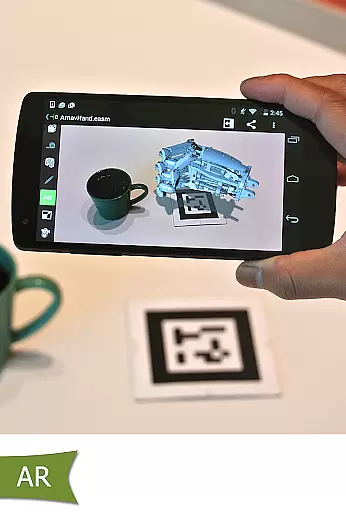
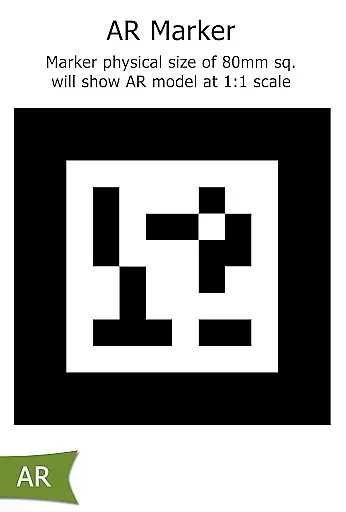
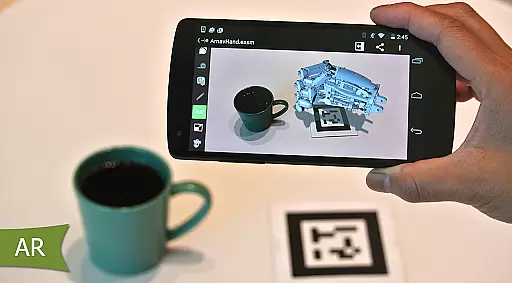
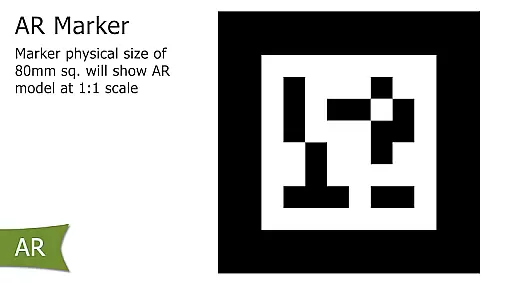
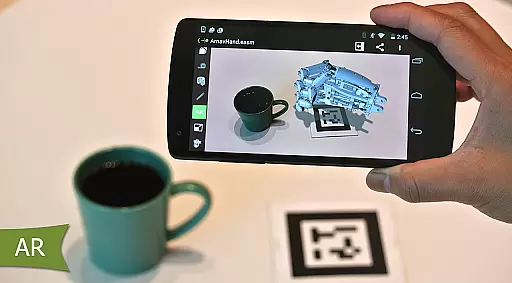
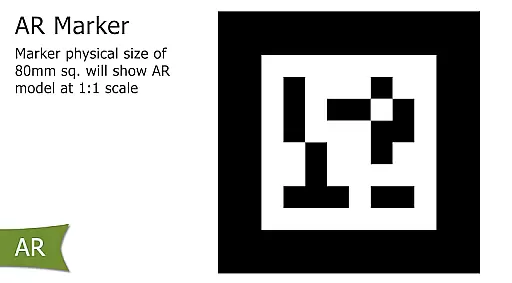
AR Functionality Issues

Total remote control for your Android device, PC and cloud services (IFTTT)!
 4.20
4.20
Unlock AutoNotification
4.00
Planet Free VPN - The best Fast Unlimited and Secure VPN Without Logs
4.50
The upgraded version of Name Wheel with AI and the power to add your own wheels.
4.4
A lightweight JSON & XML files creator, editor and viewer (Premium Version)
4.40
Make your handwriting beautiful, even more than pen on paper.
3.60
Multilingual translator for text, voice, and image translation!
4.90
Quickly and easily keep track of your work shifts
4.70
Simple notepad & memo. Take notes, to-do list, shopping list with reminders.
4.80
Use powerful, industry-leading AI tools to generate visual charts from any data
4.80
The Pro Version of Android's tiniest Notepad app. Just 0.3MB but feature-packed!
4.60
Absolutely the best CNC machinist speed and feed calculator around. fswizard.com
4.60
Tally and goal counter for Wear OS & mobile
4.50
Secure your apps with lock screens, use custom themes and different features.
4.40
Cloud storage, automatic phone backup, and more.
4.10
Intelligent AI Assistant
4.10
Secure, open-source, SPICE and SSH Remote Desktop for QEMU KVM virtual machines
4.00
Take control of your clipboard with Clipper!
3.90
Easiest event planning, volunteer signups & parent teacher conference scheduling
2.20


User Reviews