
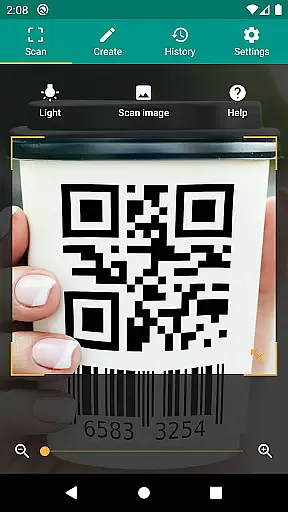
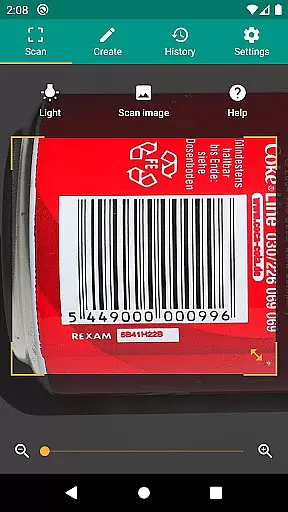
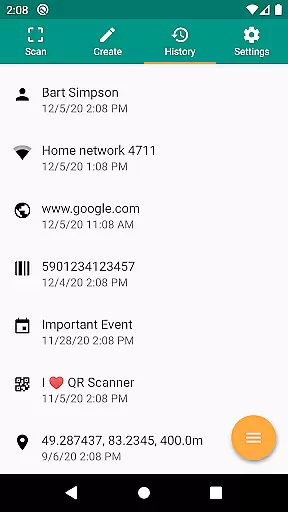
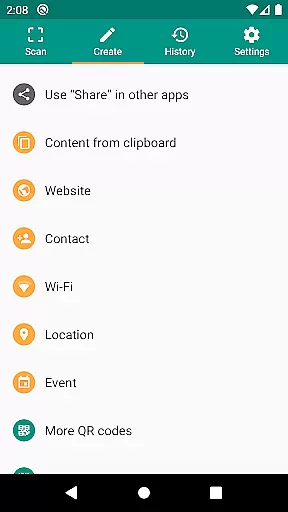
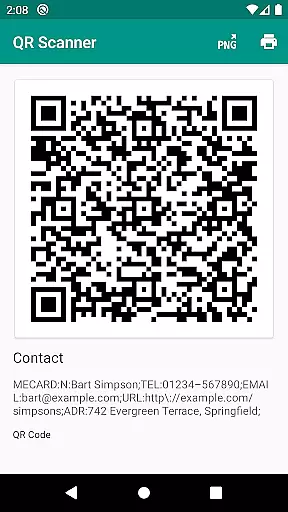
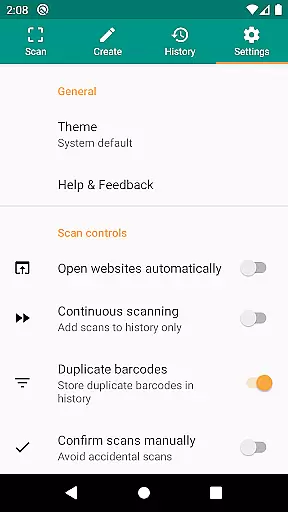
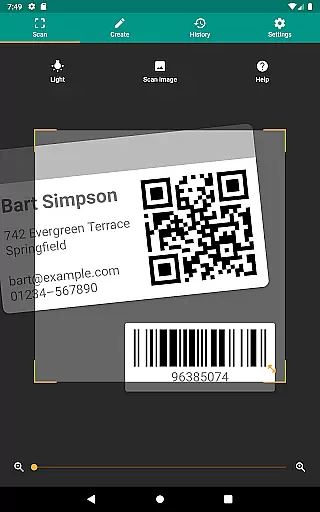
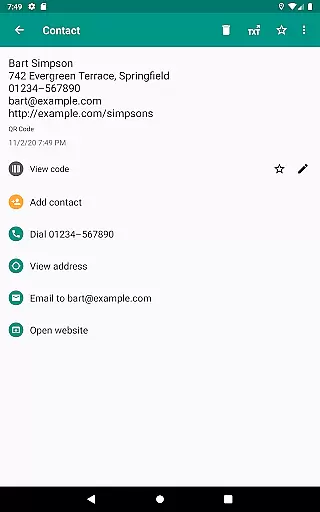
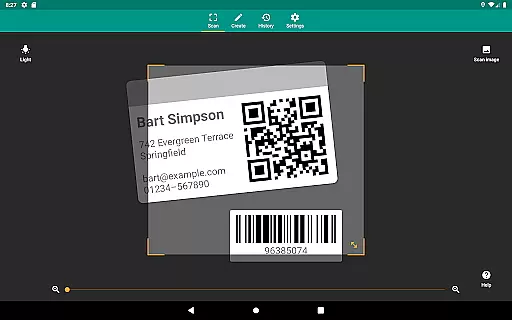
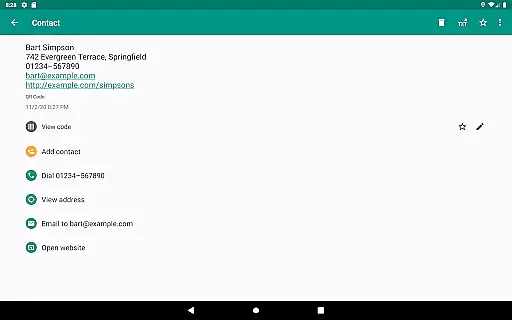
QR & Barcode Scanner is a versatile productivity tool designed to streamline the process of scanning and generating QR codes and barcodes. This application supports all common barcode formats, including QR, Data Matrix, Aztec, UPC, EAN, Code 39, and many others, making it an essential utility for both personal and professional use.
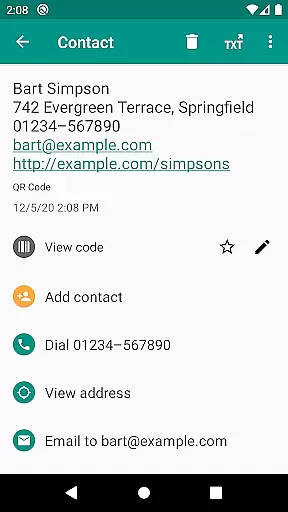
The app goes beyond basic scanning by offering relevant actions based on the scanned content. Users can open URLs, connect to WiFi hotspots, add calendar events, read VCards, and find product and price information from popular online services like Amazon, eBay, and Google. With added security features such as Chrome Custom Tabs and Google Safe Browsing, users are protected from malicious links while enjoying faster loading times.
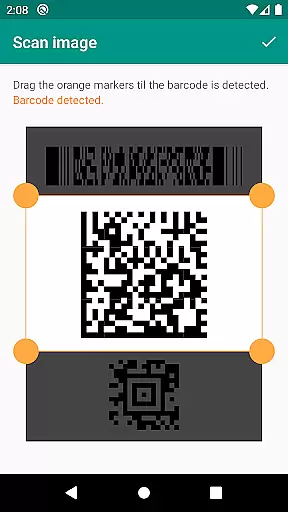
Whether you're managing inventory, implementing quality assurance processes, or simply looking to share contact information, QR & Barcode Scanner provides a comprehensive solution with minimal required permissions. The ability to scan from images, use a flashlight in dark environments, and zoom into distant barcodes ensures reliable performance in any situation.
QR & Barcode Scanner stands out with its extensive feature set tailored for productivity enthusiasts. One of its key strengths is the support for all common barcode formats, enabling users to scan everything from product codes to complex data matrices with ease. The app's intelligent processing suggests relevant actions based on the scanned content, whether it's opening web links, adding calendar events, or connecting to WiFi networks.
Security and performance are prioritized through integration with Chrome Custom Tabs and Google Safe Browsing technology. This ensures safe browsing while maintaining fast loading speeds. The app requires minimal permissions, allowing users to scan images without granting access to their entire photo library and share contact data as QR codes without accessing the address book.
Additional features include flashlight activation for low-light environments, pinch-to-zoom functionality for distant barcodes, and a built-in QR code generator for sharing various types of data. Users can also export scan history as CSV files, annotate their scans, and integrate custom search options for specific websites. These capabilities make it an indispensable tool for small business owners and individuals seeking efficient data management solutions.
QR & Barcode Scanner excels in core task management by offering a comprehensive suite of tools for scanning and generating QR codes and barcodes. This functionality is crucial for users who need to manage inventory, track product information, or implement quality assurance processes.
The app supports all common barcode formats including QR, Data Matrix, Aztec, UPC, EAN, Code 39, and many more. This extensive format support ensures that users can scan virtually any code they encounter, making it an indispensable tool for productivity.
With features like CSV export and annotations, users can maintain an unlimited history of scans, annotate them, and export the data for further analysis. This allows for efficient tracking and management of scanned items, which is particularly beneficial for small business owners and professionals managing large datasets.
By integrating custom search options, the app enables users to retrieve specific information from preferred sources such as favorite shopping websites. This tailored approach enhances productivity by streamlining the search process and delivering relevant results quickly.
Cross-device synchronization is a vital feature for users who operate multiple devices and need consistent access to their data. QR & Barcode Scanner ensures reliable synchronization across devices, allowing users to seamlessly transition between their smartphone and tablet without losing any critical information.
The app's ability to share arbitrary data such as website links using the built-in QR code generator adds another layer of convenience. Users can display these QR codes on their screen and scan them with another device, ensuring that important data is always accessible regardless of the device in use.
Minimal permissions are required to use the app, enhancing user privacy and security. For instance, users can scan images without granting access to their entire device storage, maintaining control over their personal information while still benefiting from cross-device functionality.
Additionally, QR & Barcode Scanner offers cloud storage integration, enabling users to save exported CSV files to services like Google Drive. This feature guarantees that data is not only synchronized across devices but also securely backed up, providing peace of mind and ensuring uninterrupted productivity.
User-friendly interface
Comprehensive format support
Robust security features
Minimal permission requirements
Versatile scanning options
Limited design customization
No offline database
Occasional slow processing
Basic annotation tools
Ads in free version

Take control of your clipboard with Clipper!
 3.90
3.90
Wake up & get tasks done! Add alarms & reminders on the Clock Launcher.
4.00
Send files, sync SMS, notifications & clipboard across devices via local network
4.40
⏰ Finally a timer app which can run multiple timers simultaneously on your watch
3.90
App lock - lock apps with fingerprint, password, pin or pattern, protect privacy
4.70
Enjoy classic gameplay with customizable features and retro-style graphics.
4.30
Code on-the-go with VScode for Android. Edit,debug and collaborate from mobile!!
3.10
A beautiful digital clock with autostart and many other functions
4.70
Access your phone's notifications, calls, apps, photos & texts on your PC
3.90
Great calculator for Android named one of USA TODAY's "25 Essential Apps".
4.90
Understand anything with a personalized AI research assistant
4.80
The Pro Version of Android's tiniest Notepad app. Just 0.3MB but feature-packed!
4.60
Absolutely the best CNC machinist speed and feed calculator around. fswizard.com
4.60
App Lock with fingerprint, password: Lock apps & hide photos with lock screens
4.60
Calendar 2023 widget for Android. Appointment scheduler, planner, and reminder
4.60
Fill, sign & send docs, forms, agreements & contracts via electronic signature.
4.50
Tally and goal counter for Wear OS & mobile
4.50
Pwnagotchi companion app
4.20
All in One PDF Reader: Manage, Read and Edit your Documents
4.20


User Reviews