
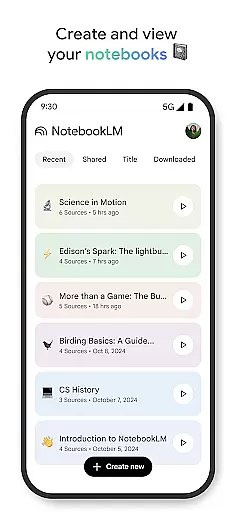
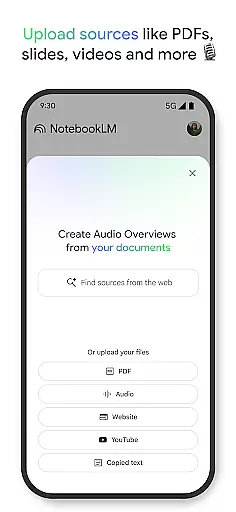
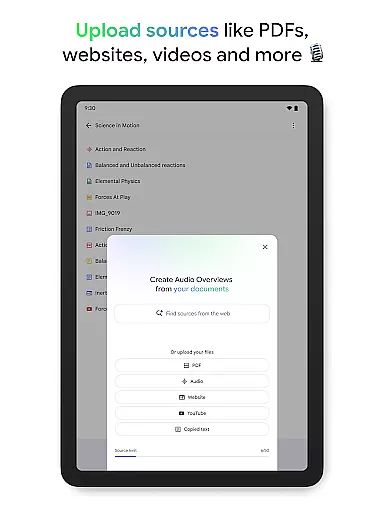
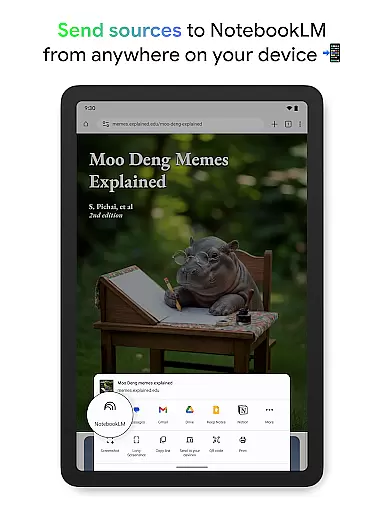
NotebookLM is a productivity app designed to simplify complex information management. It allows users to upload various sources like PDFs, websites, and videos, transforming them into easily digestible formats. The app's AI capabilities provide trusted insights by analyzing uploaded content and making meaningful connections.
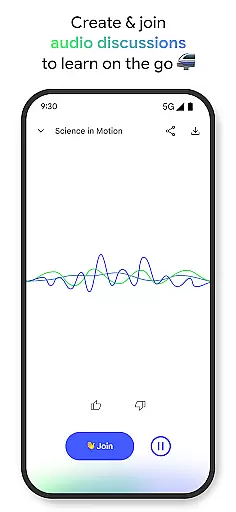
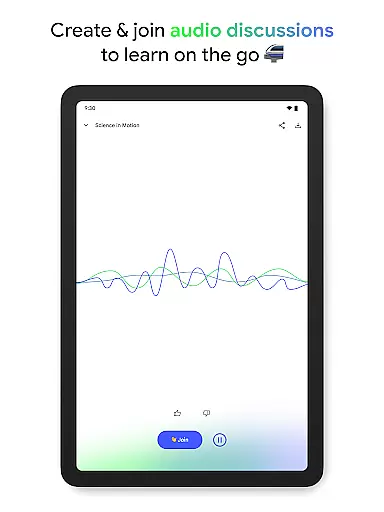
With features like Audio Overviews, users can learn on-the-go through podcast-style discussions. This makes it an invaluable tool for students, researchers, and professionals who need to process large amounts of information efficiently. The app's offline support and background playback enhance its usability across different scenarios.
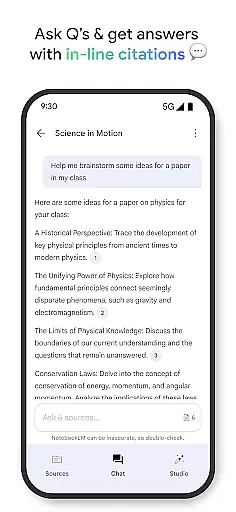
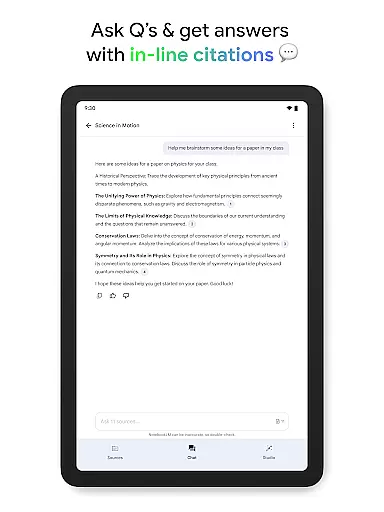
The app's key feature is its ability to handle multiple source types, including PDFs, websites, and YouTube videos. Once uploaded, NotebookLM becomes an expert on the content, providing reliable summaries and interesting connections between different sources. The in-line citations ensure users can trust the information they receive.
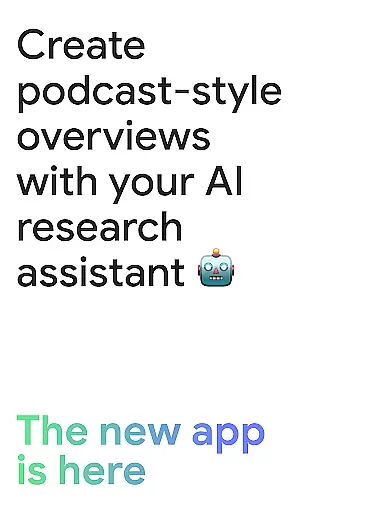
One innovative aspect is the Audio Overview feature, which transforms text-based content into engaging audio discussions hosted by two AI personalities. Users can even interact with these hosts, asking questions or guiding the conversation. This multimodal approach to learning caters to different preferences and situations, making information processing more flexible and accessible.
Effective task management is essential for productivity applications, serving as the backbone for organizing and executing tasks efficiently. NotebookLM excels in this area by transforming complex information into manageable insights.
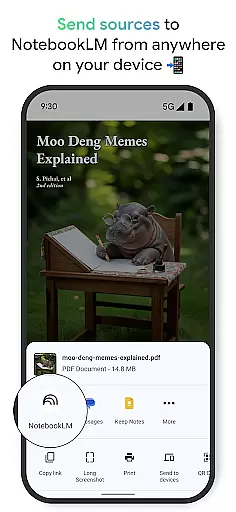
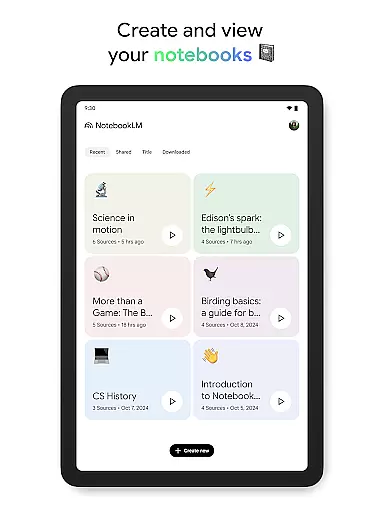
The app allows users to upload various sources such as PDFs, websites, and videos, converting them into structured notebooks. This functionality supports the user's ability to dissect and reformat extensive content into digestible knowledge, streamlining task handling.
Users benefit from a personalized AI that becomes well-versed in their uploaded content, providing summaries and forging relevant connections. This feature ensures that task management isn't just about keeping track but also enhancing understanding and retention of information.
By trusting the cited responses and engaging with Audio Overviews, users can learn and manage tasks on their terms, ensuring they remain productive wherever they are, making NotebookLM an invaluable tool for efficient task management.
In today's fast-paced world, reliable cross-device synchronization is crucial for maintaining workflow continuity. NotebookLM addresses this need by ensuring seamless access and operation across different devices.
With capabilities like background playback and offline support, users can create and interact with their notebooks at any time, regardless of internet availability. This flexibility guarantees that productivity doesn't take a hit when switching between devices or when offline.
NotebookLM's synchronized experience means users can ask questions and receive trustworthy answers on the go, with all their sources properly cited. This consistent availability of information enhances the reliability of cross-device use.
By offering features such as podcast-style Audio Overviews and the ability to join discussions, users enjoy uninterrupted learning and task execution, making NotebookLM a robust solution for dependable cross-device synchronization.
Trusted AI-generated insights
Multiple source type support
Podcast-style learning option
Offline access capability
Background audio playback
Limited free tier features
Requires stable internet
Occasional AI inaccuracies
Learning curve for new users
Subscription cost involved

A customizable calendar for your Wear OS watch
 4.20
4.20
Seamlessly integrate data and reports to build your presentation to impress
4.80
Pwnagotchi companion app
4.20
PDF scanner & converter for files, photos, lottery, QR codes. One swipe away!
4.50
ID.me Authenticator is a simple and free Two Factor Authentication solution
3.50
Docker, Kubernetes management over Portainer Mobile
4.40
* block pre-roll ads, pop-up and forced redirect ads * Samsung certification app
4.00
AI Chatbot and AI writing assistant powered by ChatGPT.
4.60
Browse and view your photos and videos from the phone with photo & video hide.
4.10
Best Tool for the professionals Electrician, Electrical contractors, etc.
4.90
Use powerful, industry-leading AI tools to generate visual charts from any data
4.80
Subscribe to Webcal & .ics calendars and keep them up-to-date!
4.50
Tally and goal counter for Wear OS & mobile
4.50
Share files & memories safely. Keep your photos and videos secure.
4.40
All in One PDF Reader: Manage, Read and Edit your Documents
4.20
Todo reminder
4.10
Access your phone's notifications, calls, apps, photos & texts on your PC
3.90
Make your handwriting beautiful, even more than pen on paper.
3.60
The upgraded version of Name Wheel with AI and the power to add your own wheels.
4.2


User Reviews