
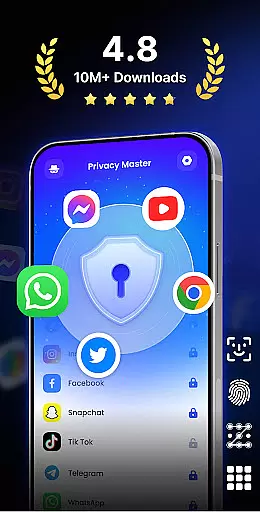
App Lock - Fingerprint Lock is a powerful productivity tool designed to secure your digital world. This app allows users to lock apps, hide photos, videos, and chats using password, pattern, or fingerprint authentication. Trusted by over 50 million users, it offers advanced privacy protection features such as intruder selfies, icon disguise, and custom lock themes.
The application is suitable for individuals who prioritize data security and personal privacy on their mobile devices. With its comprehensive suite of security tools, App Lock ensures that sensitive information remains protected from unauthorized access. Whether you want to safeguard private conversations or secure important files, this app provides the peace of mind you need in today's digital age.
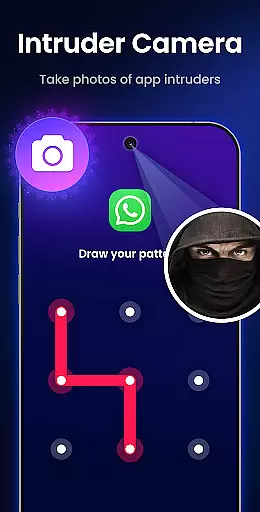
App Lock - Fingerprint Lock stands out with its diverse range of smart security features. The app allows locking all essential applications like WhatsApp, Messenger, Facebook, Google Play, PayPal, and Settings, ensuring complete privacy protection. Its Intruder Camera feature captures photos of anyone attempting unauthorized access, providing an added layer of security.
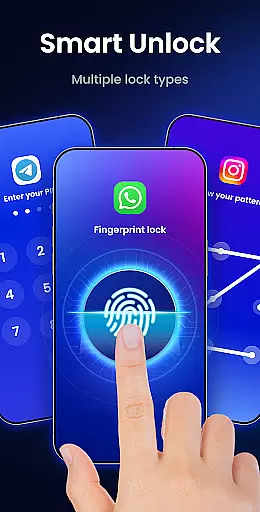
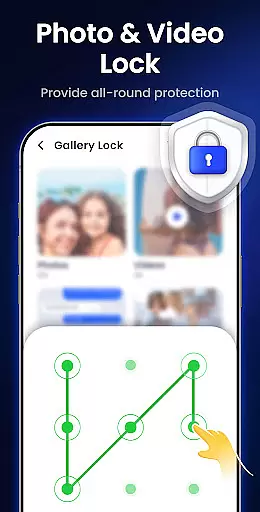
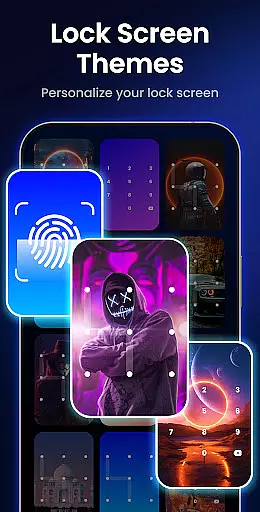
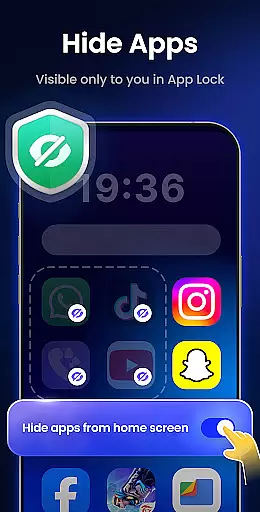
Additional functionalities include hiding notifications to block sensitive alerts from appearing on the screen, removing junk files to free up space, and hiding private files within a secure gallery. Users can also set auto re-lock timers, choose from multiple lock types (PIN, pattern, or fingerprint), and disguise the app's icon for enhanced privacy. Customizable themes allow personalization of the lock screen appearance, making security both functional and stylish.
App Lock - Fingerprint Lock excels in core task management by offering a comprehensive suite of features designed to secure your digital world. The app allows you to lock all your essential applications such as WhatsApp, Messenger, and Facebook with a password, pattern, or fingerprint. This ensures that your private chats and sensitive data remain inaccessible to unauthorized users.
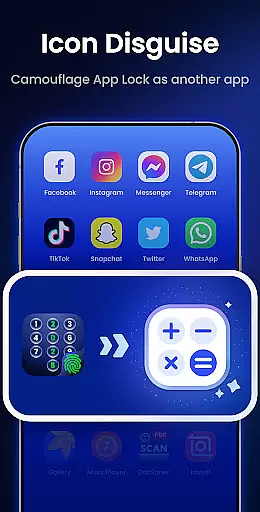
In addition to locking apps, the application provides smart functionalities like intruder selfies, which capture photos of anyone attempting to access your device with incorrect credentials. It also offers an icon disguise feature, enabling you to mask the app lock behind innocuous icons like a calculator or weather app, thereby adding an extra layer of security.
With options for auto re-lock and multiple lock types including PIN, pattern, and fingerprint, App Lock ensures that your privacy is maintained effortlessly. These robust features collectively contribute to effective task management by allowing you to control access to various apps seamlessly.
Cross-device synchronization reliability is another cornerstone of App Lock - Fingerprint Lock's functionality. While primarily focused on securing individual devices, the app extends its utility by ensuring consistent protection across different platforms. This means whether you're using a phone or tablet, your locked apps and hidden files remain equally protected.
The app supports cloud backup capabilities, which are crucial for maintaining synchronization between devices. By backing up your settings and preferences, App Lock guarantees that your security measures are preserved even when switching devices. This feature not only enhances convenience but also reinforces the overall reliability of the appu2019s protective mechanisms.
Moreover, App Lock includes uninstall protection and random keyboard options to prevent unauthorized removal or access attempts. Such features ensure that your personalized security configurations stay intact regardless of the device you use, providing peace of mind and unwavering protection across all your gadgets.
Advanced privacy protection
Intruder camera feature
Multiple lock options
Customizable themes
Icon disguise functionality
Requires many permissions
May slow down device
Premium features locked
Occasional bugs reported
Interface not intuitive

 4.20
4.20
Easily read and manage all your PDF files
4.10
Send files, sync SMS, notifications & clipboard across devices via local network
4.40
Smart PDF reader & editor to view, organize and manage PDF documents easily.
3.70
Absolutely the best CNC machinist speed and feed calculator around. fswizard.com
4.60
Todo reminder
4.10
Cloud storage, automatic phone backup, and more.
4.10
Okta MFA
4.70
Daily processing of PDF documents.
4.40
QuickBooks Workforce lets teams view pay info and track time in one place.
4.70
The long-awaited modern gallery app for your Nextcloud server
4.70
Planet Free VPN - The best Fast Unlimited and Secure VPN Without Logs
4.50
When you Focus, so will your Bean in this cozy focus timer
4.30
Enjoy classic gameplay with customizable features and retro-style graphics.
4.30
A customizable calendar for your Wear OS watch
4.20
Create and edit presentations with Google Slides, part of Google Workspace.
4.00
* block pre-roll ads, pop-up and forced redirect ads * Samsung certification app
4.00
Simple and reliable communication between inmates, friends and family
3.20
Experience and share your SolidWorks designs on your Android® phone and tablet.
2.50


User Reviews