
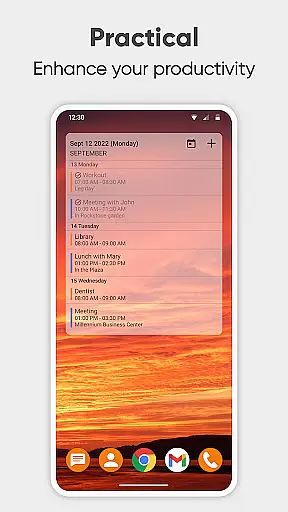
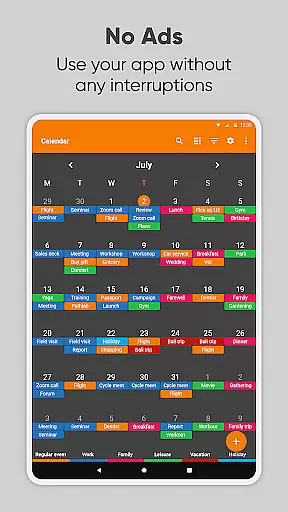
Simple Calendar Pro is a premium productivity application designed for Android users who need an efficient offline calendar solution. This app serves as a personal schedule planner, allowing users to organize their daily, weekly, and monthly events without requiring internet access. With its intuitive interface and customizable features, it provides a seamless experience for managing work calendars, appointments, and personal events.
The app supports synchronization with Google Calendar and other CalDAV-compatible services, ensuring that users can maintain consistency across all their devices. Its widget offers extensive customization options, from event reminders to notification styles, making it adaptable to individual preferences. Whether planning business meetings or family events, Simple Calendar Pro helps users stay organized while prioritizing privacy and security.
Simple Calendar Pro stands out with its comprehensive set of productivity-enhancing features. The app offers flexible event management, including the ability to create single and recurring events with custom reminders and repetition rules. Users can import and export events via .ics files and transfer settings between devices using .txt files, providing unmatched flexibility in organizing schedules.
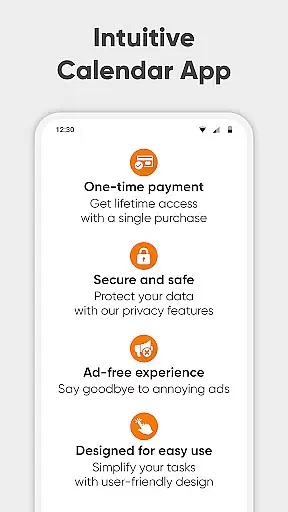
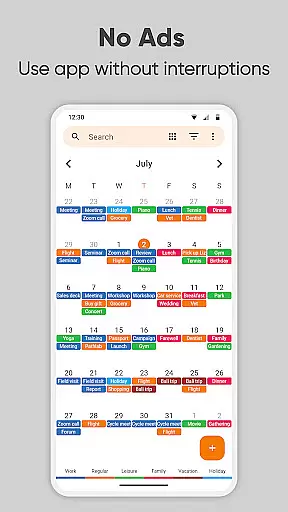
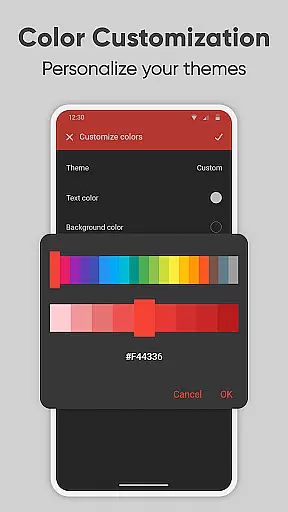
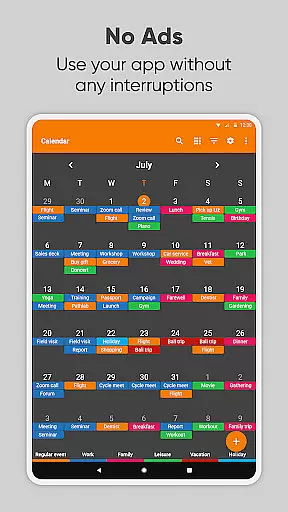
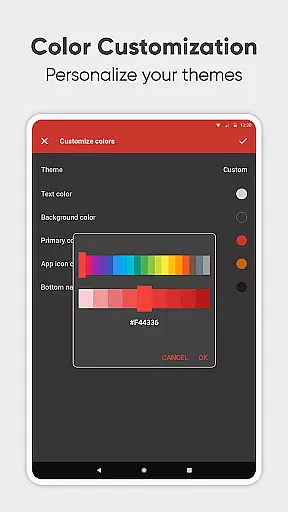
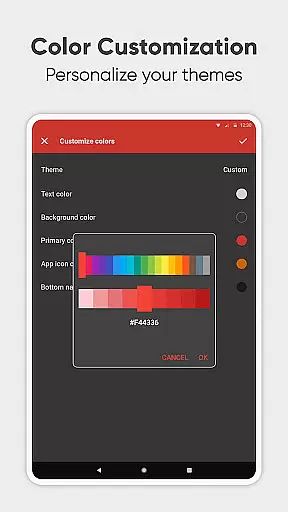
One of the key highlights is its CalDAV support, which allows seamless syncing with external calendars like Google Calendar and Microsoft Outlook. Additionally, the app's open-source nature and availability in over 45 languages make it highly accessible. The customizable themes, colorful calendar views, and material design ensure a personalized user experience. With no ads or unnecessary permissions, Simple Calendar Pro delivers a clean, focused environment for effective time management.
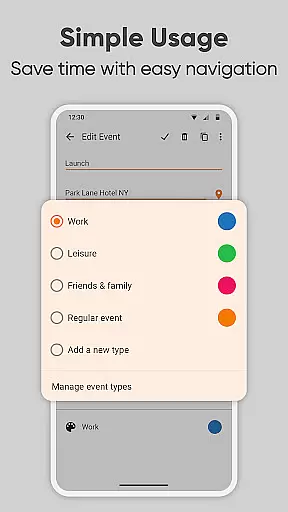
At the heart of Simple Calendar Pro lies its robust core task management system, designed to streamline your daily planning. This feature allows users to effortlessly create, organize, and track events with precision. The app supports both single and recurring events, ensuring that whether it's a one-time meeting or a yearly anniversary, everything is captured accurately.
The flexibility in event creation is remarkable; users can set specific times, durations, and reminders tailored to their needs. With powerful repetition rules, managing regular commitments like weekly meetings or monthly check-ins becomes seamless. Additionally, the ability to sync events via Google Calendar or other CalDAV-supported platforms ensures that all your schedules are up-to-date across devices.
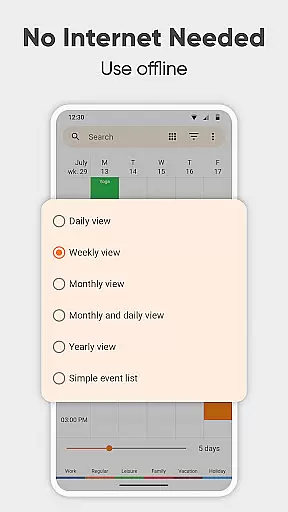
For those who value productivity, Simple Calendar Pro offers an intuitive interface that simplifies task tracking. Users can view their agenda in various formatsu2014daily, weekly, monthly, or as a simple listu2014providing a clear overview of upcoming commitments. This versatility not only enhances organization but also empowers users to take control of their time effectively.
Cross-device synchronization is a critical feature of Simple Calendar Pro, ensuring that your schedule remains consistent and reliable no matter where you access it. By supporting CalDAV protocol, the app enables seamless syncing with Google Calendar, Microsoft Outlook, Nextcloud, and Exchange, among others. This means your events and appointments are always up-to-date, whether you're using your phone, tablet, or computer.
The reliability of this synchronization process is bolstered by the app's offline capabilities. No internet connection is required to access your calendar, providing enhanced privacy, security, and stability. When you do reconnect, any changes made offline are automatically synced, maintaining the integrity of your schedule without interruption.
Furthermore, Simple Calendar Pro allows for exporting and importing events via .ics files, making data transfer between different systems straightforward. This functionality extends to settings, which can be exported to .txt files and imported onto another device, ensuring a smooth transition when upgrading or switching devices. Such comprehensive cross-device support underscores the app's commitment to delivering a dependable and user-centric experience.
User-friendly interface
Offline functionality
Customizable widgets
CalDAV support
No ads
Limited iOS compatibility
Advanced features may overwhelm beginners
Requires manual updates for some integrations
Occasional sync delays
Paid version only

 4.20
4.20
Seamlessly integrate data and reports to build your presentation to impress
4.80
Total remote control for your Android device, PC and cloud services (IFTTT)!
4.20
Mega cloud explorer plugin for Solid Explorer
3.80
Docker, Kubernetes management over Portainer Mobile
4.40
* block pre-roll ads, pop-up and forced redirect ads * Samsung certification app
4.00
A comprehensive suite of tools designed specifically for Lactation Consultants
4.3
Understand anything with a personalized AI research assistant
4.80
Set up, print, and get support—in one place
4.20
Native client for Forgejo and Gitea
5.00
8 custom complications. Custom Time Fonts. Beautiful color schemes. A++ Design.
5.00
Functional QR scanner and barcode reader that requires little storage space.
4.60
Fill, sign & send docs, forms, agreements & contracts via electronic signature.
4.50
Subscribe to Webcal & .ics calendars and keep them up-to-date!
4.50
This small app MUST BE INSTALLED after purchase, else license won't work
4.40
All in One PDF Reader: Manage, Read and Edit your Documents
4.20
Secure, open-source, SPICE and SSH Remote Desktop for QEMU KVM virtual machines
4.00
Take control of your clipboard with Clipper!
3.90
Find and delete junk files & block unwanted notifications & manage files
3.70


User Reviews