
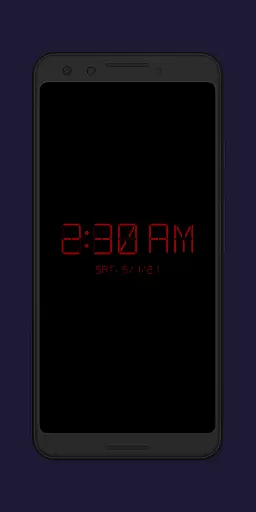
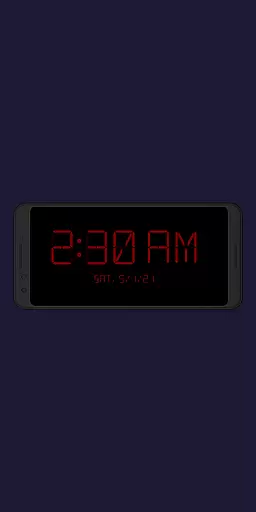
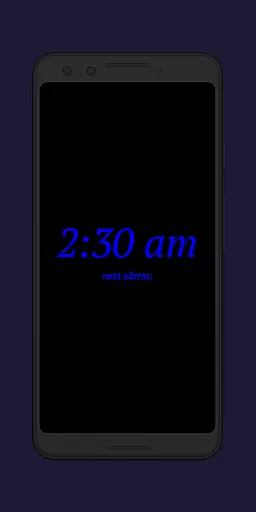
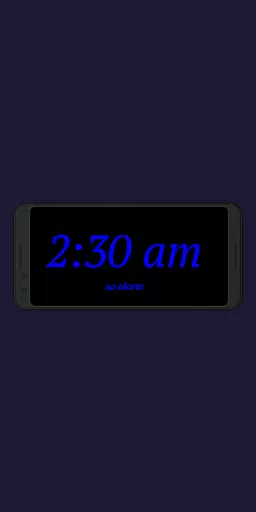
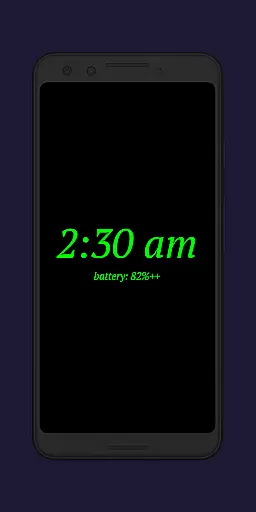
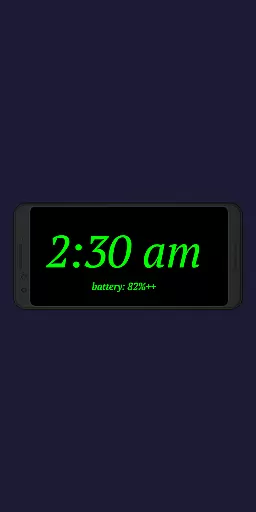
Night Clock + is a versatile digital clock app designed to serve as both a bedside night clock and a daylight mode display. This supporter version offers all features without limitations, making it ideal for users who want a reliable and customizable timepiece on their devices.
The app provides essential functionalities such as adjustable font types, colors, brightness levels, and display sizes. Additionally, it includes practical features like flashlight access directly from the clock screen and automatic start options when connecting a power cord or setting a specific time frame. These capabilities ensure convenience and usability day and night.
Whether you're looking to repurpose an old device or enhance your current one, Night Clock + delivers value by transforming it into a beautiful digital clock that seamlessly integrates with your daily routine.
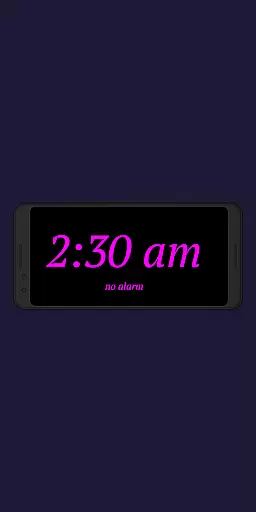
Night Clock + stands out with its comprehensive feature set tailored for productivity and convenience. The app allows users to choose from four different font types and customize font colors, providing a personalized experience that suits individual preferences.
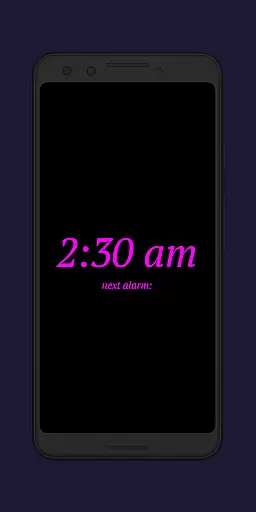
One of the key highlights is the adjustable brightness level and display size for the clock elements, ensuring optimal visibility in various lighting conditions. Users can also view the next alarm time set in the Android system directly on the clock interface, streamlining their morning routines.
Additional innovative features include an integrated flashlight function accessible right from the clock screen, automatic night clock activation upon connecting a power cord, and preset start times. With these robust capabilities, Night Clock + ensures users have a seamless and efficient experience managing their time effectively.
In the realm of productivity, core task management is pivotal for organizing and prioritizing tasks efficiently. Night Clock + integrates this feature by offering users the ability to set and view their next alarm directly on the night clock screen. This seamless integration ensures that users are always aware of their upcoming commitments without having to navigate away from the comfort of their night clock display.
The application goes beyond basic task visualization by providing adjustable display sizes for clock elements, ensuring that the most critical information stands out. Users can customize the appearance of their tasks, tailoring the experience to their personal preferences and making certain that nothing gets overlooked in their busy schedules.
Furthermore, with features like automatic night clock start at a preset time, users can rely on Night Clock + to be an ever-present assistant that helps them transition smoothly between different parts of their day. This punctuality aid is crucial for maintaining a productive routine and ensuring that every moment is accounted for.
By combining practicality with customization, Night Clock + delivers a task management solution that not only keeps users informed but also adapts to their unique lifestyles, enhancing both their nighttime rest and daily productivity.
Cross-device synchronization is essential for maintaining consistency and reliability across multiple platforms. Night Clock + addresses this need by allowing users to enjoy its full suite of features without limitations on any supported device. Whether using an old or unused device as a dedicated digital clock, users can expect the same level of functionality and performance.
The app's automatic night clock start feature, which activates whenever a power cord is connected, ensures that all devices remain synchronized with minimal user intervention. This creates a cohesive ecosystem where each device serves a purpose, contributing to an organized and efficient digital environment.
Moreover, the ability to limit the automatic start to a specific timeframe adds another layer of control, enabling users to tailor synchronization behaviors according to their daily routines. This flexibility is vital for those who require different settings during various parts of the day or night.
Night Clock + stands out by providing a reliable synchronization experience that enhances the utility of each connected device, ensuring that whether it's day or night, users have access to a consistent and personalized clock interface that supports their productivity needs.
User-friendly interface
Highly customizable settings
Integrated flashlight functionality
Automatic night mode activation
Reliable performance
Limited free version features
Requires permissions for full functionality
May drain battery faster
Not compatible with all devices
Some features may be overwhelming for basic users

Automates browsing any website and notifies you of important changes or events
 4.30
4.30
Remotely view listen control and record cameras.
3.70
IP Camera Viewer - Android TV : RTSP Surveillance camera viewer for Android TV
4.1
All in One PDF Reader: Manage, Read and Edit your Documents
4.20
Fill, sign & send docs, forms, agreements & contracts via electronic signature.
4.50
Stay on top of your to-dos with Google Tasks, part of Google Workspace.
4.60
Enjoy classic gameplay with customizable features and retro-style graphics.
4.30
Okta MFA
4.70
Set up, print, and get support—in one place
4.20
Best Tool for the professionals Electrician, Electrical contractors, etc.
4.90
Understand anything with a personalized AI research assistant
4.80
App Lock with fingerprint, password: Lock apps & hide photos with lock screens
4.60
Send files, sync SMS, notifications & clipboard across devices via local network
4.40
A lightweight JSON & XML files creator, editor and viewer (Premium Version)
4.40
Docker, Kubernetes management over Portainer Mobile
4.40
Cloud storage, automatic phone backup, and more.
4.10
Unlock AutoNotification
4.00
Easiest event planning, volunteer signups & parent teacher conference scheduling
2.20
A comprehensive suite of tools designed specifically for Lactation Consultants
4.3


User Reviews