
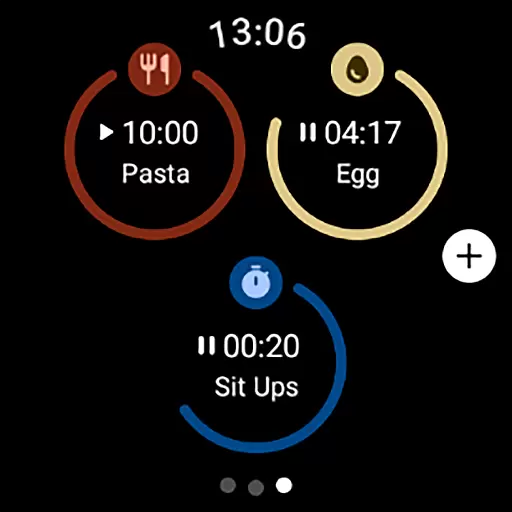
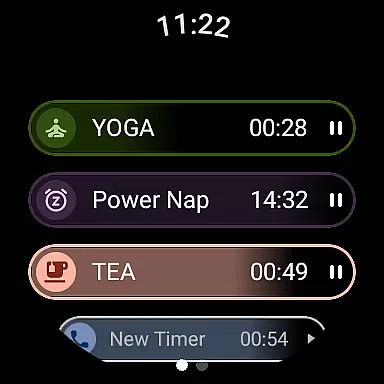
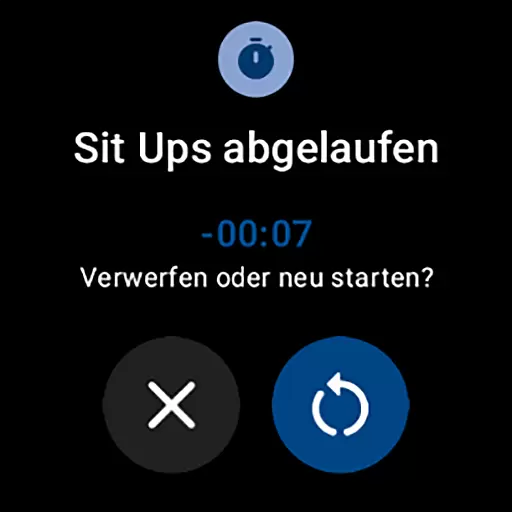
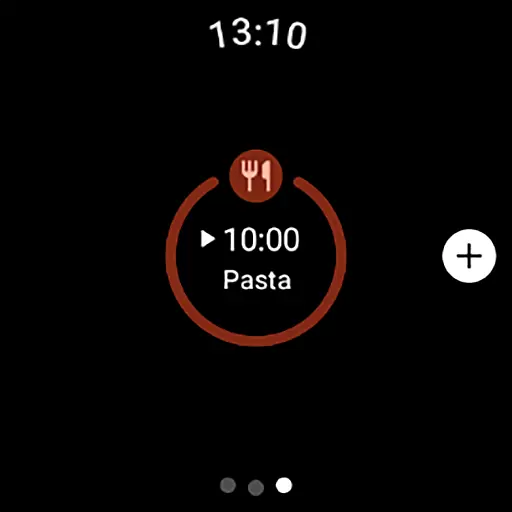
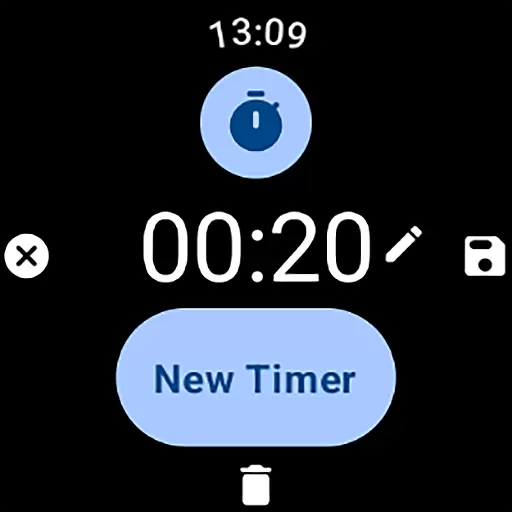
MultiTimerPro for Wear OS is a powerful productivity tool designed to help users manage their time with precision. This app allows you to run multiple timers simultaneously, making it perfect for multitasking scenarios like cooking, exercising, or work sprints.
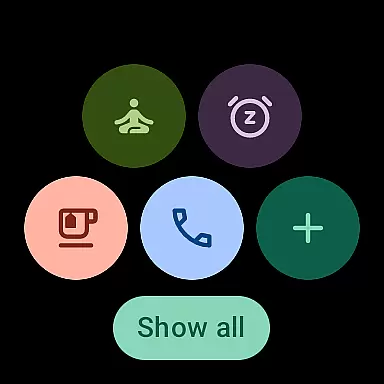
With an intuitive interface and customizable options such as names, durations, icons, and colors, MultiTimerPro ensures that each timer fits your specific needs. The newly added Tile feature enhances accessibility by letting you quickly access favorite timers directly from your smartwatch's home screen.
Whether you're a busy professional or someone who needs precise time management in daily tasks, this app transforms how you organize your day, offering efficiency and convenience right on your wrist.
MultiTimerPro stands out with its multi-timer functionality, allowing users to set and manage several timers at once—a feature missing in most stock apps. This makes switching between different activities seamless without losing track of time.
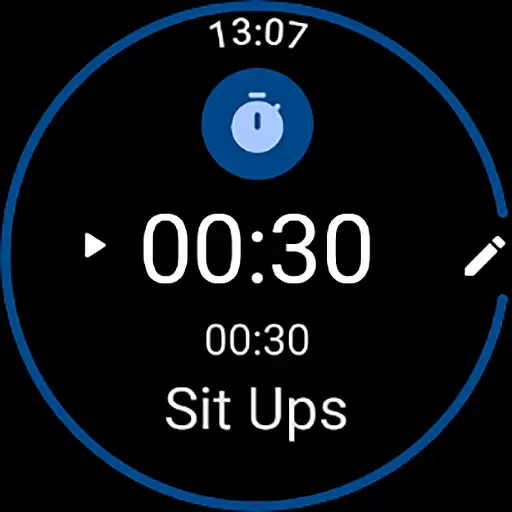
The app boasts an intuitive interface where creating, editing, and managing timers is effortless. Users can customize each timer with unique names, durations, icons, and colors, ensuring they suit individual preferences perfectly. Additionally, sound notifications have been integrated so users never miss important alerts.
These features collectively enhance user experience by providing both flexibility and personalization options, setting MultiTimerPro apart as the ultimate timer companion for Wear OS devices.
Effective task management is crucial for productivity, and MultiTimerPro excels in this area by offering users the ability to handle multiple tasks simultaneously. The app's core functionality revolves around its multi-timer feature, which allows users to set and manage various timers at once.
This Wear OS application enables you to keep track of different activities such as cooking times, workout intervals, or work sessions without losing pace. With an intuitive interface designed for easy navigation, users can effortlessly create, edit, and monitor their timers, ensuring that they never miss an important moment.
By providing customization options like naming each timer, setting specific durations, choosing icons, and picking colors, MultiTimerPro ensures that your approach to managing time is both personalized and efficient. These features collectively enhance the useru2019s ability to multitask effectively on their smartwatch.
Cross-device synchronization is essential for users who rely on a seamless experience across multiple devices. MultiTimerPro addresses this need by integrating with the newly added Tile feature, allowing direct access to favorite timers from different devices.
The app ensures reliable synchronization between your smartphone and Wear OS smartwatch, so all your timers are always up-to-date regardless of where you make changes. This means whether you're at home or on the go, your timing data remains consistent and accessible.
In addition to visual cues, MultiTimerPro also supports sound notifications for timers, enhancing reliability further by ensuring users never overlook a notification again. By upgrading to MultiTimerPro, users can enjoy peace of mind knowing their timekeeping is synchronized and dependable across all their devices.
Multiple timers
Customizable settings
User-friendly UI
Sound notifications
Quick access via Tile
Premium cost
Wear OS only
Limited integrations
No web version
Complex setup

Client for Nextcloud Deck
 4.60
4.60
Protect and view your important info on your phone and tablet with eWallet®
4.80
CalenGoo is a very flexible and feature-rich calendar app
4.40
All in One PDF Reader: Manage, Read and Edit your Documents
4.20
The AI assistant that thinks with you - write, code, and solve complex tasks
4.60
Create and edit presentations with Google Slides, part of Google Workspace.
4.00
Secure, open-source, SPICE and SSH Remote Desktop for QEMU KVM virtual machines
4.00
Experience and share your SolidWorks designs on your Android® phone and tablet.
2.50
Simple notepad & memo. Take notes, to-do list, shopping list with reminders.
4.80
8 custom complications. Custom Time Fonts. Beautiful color schemes. A++ Design.
5.00
Understand anything with a personalized AI research assistant
4.80
Calendar 2023 widget for Android. Appointment scheduler, planner, and reminder
4.60
PDF scanner & converter for files, photos, lottery, QR codes. One swipe away!
4.50
Translate text/voice/photos in 150+ languages. Offline & fast translator app.
4.50
Automates browsing any website and notifies you of important changes or events
4.30
Cloud storage, automatic phone backup, and more.
4.10
* block pre-roll ads, pop-up and forced redirect ads * Samsung certification app
4.00
Access your phone's notifications, calls, apps, photos & texts on your PC
3.90
Mega cloud explorer plugin for Solid Explorer
3.80


User Reviews