

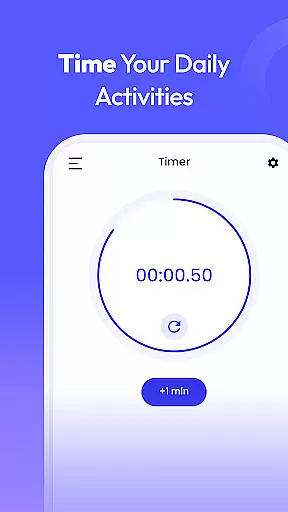
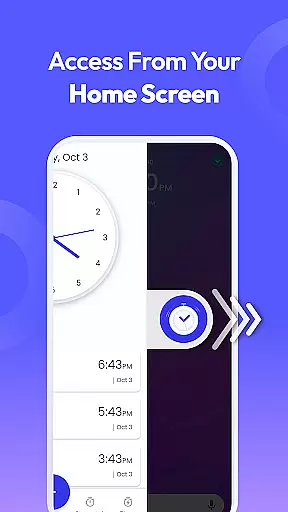
Clock Launcher is a productivity-focused application that combines an intuitive alarm clock with essential time management tools. The app provides instant access to alarms, timers, reminders, and world clocks through a simple swipe from the home screen. Its launcher functionality reorganizes the home screen layout to prioritize time-related features while keeping all other apps accessible in new locations.
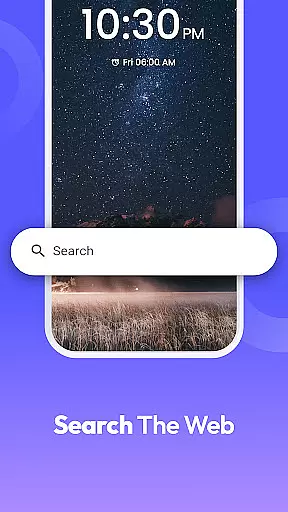
Key features include one-swipe access to alarms and timers, a customizable home screen widget displaying time and weather, and a selection of clock-themed wallpapers for personalization. It also offers multi-touchpoint search capabilities, allowing users to find installed apps or perform web searches powered by Yahoo. Whether you need to manage daily schedules, track international time zones, or set reminders for important tasks, Clock Launcher ensures you stay organized and on schedule.
This app is particularly useful for frequent travelers, professionals managing international meetings, and individuals seeking a reliable tool to streamline their day. By integrating essential time management functions into a single interface, Clock Launcher enhances productivity and simplifies task management.
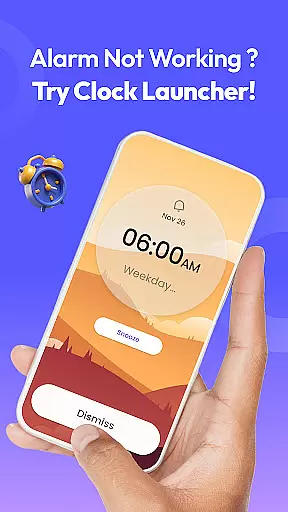
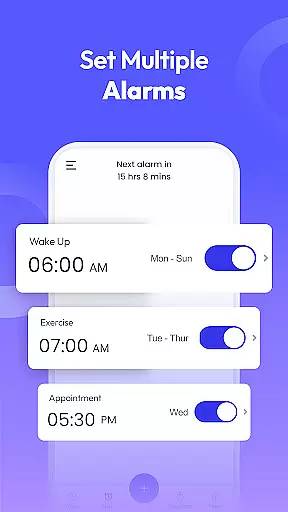
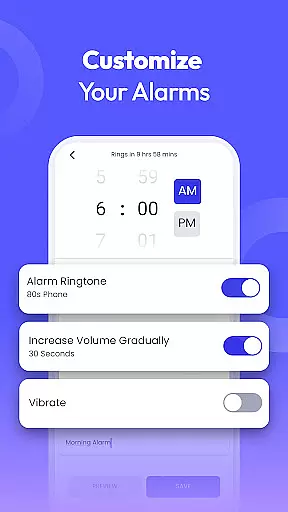
Clock Launcher stands out with its comprehensive suite of time management tools designed to boost productivity. The app includes a highly customizable alarm clock that supports daily or weekly alarms, multiple tones, and adjustable snooze durations. This feature is especially beneficial for heavy sleepers or those needing reminders for breaks and chores. Additionally, the alarm can repeat on specific days, helping users maintain consistent routines.
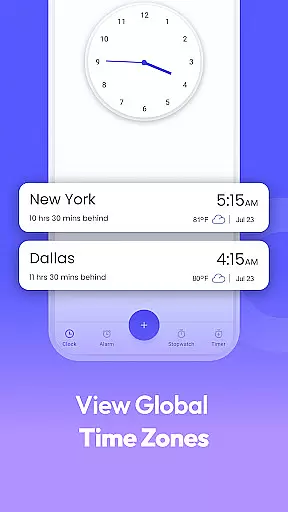
Another notable feature is the world clock, which allows users to track time across different cities and save favorite locations for quick reference. This is ideal for travelers or professionals scheduling international calls. The app also provides robust reminder functionality, enabling users to set event reminders for flights, appointments, or personal tasks. For added convenience, the timer and stopwatch features assist with cooking, workouts, or time-sensitive activities.
The integration of a home screen widget and multi-touchpoint search further enhances usability. The widget displays critical information like time and weather, while the search function simplifies navigation across apps and the web. These features collectively ensure Clock Launcher is not just an alarm clock but a versatile productivity tool.
At the heart of Clock Launcher lies its robust core task management system, designed to streamline your daily routine. This feature allows users to effortlessly set alarms, reminders, and timers, ensuring they stay on top of their schedules without any hassle.
The app's intuitive interface makes it simple to organize your day by checking the time across different cities, which is particularly beneficial for those with international commitments. With just a swipe from the home screen, access essential time management tools that keep you punctual and prepared.
Users benefit from the app's versatility, as it caters to various needs such as setting daily or weekly alarms, choosing from different tones, and selecting snooze durations. Whether you're a heavy sleeper needing a loud alarm or someone who requires gentle nudges throughout the day, Clock Launcher has got you covered.
Ultimately, this functionality empowers users to maintain a consistent routine, efficiently managing their schedule with personalized alerts that fit their lifestyle. By integrating these tools into a single platform, Clock Launcher enhances productivity and ensures you never miss an important moment.
Clock Launcher excels in providing reliable cross-device synchronization, allowing users to seamlessly manage their time across multiple devices. This feature ensures that all your alarms, reminders, and timers are consistently updated and accessible, no matter which device you're using.
The synchronization process is smooth and automatic, eliminating the need for manual updates. Whether you switch from your phone to a tablet or another Android device, your settings and preferences remain intact, offering a cohesive experience that adapts to your dynamic lifestyle.
This reliability is crucial for users who depend on precise timing for international meetings or travel plans. By saving favorite cities and tracking time differences, Clock Launcher ensures you're always aware of the correct time, regardless of location changes or device switches.
In essence, this synchronization capability not only enhances convenience but also reinforces the trust users place in the app. Knowing that their time management tools are reliably synced across devices gives users peace of mind and boosts overall productivity.
User-friendly interface
Comprehensive time tools
Customizable alarms
World clock functionality
Multi-touchpoint search
Home screen layout changes
Limited design options
No advanced analytics
Dependent on Yahoo search
Basic widget features

Take control of your clipboard with Clipper!
 3.90
3.90
Direct Chat without saving contacts & Dual WA Account on Single Device
4.70
Easily read and manage all your PDF files
4.10
Subscribe to Webcal & .ics calendars and keep them up-to-date!
4.50
Docker, Kubernetes management over Portainer Mobile
4.40
* block pre-roll ads, pop-up and forced redirect ads * Samsung certification app
4.00
A comprehensive suite of tools designed specifically for Lactation Consultants
4.4
A simple Whisper AI keyboard for reliable speech transcription and rewording
4.60
Ultimate Virtual AI Character for immersive Roleplay Chat. Perfect Companion
3.90
Understand anything with a personalized AI research assistant
4.80
Simple notepad & memo. Take notes, to-do list, shopping list with reminders.
4.80
Client for Nextcloud Deck
4.60
The AI assistant that thinks with you - write, code, and solve complex tasks
4.60
Translate text/voice/photos in 150+ languages. Offline & fast translator app.
4.50
CalenGoo is a very flexible and feature-rich calendar app
4.40
Activate Two Factor Authentication (2FA or Multi OTP), Password manager and more
4.10
Intelligent AI Assistant
4.10
Smart PDF reader & editor to view, organize and manage PDF documents easily.
3.70
A simple, portable logger for POTA, SOTA, Field Day, and more
4.3


User Reviews