
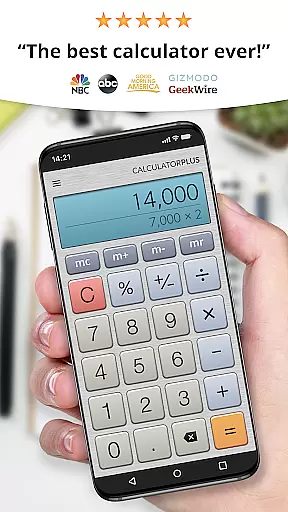
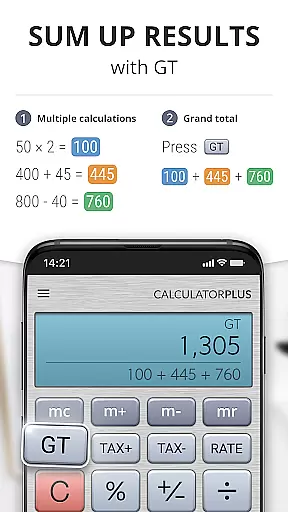
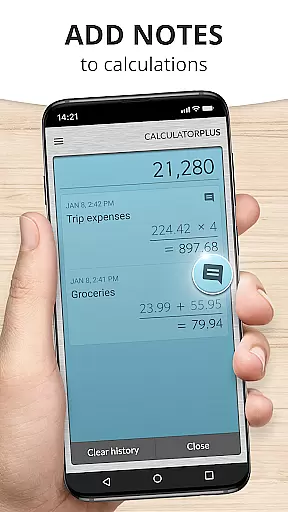
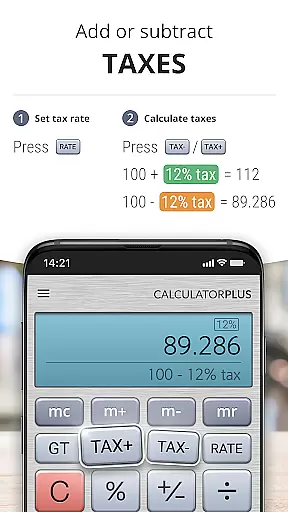
Calculator Plus is a top-rated productivity app designed to replace your traditional handheld calculator with a more powerful and user-friendly solution. Named one of the '25 Essential Apps' by USA TODAY, this Android app offers an intuitive interface that makes everyday calculations simple and efficient. With its elegant design, large display, and advanced functionality, it's perfect for tasks ranging from shopping and homework to balancing checkbooks and managing taxes.
This calculator app stands out with its memory-saving feature that stores all your past calculations, allowing you to revisit them anytime without retyping. It also includes practical functions like backspace correction, percentage display, and swipeable memory keys for advanced math operations. Whether you're using a phone or tablet, Calculator Plus ensures accuracy and convenience in every calculation.
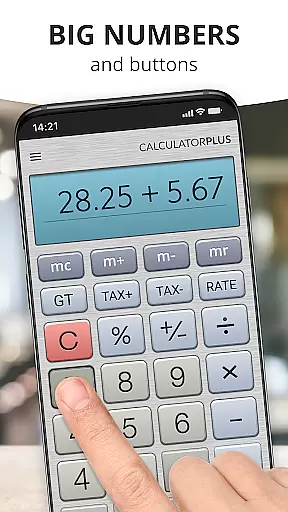
Calculator Plus boasts several innovative features that enhance the user experience. The app displays calculations in clear, elegant typography with proper comma placement for easy readability. Its intelligent design prevents users from losing track of their calculations by showing real-time progress and results.
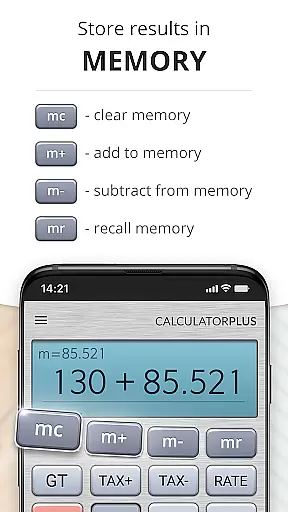
The app's memory function allows users to maintain a running total while providing the ability to review and modify past entries. Advanced mathematical functions are readily accessible by swiping aside memory keys. Additionally, the percentage key provides transparent calculations, eliminating confusion. These thoughtful features combine to create a calculator app that's both powerful and easy to use on any Android device.
Calculator Plus excels in core task management by offering a seamless calculation experience tailored for productivity. Its ability to save and review past calculations ensures users can efficiently manage their computational tasks without the need to retype previous entries.
The app's memory functions allow for running totals and intermediate results, making complex calculations more manageable. This feature is particularly useful when balancing checkbooks or working on financial reports, as it maintains accuracy and saves time.
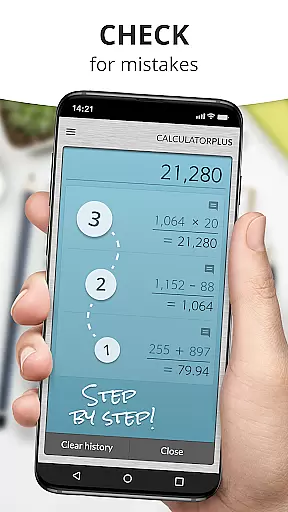
With intuitive backspace and correction capabilities, Calculator Plus minimizes errors and enhances efficiency. Users can easily rectify mistakes without disrupting their workflow, ensuring that their calculations remain precise and reliable.
While Calculator Plus does not explicitly advertise cross-device synchronization, its reliable memory function offers users a consistent experience across sessions on the same device. This ensures that whether you're switching between apps or taking a break, your calculations are preserved right where you left them.
The app's ability to store calculations means users can rely on it for both short and long-term projects. Whether it's for homework, shopping, or taxes, Calculator Plus provides a dependable repository for all computational needs.
Although it may lack cloud-based sync features, the app's robust local storage ensures that users can depend on its functionality for continuous task management. This makes it an essential tool for anyone seeking a reliable calculator experience on their Android device.
User-friendly interface
Advanced math functions
Memory-saving feature
Transparent percentage key
Elegant typography
Limited to Android
No scientific mode
Basic color scheme
Occasional ads
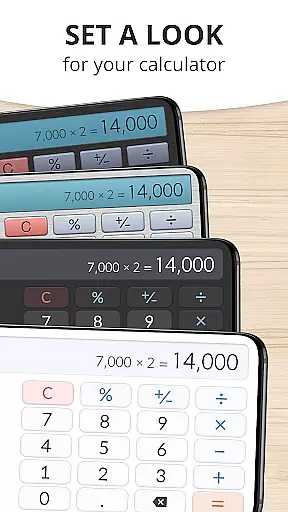
Interface not customizable

When you Focus, so will your Bean in this cozy focus timer
 4.30
4.30
Mega cloud explorer plugin for Solid Explorer
3.80
Automates browsing any website and notifies you of important changes or events
4.30
Secure, fast, open-source, Remote Desktop Client for Windows and Linux with SSH
4.60
A comprehensive suite of tools designed specifically for Lactation Consultants
4.5
A Pixel Art watchface inspired by other iconic 90s designs for Wear OS devices!
4.40
This small app MUST BE INSTALLED after purchase, else license won't work
4.40
Secure your apps with lock screens, use custom themes and different features.
4.40
QuickEdit is a fast, stable and full featured text and code editor.
4.20
Simple notepad & memo. Take notes, to-do list, shopping list with reminders.
4.80
Direct Chat without saving contacts & Dual WA Account on Single Device
4.70
Calendar 2023 widget for Android. Appointment scheduler, planner, and reminder
4.60
Tally and goal counter for Wear OS & mobile
4.50
Font maker keyboard with your own handwriting
4.10
* block pre-roll ads, pop-up and forced redirect ads * Samsung certification app
4.00
⏰ Finally a timer app which can run multiple timers simultaneously on your watch
3.90
Access your phone's notifications, calls, apps, photos & texts on your PC
3.90
A Revolutionary All-in-One Artificial Intelligence Tools
3.80
IP Camera Viewer - Android TV : RTSP Surveillance camera viewer for Android TV
4.5


User Reviews