
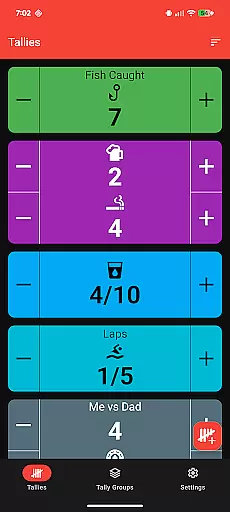
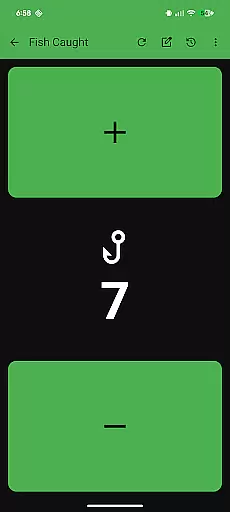
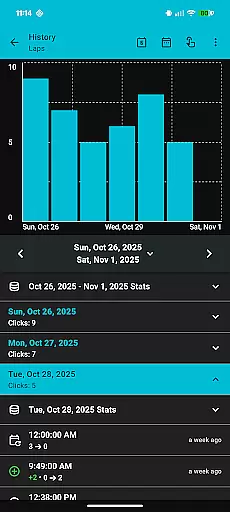
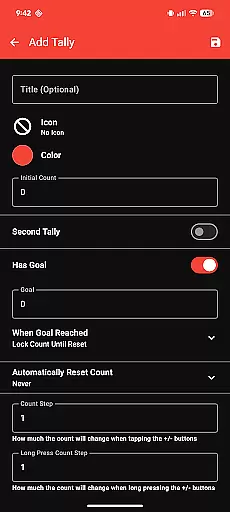
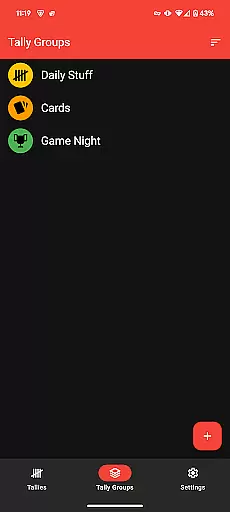
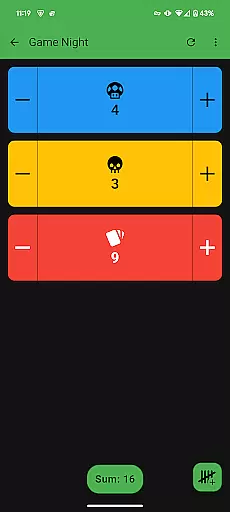
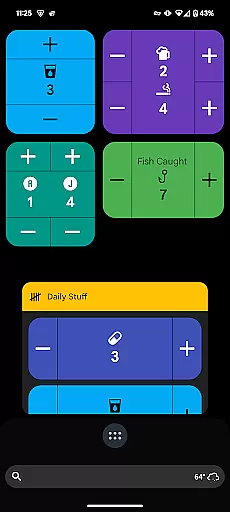
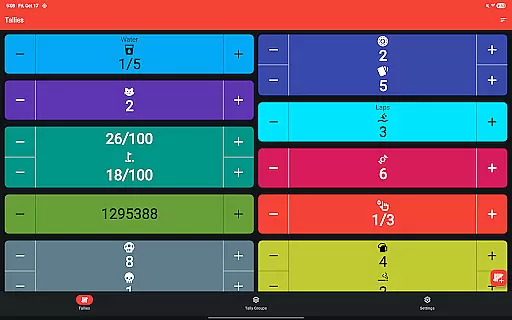
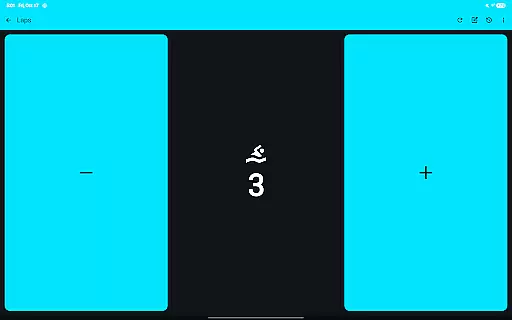
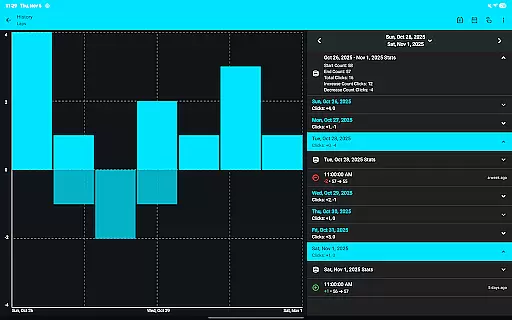
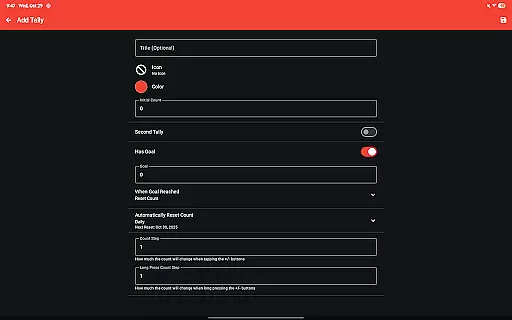
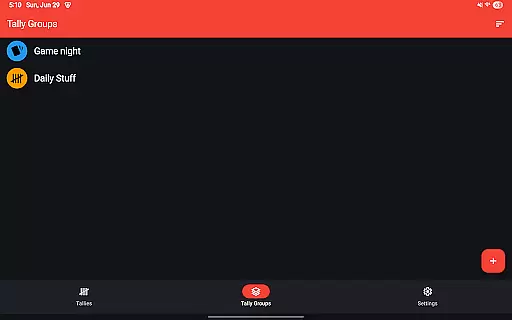
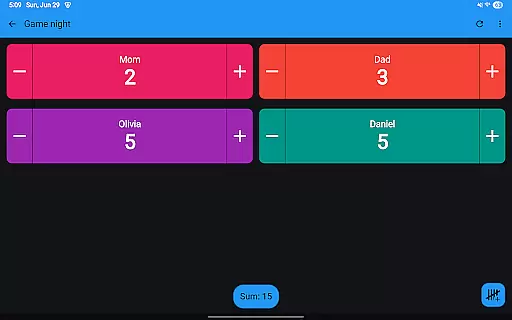
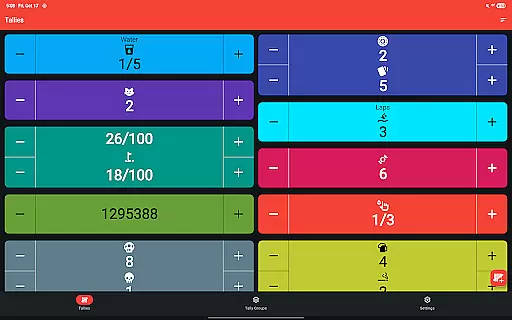
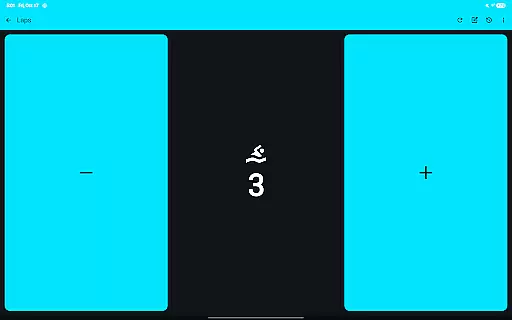
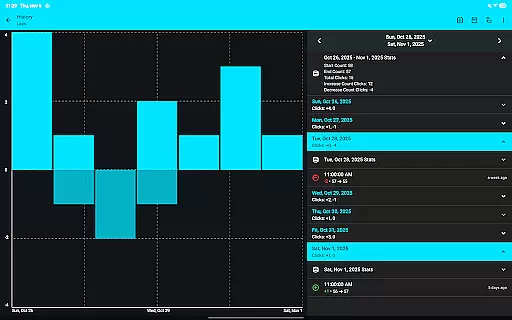
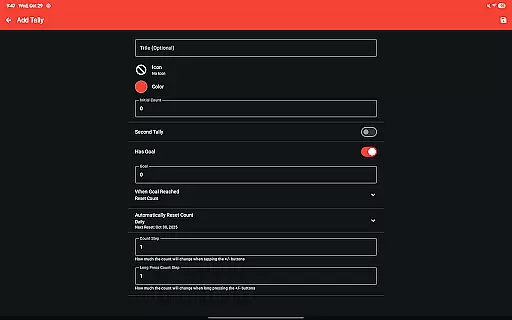
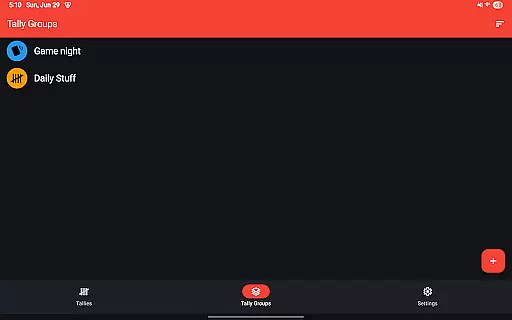
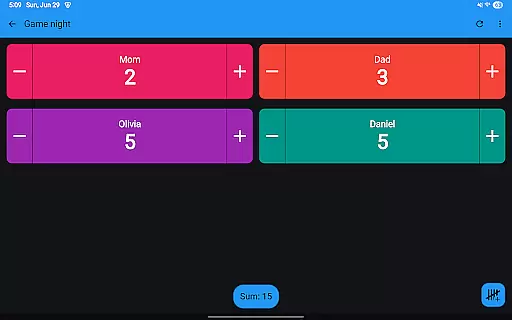
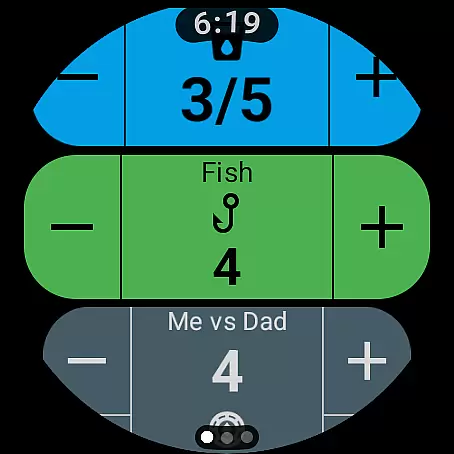
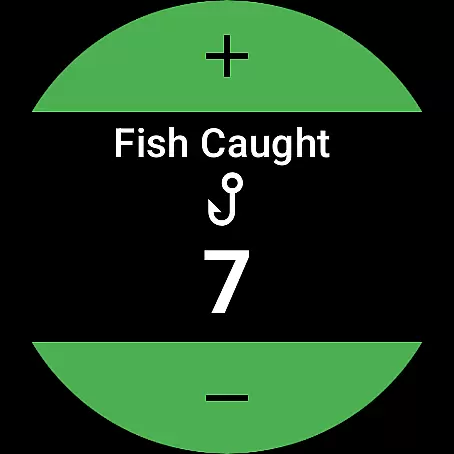
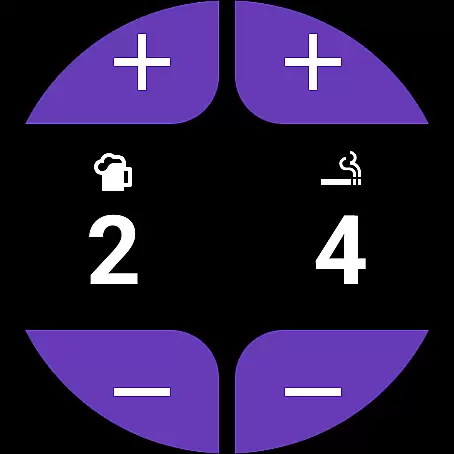
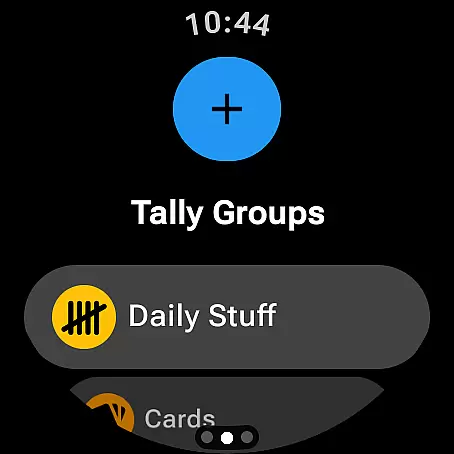
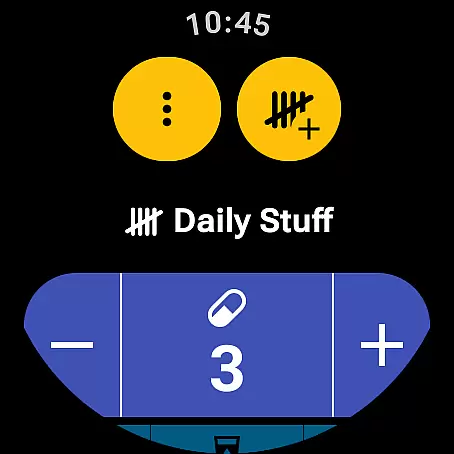
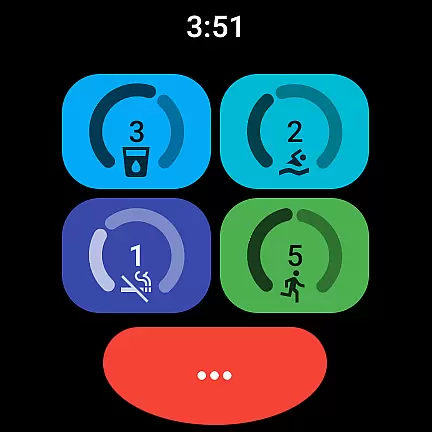
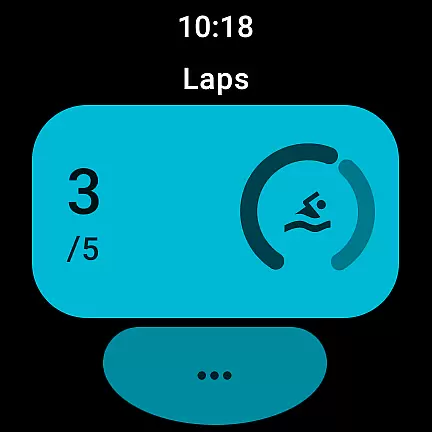
Tallies is a versatile productivity tool designed for both Wear OS and mobile devices, offering users an efficient way to track counts and achieve goals. The app provides double and single tally counters with ongoing counts, goal tallies that can be locked or reset upon completion, and automatic reset options across different time intervals. Users can organize tallies into groups, view detailed histories with graphs and stats on their phones, and export data as CSV files.
With its comprehensive feature set, Tallies supports full synchronization between smartphones and Wear OS watches, ensuring seamless updates. It includes customizable themes, over 200 icons, vibration feedback, sound alerts, and auto-save functionality. Whether you're managing personal goals or professional projects, Tallies offers the tools needed to stay organized and focused.
Tallies stands out with its extensive range of features tailored for productivity enthusiasts. The app supports multiple tally types including ongoing and goal-based tallies, with advanced options like automatic resets and locking mechanisms. Users can create tally groups and view aggregated sums, making it easier to manage complex tracking scenarios.
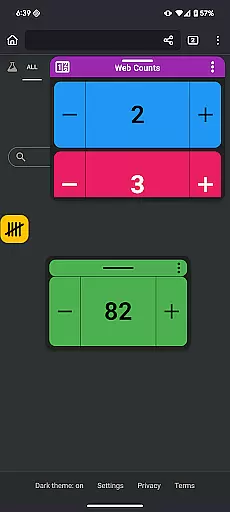
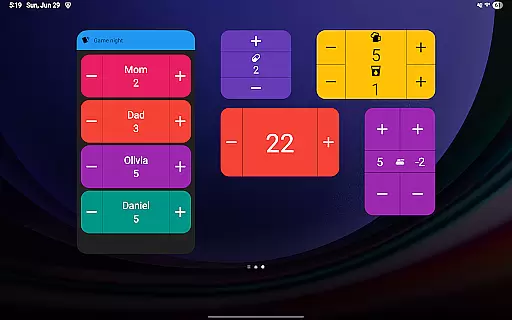
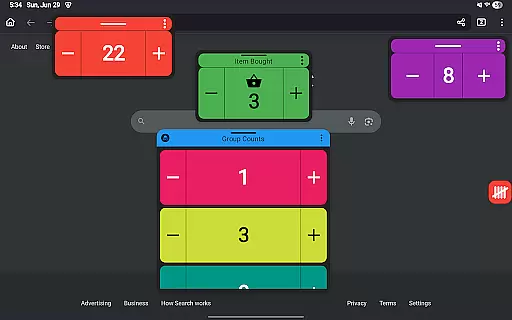
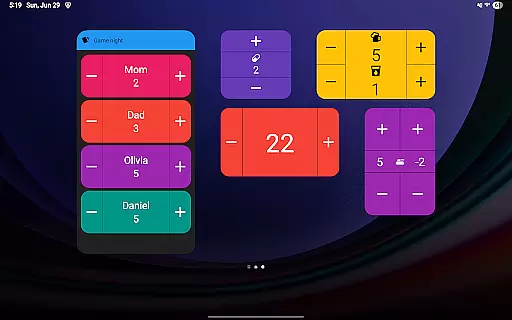
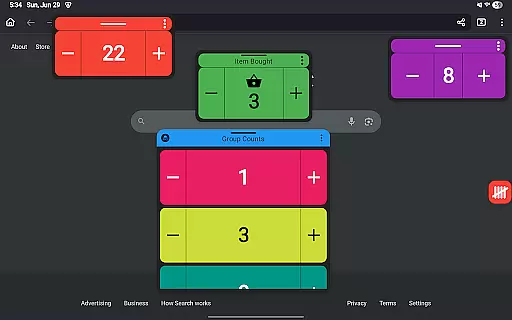
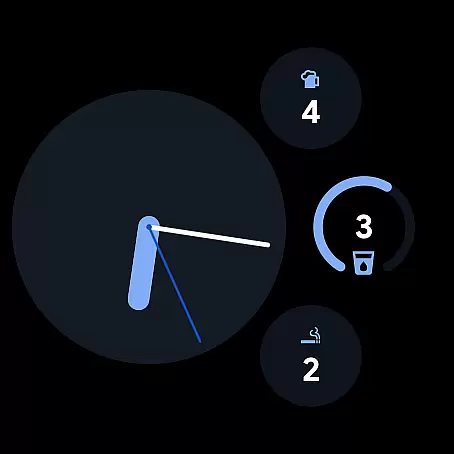
For Wear OS, Tallies offers specialized complications and tiles such as ongoing tally complications, goal tally complications, and quick tally tiles. On mobile devices, users benefit from home screen widgets, floating windows for Android 14+, and launcher shortcuts. These features ensure that users have constant access to their tallies, whether they're on the go or at their desks.
The app's ability to sync data between phone and watch enhances its utility, allowing users to maintain consistent records across devices. With no subscription model, Tallies provides all these features at a one-time purchase price, making it a cost-effective solution for anyone looking to enhance their productivity through precise tracking and organization.
Task management is at the heart of productivity applications, and Tallies excels in this area by offering a versatile tally and goal counter for both Wear OS and mobile devices. This functionality allows users to keep track of ongoing counts, set goals with customizable options upon completion, and even automatically reset tallies based on selected intervals.
The app's implementation of task management extends to organizing tallies into groups, providing a sum view for these groups, and enabling users to review their tally history through various graphs and statistics on their phones. This historical data syncs seamlessly from watch to phone whenever the tally updates, ensuring that users have access to up-to-date information across all their devices.
For users, this means an efficient way to manage tasks or track habits without being tied down to a single device. The ability to export tally histories as CSV files adds another layer of utility, allowing for further analysis outside the app. With full synchronization between phone and Wear OS watches, Tallies provides a cohesive ecosystem that enhances personal productivity.
Cross-device synchronization is crucial for users who operate within an interconnected digital environment. Tallies addresses this need by ensuring reliable sync capabilities between smartphones and Wear OS watches. To utilize this feature effectively, the app must be installed on both the phone and the watch, creating a seamless bridge for tally data.
This synchronization process supports not only basic tally counts but also includes detailed tally histories, graphical representations, and stats. When users update a tally on their watch, the corresponding change appears on their phone, maintaining consistency and accuracy across devices. Such reliability empowers users to engage with their data regardless of which device they have at hand.
By prioritizing robust cross-device synchronization, Tallies ensures that no matter where or how you update your tallies, the information remains current and accessible. This reliability fosters trust in the application, encouraging consistent use and supporting productive habits. Moreover, features like ongoing tally complications and quick tiles on the watch further enhance accessibility and ease of use.
User-friendly interface
Extensive customization options
Seamless cross-device sync
Comprehensive feature set
No subscription required
Limited free version
Advanced features need both devices
Occasional sync delays
Complexity for new users
Requires Android 14+ for some features

Auto-shutoff Alarm with Sunrise, Sunset & Fixed Options.
 3.50
3.50
Native client for Forgejo and Gitea
5.00
The Pro Version of Android's tiniest Notepad app. Just 0.3MB but feature-packed!
4.60
A lightweight JSON & XML files creator, editor and viewer (Premium Version)
4.40
Fill, sign & send docs, forms, agreements & contracts via electronic signature.
4.50
Create and edit presentations with Google Slides, part of Google Workspace.
4.00
A comprehensive suite of tools designed specifically for Lactation Consultants
4.1
Experience and share your SolidWorks designs on your Android® phone and tablet.
2.50
Scientific calculator for Android - looks and operates like the real thing!
4.90
Understand anything with a personalized AI research assistant
4.80
Absolutely the best CNC machinist speed and feed calculator around. fswizard.com
4.60
Secure, fast, open-source, Remote Desktop Client for Windows and Linux with SSH
4.60
App Lock with fingerprint, password: Lock apps & hide photos with lock screens
4.60
Make apps & sites with natural language prompts
4.10
Activate Two Factor Authentication (2FA or Multi OTP), Password manager and more
4.10
Experience real multitasking on your Android!
4.00
Mega cloud explorer plugin for Solid Explorer
3.80
Find and delete junk files & block unwanted notifications & manage files
3.70
The upgraded version of Name Wheel with AI and the power to add your own wheels.
4.2


User Reviews