
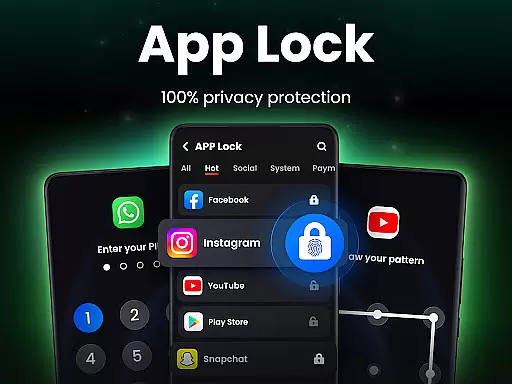
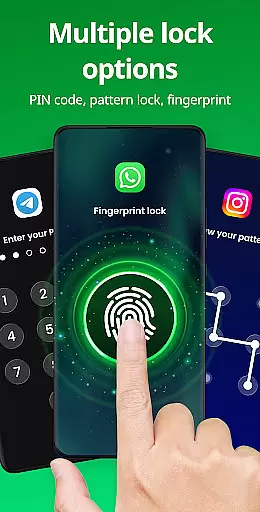
App Lock is a powerful productivity tool designed to help users secure their private data with ease. This app allows you to lock various applications on your device using PIN, pattern, or fingerprint authentication. With its comprehensive security features, App Lock ensures that your personal information, such as chats, photos, and messages, remains protected from unauthorized access.
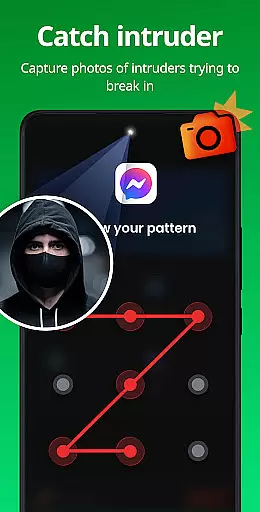
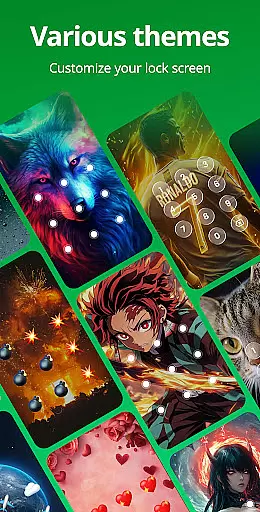
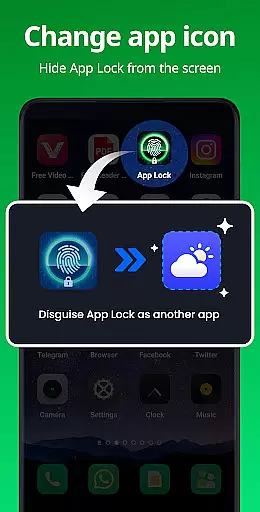
Beyond basic app locking, the application offers advanced functionalities like Safe Vault for hiding private media files, Intruder Selfie to capture unauthorized access attempts, and Disguise App to mask its presence. It also includes customizable themes and additional protective measures such as random keyboards and relock settings. Whether you're looking to prevent accidental in-app purchases or safeguard sensitive content, App Lock provides a versatile solution tailored to enhance your mobile privacy and productivity.
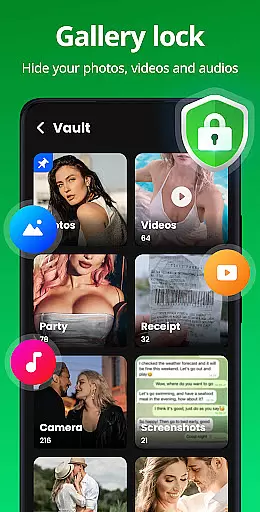
App Lock stands out with its diverse range of features crafted to maximize user privacy and convenience. One of its core functionalities is the ability to lock apps using multiple methods including PIN, pattern, or fingerprint, ensuring robust protection for social apps, payment platforms, and more. The Safe Vault feature allows users to hide private photos and videos, making them accessible only through a secure password, thus preserving personal memories from prying eyes.
In addition to securing apps and files, App Lock incorporates innovative features like Intruder Selfie, which automatically takes a picture of anyone attempting unauthorized access. The Disguise App option lets users change the app's icon to blend in discreetly, while Uninstall Protection prevents loss of hidden files due to accidental removal. Customizable themes, invisible pattern paths, and random keyboards further enhance security. These features collectively empower users to maintain strict control over their digital environment, offering peace of mind and elevated productivity.
At the heart of App Lock's functionality is its robust core task management system, designed to streamline the process of securing your digital life. This feature allows users to efficiently manage and lock a wide array of applications with minimal effort. By simply selecting the desired apps, you can protect your private data from unauthorized access.
The app employs multiple layers of security measures including PIN, pattern, or fingerprint authentication methods. This versatility ensures that whether it's social media platforms like WhatsApp and Instagram or sensitive financial apps such as Google Pay and PayPal, all are safeguarded against unwarranted intrusions.
Users benefit greatly from this comprehensive approach to privacy protection. Not only does it prevent accidental purchases or unauthorized access by others, but it also offers peace of mind knowing their personal information remains confidential. With just one click, individuals can activate these defenses, making sure their digital footprint stays secure at all times.
Another standout feature of App Lock is its reliable cross-device synchronization capabilities. In today's interconnected world where users often switch between smartphones, tablets, and other gadgets, maintaining consistent security settings across devices has become crucial. The application excels in ensuring that once an app is locked on one device, the same status reflects seamlessly on all linked gadgets.
This reliability stems from advanced cloud-based technologies integrated within the appu2019s architecture. These systems work tirelessly behind the scenes to update locking preferences instantly whenever changes occur. Whether you're adding new apps for protection or modifying existing ones, rest assured that every adjustment will propagate accurately without delay.
Such dependable performance not only enhances user convenience but significantly boosts overall safety standards too. Knowing that regardless of which gadget they pick up next, their chosen applications remain steadfastly protected provides immense comfort. Thus, through meticulous attention to detail in synchronizing tasks, App Lock delivers unparalleled assurance regarding data integrity and privacy preservation.
Easy to use
Multiple lock options
Protects private data
Customizable themes
Intruder detection
Requires permissions
May slow device
Ads in free version
Limited cloud storage
Frequent updates needed

Smart PDF reader & editor to view, organize and manage PDF documents easily.
 3.70
3.70
IP Camera Viewer - Android TV : RTSP Surveillance camera viewer for Android TV
4.0
Todo reminder
4.10
Calendar 2023 widget for Android. Appointment scheduler, planner, and reminder
4.60
Docker, Kubernetes management over Portainer Mobile
4.40
Best Tool for the professionals Electrician, Electrical contractors, etc.
4.90
The ultimate file manager for rooted devices. The original and still the best.
4.00
Use powerful, industry-leading AI tools to generate visual charts from any data
4.80
Browse and view your photos and videos from the phone with photo & video hide.
4.10
Direct Chat without saving contacts & Dual WA Account on Single Device
4.70
A beautiful digital clock with autostart and many other functions
4.70
Functional QR scanner and barcode reader that requires little storage space.
4.60
All document reader, all in one file viewer read PDF, DOCX, XLS, PPT, TXT files.
4.60
Lightweight PDF, Word, Excel reader.
4.60
Total remote control for your Android device, PC and cloud services (IFTTT)!
4.20
All in One PDF Reader: Manage, Read and Edit your Documents
4.20
Simple and reliable communication between inmates, friends and family
3.20
Experience and share your SolidWorks designs on your Android® phone and tablet.
2.50
Easiest event planning, volunteer signups & parent teacher conference scheduling
2.20


User Reviews