
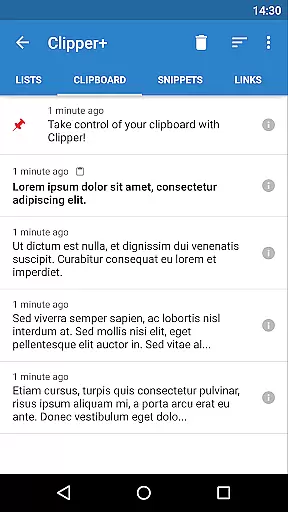
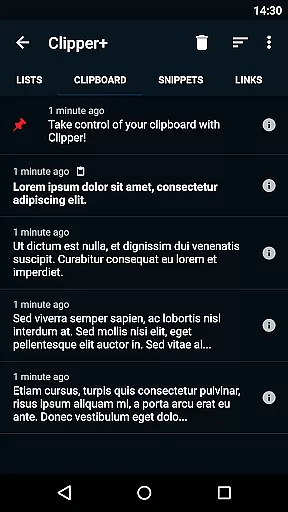
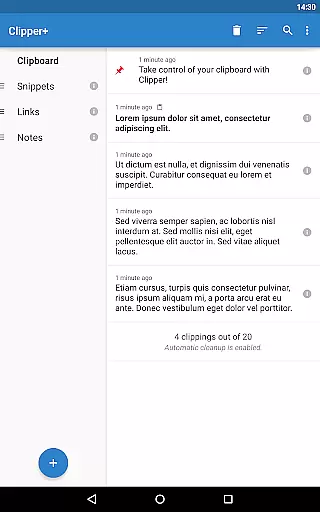
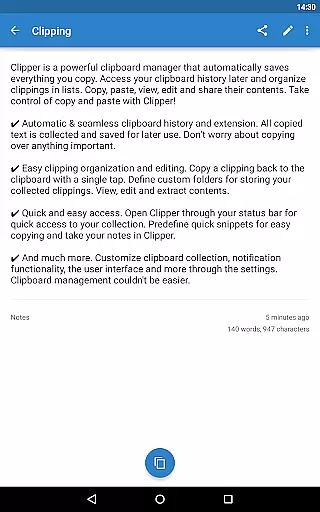
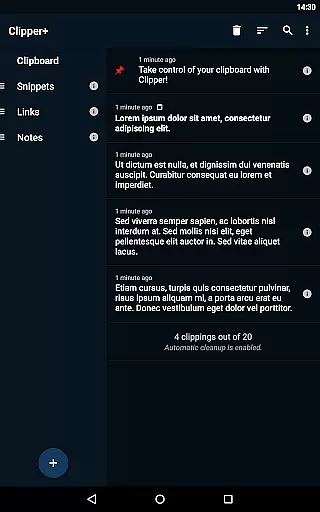
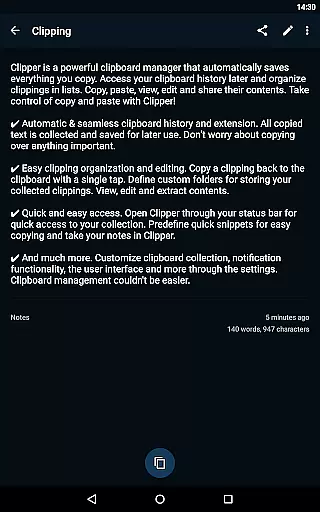
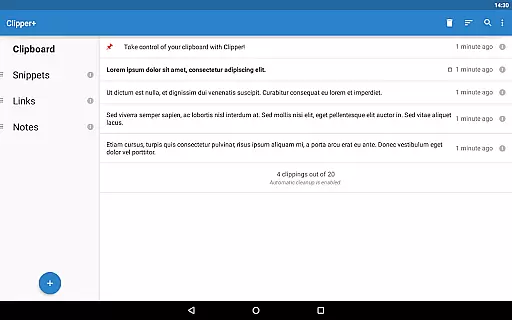
Clipper+: Clipboard Manager is a robust productivity tool designed to enhance your clipboard experience. This app automatically saves everything you copy, allowing you to access and organize collected clippings later in lists. With features like unlimited clipping storage, dynamic values for custom snippets, and powerful search functionality, it ensures you never lose important copied content. The app also supports organizing repetitive text pieces into custom folders, making it easy to retrieve frequently used phrases or notes.
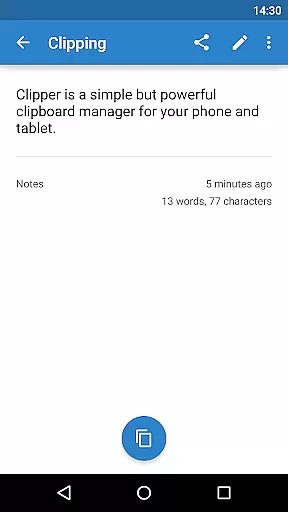
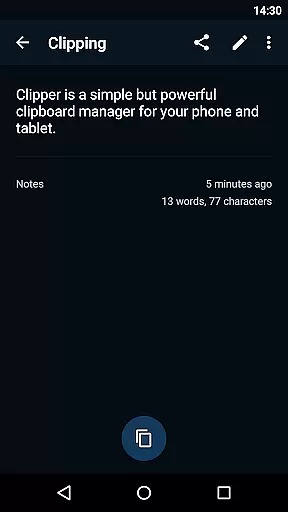
Beyond its core capabilities, Clipper+ offers seamless integration with your workflow. You can edit, view, and share the contents of your clippings effortlessly. Quick access through the status bar and predefined snippets streamline your daily tasks. Whether you're managing large volumes of text data or need quick access to commonly used phrases, Clipper+ provides an efficient solution that boosts productivity by simplifying how you handle copied content.
Clipper+ stands out with its comprehensive feature set tailored for power users. One of its key features is the ability to store unlimited clippings, bypassing the typical limit of 20 items found in standard clipboard managers. This ensures that all your copied content is preserved without automatic cleanup unless desired. Additionally, the app supports dynamic values, enabling you to insert current date and time into your custom snippets, which is particularly useful for templated messages or documentation.
The app's search functionality allows you to quickly locate specific clippings among potentially hundreds of saved entries. Customizable settings let you control whether each clipping is collected manually or automatically, providing flexibility based on your workflow needs. Furthermore, Clipper+ offers an ad-free experience, ensuring uninterrupted use while supporting ongoing development. Its intuitive interface facilitates easy organization and editing of clippings, empowering users to manage their clipboard history efficiently and effectively.
Efficient task management is essential for productivity apps, and Clipper+: Clipboard Manager excels in this area. The app automatically saves everything you copy, allowing you to access and manage your clipboard history effortlessly.
With features like unlimited collected clippings and easy organization options, users can store repetitive pieces of text and organize them into custom folders. This ensures that important information is always at your fingertips, ready to be copied or edited as needed.
The dynamic values feature adds another layer of functionality by allowing users to insert the current date and time into their custom snippets. This makes it easier to keep track of when specific pieces of information were saved or last used.
Overall, Clipper+ transforms the simple act of copying and pasting into a powerful productivity tool, streamlining workflows and ensuring that no important data is ever lost or forgotten.
In today's interconnected world, reliable cross-device synchronization is crucial for any productivity tool. Clipper+: Clipboard Manager offers seamless integration across devices, ensuring that your clipboard history is always up-to-date and accessible wherever you are.
The app allows users to import and export backup functionality to internal storage or an SD card, making it easy to transfer data between devices. This feature is particularly useful for those who work on multiple devices throughout the day and need consistent access to their clipboard history.
Additionally, Clipper+ provides quick and easy access through the status bar, allowing users to open the app and retrieve their collected clippings with minimal effort. This ensures that whether you're switching from a phone to a tablet or vice versa, your data remains synchronized and readily available.
By prioritizing reliable synchronization, Clipper+ enhances user productivity and convenience, making it an indispensable tool for managing clipboard content across various devices.
Unlimited clippings
Dynamic snippet values
Powerful search tool
Customizable options
Completely ad-free
Paid application
Separate install
Manual data migration
No built-in cloud sync
Limited design customization

 4.20
4.20
Experience real multitasking on your Android!
4.00
A simple, portable logger for POTA, SOTA, Field Day, and more
4.5
Absolutely the best CNC machinist speed and feed calculator around. fswizard.com
4.60
⏰ Finally a timer app which can run multiple timers simultaneously on your watch
3.90
IP Camera Viewer - Android TV : RTSP Surveillance camera viewer for Android TV
4.3
Tally and goal counter for Wear OS & mobile
4.50
A beautiful digital clock with autostart and many other functions
4.70
This small app MUST BE INSTALLED after purchase, else license won't work
4.40
Scientific calculator for Android - looks and operates like the real thing!
4.90
Seamlessly integrate data and reports to build your presentation to impress
4.80
App lock - lock apps with fingerprint, password, pin or pattern, protect privacy
4.70
Quickly and easily keep track of your work shifts
4.70
Scan paperwork into PDF/JPG, generate your own e-signature and send fax or email
4.70
App Lock with fingerprint, password: Lock apps & hide photos with lock screens
4.60
All document reader, all in one file viewer read PDF, DOCX, XLS, PPT, TXT files.
4.60
Device's storage information in a simple and clear graphical form (infographics)
4.10
Create and edit presentations with Google Slides, part of Google Workspace.
4.00
Remotely view listen control and record cameras.
3.70


User Reviews