
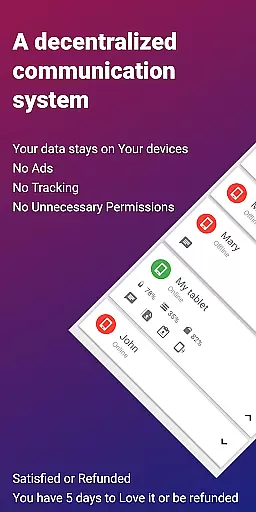
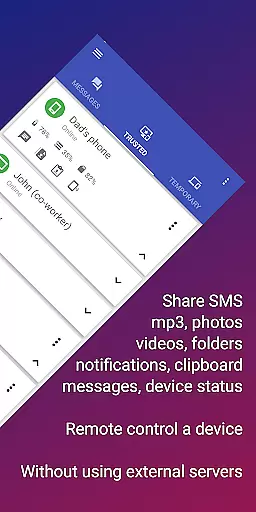
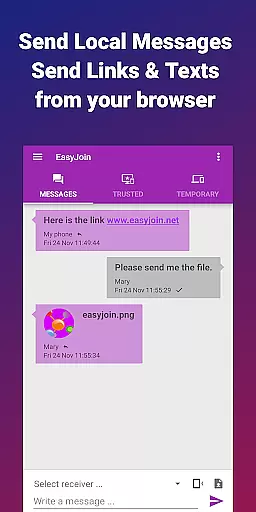
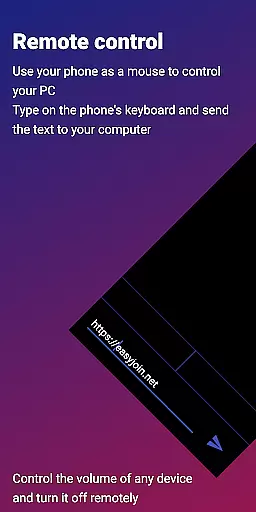
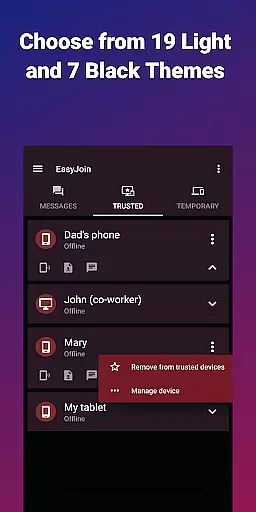
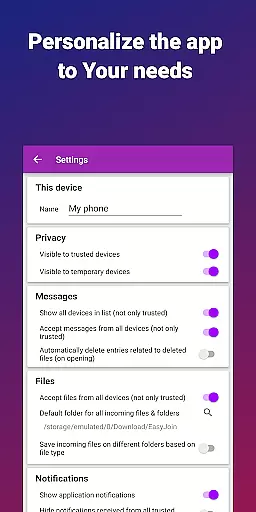
EasyJoin is a productivity-focused application that enables instant file transfers, clipboard synchronization, and device control without relying on cloud services or external servers. Designed for privacy-conscious users, the app uses end-to-end encryption to ensure all data stays private and secure within your local network.
The app supports cross-platform functionality, working seamlessly across Android, Windows, macOS, iPhone, iPad, and Linux devices. With features like remote SMS management, notification syncing, and local network messaging, EasyJoin provides a comprehensive solution for managing multiple devices while maintaining complete control over your data.
Perfect for professionals who need efficient workflows, EasyJoin allows you to send files, sync clipboards, and even use your phone as a keyboard or mouse for your PC. Its offline capabilities make it ideal for secure file sharing in team environments or personal use without internet dependency.
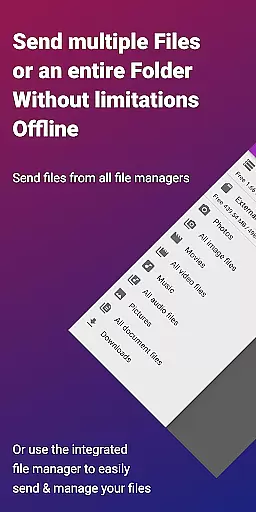
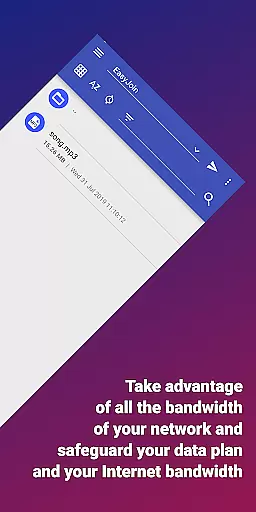
EasyJoin stands out with its robust feature set tailored for productivity and privacy. The app's fast file transfer functionality allows users to instantly share photos, videos, documents, and folders between devices using only the local network—no cloud or external servers are involved.
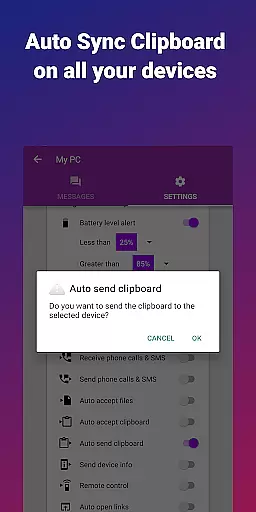
Clipboard sync is another key feature, enabling seamless copy-paste operations across different platforms such as Android, Windows, macOS, iPhone, iPad, and Linux. This ensures uninterrupted workflows when switching between devices. Additionally, the app offers P2P encrypted sharing, ensuring all data transferred remains encrypted and accessible only by authorized devices.
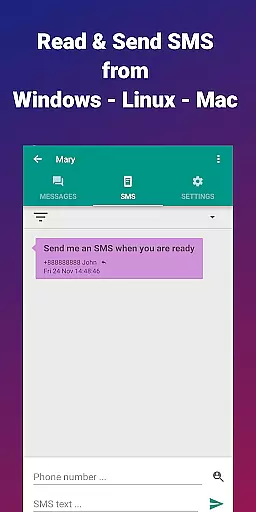
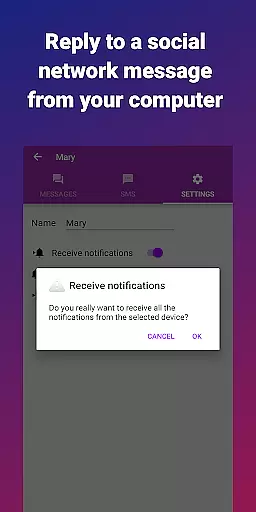
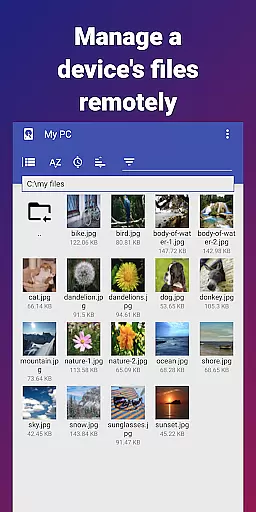
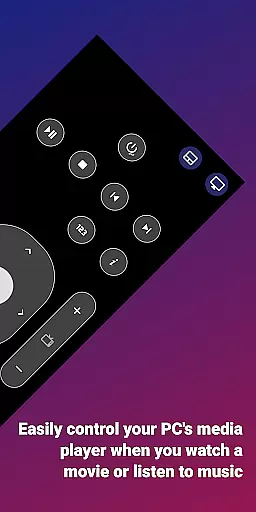
Remote notifications and SMS management allow users to interact with their phone’s messages and alerts directly from their computer. The remote control feature lets you use your phone as an input device for your PC or manage your phone from your desktop. These innovative tools enhance multitasking capabilities while keeping everything secure within your local network.
Efficient task management is essential for productivity applications, and EasyJoin excels in this area by offering a suite of features that streamline device connectivity and file sharing.
The app enables users to transfer files between devices instantly without relying on cloud services or external servers, ensuring privacy and speed. Its peer-to-peer encrypted sharing keeps all data within the local network, providing end-to-end encryption that secures every file and message exchanged.
EasyJoin also supports clipboard synchronization across multiple platforms, including Android, Windows, macOS, iPhone, iPad, and Linux. This means you can copy content on one device and paste it seamlessly on another, enhancing workflow efficiency.
Additionally, the ability to read and respond to SMS messages or notifications from a computer further simplifies task management. By consolidating these functionalities into a single application, EasyJoin ensures that users can manage their digital tasks more effectively while maintaining complete control over their data.
Cross-device synchronization is a critical feature for modern productivity tools, and EasyJoin delivers reliable performance by leveraging advanced technologies to ensure seamless integration across various platforms.
One of the standout features is its capability to sync clipboards across different operating systems. Whether you're working on an Android phone, a Windows PC, or even an iPhone, EasyJoin allows you to copy text on one device and paste it effortlessly on another. This cross-platform compatibility enhances productivity by eliminating the need for manual data entry.
Moreover, EasyJoin facilitates remote notifications and SMS management directly from your computer. Users can receive alerts and respond to messages without needing to switch devices, which significantly improves response times and overall efficiency.
The application's commitment to privacy and security further bolsters its reliability. With end-to-end encryption and no reliance on cloud services, EasyJoin guarantees that your data remains private and secure, reinforcing trust in its synchronization capabilities.
Fast file transfer
End-to-end encryption
Cross-platform support
No cloud dependency
One-time payment model
Limited to local networks
Requires Wi-Fi connection
No free version available
Advanced features may overwhelm beginners
Accessibility permission needed

Client for Nextcloud Deck
 4.60
4.60
Auto-shutoff Alarm with Sunrise, Sunset & Fixed Options.
3.50
Native client for Forgejo and Gitea
5.00
Professional calendar app for Google Calendar, MS Outlook & Exchange
4.20
⏰ Finally a timer app which can run multiple timers simultaneously on your watch
3.90
Find and delete junk files & block unwanted notifications & manage files
3.70
Calendar 2023 widget for Android. Appointment scheduler, planner, and reminder
4.60
To do list widget with a notebook organizer, checklist, simple shopping list
4.60
Simple notepad & memo. Take notes, to-do list, shopping list with reminders.
4.80
We're working to become the best machining app on the market! www.cncdirt.com
4.80
QuickBooks Workforce lets teams view pay info and track time in one place.
4.70
Functional QR scanner and barcode reader that requires little storage space.
4.60
Lightweight PDF, Word, Excel reader.
4.60
When you Focus, so will your Bean in this cozy focus timer
4.30
A customizable calendar for your Wear OS watch
4.20
All in One PDF Reader: Manage, Read and Edit your Documents
4.20
Unlock AutoNotification
4.00
Customizable calendar widget for seamless event sync, planning & scheduling.
4.00
AI Video AI Image Private LLM AI Browser Llama Gemma Ollama Connect LLM Studio
4.5


User Reviews