
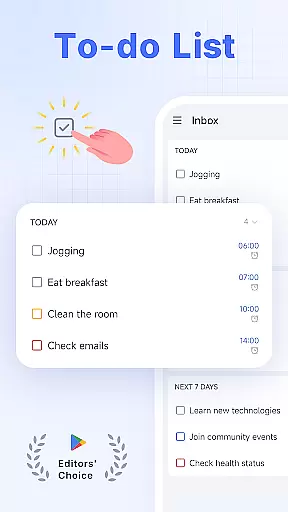
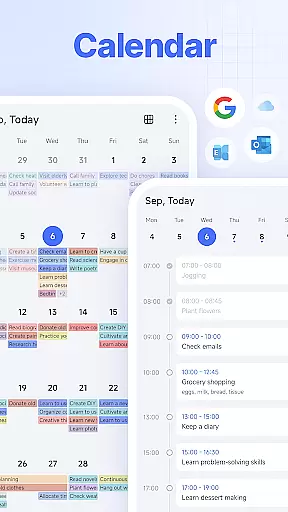
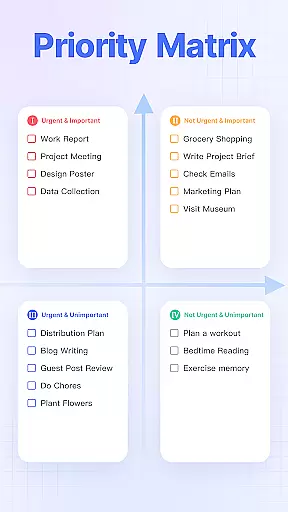
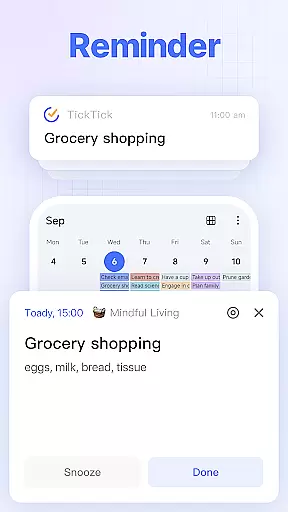
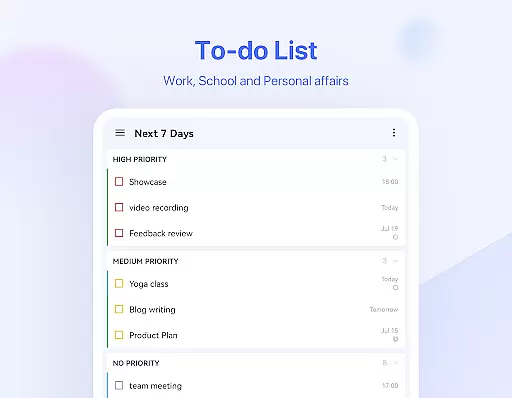
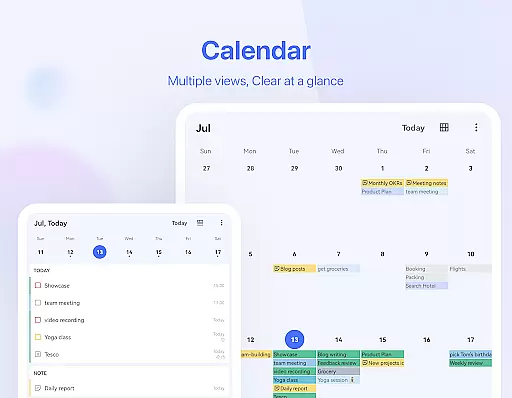
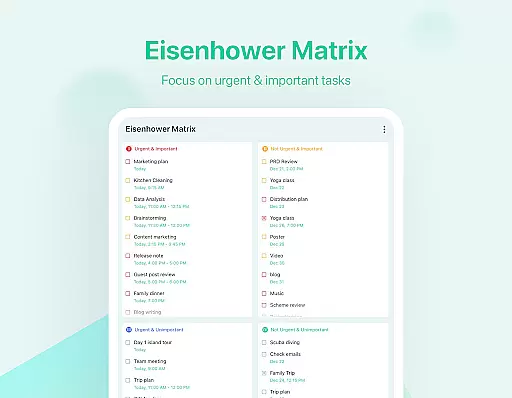
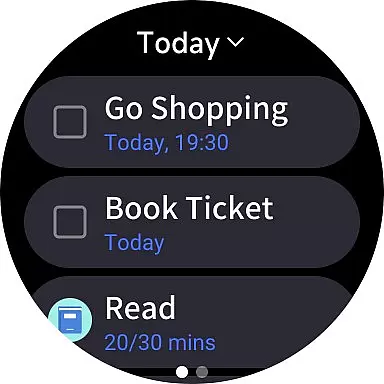
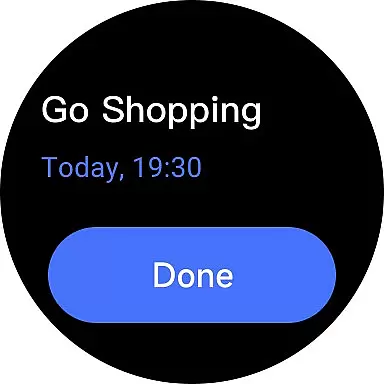
TickTick is a comprehensive productivity app designed to help users manage their tasks, schedules, and habits efficiently. As a multi-dimensional task manager, it consolidates all your to-dos, reminders, and calendars into one intuitive platform. Whether you're at home, in the office, or on the move, TickTick ensures you stay organized and make the most of every moment.
The app stands out with its Pomodoro Timer for focus, Habit Tracker for personal development, and seamless cross-platform syncing. From capturing quick ideas to tracking long-term goals, collaborating with teams, or sharing shopping lists with family, TickTick offers a complete productivity solution tailored to various needs.
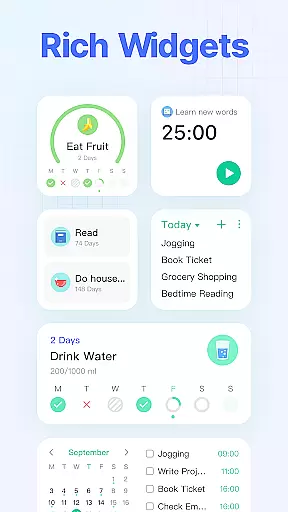
With its sleek calendar integration, handy widgets, and recurring task scheduling, TickTick proves invaluable for anyone seeking a smarter way to manage their day-to-day life while achieving both personal and professional milestones.
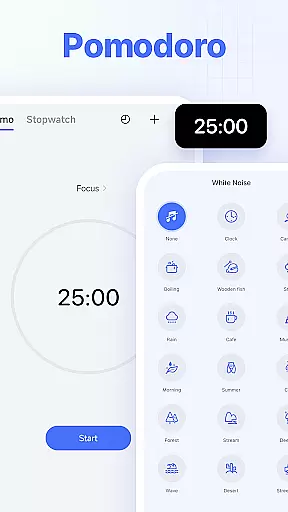
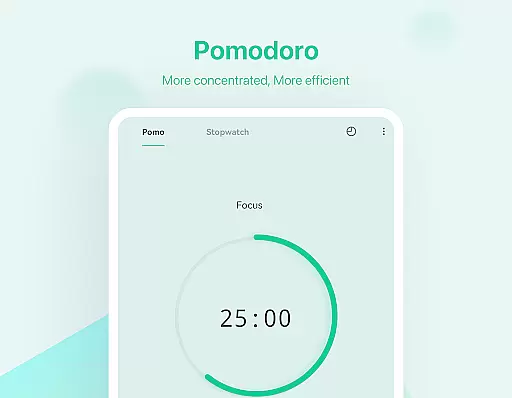
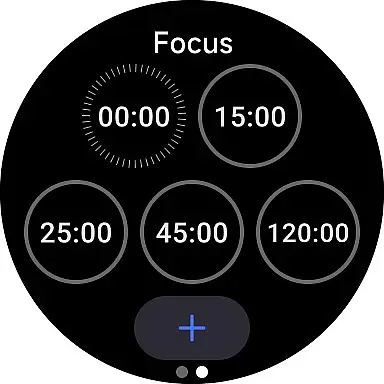
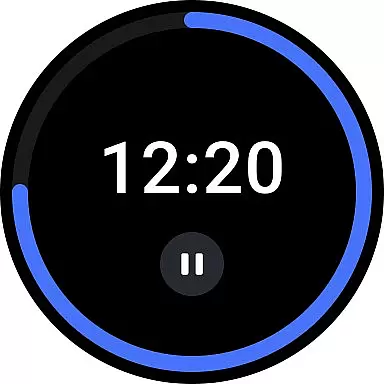
TickTick boasts an array of powerful features that cater to diverse productivity needs. Its user-friendly interface allows you to add tasks and reminders quickly, freeing up time to focus on what truly matters. The Pomodoro Timer and white noise feature are designed to enhance concentration by minimizing distractions, making it ideal for work or study sessions.
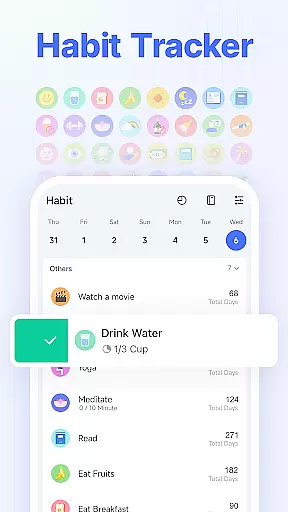
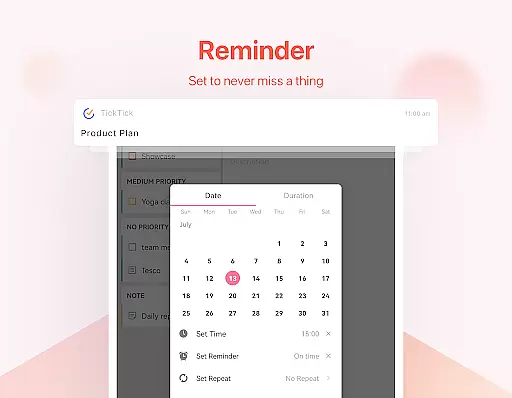
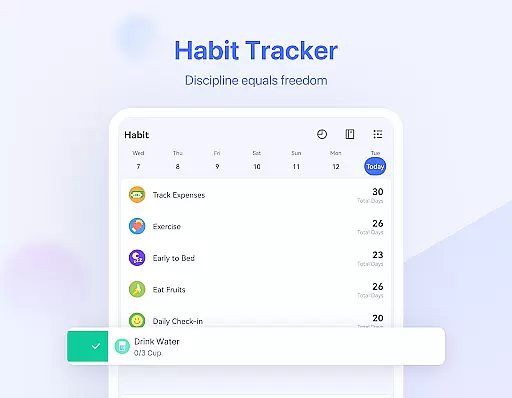
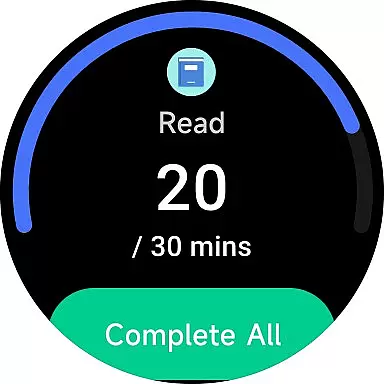
One standout feature is the Habit Tracker, which helps users build positive routines like meditation, exercise, or reading. With customizable goals, you can track habits scientifically and precisely. Additionally, TickTick's Smart Date Parsing automatically sets due dates and alarms based on your input, streamlining task management through its efficient time manager and to-do checklist functionalities.
For collaborative projects, TickTick enables seamless teamwork by allowing users to share lists and assign tasks among colleagues, friends, or family members. Integration with third-party calendars such as Google Calendar and Outlook further enhances its utility, providing a centralized hub for all your scheduling needs.
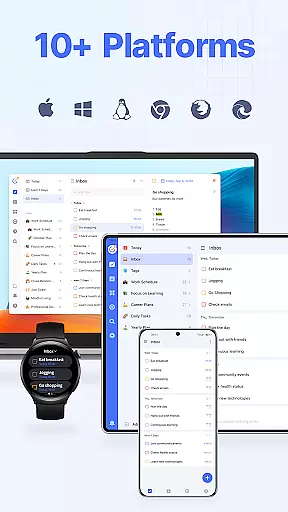
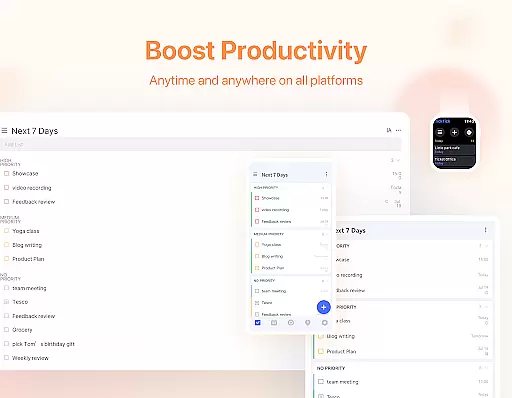
Companion app integration is crucial for wearable devices as it ensures seamless synchronization between the main application and its wearable counterpart. TickTick excels in this area by providing a cohesive experience across multiple platforms including Android, Wear OS, iOS, Mac, and PC.
The app allows users to view and manage their tasks from any device, ensuring that whether you're on your phone, computer, or smartwatch, your data is always up-to-date. This cross-platform availability means you can start a task on your desktop and continue working on it from your Wear OS watch without missing a beat.
TickTick's companion app integration also supports features like instant task reminders and calendar views, which are accessible directly from your wearable device. This functionality helps users stay on top of their schedules and responsibilities, no matter where they are or what device they're using.
By offering such comprehensive companion app integration, TickTick enhances user productivity and convenience, making it an invaluable tool for managing daily tasks efficiently across different devices.
Device compatibility is essential for apps designed to work with Wear OS, Googleu2019s platform for smartwatches. TickTick offers robust support for Wear OS, ensuring that users can access their tasks and notes directly from their smartwatches.
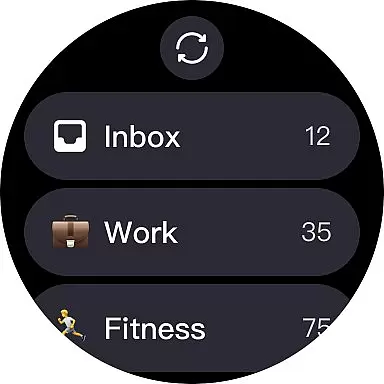
This compatibility extends beyond just viewing tasks; TickTick allows users to add new tasks, set reminders, and even track habits right from their wrists. Such extensive functionality transforms a smartwatch from a mere notification device into a powerful productivity tool.
Moreover, TickTicku2019s Wear OS compatibility includes handy widgets that provide quick access to frequently used features. Users can glance at their watch face and instantly see their upcoming tasks or swipe through widgets to manage their lists effortlessly.
With TickTicku2019s strong Wear OS/device compatibility, users enjoy a streamlined and efficient task management experience, enhancing both convenience and productivity in their daily lives.
User-friendly design
Cross-platform sync
Powerful habit tracker
Collaboration tools
Pomodoro timer
Premium subscription required
Limited free features
Occasional sync delays
No offline maps
Basic widget options

Christmas and New Year - Themed Watchface
 4.0
4.0
A watch face that fuses motorsport precision with contemporary smartwatch design
4.0
Contemporary digital watch face with five complications
4.3
Stunning modern digital watch face with 7 complications and strong contrast
4.5
Digital, flexibly customizable watch face. For Wear OS 5.0, API 34+ and later.
5.00
The most customizable minimal watch face. For Wear OS 5.0, API 34+ and later
4.70
The #1 source of faces for your smartwatch!
4.00
Bold weather Digital watchface with forecast & optional animated background
4.40
Control your Samsung Smart TVs, appliances, and SmartThings-compatible devices
4.60
Period, ovulation & pregnancy tracker. Fertility insights & menstrual calendar.
4.90
Kia Access makes getting your vehicle information easier than ever
4.60
Deck out your Wear OS Watch face with a beautifully decorated pine wreath!
4.50
Connect to your Bluelink equipped Hyundai vehicle from your smartphone.
4.50
Current temperature, weather hourly, weather radar by the weather forecast app
4.40
sleep, alarm, snoring, stress, healing, focus, sound therapy, circadian rhythm
4.10
Watch the sharpness of the sky on your wrist..
3.70
Wear Os Watch Face - Animated Snow - Sesonal for Christmas & Winter
4.4
Artistic Digital Watchface
4.1
Hybrid Vibrant Health Watch Face for Wear OS
4.5


User Reviews