
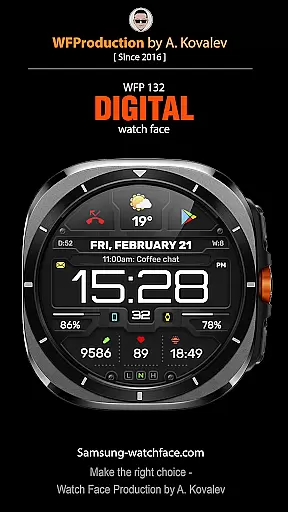
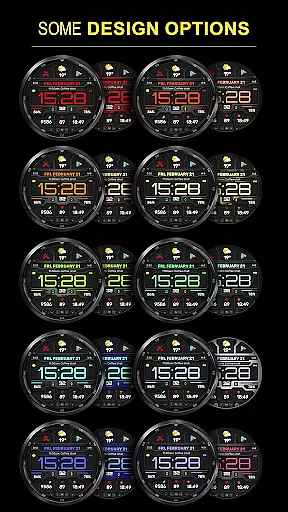
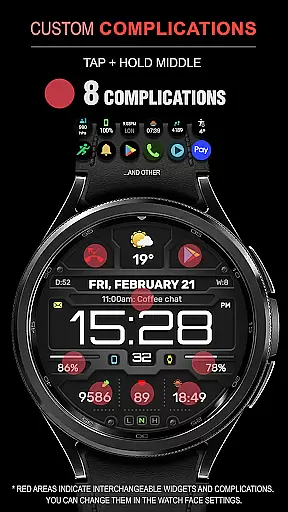
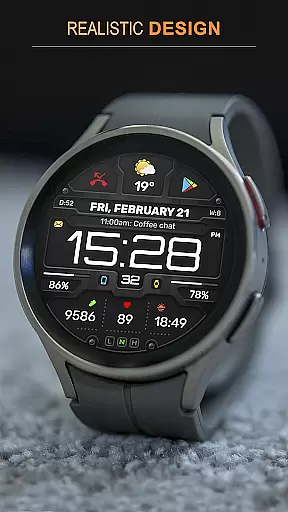
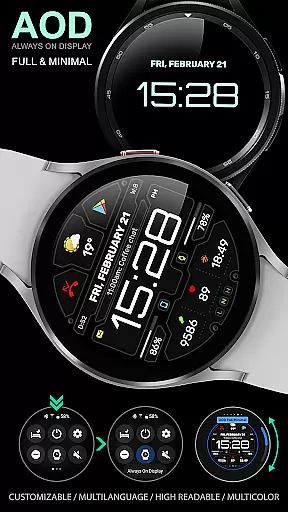
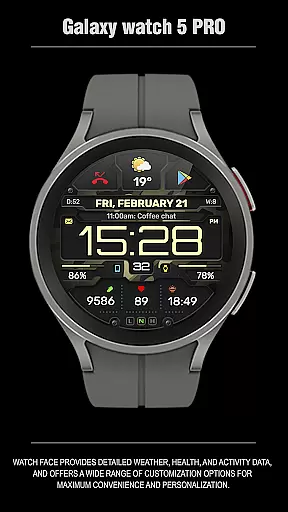
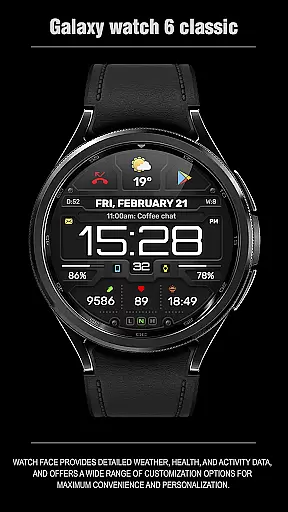
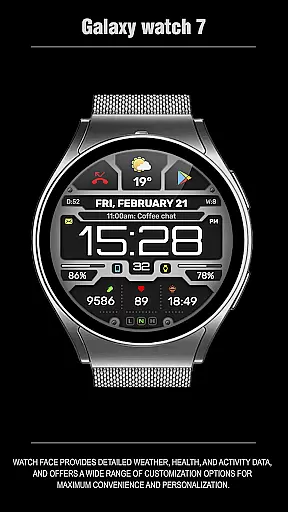
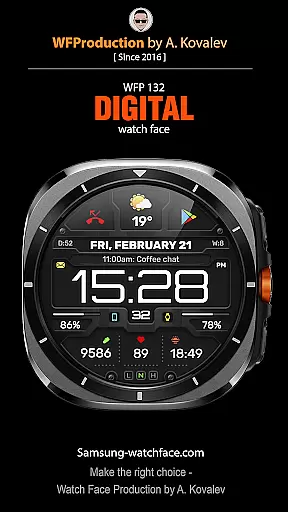
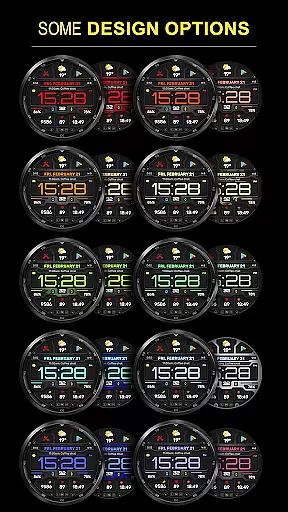
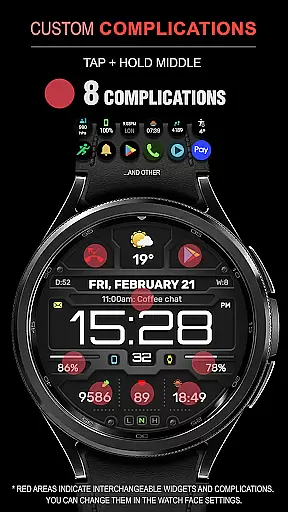
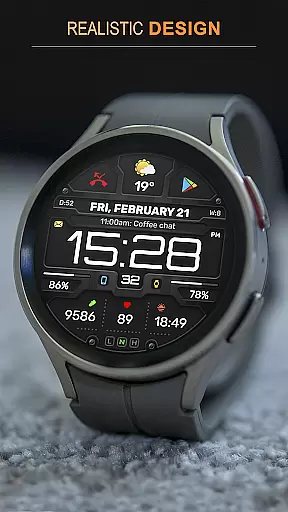
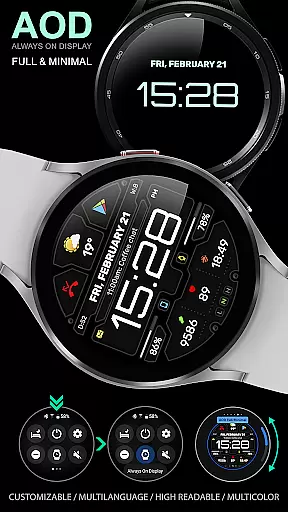
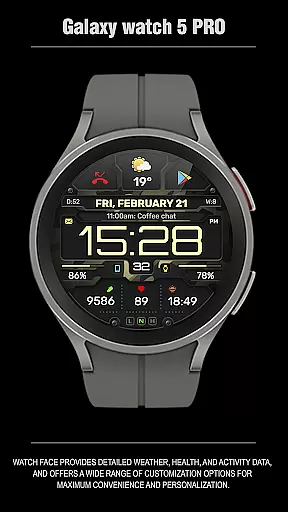
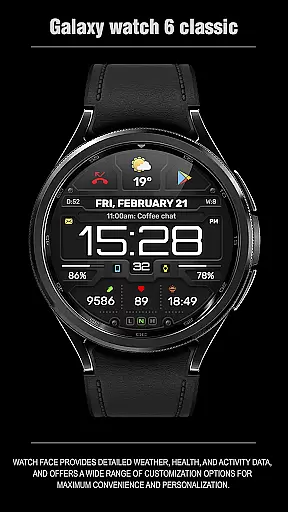
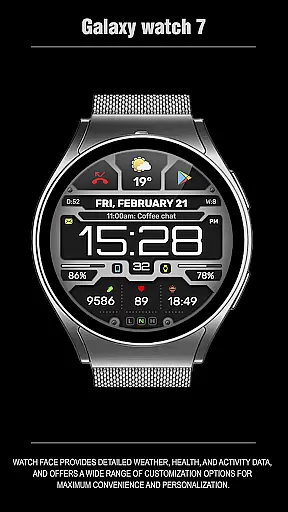
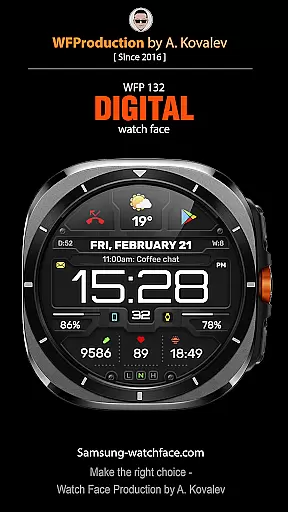
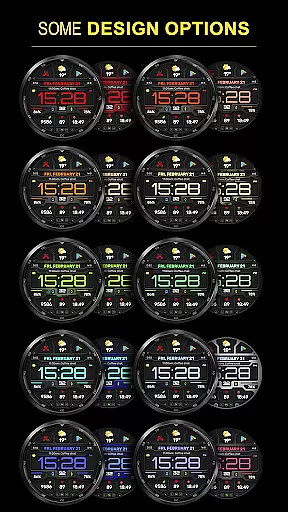
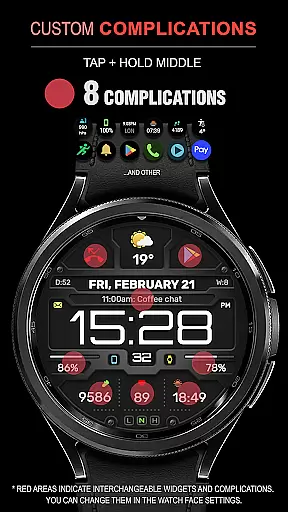
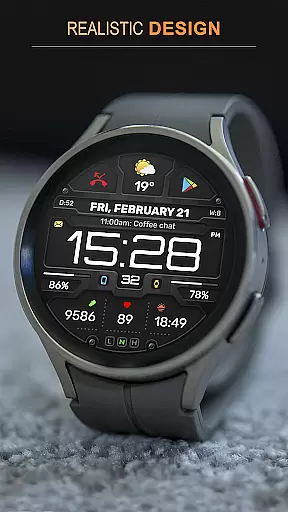
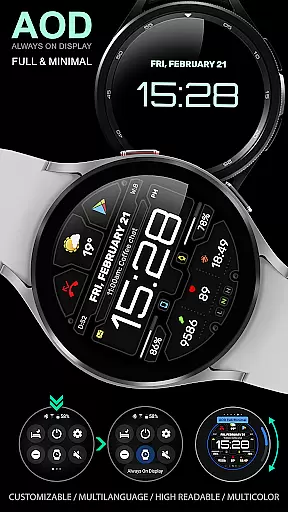
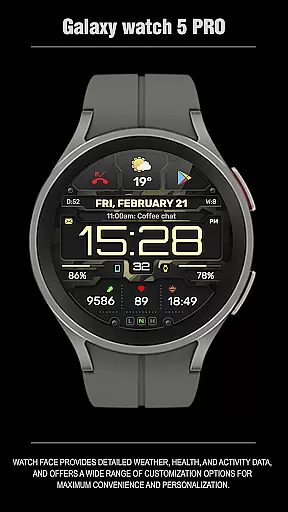
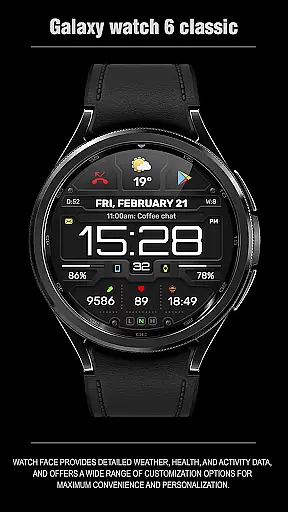
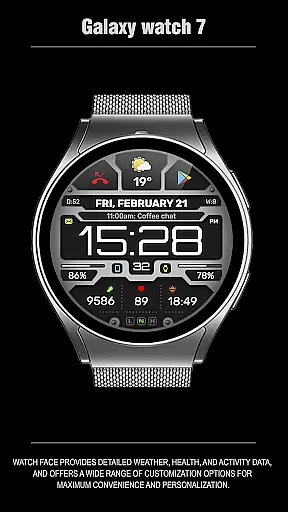
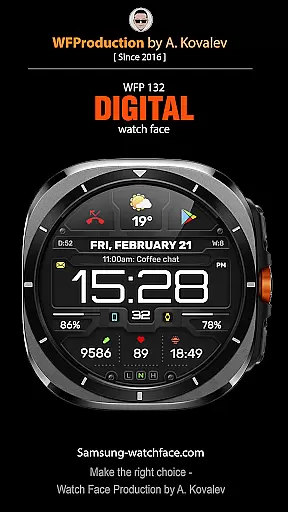
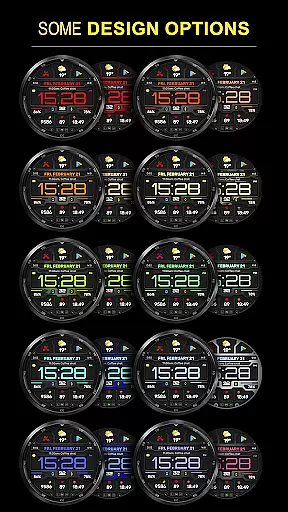
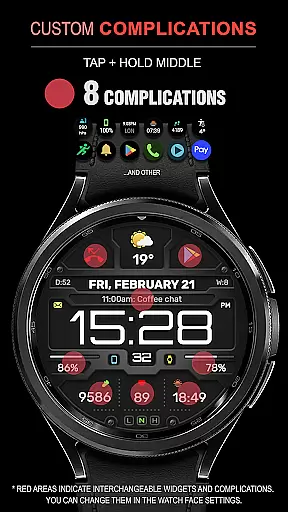
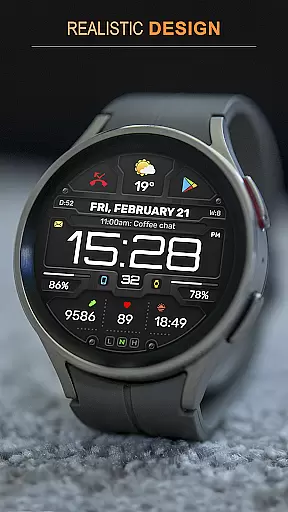
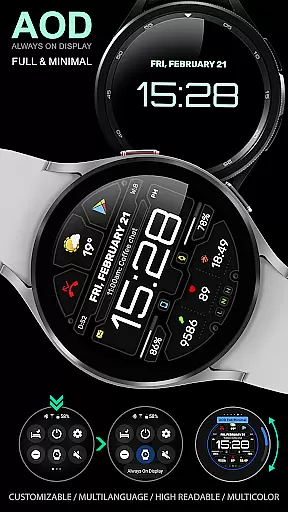
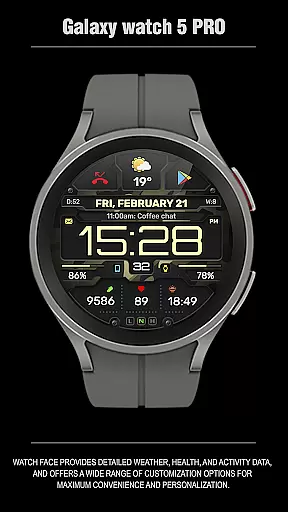
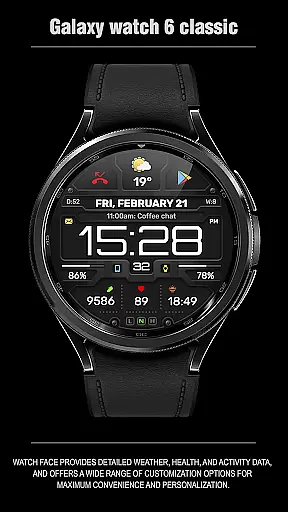
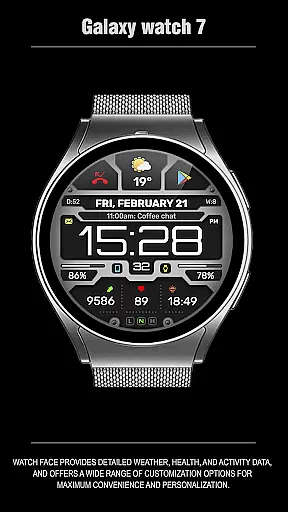
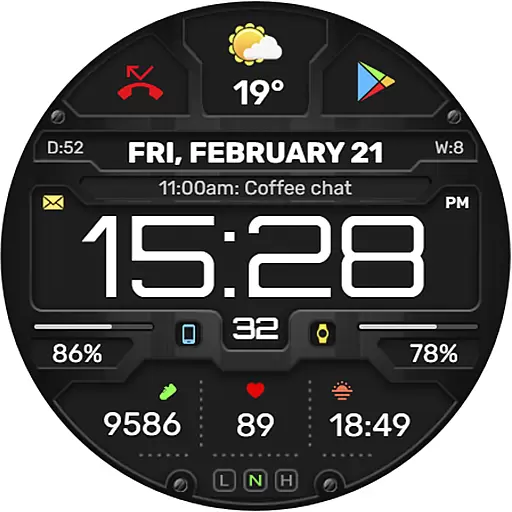
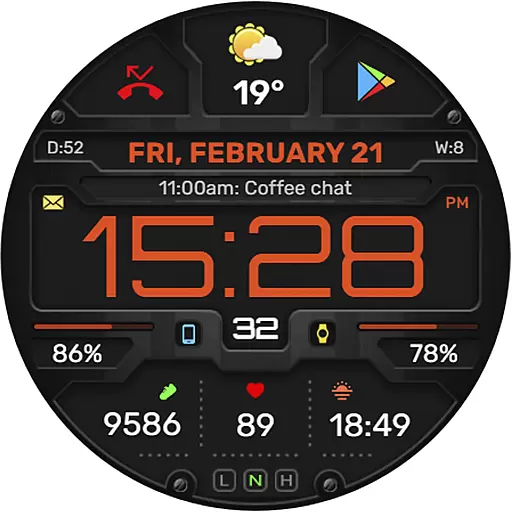
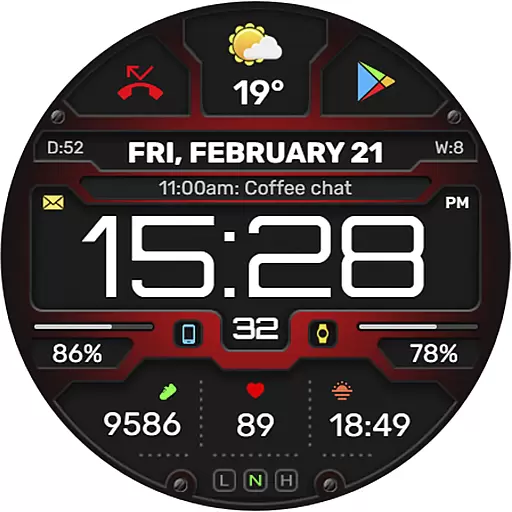
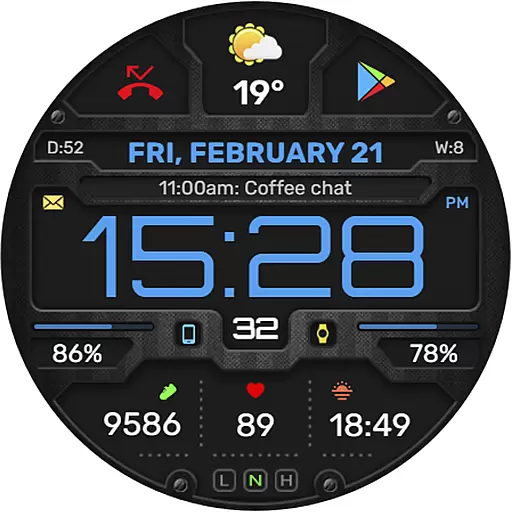
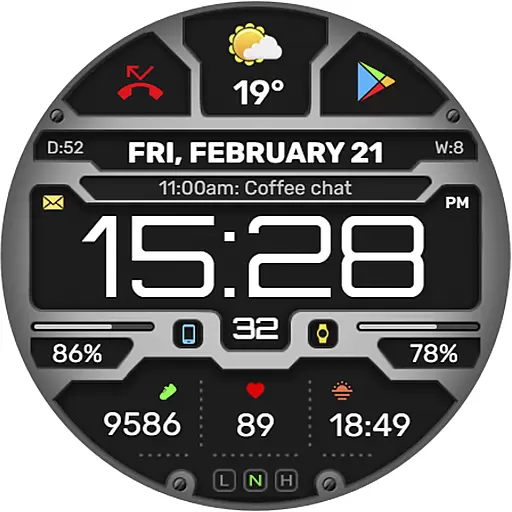
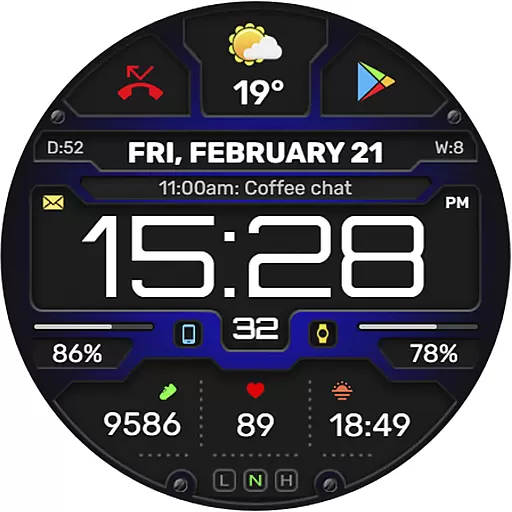
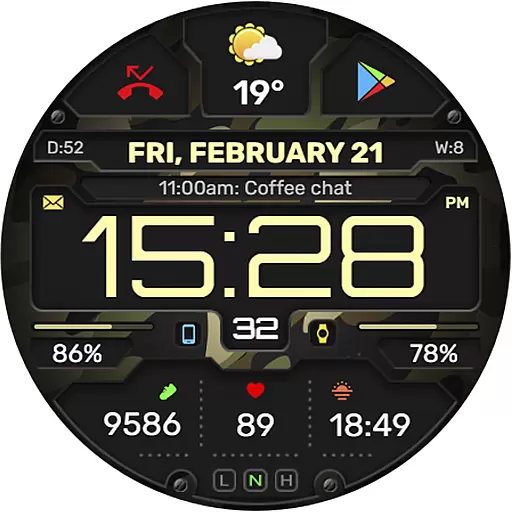
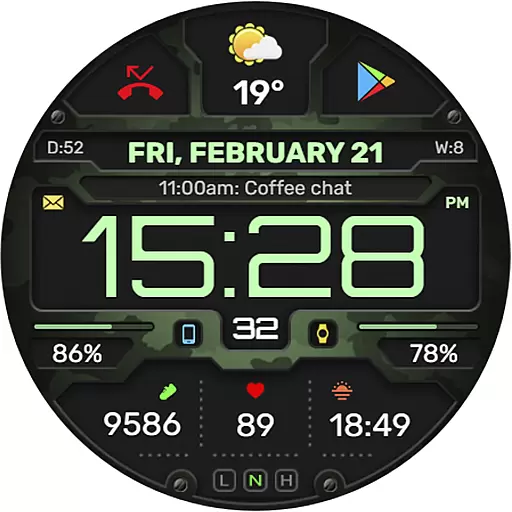
The WFP 132 Digital watch face is a stylish and functional accessory for your smartwatch, offering detailed weather forecasts, health tracking, and activity monitoring. Compatible with devices running API 34+ (5.0) and later, this digital watch face provides users with extensive customization options to tailor their experience.
With its high-resolution display, optimized performance, and low battery consumption, the WFP 132 ensures both aesthetic appeal and practical usability. Users can personalize their watch faces with various color combinations, changeable backgrounds, and multilingual support, making it an ideal choice for those seeking both fashion and utility on their wrist.
The WFP 132 Digital watch face stands out with its comprehensive feature set designed to enhance user interaction and convenience. It includes eight complications and widgets that allow for quick access to essential information such as weather forecasts, health stats, and more.
One of the key highlights is the customizable Always-On Display (AOD) mode, which can be set to full or minimal views according to user preference. Additionally, the watch face supports multiple languages and offers weather data in both Fahrenheit and Celsius, catering to a global audience. Its high optimization ensures smooth performance while maintaining low power usage, providing an efficient and personalized wearable experience.
Companion app integration is essential for a seamless wearable experience. The WFP 132 Digital watch face excels in this area by offering users the ability to sync and interact with their smartphone apps directly from their wrist.
This functionality allows for real-time updates of weather, health metrics, and notifications. Users can customize their watch face on the go, ensuring that their preferences are always up-to-date without needing to access the smartphone physically.
The synchronization between the companion app and the watch face ensures that all personalization options, such as color schemes and widget selections, are effortlessly managed. This results in an intuitive user interface that enhances daily interactions with the device.
By prioritizing strong companion app integration, the WFP 132 Digital watch face provides a cohesive ecosystem where users benefit from enhanced convenience and control over their smartwatch experience.
Device compatibility is a cornerstone of any successful smartwatch application. The WFP 132 Digital watch face boasts broad compatibility with devices running Wear OS, supporting API 34+ and later versions.
This wide-reaching compatibility ensures that users across various devices can enjoy the stylish and functional design of the WFP 132. Detailed installation instructions are provided, making it easy for users to set up and start using the watch face quickly.
In addition to basic compatibility, the WFP 132 offers advanced features like customizable Always-On Display (AOD) modes and multilingual support. These features cater to a diverse user base, accommodating different preferences and needs.
With its commitment to compatibility and optimization, the WFP 132 Digital watch face guarantees a smooth and engaging experience for all Wear OS users, regardless of their device model.
Highly customizable
Low battery consumption
High resolution display
Multilingual support
Optimized performance
Limited compatibility
Requires API 34+
Complex setup
Premium features cost extra
Weather widget not always accurate

A customizable Christmas watch face for Wear OS with a countdown.
 4.20
4.20
an Analog Watch Face for winter season with freeze winter background for Wear OS
4.3
A watch face that fuses motorsport precision with contemporary smartwatch design
4.3
Wear Os Watch Face - Animated Snow Effect & Magic Spark - 6 Scenes
4.10
Be an elegant and classy secret agent, with this carefully detailed watch face
4.70
3 Complications. All shadow on/off. 30 Themes color palette...
4.4
A realistic hybrid watch face with many customization options.
4.60
Daily Weather forecast with 15 weather images for Day & Night plus Big Bold time
4.10
Track airplanes and follow flights with our real-time flight tracker
4.50
Your second brain for organizing your life: to-do, calendar, reminder.
4.70
Kia Access makes getting your vehicle information easier than ever
4.60
To-Do List: daily schedule planner, task organizer, to do reminder app, calendar
4.60
Find EV charging stations
4.30
Elegant animated Christmas tree with multiple customization options
4.20
"PER27 Galaxy Digital" is a digital Wear OS watch face designed by PERSONA
4.10
Wear Os Watch Face - Animated Snow Effect & Christmas Lights
4.5
Precision analog watch face with 7 complications and style options
4.0
A heartwarming Christmas scene featuring a cute image of Santa and Rudolf
4.5
Funny animated watch face for Thanksgiving
4.2


User Reviews