
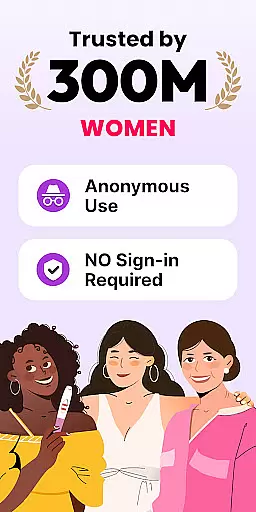
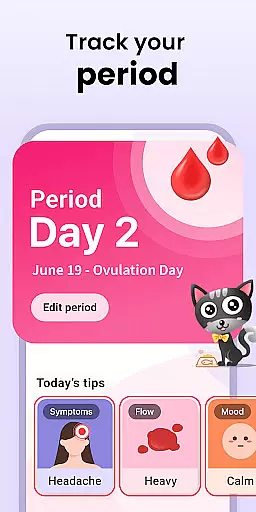
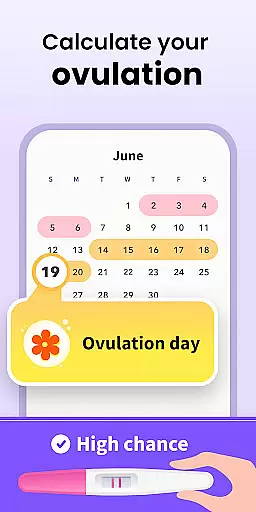
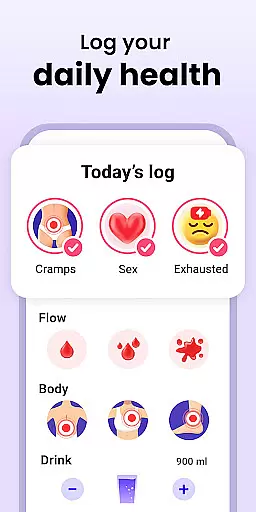

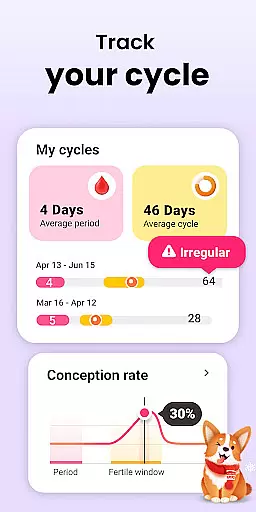
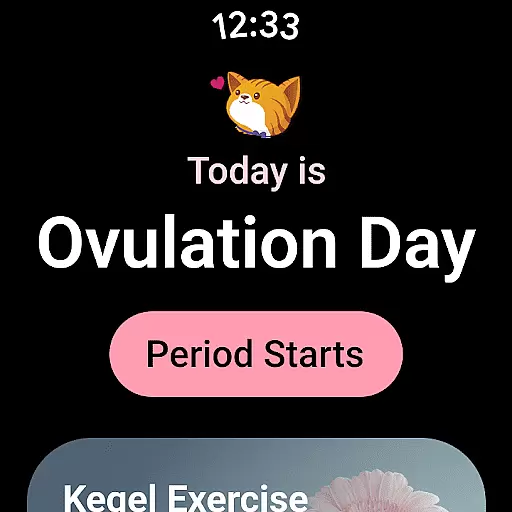
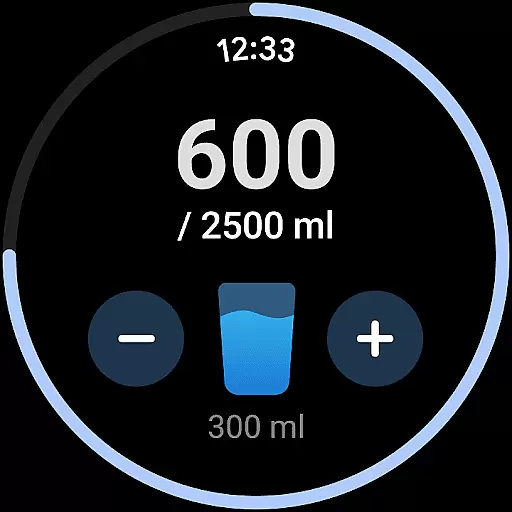
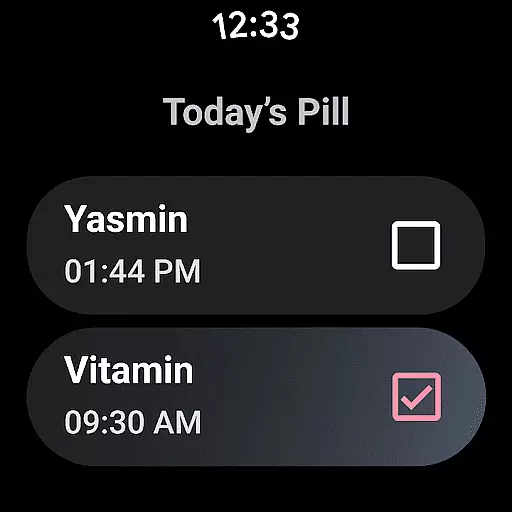
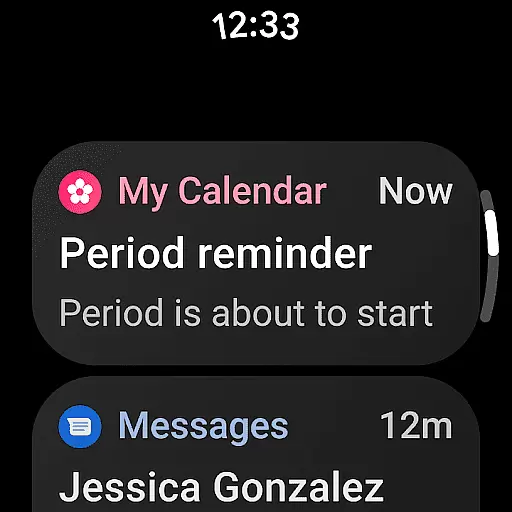
Period Calendar Period Tracker is a comprehensive menstrual cycle management app designed for Android Wear devices. This application allows users to accurately track their periods, blood flow, cycles, ovulation, and fertility windows. With over 300 million trusted users across 63 countries, it has proven to be an essential tool for women's health management.
The app provides detailed tracking features including period prediction, fertility calculator, and ovulation tracker. Users can record various health metrics such as menstrual flow, cervical mucus, body temperature, and symptoms. The discreet pill reminder system ensures privacy while the multi-account feature offers enhanced security. Syncing with Google account enables secure data backup and restoration.
Whether you're trying to conceive or practicing birth control, this app offers valuable insights through its pregnancy odds calculator and fertile days tracker. The integration with Wear OS complications and tiles makes it easily accessible on smartwatches, providing convenient access to crucial health information throughout the day.
Period Calendar stands out with its extensive tracking capabilities tailored for women's health management. The app's core feature set includes advanced period prediction algorithms that adapt to both regular and irregular cycles. Its fertility tracking system incorporates multiple data points including basal body temperature, cervical mucus consistency, and menstrual symptoms.
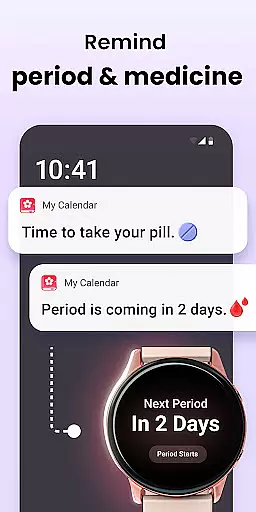
One of the app's key innovations is its discreet notification system. Users can customize alert messages for period reminders, fertility windows, and contraceptive pill schedules. The multi-account functionality with security protection ensures private tracking for shared devices. The app's integration with Wear OS enables quick access to essential information through complications and tiles on smartwatches.
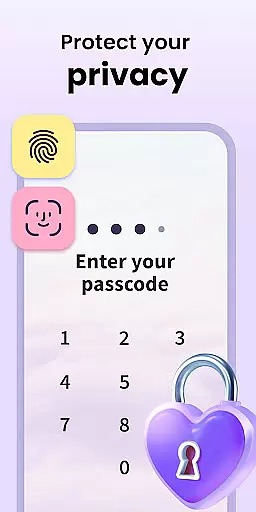
The application's data management system demonstrates its commitment to user privacy. All information is encrypted and can be backed up through Google account synchronization. Users maintain complete control over their data with options for anonymous usage, one-click deletion, and secure backup restoration. These features make it particularly suitable for health-conscious individuals who prioritize data security alongside accurate cycle tracking.
Period Calendar Period Tracker offers seamless companion app integration, ensuring that your data is always synchronized across devices. This feature allows users to effortlessly maintain consistency between their smartphone and wearable devices, providing a unified experience.
The application utilizes Google account data backup and restoration, which means you can back up your period data to the cloud and restore it on any device with ease. This ensures that no matter where you are or what device you're using, your critical health information is accessible.
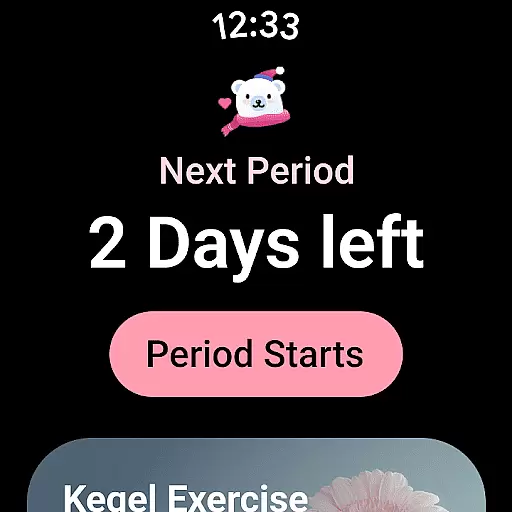
Support for Wear OS complications and tiles further enhances this integration. Users can set up their wearables to display period and ovulation predictions, water drinking reminders, and pill reminders directly on their watch face. This makes it incredibly convenient to stay informed without needing to pull out your phone constantly.
With multi-account support and security protections, users can track their cycles securely while enjoying the benefits of cross-device functionality. This comprehensive approach to companion app integration ensures that all aspects of menstrual cycle tracking are covered, offering both convenience and peace of mind.
Period Calendar Period Tracker excels in its compatibility with Wear OS devices, making it an ideal choice for users who rely on smartwatches for daily tasks. The app supports various features specifically designed to enhance usability on these devices, ensuring a smooth and intuitive experience.
One of the standout features is the ability to set up complications and tiles on your Wear OS device. These allow quick access to essential information such as period and ovulation predictions, water drinking reminders, and pill reminders right from your watch face. This level of integration ensures that users can stay on top of their health metrics without needing to interact with their phones frequently.
In addition to complications and tiles, the app also provides discreet notifications tailored to avoid embarrassment in public settings. Users can customize notification texts for periods, fertility, and ovulation tracker alerts, maintaining privacy while staying informed about their cycle status.
Overall, the robust Wear OS/device compatibility of Period Calendar Period Tracker ensures that users have a versatile tool at their disposal, capable of delivering vital information directly to their wrists. This not only enhances convenience but also promotes better health management through constant, accessible updates.
User-friendly interface
Accurate predictions
Discreet notifications
Secure data backup
Wear OS integration
Premium features locked
Occasional sync issues
Limited free themes
Advanced settings complex
Initial setup time

Gym Log & Workout Tracker | Fitness Journal, Training & Weight Lifting Planner
 4.90
4.90
Wear Os Watch Face - Animated Snow - Sesonal for Christmas & Winter
4.1
Snowflake Rose Gold Watch Face - Digital, modern, & sleek with GYRO effect.
4.10
A heartwarming Christmas scene featuring a cute image of Santa and Rudolf
4.2
Authentic military-tactical design with ZULU time! Realistic and functional!
3.80
Monitor health with the stress test and pulse checker in the heart rate app.
4.60
Hyperlocal rain alerts by MyRadar using patent-pending technology, radar & more
4.80
Real-time results, stats, schedules and player profiles for all leagues
4.60
A white realistic classic analog watch face with many customization options.
4.40
The Chevron App allows you to pay for fuel from the comfort of your car!
4.80
A modern premium sporty hybrid watch face for Wear OS by Ballozi
4.70
Walking app for weight loss: walk & step tracker, pedometer, indoor treadmill
4.60
Nutrition, Macro tracker: Food, fitness & healthy diet tracking for weight loss
4.60
Stylish, Energizing and Modern Watch Face crafted by Dominus Mathias.
4.50
Locate your family members by GPS phone location tracker everywhere and anytime
4.30
Calming & relaxing sounds for sleeping and stress relief. Stay focused all day!
4.20
Contemporary digital watch face with five complications
4.0
Stylish digital watch face for Wear OS devices with customizable features
4.4
Funny animated watch face for Thanksgiving
4.2


User Reviews