
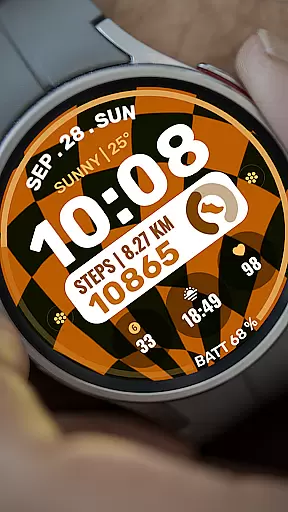
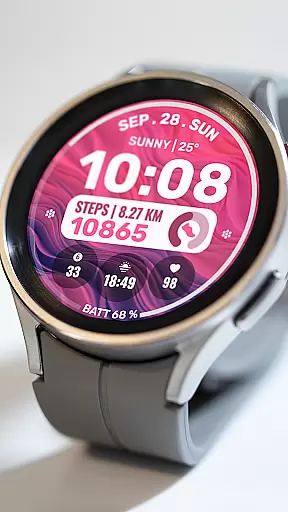
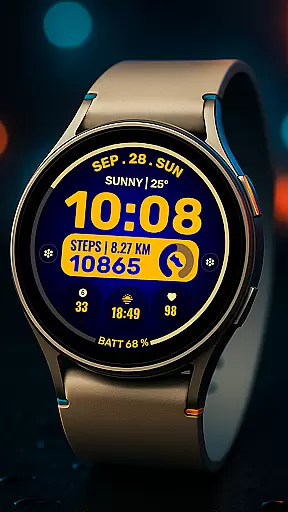
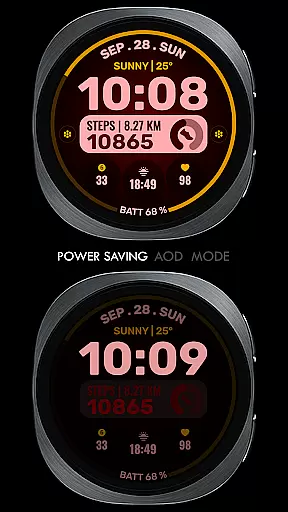
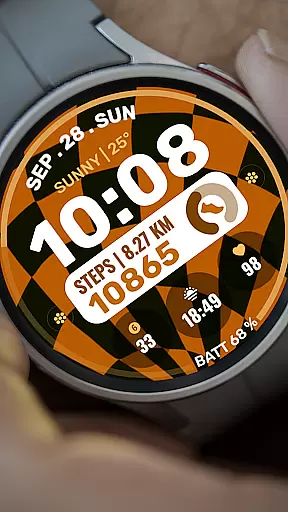
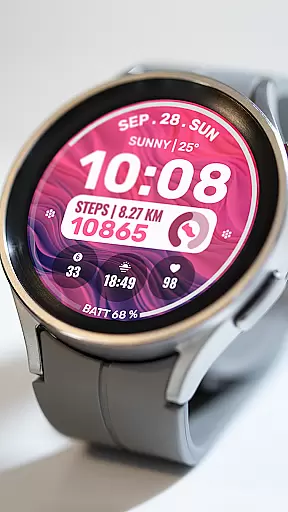
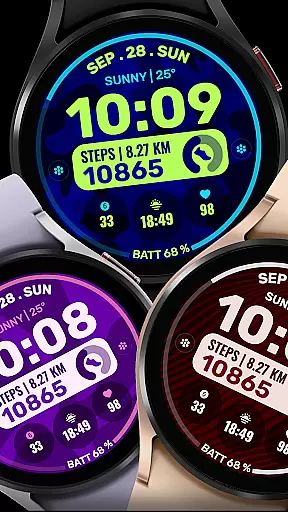
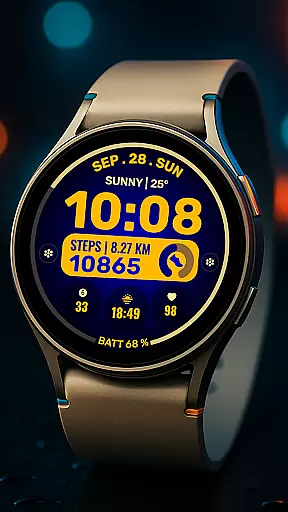
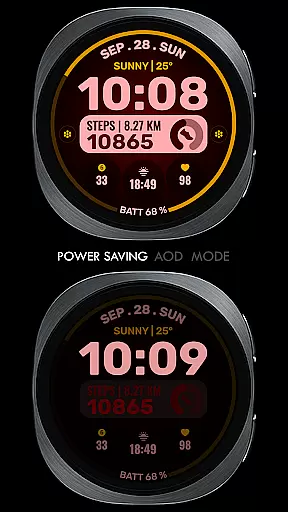
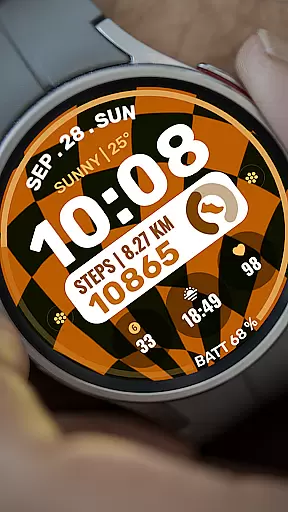
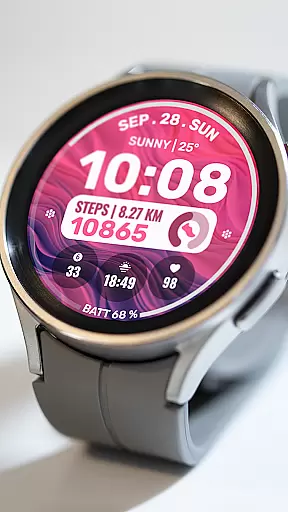
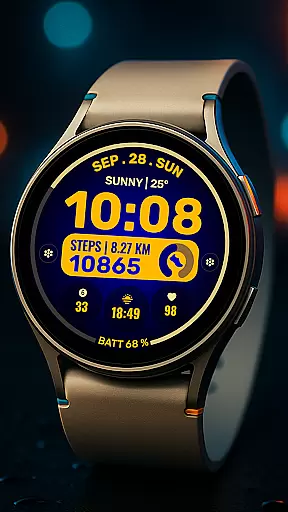
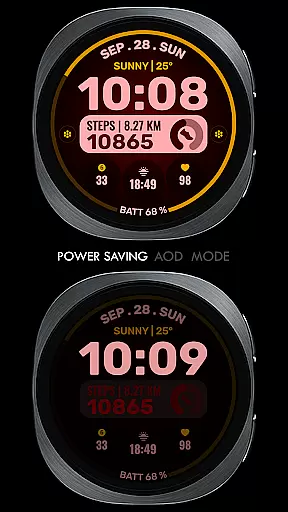
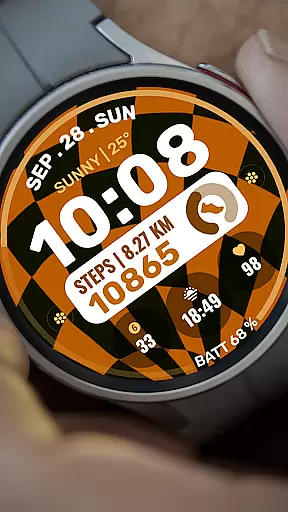
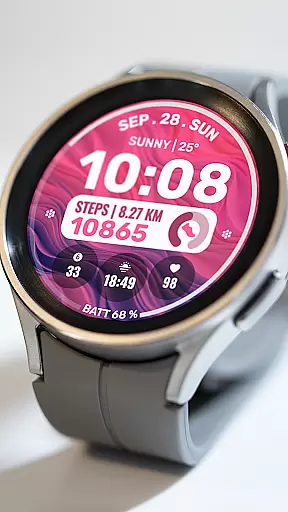
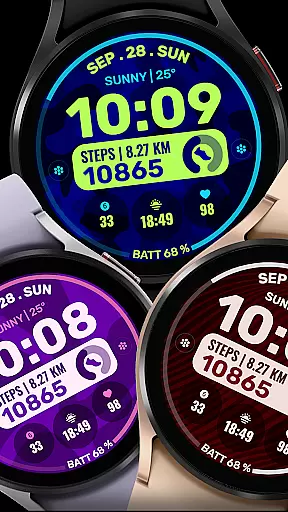
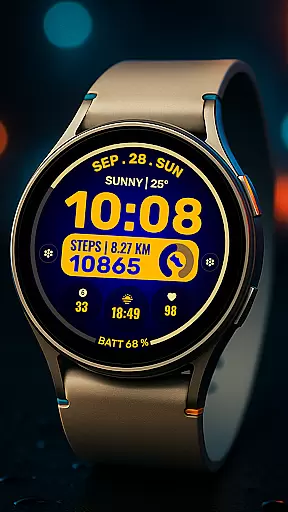
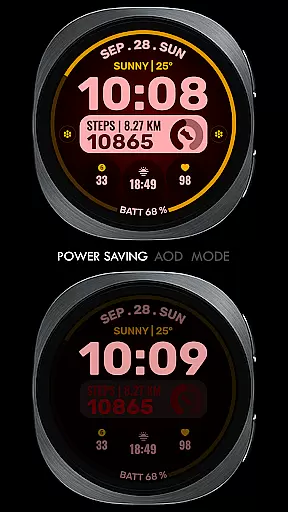
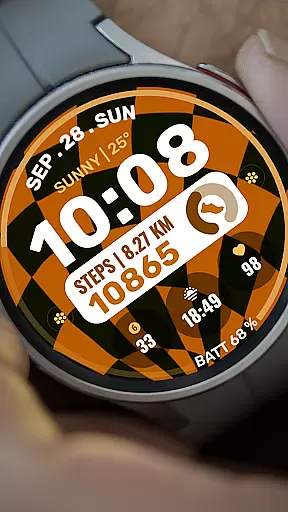
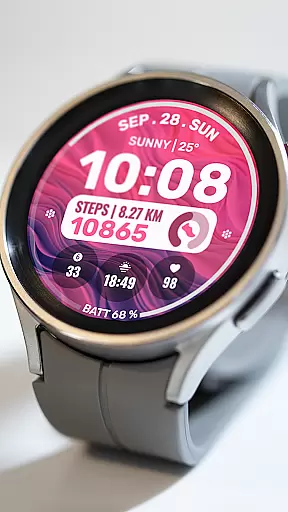
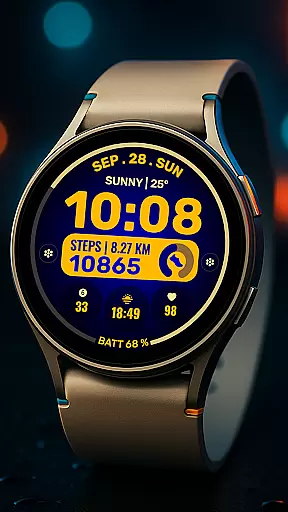
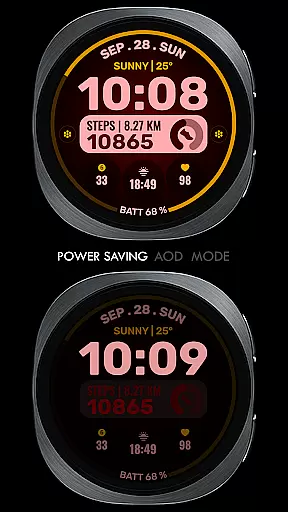
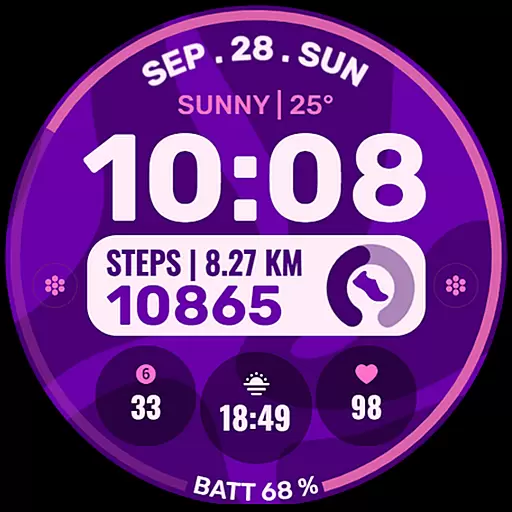
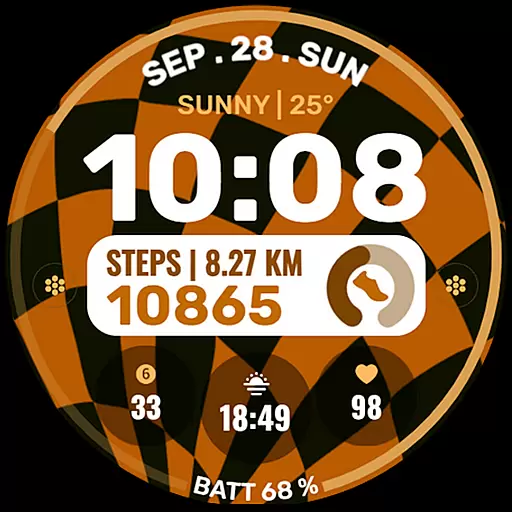
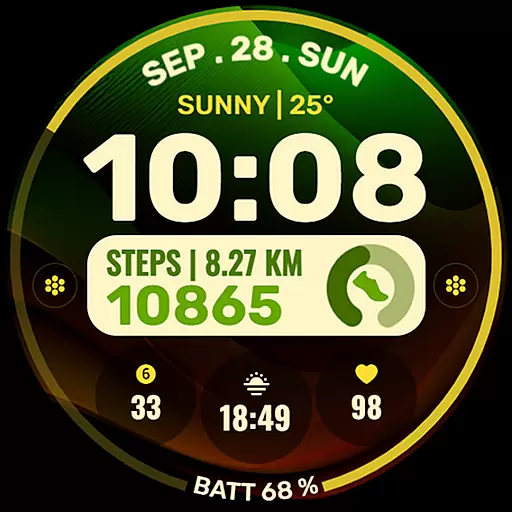
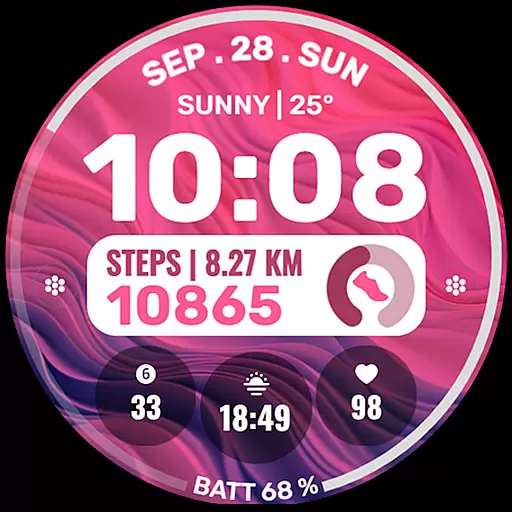
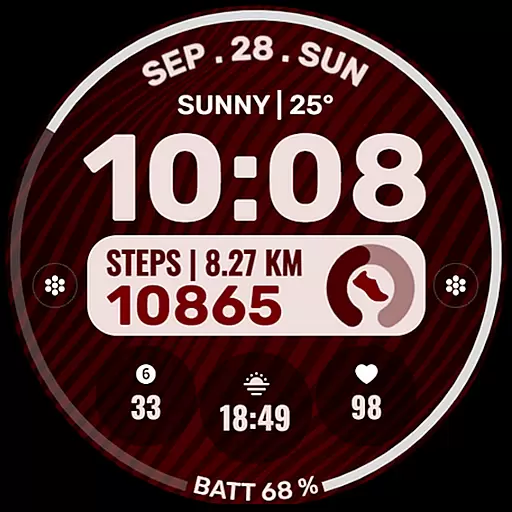
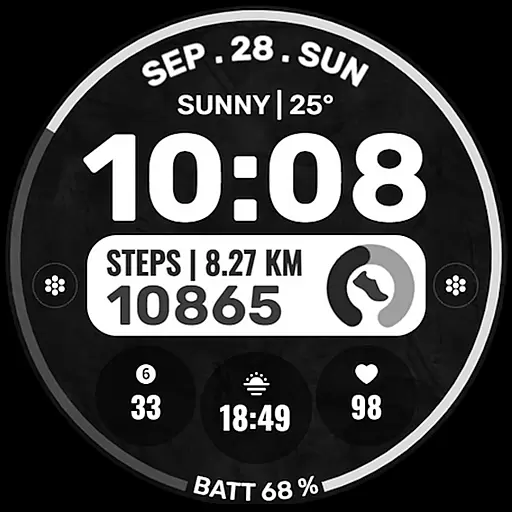
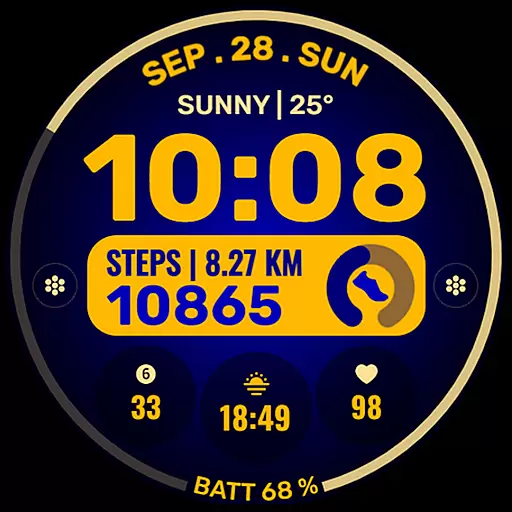
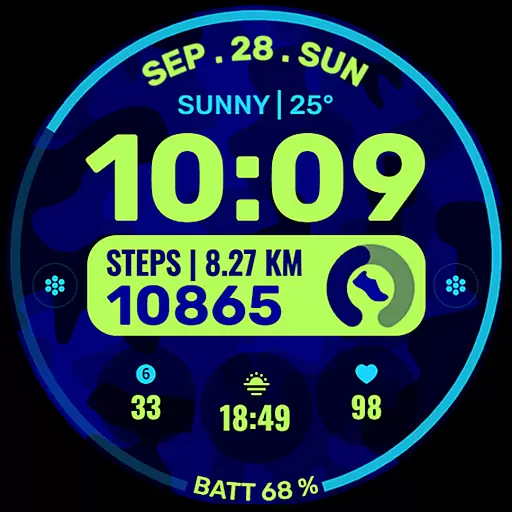
Data Dash is a feature-rich watch face designed specifically for Wear OS devices, offering users an artistic digital clock display with extensive customization options. The app supports all Wear OS devices running API Level 34+ and Wear OS 4 or later versions, ensuring broad compatibility while delivering a personalized experience.
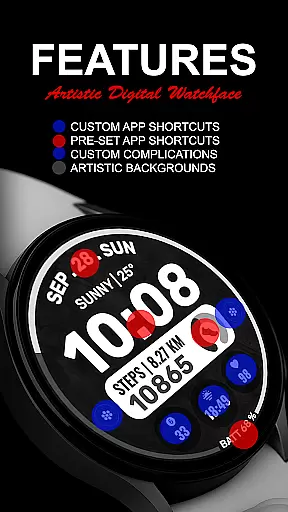
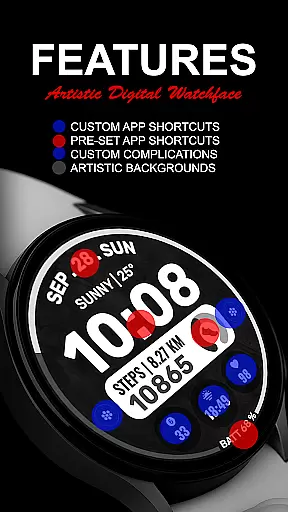
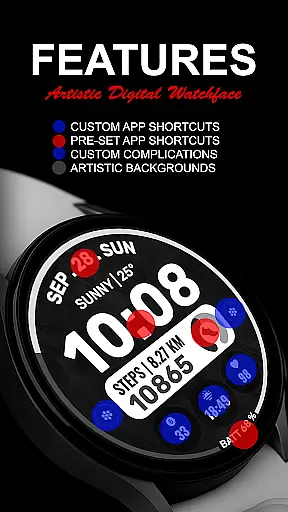
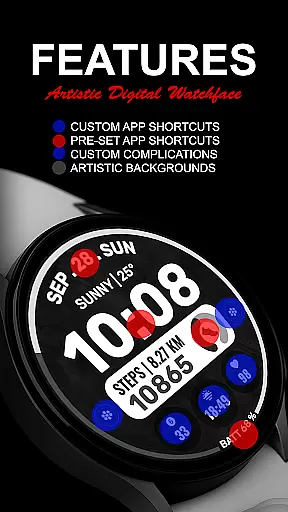
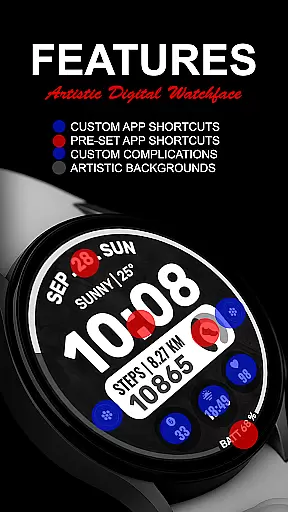
Key features include pre-set app shortcuts for essential functions like Alarm, Calendar, Battery, and Steps, along with two custom app shortcuts and three customizable complications. Users can tailor these complications with various data types such as Date, Weather, Steps, World Clock, and more. The ability to install additional third-party complications further enhances its versatility.
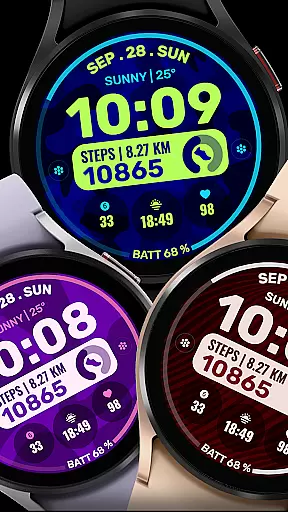
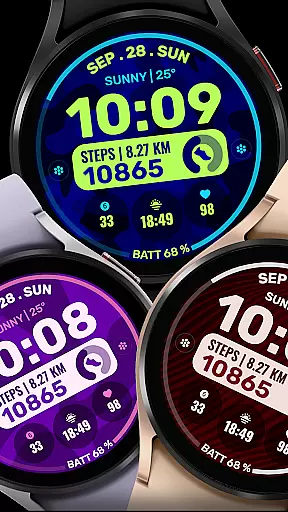
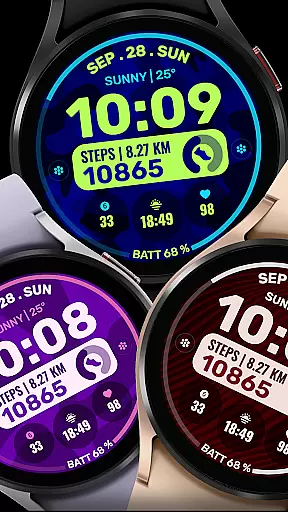
This watch face is ideal for users seeking both aesthetics and functionality on their smartwatches. With support for custom backgrounds and color themes, Data Dash allows for a unique and visually appealing interface that adapts to individual preferences, making it a standout choice for Wear OS users.
Data Dash stands out with its comprehensive set of features tailored for Wear OS users. The artistic digital clock serves as the centerpiece, providing a modern and stylish time display. Pre-set app shortcuts for Alarm, Calendar, Battery, and Steps ensure quick access to frequently used functions without cluttering the interface.
One of the app's key strengths lies in its customization capabilities. Users can configure two custom app shortcuts and three complications, choosing from a wide array of data sources including Date, Weather, Steps, World Clock, Sunrise/Sunset times, Next Appointment, and Distance Walked. This flexibility allows users to create a personalized dashboard that suits their specific needs.
The app also emphasizes seamless installation and setup. Watch faces automatically install on compatible Wear OS devices, and clear instructions guide users through the process. By ensuring proper synchronization between the watch and phone, and enabling all necessary permissions, users can enjoy a smooth experience while exploring the full potential of their smartwatch.
Companion app integration is essential for a seamless wearable experience. Data Dash ensures that your watch face data syncs perfectly with the companion app on your smartphone.
This synchronization allows users to customize their watch faces directly from their phone, providing a user-friendly interface for setting up complex features. The Samsung Wearable app supports this integration, although occasional syncing issues may occur.
Users benefit from real-time updates and can manage their watch face settings remotely. This feature enhances convenience, allowing quick adjustments without needing to interact directly with the watch.
The integration also enables automatic installation of new watch faces and features. When properly synced using the same email address, the process becomes effortless, ensuring that all customizations appear instantly on your Wear OS device.
Device compatibility is crucial for ensuring that a watch face works optimally across various devices. Data Dash supports all Wear OS devices with API Level 34+ and Wear OS 4 or later versions.
This broad compatibility ensures that users with different models can enjoy the artistic digital clock and other features without worrying about device restrictions. Some advanced features might not be available on older models, but core functionalities remain intact.
By supporting a wide range of devices, Data Dash maximizes its reach and utility. Users can expect consistent performance whether they have a Galaxy Watch or another Wear OS device.
Ensuring compatibility involves rigorous testing and optimization. This dedication results in a reliable product that maintains high standards across multiple platforms, delivering an exceptional user experience.
Highly customizable
Wide device compatibility
Stylish digital design
Comprehensive shortcut options
Supports third-party complications
Complex setup for some users
Limited initial features
Potential sync issues
No iOS support
Short refund window

Wear Os Watch Face - Animated Snow Effect & Christmas Lights
 4.2
4.2
A watch face that fuses motorsport precision with contemporary smartwatch design
4.3
Easy Voice Recorder is your everyday companion to record important moments.
4.70
Watch face designed for Thanksgiving Day. 7 Background Styles included.
3.20
Sleek, highly customizable watch face inspired by Galaxy Watch Circle Dashboard.
4.2
The most customizable minimal watch face. For Wear OS 5.0, API 34+ and later
4.70
Hyperlocal rain alerts by MyRadar using patent-pending technology, radar & more
4.80
Locate your family members by GPS phone location tracker everywhere and anytime
4.30
Gym & home workout plans with strength training, exercise tracking, HIIT & more.
4.60
A modern hybrid informative watch face for Wear OS designed by BALLOZI
4.80
Hybrid watch face for Wear OS with customizable complications by Matteo Dini MD
4.70
Fast and smart typing with Emojis, GIFs, and more
4.50
Find EV charging stations
4.30
Calming & relaxing sounds for sleeping and stress relief. Stay focused all day!
4.20
Embrace the festive spirit with our Christmas Countdown watchface for Wear OS
4.10
Viewer for Wyze/Yi/Eufy/Arlo/ONVIF/RTSP/P2P IP cams w/ adv. features & DIY DVR
4.00
Professional weather radar and more
3.90
Christmas is near, let's count together the days left until Santa comes
4.5
Simple Analog-Digital Watchface For Wear OS 3.0 and Up Smartwatches
4.5


User Reviews