
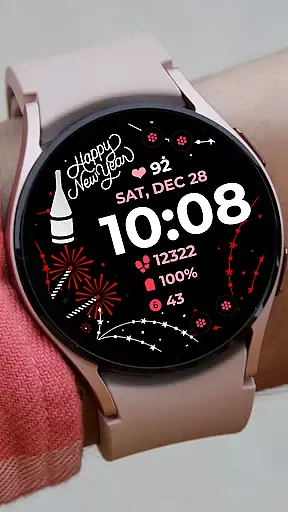
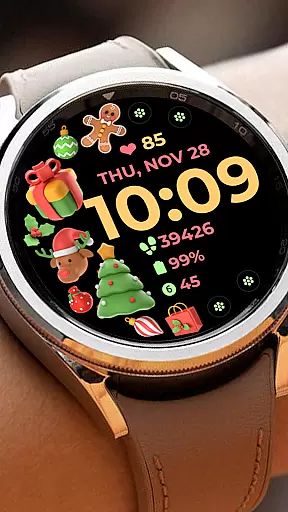
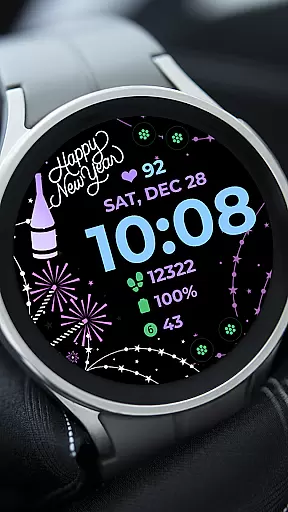
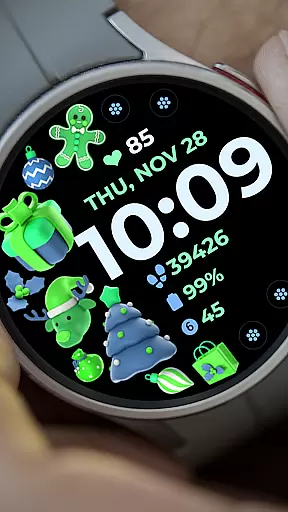
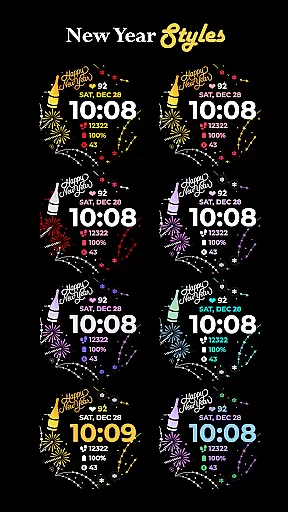
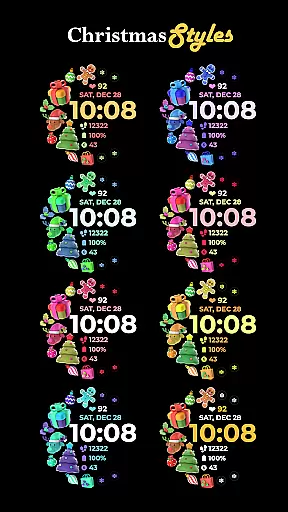
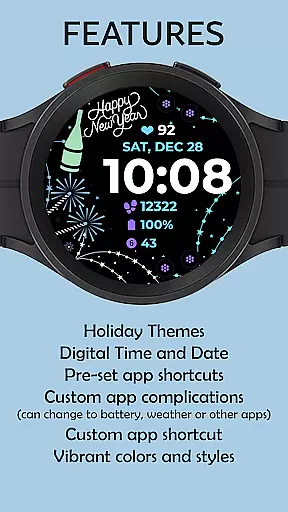
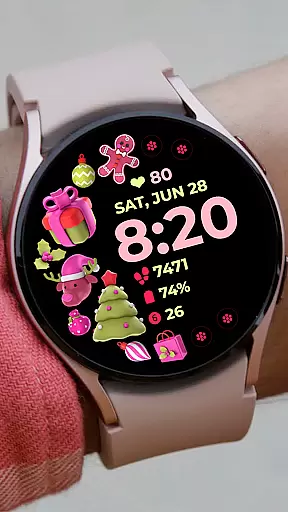
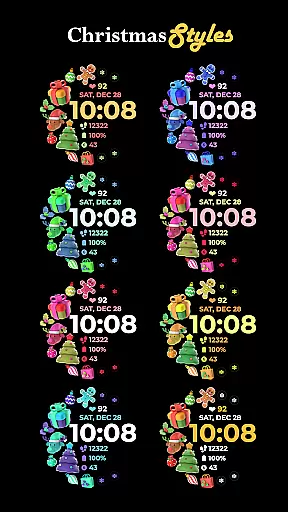
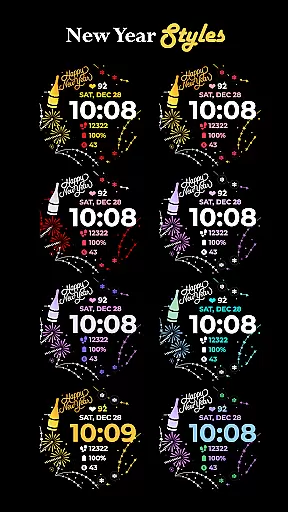
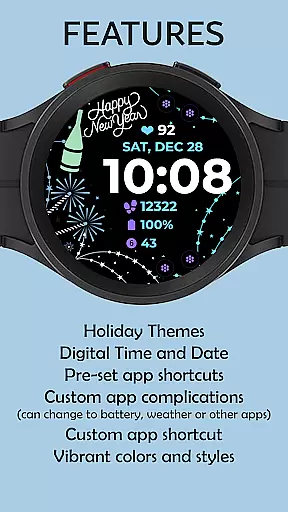
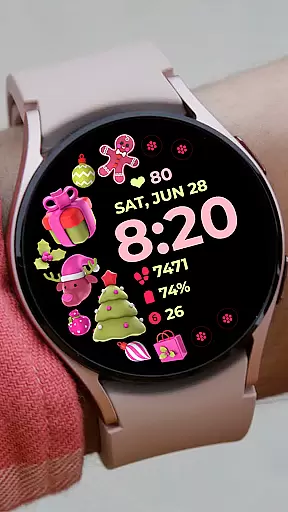
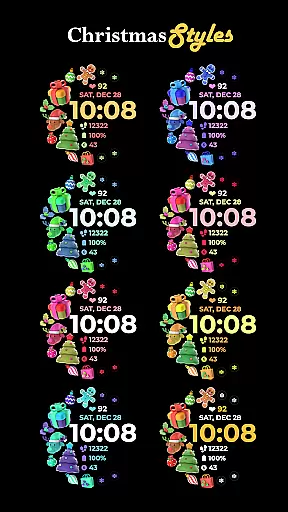
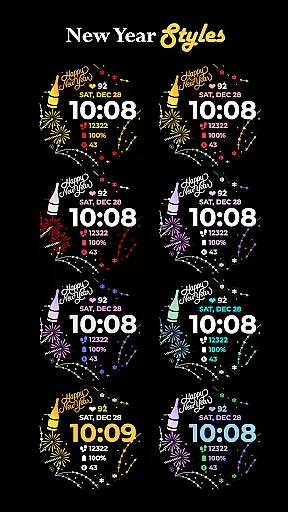
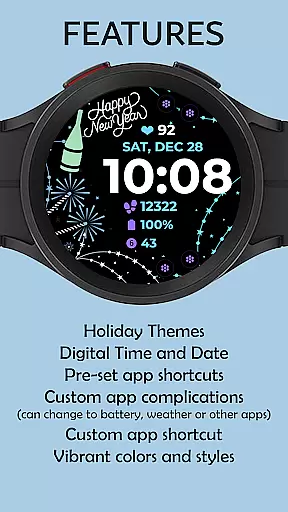
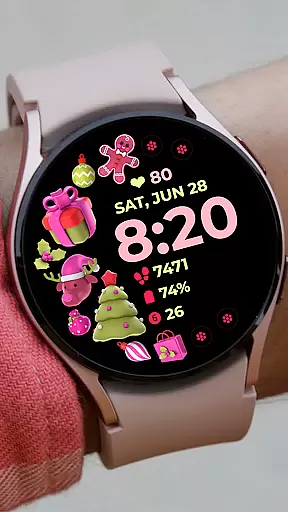
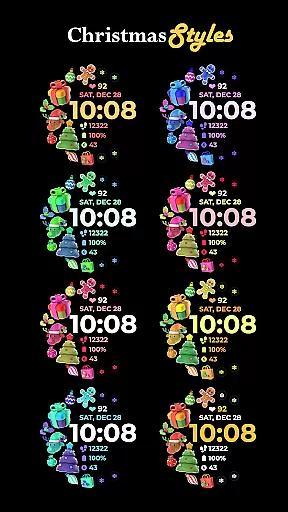
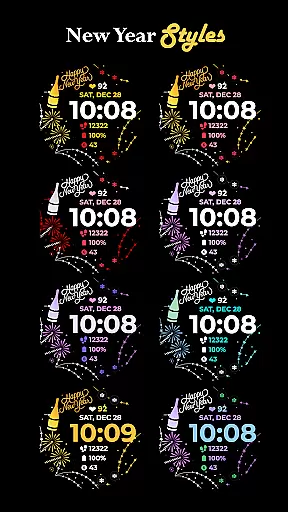
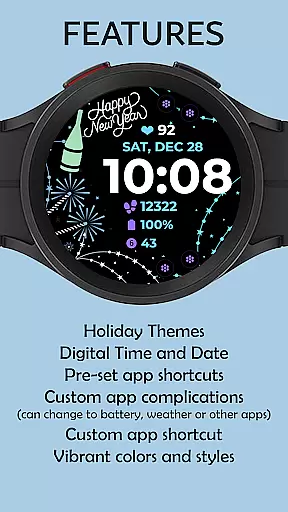
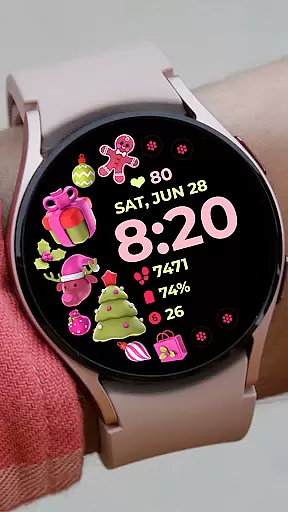
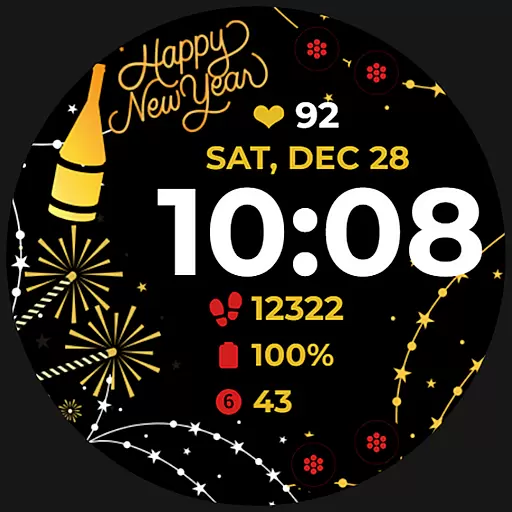
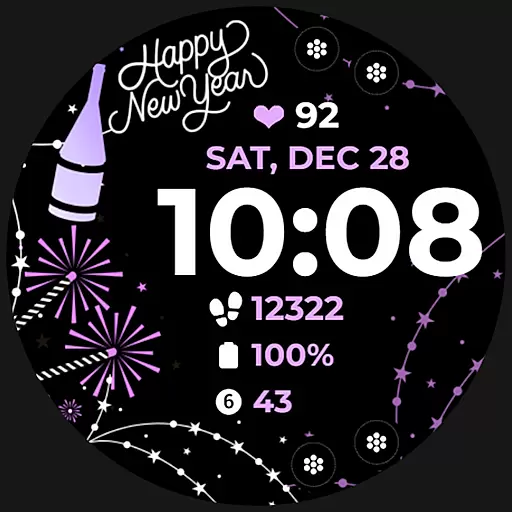
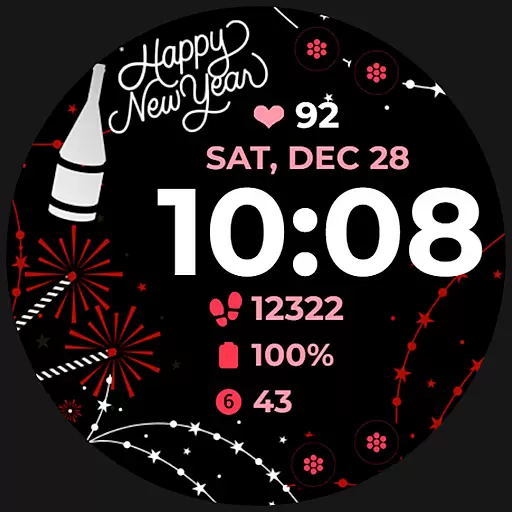
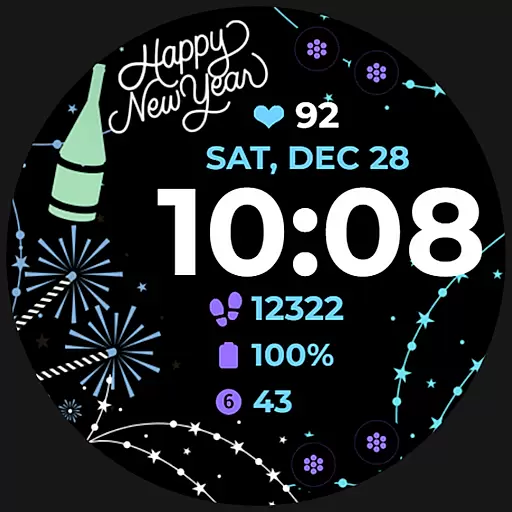
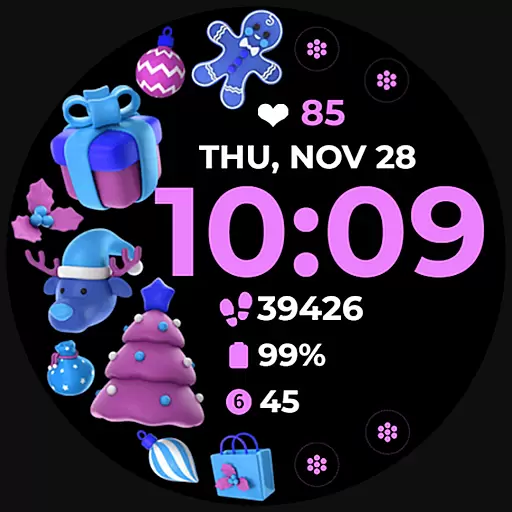
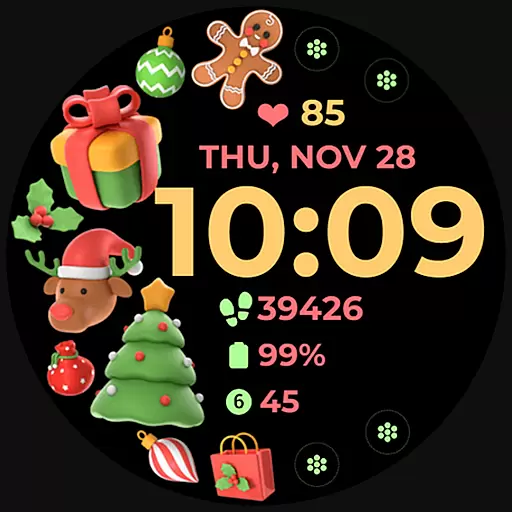
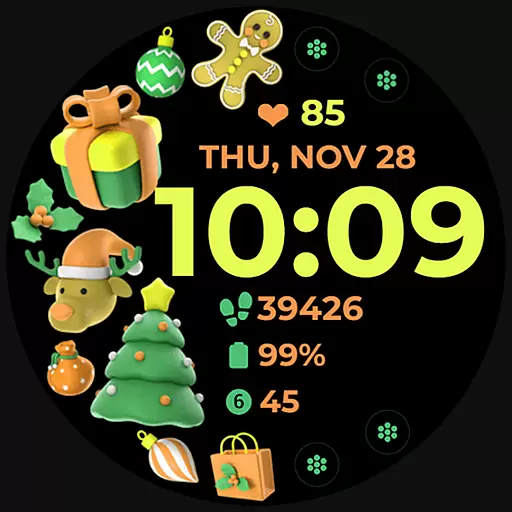
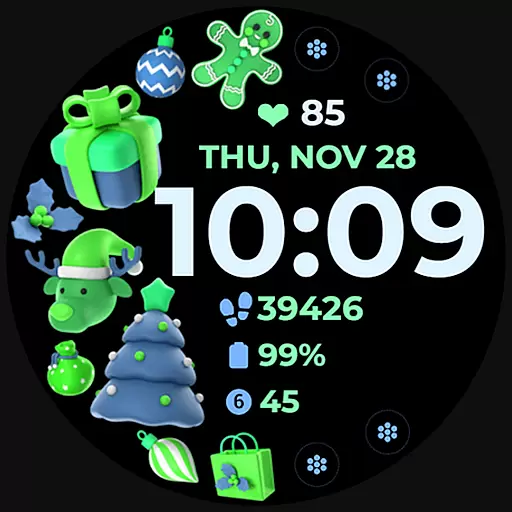
Holiday Art is a feature-rich watch face app designed specifically for Wear OS devices like Samsung Galaxy Watch 4. Developed using Samsung's Watch Face Studio tool, this customizable watch face offers users multiple display options including digital clock, date and day indicators, and an Always-On Display (AOD) mode.
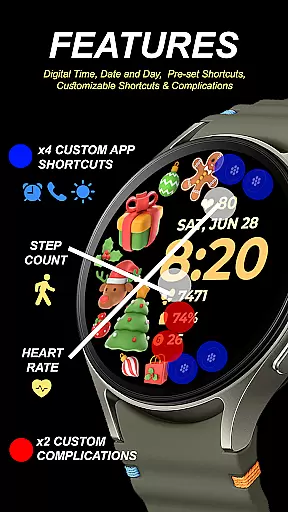
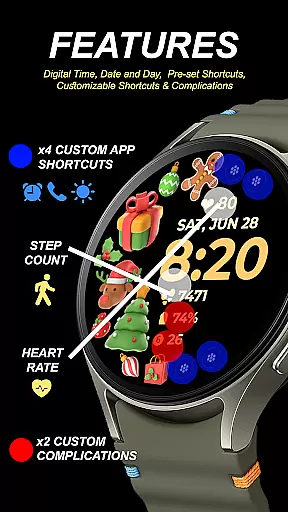
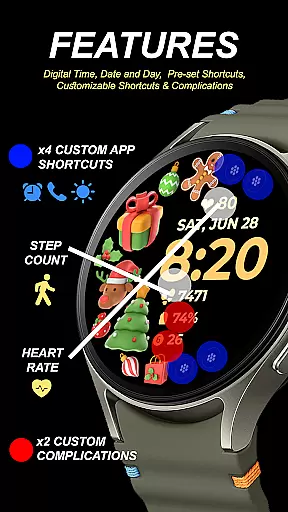
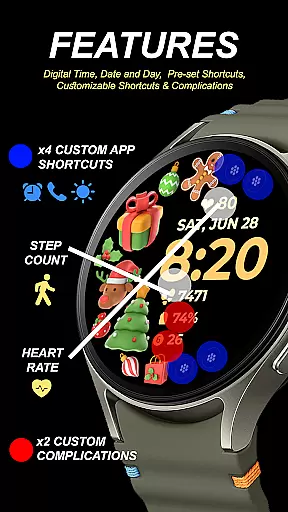
The application stands out with its extensive customization capabilities. Users can personalize their watch faces with preset app shortcuts, customizable app shortcuts, complications, and adjustable styles and color palettes. These features collectively provide a tailored experience that suits individual preferences while maintaining optimal functionality.
Perfect for tech-savvy individuals who value both aesthetics and utility in their smartwatch displays, Holiday Art ensures seamless integration between the watch and connected phone through Wi-Fi connectivity. This makes it an ideal choice for those seeking a sophisticated yet user-friendly wearable experience.
Holiday Art distinguishes itself through a variety of innovative features designed to enhance user interaction. The app supports digital clock displays, date and day indicators, and an Always-On Display (AOD) mode, ensuring essential information is always accessible at a glance.
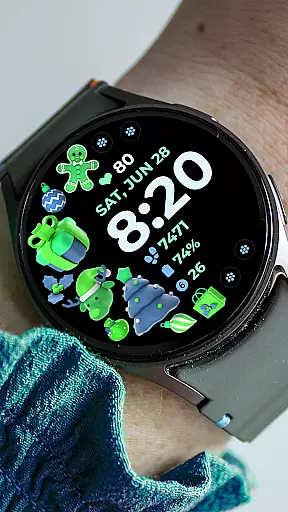
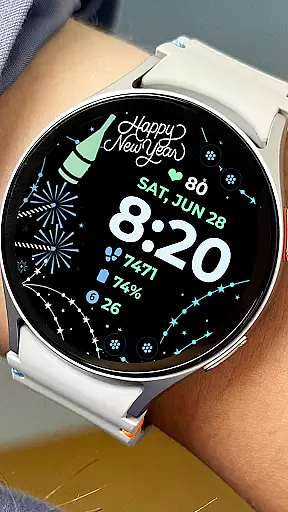
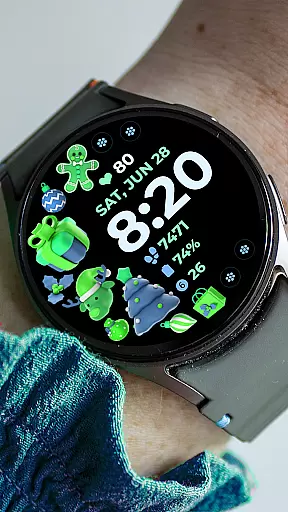
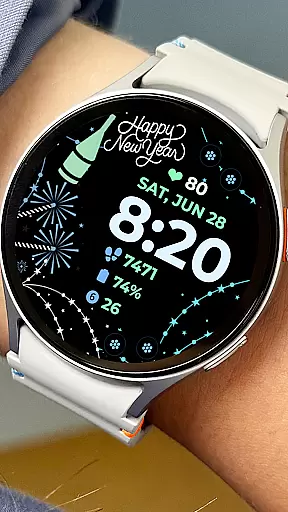
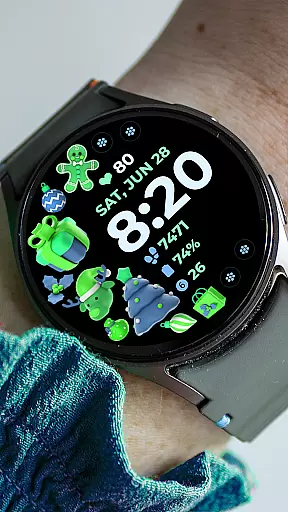
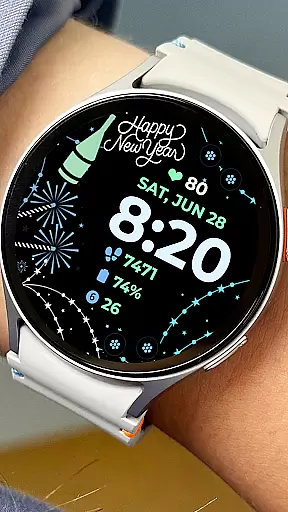
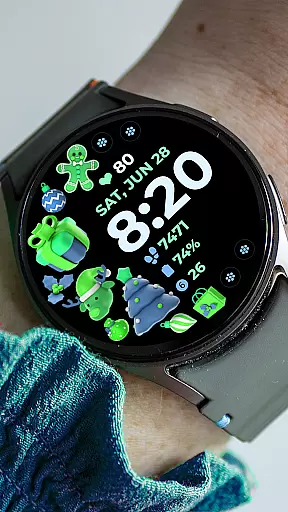
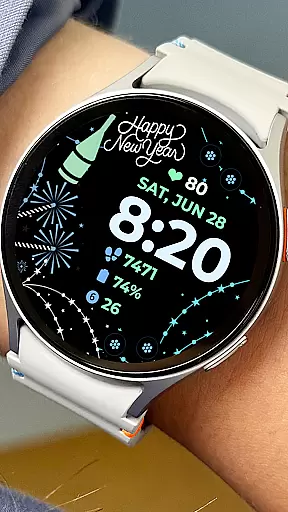
One of the standout aspects of Holiday Art is its customization options. Users can take advantage of preset app shortcuts or create their own custom shortcuts and complications. This flexibility extends to the ability to modify styles and color palettes, allowing for a personalized look that reflects individual tastes and preferences.
While some features may not be available on all watches, the app's comprehensive functionality caters to a wide range of devices. By enabling all necessary permissions through settings, users can maximize their experience with Holiday Art, making it a versatile choice for enhancing smartwatch displays.
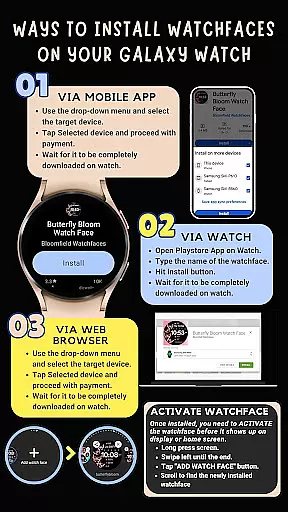
Companion app integration is essential for a seamless wearable experience. Holiday Art ensures that its watch face app works in harmony with your smartphone, providing a smooth installation process and real-time synchronization of settings.
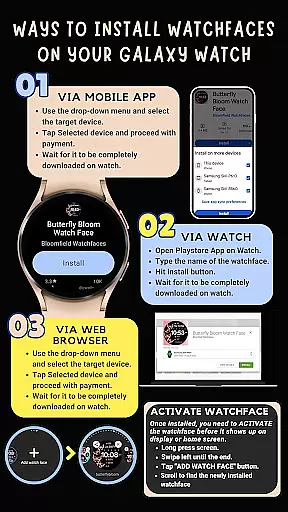
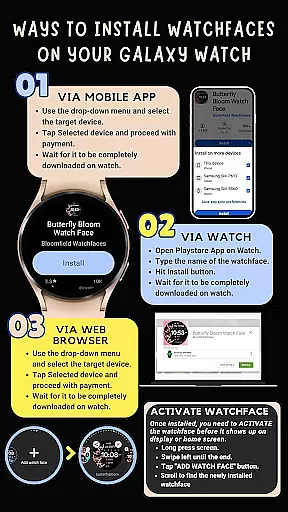
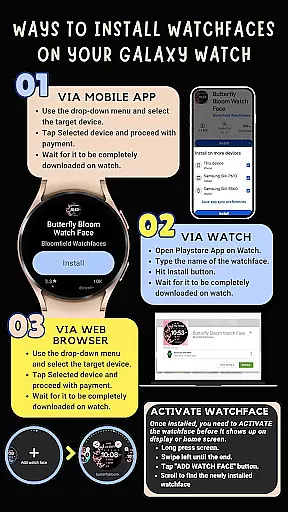
The app requires a strong connection between the Galaxy Watch and your phone, preferably using the same Wi-Fi network. This connectivity allows for automatic installation on the watch and enables features like preset app shortcuts and customizable complications to function correctly.
Users must log in to their Google account directly on the watch to facilitate this integration. Once set up, any changes made through the companion app on the smartphone are reflected instantly on the wearable device.
This integration not only simplifies the setup process but also enhances user experience by allowing full control over the watch face's appearance and functionality from the mobile device.
Compatibility with Wear OS and various devices is crucial for ensuring that users can enjoy the Holiday Art watch face across different platforms. Developed using Samsung's 'Watch Face Studio' tool, this app supports devices running on the new Wear OS by Google and One UI Samsung operating systems.
Holiday Art is optimized for Samsung Galaxy Watch 4, offering features such as digital clock, date & day display, always-on (AOD), and changeable styles & color palettes. These features provide a personalized and visually appealing experience tailored to each user's preferences.
While designed primarily for Galaxy Watch 4, some features may vary or not be available on other watches due to hardware limitations. However, the core functionalities remain consistent, delivering an engaging experience regardless of the specific device model.
By prioritizing broad compatibility, Holiday Art ensures that users can access its innovative design elements and customization options on a wide range of Wear OS-powered smartwatches.
User-friendly interface
Extensive customization options
Seamless device integration
Always-On Display functionality
Comprehensive feature set
Limited initial installation guidance
Potential compatibility issues
Feature limitations on some devices
Strict refund policy
Requires manual watchface selection

Embrace the holiday spirit with this magical animated watch face!
 4.40
4.40
Stylish digital watch face for Wear OS devices with customizable features
4.1
Fitness interactive virtual pet super fighter boy watch face
4.0
Monitor health with the stress test and pulse checker in the heart rate app.
4.60
Hyperlocal rain alerts by MyRadar using patent-pending technology, radar & more
4.80
Find EV charging stations
4.30
Real-time results, stats, schedules and player profiles for all leagues
4.60
Fast and smart typing with Emojis, GIFs, and more
4.50
Fitbit is dedicated to helping people lead healthier, more active lives.
4.10
Gym Log & Workout Tracker | Fitness Journal, Training & Weight Lifting Planner
4.90
Nutrition, Macro tracker: Food, fitness & healthy diet tracking for weight loss
4.60
MyNISSAN® lets you remotely control your car from your phone.*
4.50
Beautiful artistic animated digital watch face, with a customizable layout!
4.40
Premium hybrid watch face with many customizations for Wear OS devices.
4.40
"PER27 Galaxy Digital" is a digital Wear OS watch face designed by PERSONA
4.10
Precision analog watch face with 7 complications and style options
4.2
A heartwarming Christmas scene featuring a cute image of Santa and Rudolf
4.1
Artistic Digital Watchface
4.2
Hybrid Vibrant Health Watch Face for Wear OS
4.1


User Reviews