
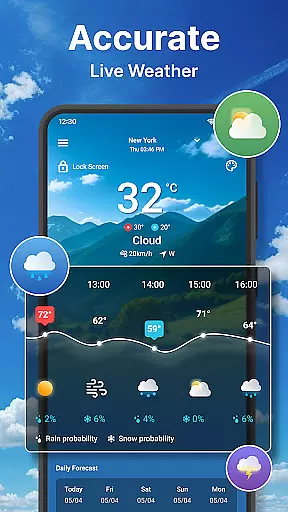
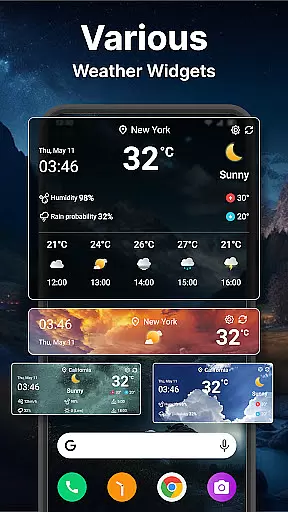
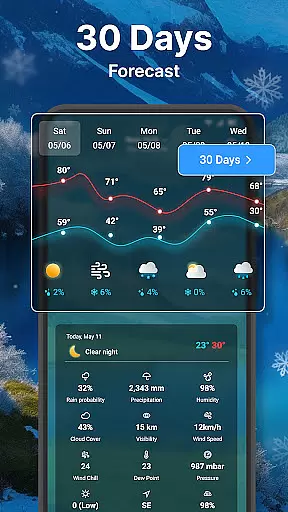
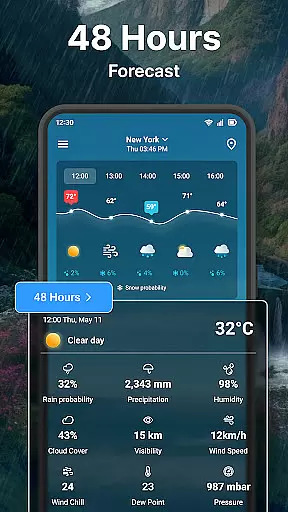
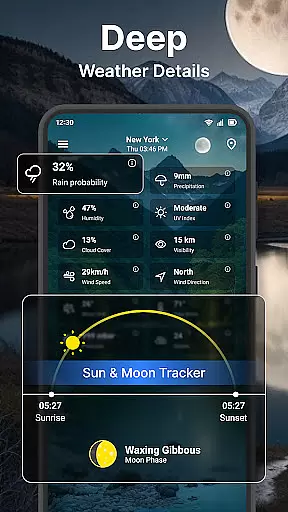
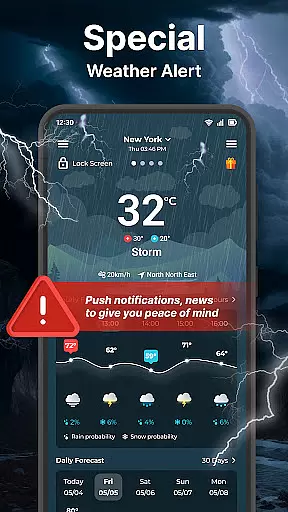
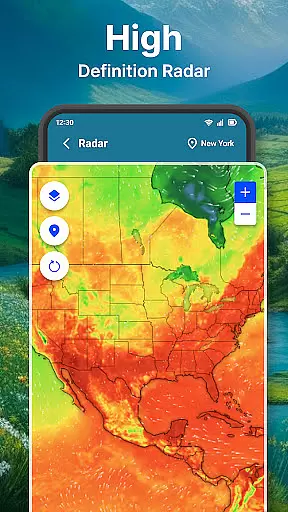
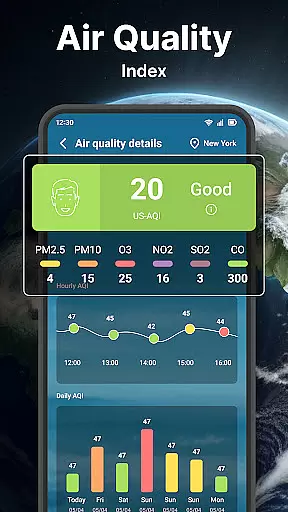
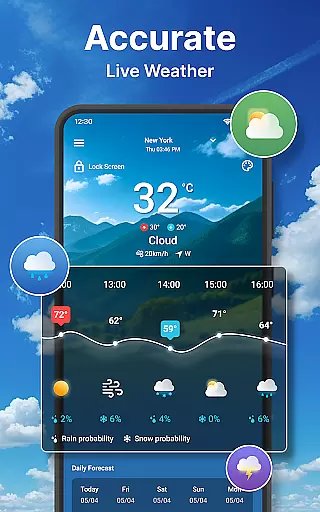
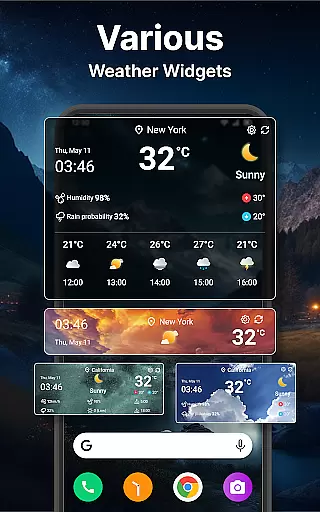
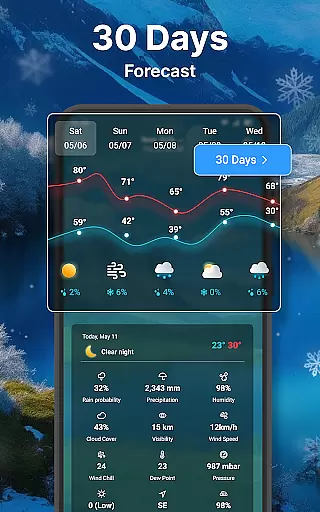
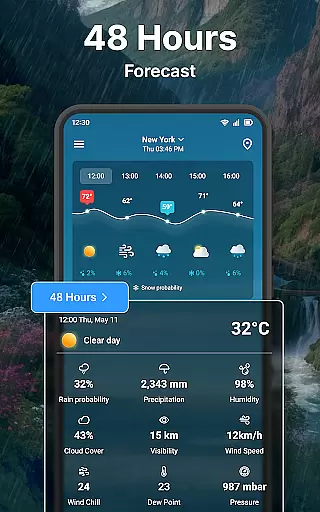
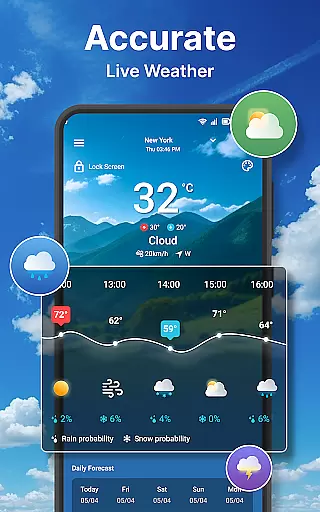
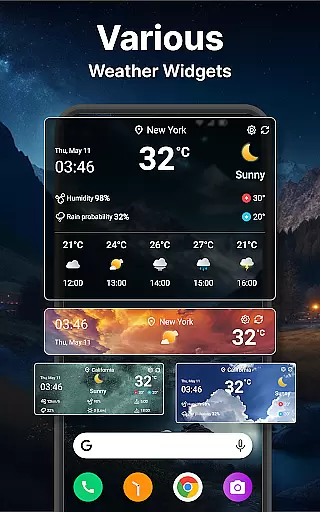
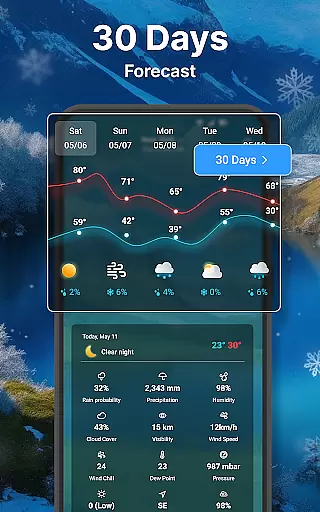
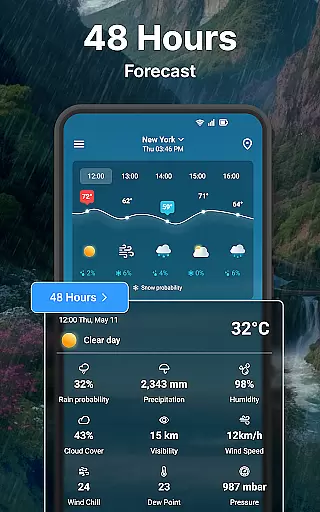
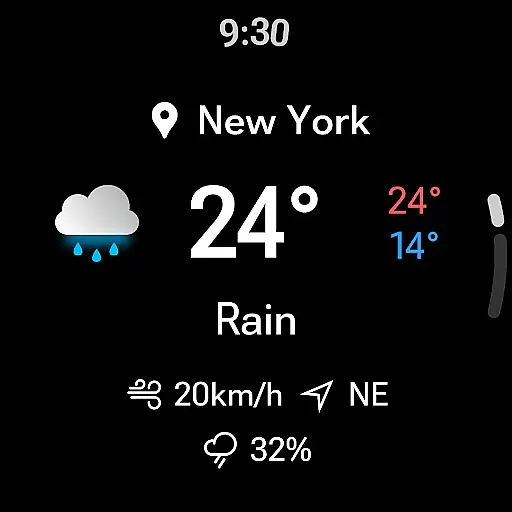
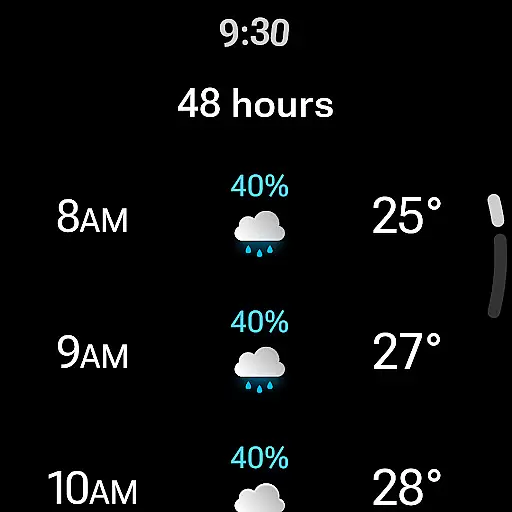
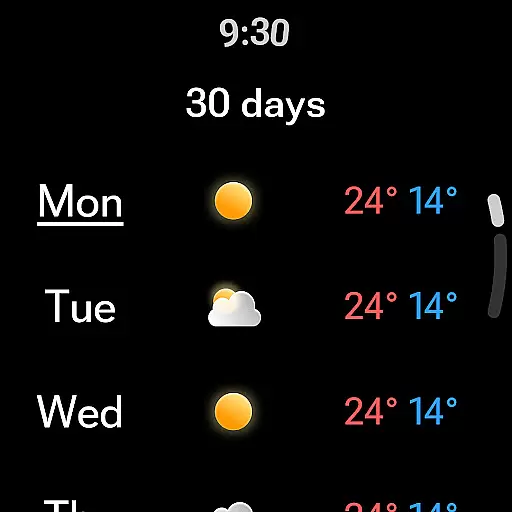
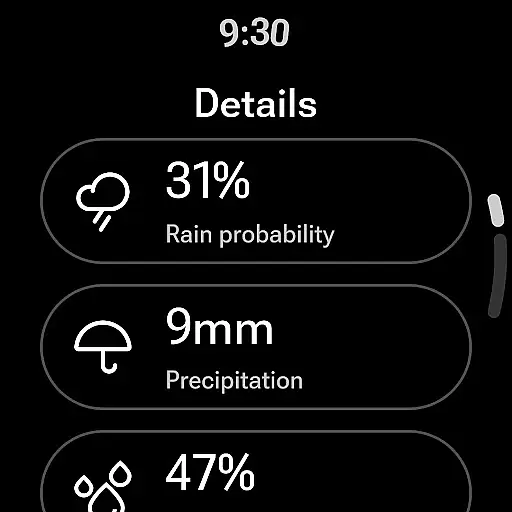
Weather forecast is a comprehensive weather application designed specifically for Android Wear devices, providing users with real-time, hourly, and daily weather updates. The app's main features include detailed weather information such as wind direction and speed, temperature ranges, and probability of precipitation. Users can also access an interactive weather radar and customize their experience with various widgets and settings.
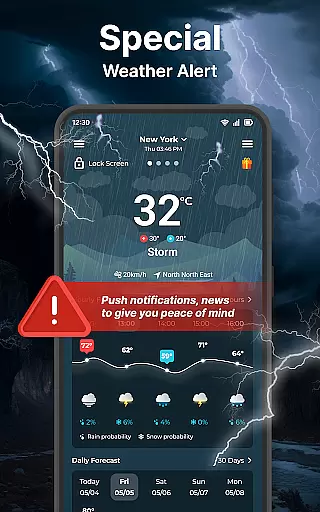
This app is particularly useful for individuals who need quick access to weather information on the go. With its integration into Wear OS, users can view essential weather details directly from their smartwatch, making it an indispensable tool for outdoor activities or daily commutes. The ability to receive notifications and view weather forecasts without needing to unlock your phone adds significant convenience to the user experience.
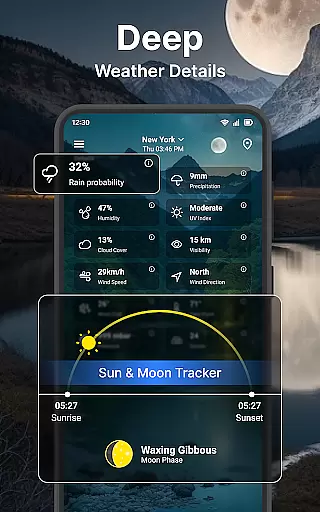
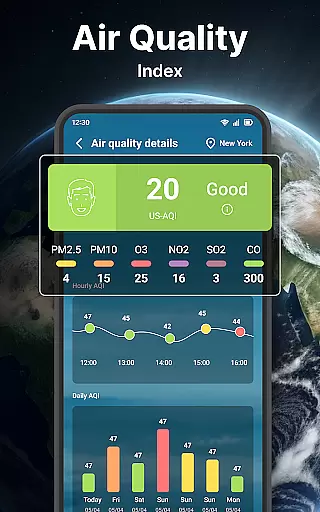
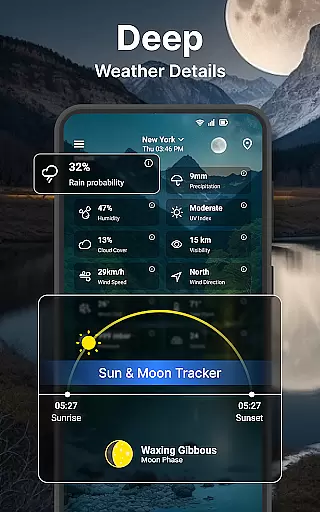
Weather forecast stands out with its rich feature set tailored for weather enthusiasts. The app provides a detailed weather summary including wind metrics, temperature charts, and sunrise/sunset times. Its hourly and daily forecast sections offer in-depth data points like humidity, UV index, and precipitation chances for the next 24 hours and 7 days respectively.
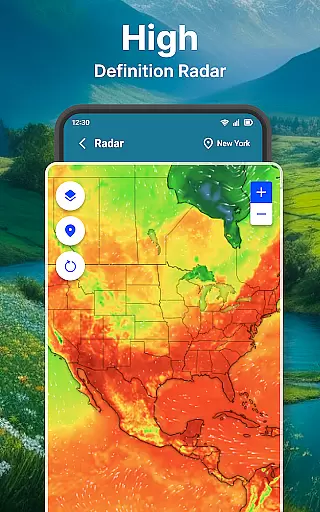
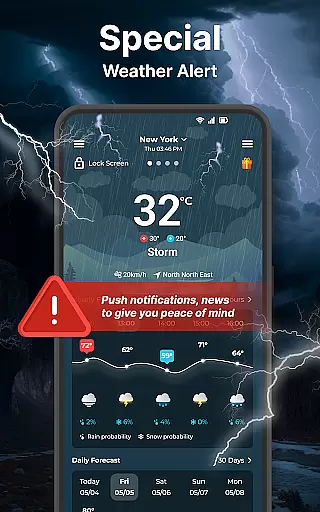
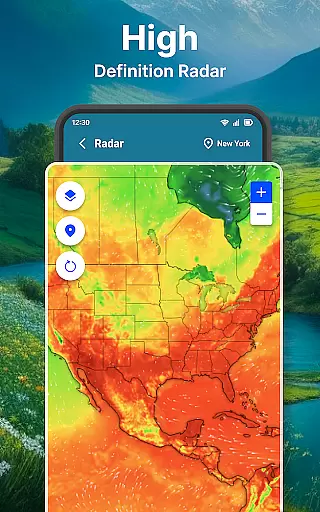
The interactive weather radar is another highlight, allowing users to visualize temperature, wind, and rain patterns. Users can manage multiple locations, switch between different units, and personalize their home screen with customizable widgets. Additional features like lock screen information, status bar temperature display, and multilingual support make this app a versatile choice for staying informed about weather conditions.
Companion app integration is essential for users who want a seamless experience between their mobile devices and wearable technology. The Weather forecast app excels in this area by offering comprehensive synchronization with Wear OS devices.
This weather application ensures that all the critical weather data you see on your phone is also readily available on your smartwatch. By maintaining real-time updates, users can access current conditions, hourly forecasts, and even detailed weather information without needing to check their phones.
The value of such integration lies in its convenience and immediacy. Whether you're commuting, exercising, or in a situation where pulling out your phone is impractical, having accurate weather information on your wrist can be incredibly beneficial. This feature enhances the overall utility of wearable devices, making them not just an extension of your smartphone but a fully capable standalone tool for your daily needs.
Device compatibility is crucial when selecting a weather app for your Wear OS devices. The Weather forecast app offers extensive support for a wide range of Wear OS devices, ensuring that you get consistent performance regardless of your device model.
This compatibility extends beyond just showing weather data; it includes interactive features like weather widgets, unit settings, and notifications tailored specifically for Wear OS. Users can customize their watch faces with weather information, receive timely alerts, and enjoy a user-friendly interface optimized for smaller screens.
By focusing on broad device compatibility, the Weather forecast app guarantees that users won't face limitations based on their hardware choices. This inclusivity allows more people to benefit from sophisticated weather tracking and forecasting tools, enhancing both functionality and user satisfaction across different devices.
User-friendly interface
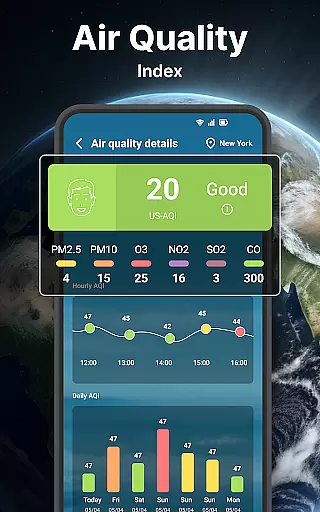
Comprehensive weather data
Interactive radar maps
Customizable widgets
Wear OS integration
Occasional data inaccuracies
Heavy battery usage
Limited free features
Ads in the free version
Complex settings for beginners

an Analog Watch Face for winter season with freeze winter background for Wear OS
 4.5
4.5
A Wintery Snow Globe on Your Wrist; now celebrating Christmas!
4.5
A full-featured Amazon Alexa voice assistant that can show you things.
3.70
Stunning modern digital watch face with 7 complications and strong contrast
4.0
Watch face for Wear OS.
4.20
Digital watch face with big numbers and many customization for Wear OS devices
4.40
Stylish digital watch face for Wear OS devices with customizable features
4.3
Digital watch face. For Wear OS devices.
4.40
Fitbit is dedicated to helping people lead healthier, more active lives.
4.10
Christmas - Festive - Christmas Village - Winter - Christmas lights
5.00
A modern premium sporty hybrid watch face for Wear OS by Ballozi
4.70
Gym & home workout plans with strength training, exercise tracking, HIIT & more.
4.60
Retro digital watch face with customizable colors and a unique lighting effect
4.60
Stylish, Energizing and Modern Watch Face crafted by Dominus Mathias.
4.50
Reliable phone calls with spam protection, caller ID and more helpful features
4.40
Bold, Modern Hybrid Watch Face for Wear OS. 10 Colors, Rich Info Display.
4.30
Find EV charging stations
4.30
Daily Weather forecast with 15 weather images for Day & Night plus Big Bold time
4.10
Authentic military-tactical design with ZULU time! Realistic and functional!
3.80


User Reviews