
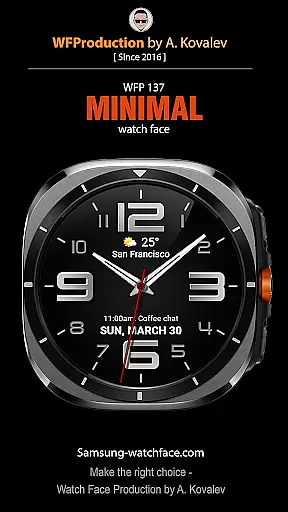
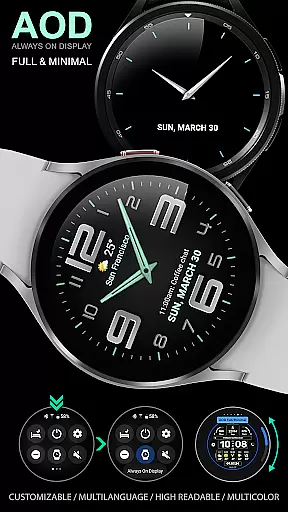
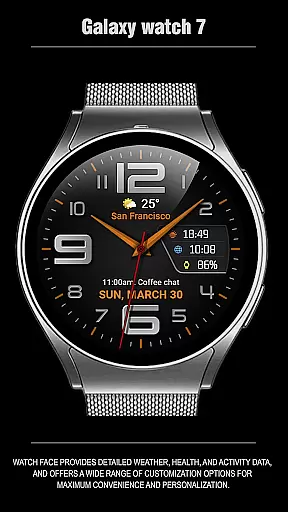
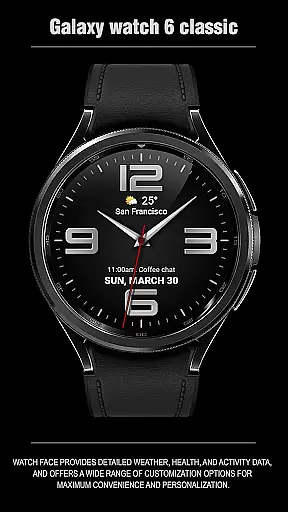
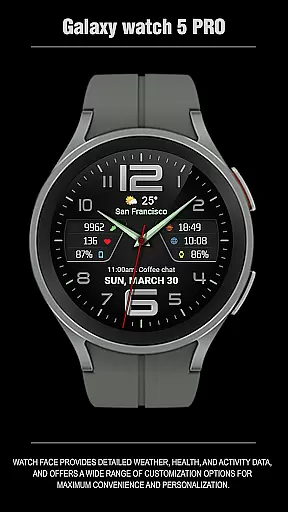
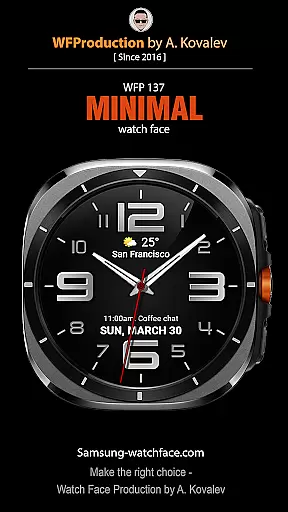
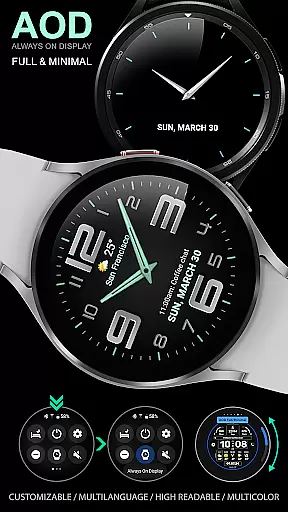
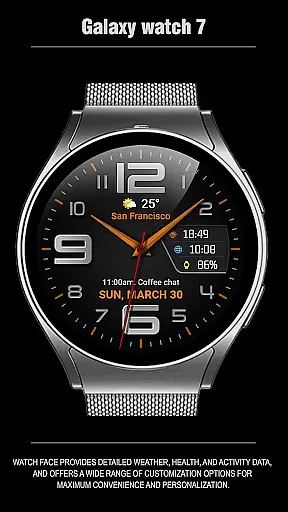
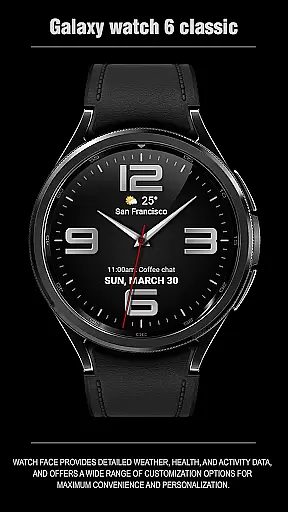
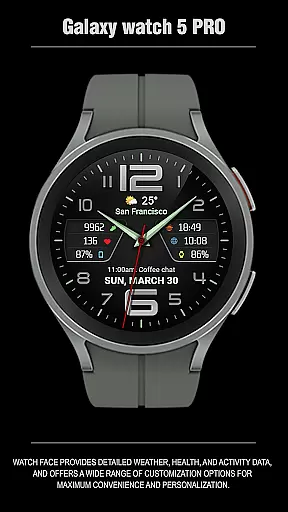
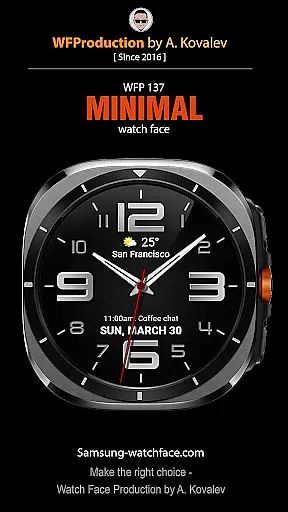
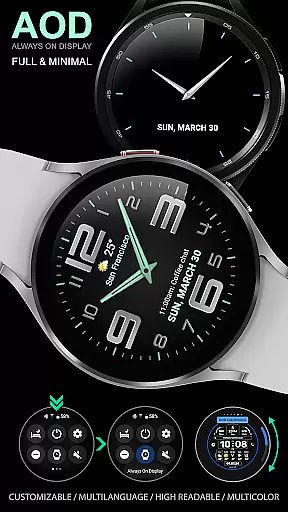
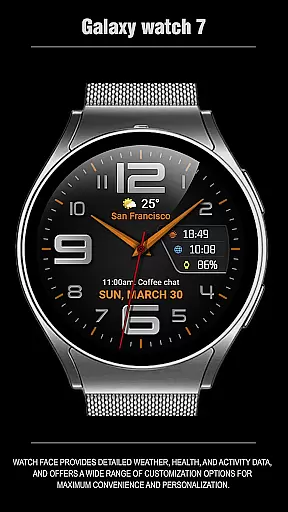
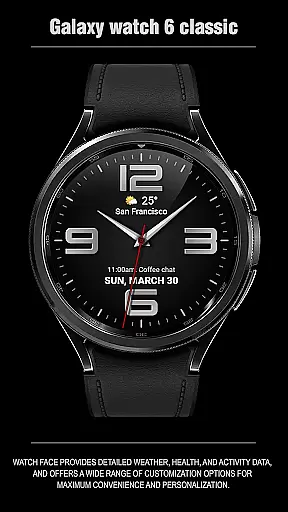
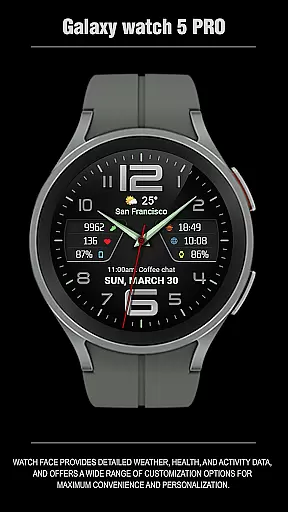
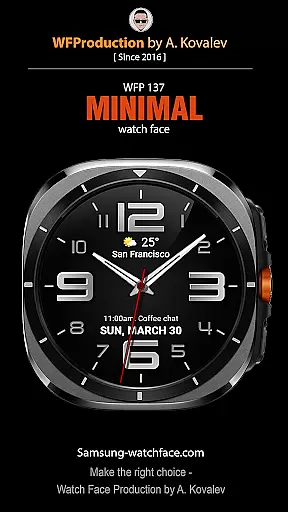
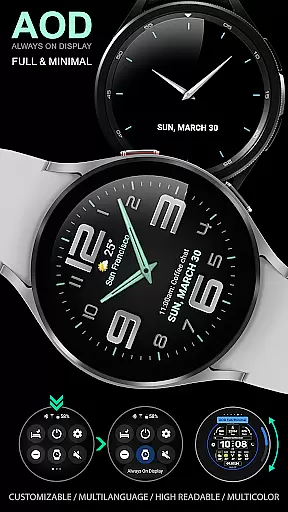
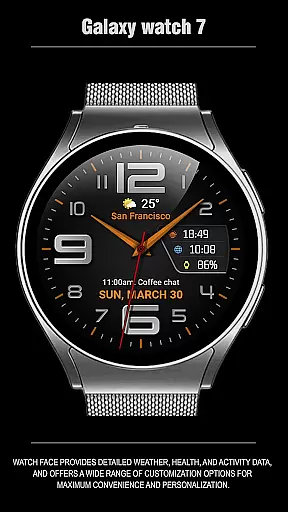
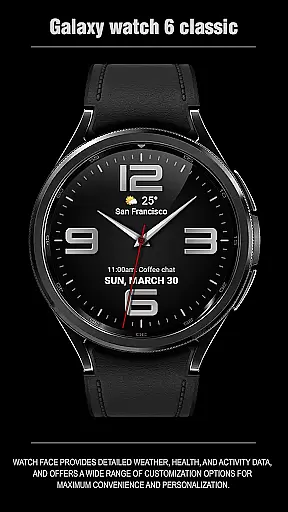
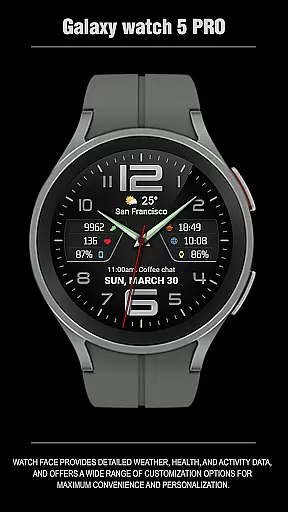
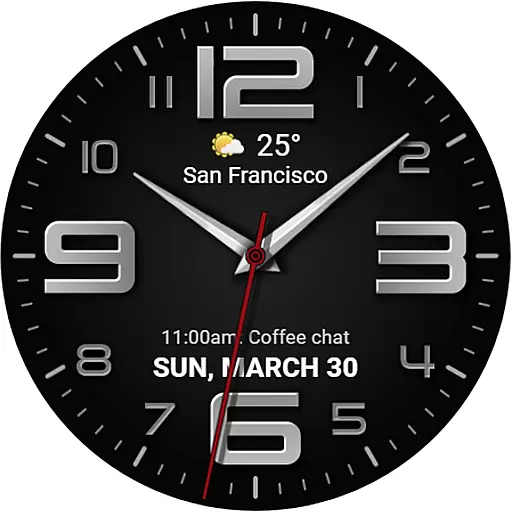
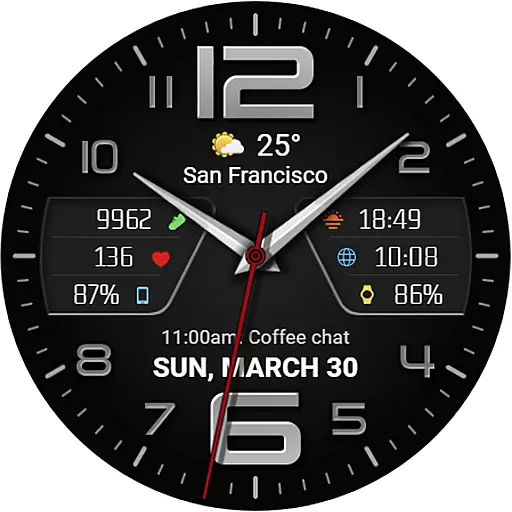
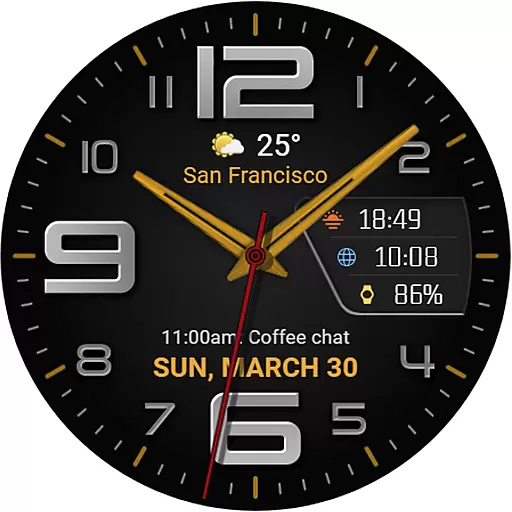
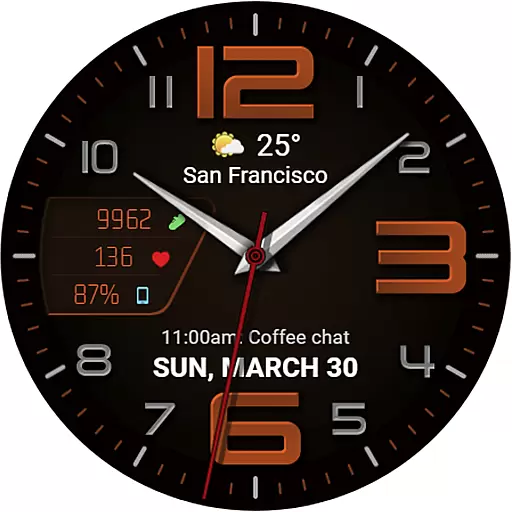
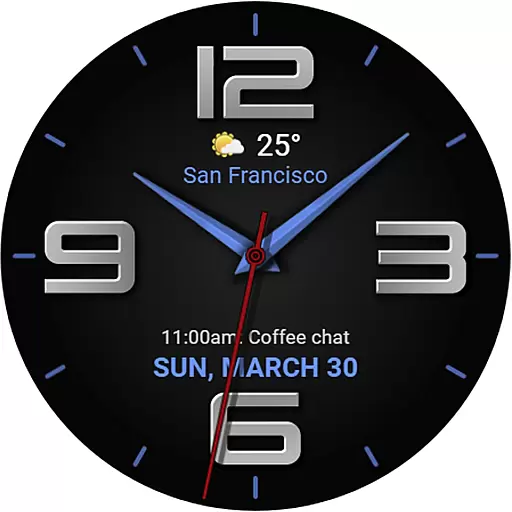
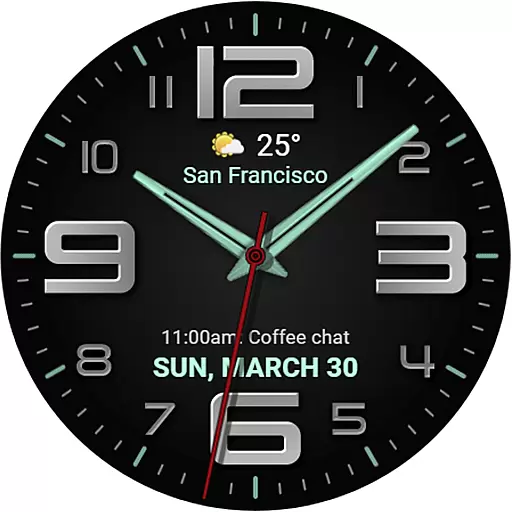
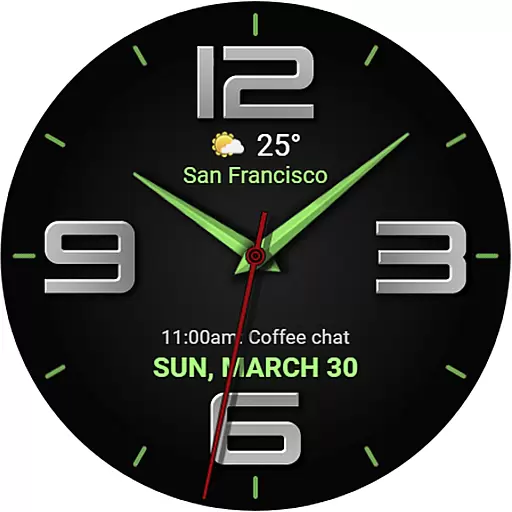
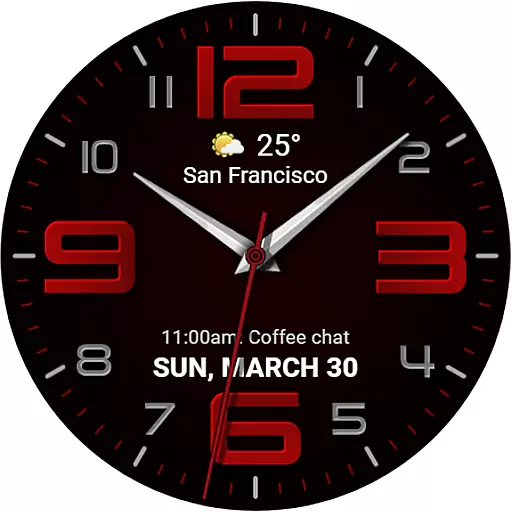
The WFP 137 Minimal watch face is a stylish and functional timepiece designed for smartwatch users who value both aesthetics and utility. This watch face offers detailed weather forecasts, health metrics, and activity tracking while providing extensive customization options to suit individual preferences.
With compatibility for devices running API 34+ and later, the WFP 137 ensures that users can enjoy its features on a wide range of modern smartwatches. Whether you're monitoring your daily steps or checking the weather, this watch face delivers essential information in an elegant format.
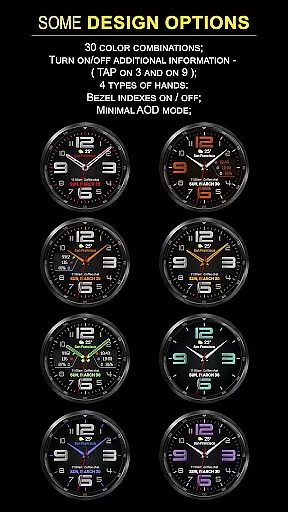
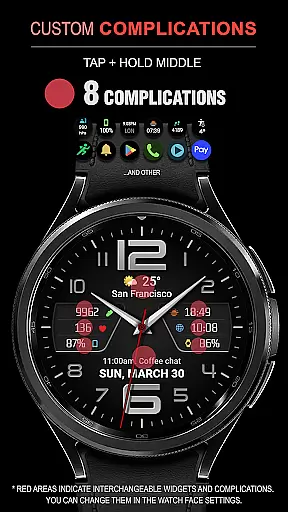
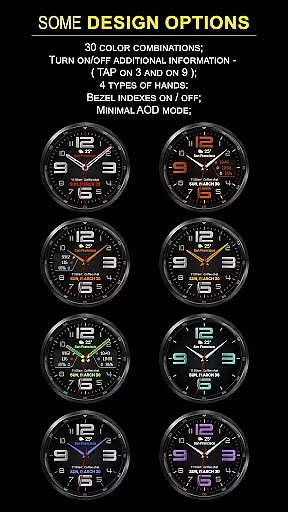
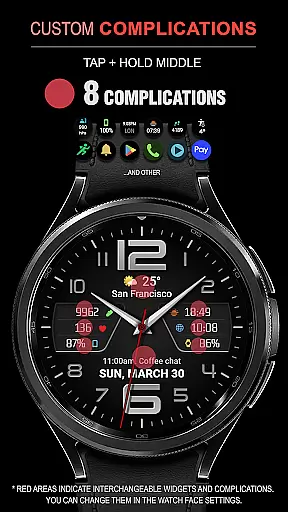
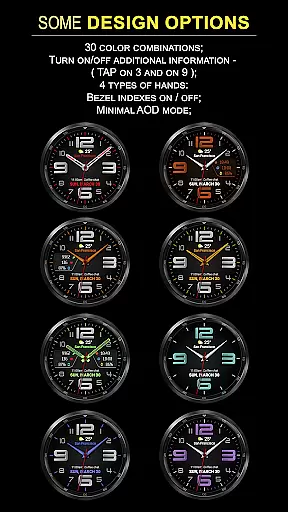
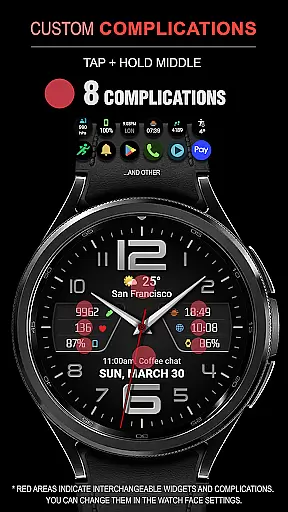
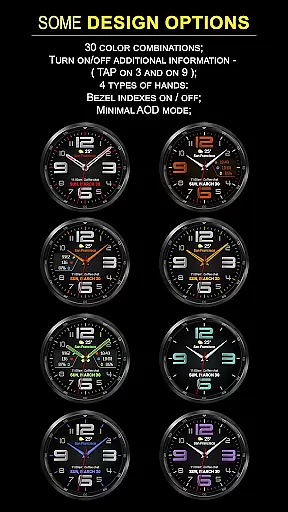
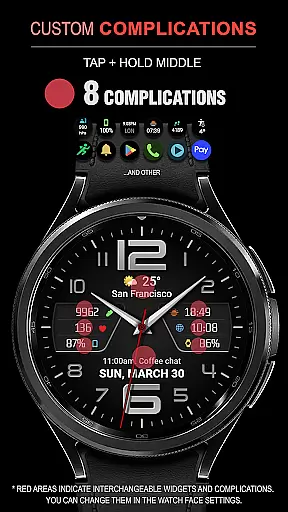
The WFP 137 Minimal watch face stands out with its array of features tailored for convenience and personalization. It includes eight complications, 30 color combinations, and four types of hands, allowing users to customize their watch face extensively.
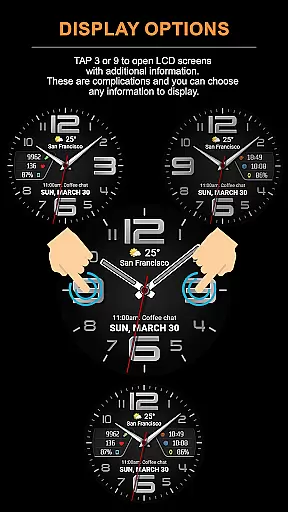
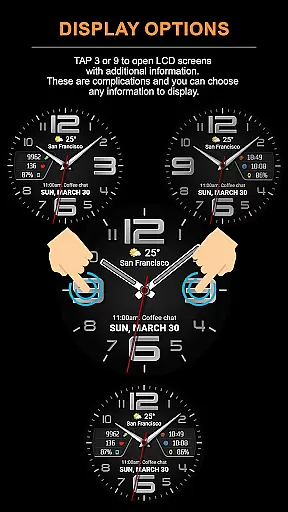
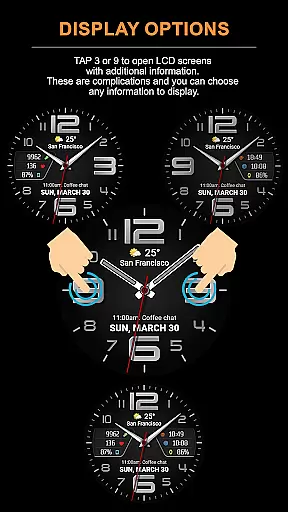
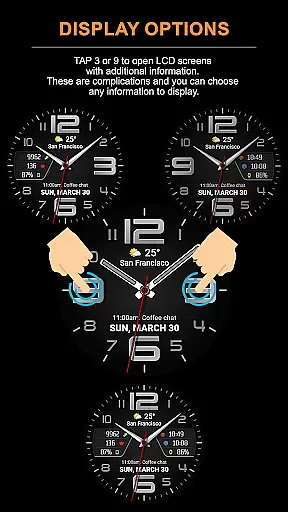
Additional functionalities include high-resolution display, optimized performance, low battery consumption, multilingual support, and customizable Always-On Display (AOD) modes. Users can also tap specific areas to access extra information, making it not just visually appealing but highly practical.
Companion app integration is essential for a seamless wearable experience. The WFP 137 Minimal watch face excels in this area by offering users the ability to sync and share data between their smartwatch and smartphone effortlessly.
This application supports a wide range of functionalities, including detailed weather forecasts, health metrics, and activity tracking. Users can access these features directly from their wrist, with real-time updates ensuring that all information remains current and accurate.
Furthermore, the customization options available through the companion app allow for an unprecedented level of personalization. With over 30 color combinations and various display settings, users can tailor the watch face to match their style while optimizing it for maximum convenience.
The synchronization process is straightforward, thanks to clear installation instructions provided on the official website. This ensures that even those new to smartwatches can quickly get up and running without any hassle.
Ensuring broad device compatibility is crucial for reaching a wider audience. The WFP 137 Minimal watch face is designed to work seamlessly with devices running Wear OS, specifically those using API 34+ and later versions.
This compatibility extends across a variety of Samsung devices, providing users with a consistent experience regardless of their specific model. Whether you're using a Galaxy Watch or another compatible device, you'll enjoy high-resolution displays and optimized performance.
In addition to supporting multiple devices, the watch face also boasts impressive functionality. Features such as weather forecasting in both Fahrenheit and Celsius, multilingual support, and customizable Always-On Display (AOD) modes ensure that every user finds value in this application.
Low battery consumption and high optimization further enhance its appeal, making it an ideal choice for individuals seeking both style and substance in their wearable technology.
Stylish design
Extensive customization
Low battery usage
High resolution display
Multilingual support
Limited device compatibility
Complex setup process
Premium cost for full features
Weather data may lag
Requires frequent updates

Christmas and New Year - Themed Watchface
 4.1
4.1
Current temperature, weather hourly, weather radar by the weather forecast app
4.40
Stunning modern digital watch face with 7 complications and strong contrast
4.1
Be an elegant and classy secret agent, with this carefully detailed watch face
4.70
Stay in touch with your friends and family using LINE!
3.40
Minimalistic design modern digital watch face.
4.1
A modern hybrid informative watch face for Wear OS designed by BALLOZI
4.80
Fitbit is dedicated to helping people lead healthier, more active lives.
4.10
Back up your contacts & access them anywhere
4.30
Real-time weather radar with temperatures, warnings, hurricanes, and widgets
4.80
A realistic hybrid watch face with many customization options.
4.60
Christmas watch face. For Wear OS devices.
4.30
"PER27 Galaxy Digital" is a digital Wear OS watch face designed by PERSONA
4.10
Snowflake Rose Gold Watch Face - Digital, modern, & sleek with GYRO effect.
4.10
Viewer for Wyze/Yi/Eufy/Arlo/ONVIF/RTSP/P2P IP cams w/ adv. features & DIY DVR
4.00
Animated Watch Face and Customizable with 24 Backgrounds. Perfect for Christmas!
3.90
Watch face designed for Thanksgiving Day. 7 Background Styles included.
3.20
an Analog Watch Face for winter season with freeze winter background for Wear OS
4.1
A heartwarming Christmas scene featuring a cute image of Santa and Rudolf
4.0


User Reviews