
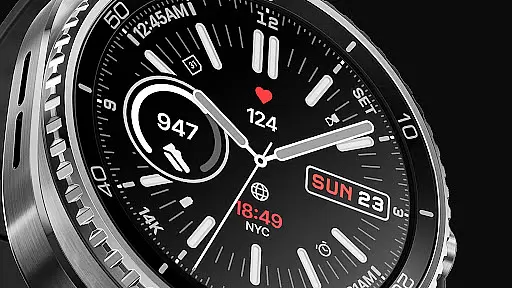
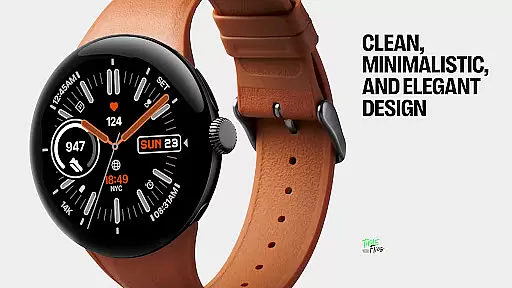
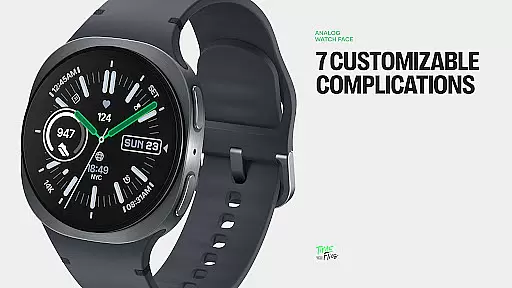
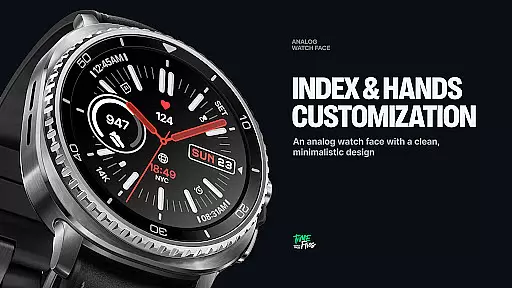
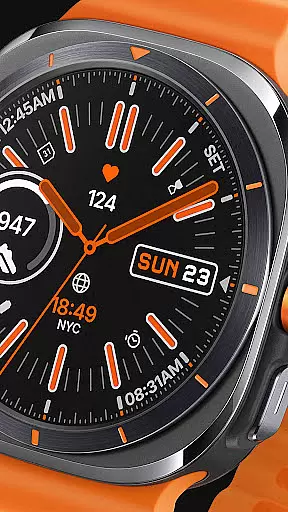
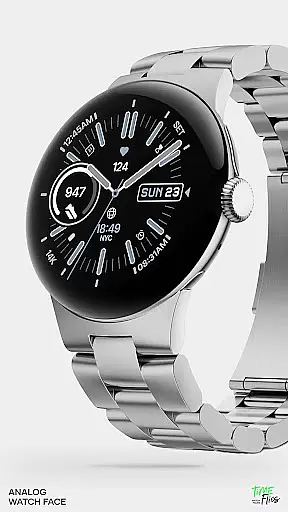
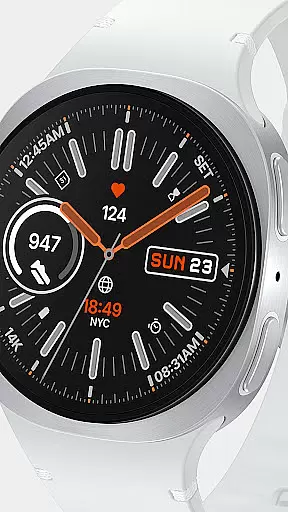
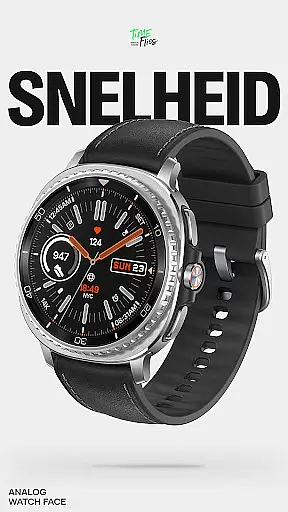
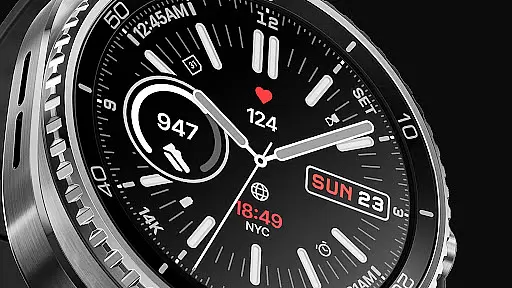
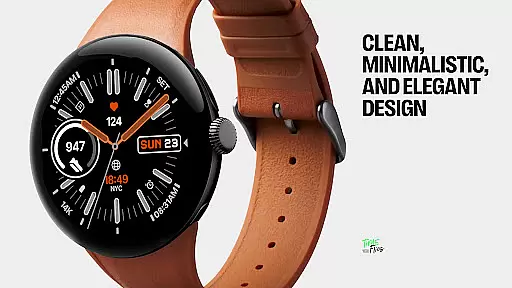
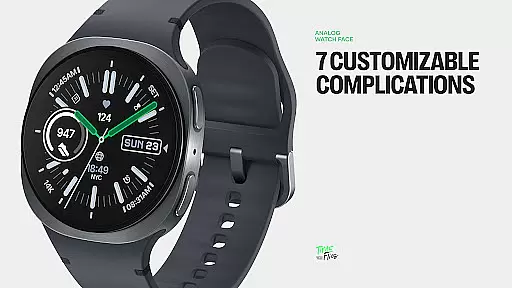
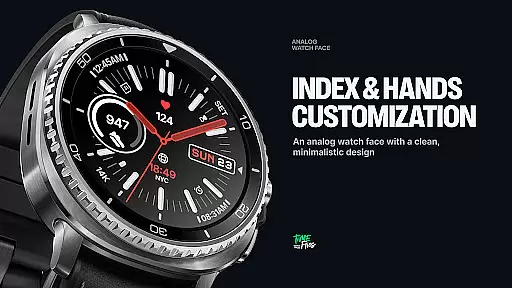
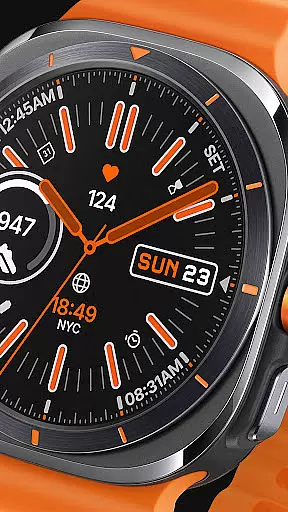
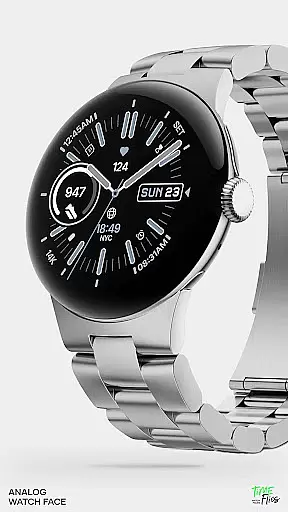
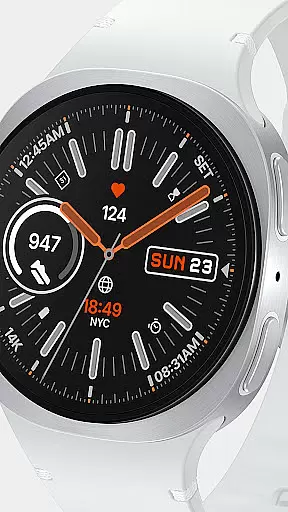
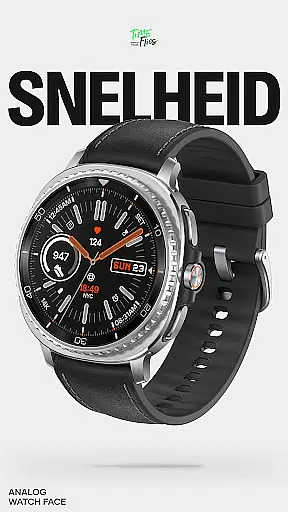
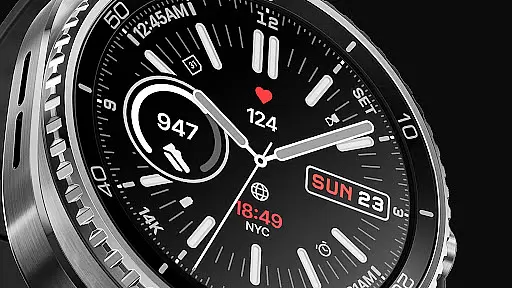
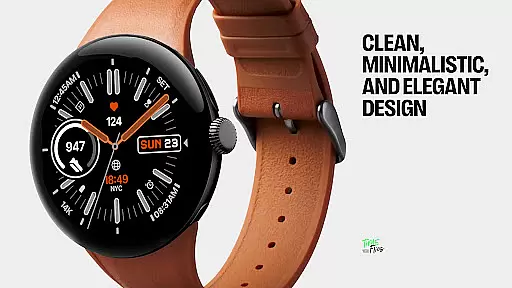
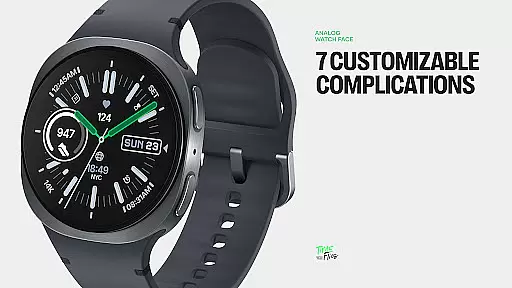
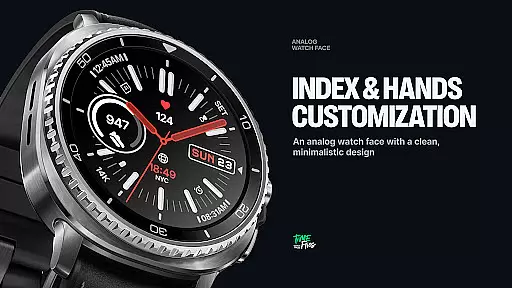
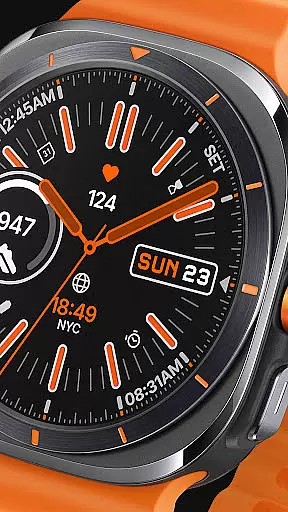
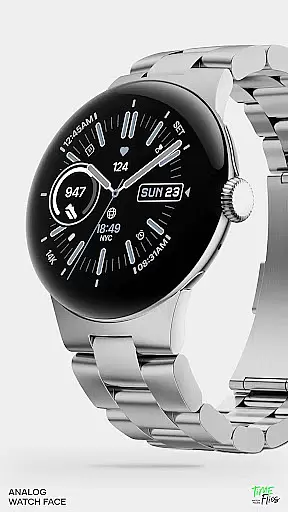
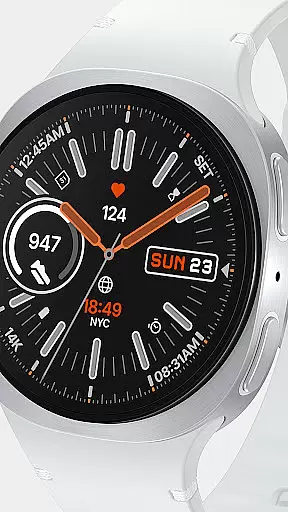
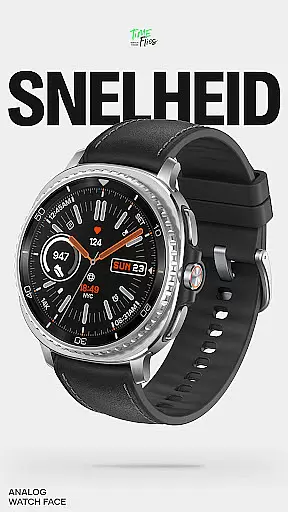
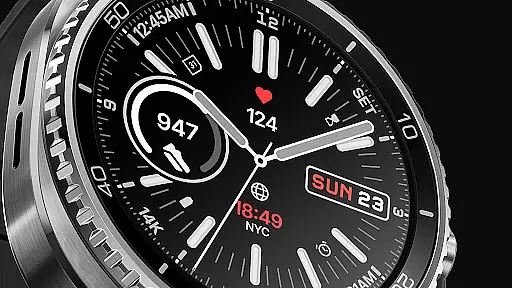
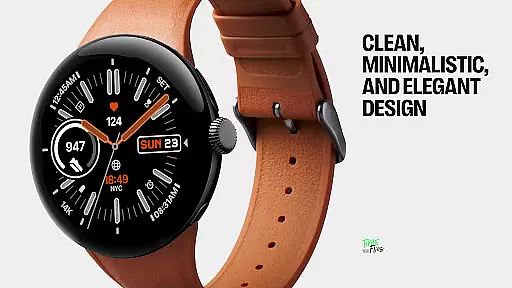
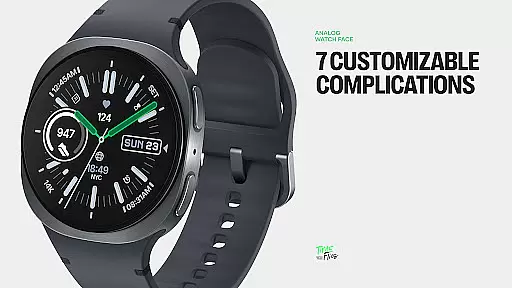
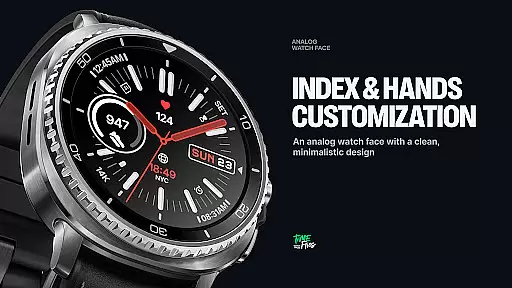
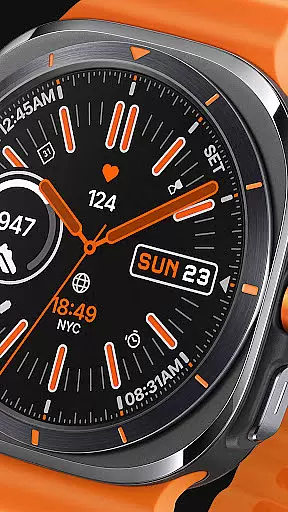
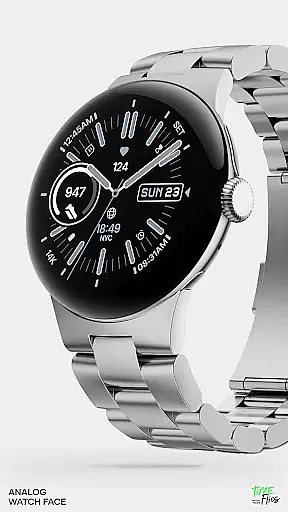
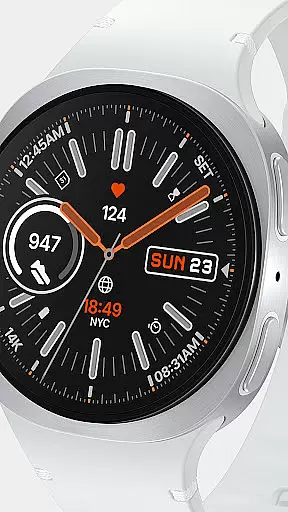
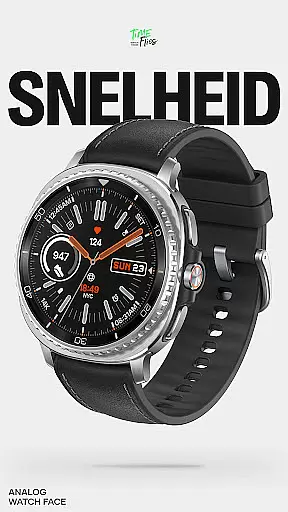
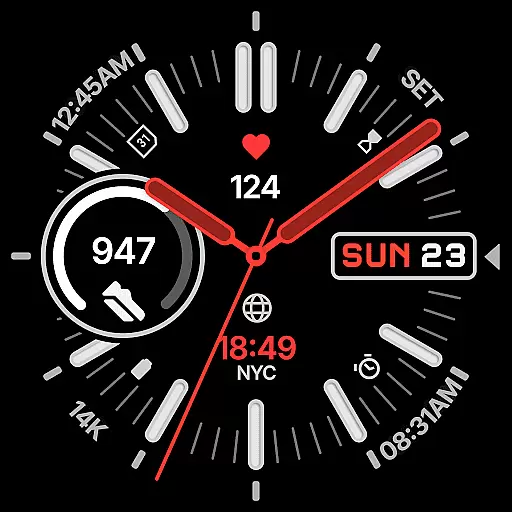
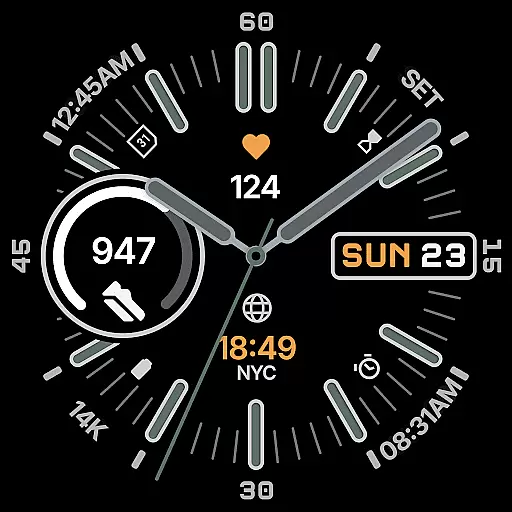
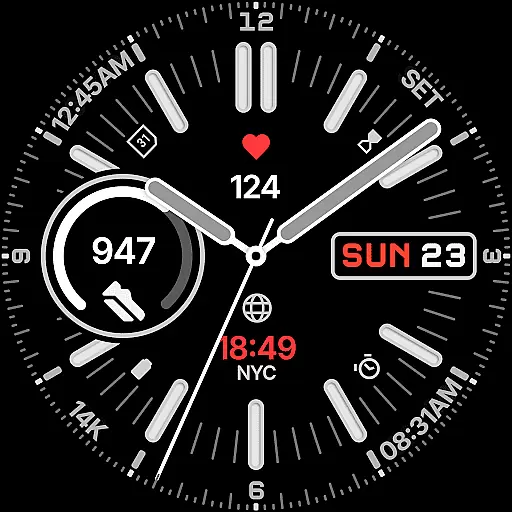
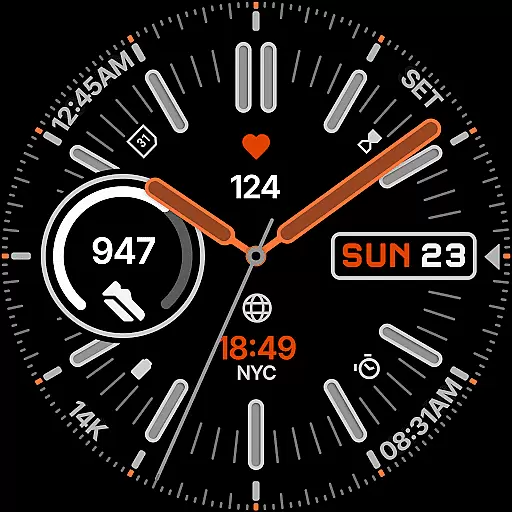
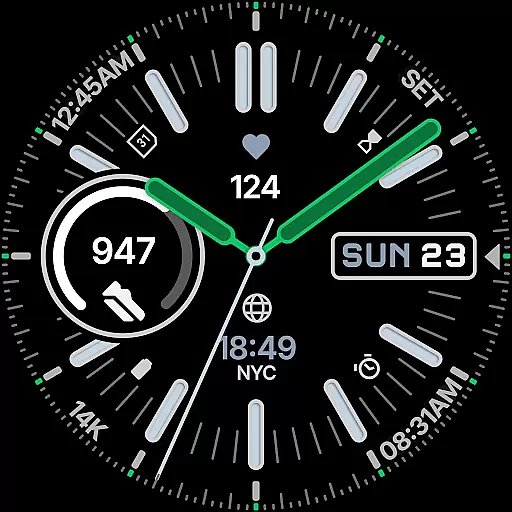
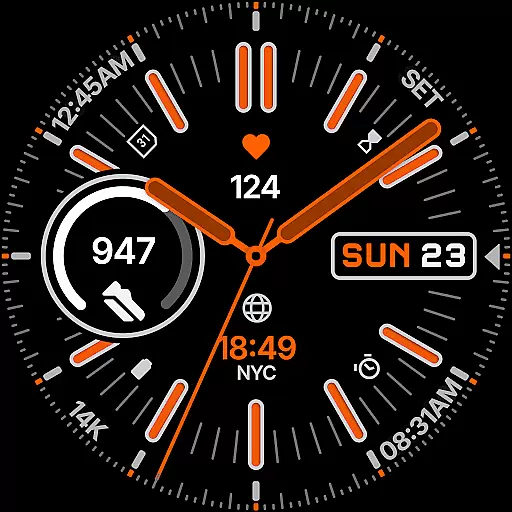
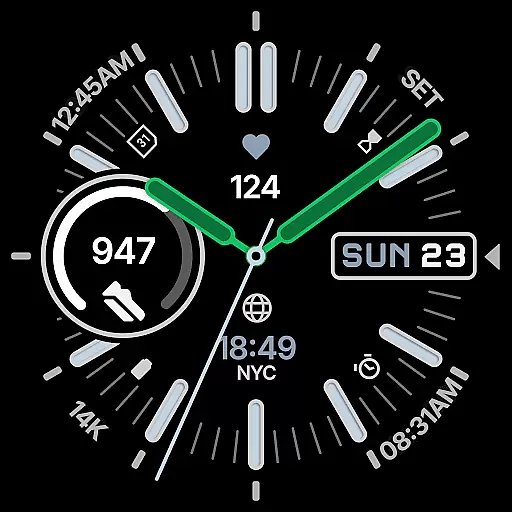
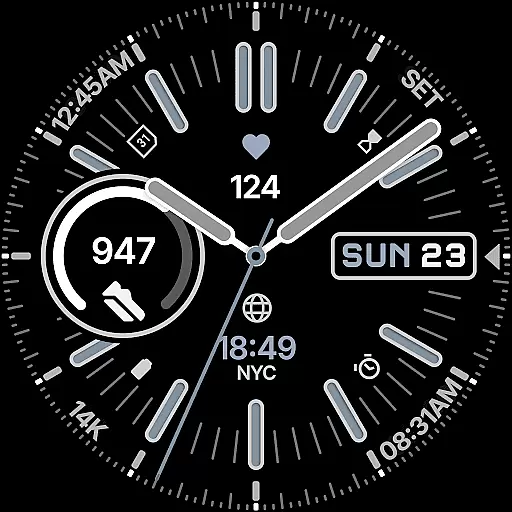
Snelheid Analog Watch Face is a Wear OS watch face that combines motorsport-inspired design with modern smartwatch functionality. Featuring bold indices, vibrant accents, and dashboard-style typography, it offers both elegance and utility. The design balances analog timekeeping with digital features, including seven customizable complications for health metrics, weather, and more.
With 30 curated color schemes, multiple dial options, and battery-efficient Always-on Display modes, Snelheid adapts to various styles and uses. Whether for professional or active settings, this watch face maintains its dynamic character while providing practicality and customization.
Snelheid stands out with its fusion of analog and digital elements, offering users both style and substance. The watch face includes seven fully customizable complications, allowing quick access to essential data like activity stats, weather updates, or world time. Its carefully balanced layout ensures at-a-glance readability on any Wear OS device.
Customization is central to the experience, with 30 curated color schemes, multiple index styles, and adaptable dial options. The Always-on Display mode enhances battery efficiency without sacrificing aesthetics. An optional Android companion app simplifies setup and personalization directly from your phone, making it easy to tailor the watch face to individual preferences.
Companion app integration is essential for a seamless wearable experience. Snelheid offers an optional Android companion app that simplifies the setup and customization process directly from your phone. This ensures users can easily adjust settings without interrupting their daily routine.
The companion app provides intuitive controls, allowing users to customize watch face elements such as complications, color schemes, and index styles with just a few taps. This streamlined approach enhances user engagement by making personalization accessible and straightforward.
By leveraging the companion app, Snelheid ensures that all customizations are synchronized in real-time across devices. This feature not only improves convenience but also empowers users to maintain consistency in their wearable experience, whether they're at home, work, or on the go.
Ensuring broad device compatibility is crucial for any Wear OS application. Snelheid is designed to work seamlessly across various smartwatch models, supporting both steel-bezel and minimalist curved displays. This adaptability makes it a versatile choice for users with different devices.
The watch face supports multiple customizable features, including complications, color schemes, and index styles, all optimized for Wear OS. These features provide users with the flexibility to tailor their watch faces to match their personal preferences and device specifications.
Snelheid's compatibility extends to its Always-on Display modes, which are crafted for battery efficiency without compromising style. By balancing functionality with aesthetics, Snelheid delivers a cohesive experience that adapts to any smartwatch, enhancing both usability and visual appeal.
Highly customizable
Vibrant design
Battery efficient
Easy readability
Companion app support
Limited free options
Premium cost
Complex setup
Fewer digital features
Wear OS only

Christmas - Festive - Christmas Village - Winter - Christmas lights
 5.00
5.00
MyNISSAN® lets you remotely control your car from your phone.*
4.50
Be an elegant and classy secret agent, with this carefully detailed watch face
4.70
The most customizable minimal watch face. For Wear OS 5.0, API 34+ and later
4.70
Period, ovulation & pregnancy tracker. Fertility insights & menstrual calendar.
4.90
Retro digital watch face with customizable colors and a unique lighting effect
4.60
A white realistic classic analog watch face with many customization options.
4.40
Track your active life in one place and share the journey with friends.
4.40
Start and succeed with PAP
4.10
Hybrid watch face for Wear OS with customizable complications by Matteo Dini MD
4.70
Rose gold watch face with festive lights & customizable features.
4.60
Fast and smart typing with Emojis, GIFs, and more
4.50
Find EV charging stations
4.30
Calming & relaxing sounds for sleeping and stress relief. Stay focused all day!
4.20
Embrace the festive spirit with our Christmas Countdown watchface for Wear OS
4.10
The #1 source of faces for your smartwatch!
4.00
Watch the sharpness of the sky on your wrist..
3.70
Wear Os Watch Face - Animated Snow Effect & Christmas Lights
4.2
Christmas and New Year - Themed Watchface
4.2


User Reviews