
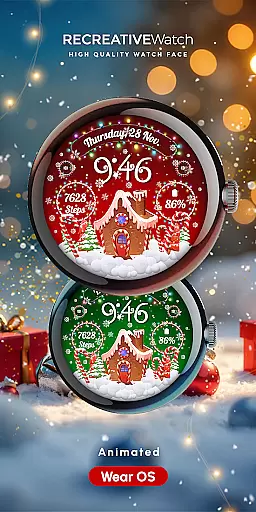
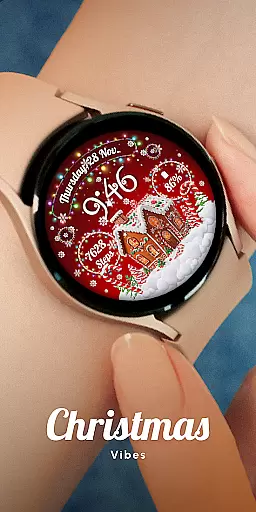
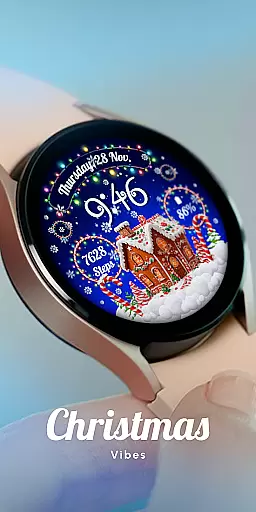
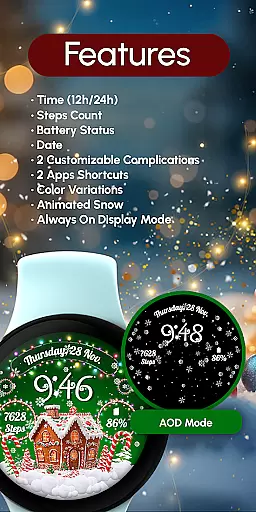
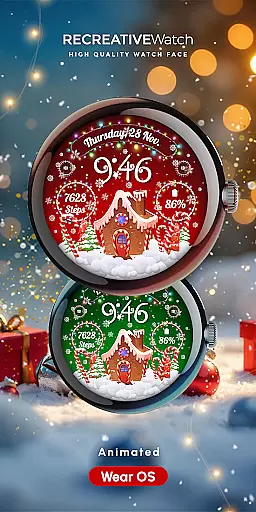
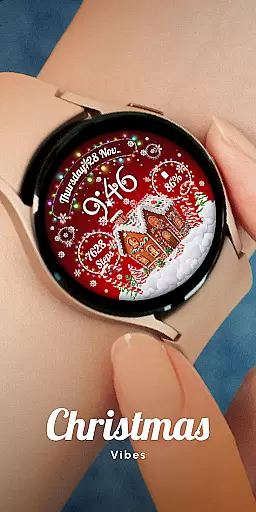
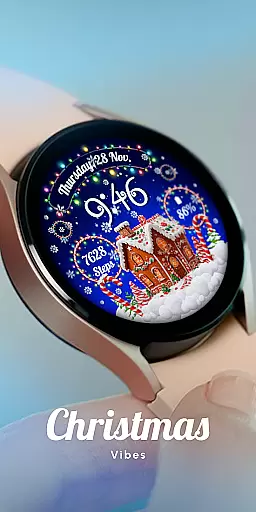
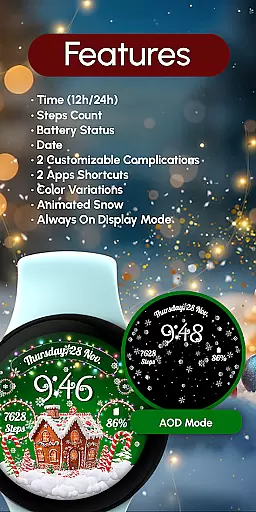
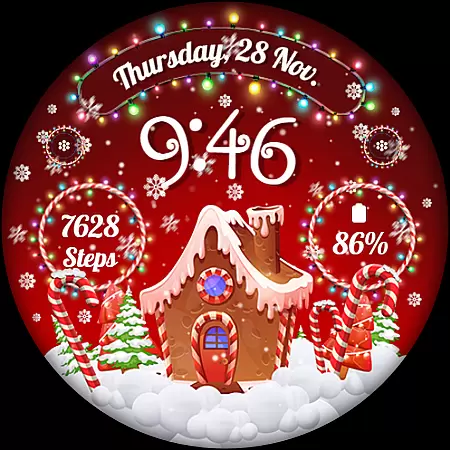
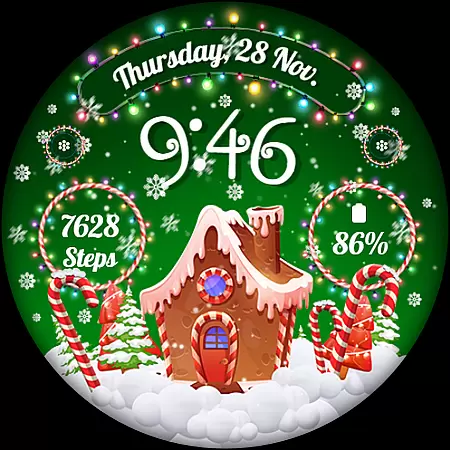
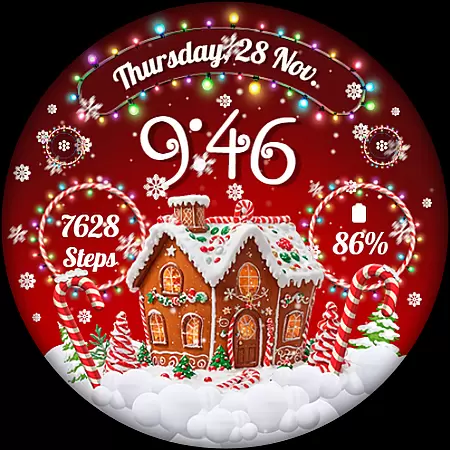
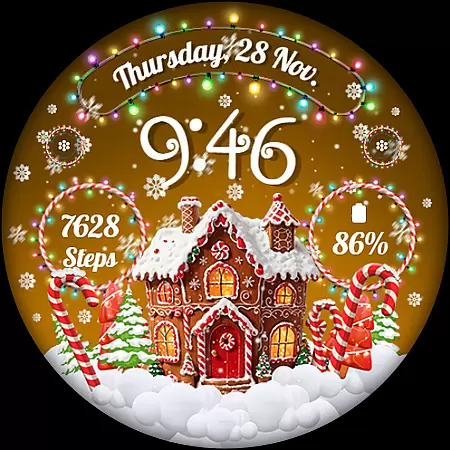
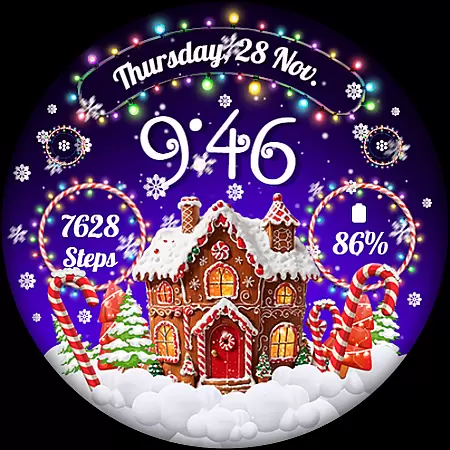
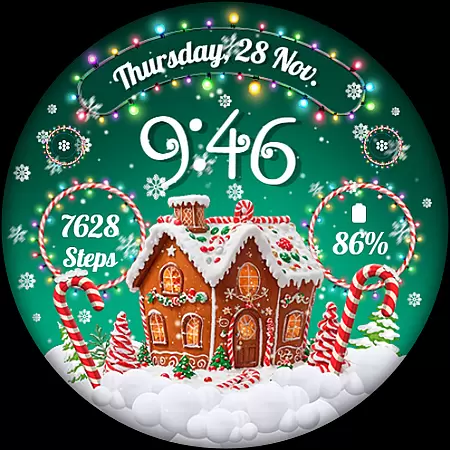
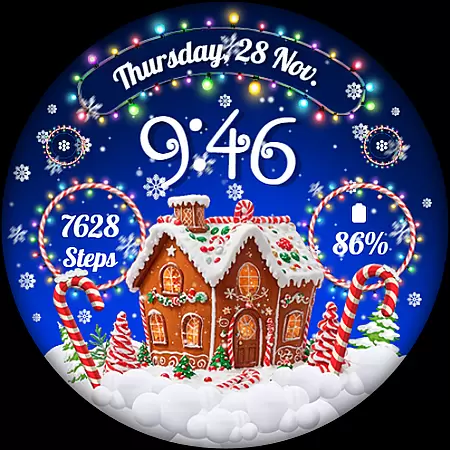
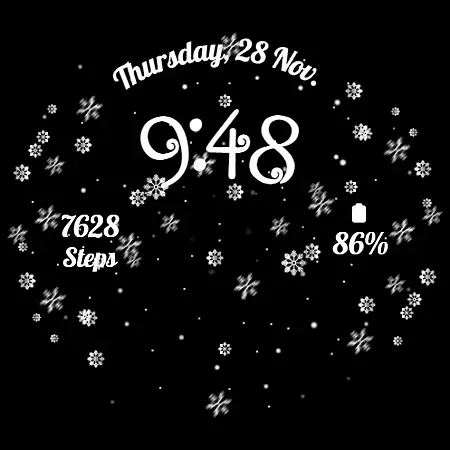
RW01 is a festive Wear OS watch face that brings holiday cheer to your wrist. Featuring animated snow and charming gingerbread houses, it creates a magical Christmas atmosphere. The watch face displays essential information including 12/24hr digital time, date, battery level, and step count.
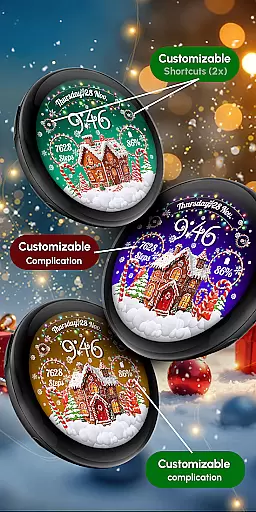
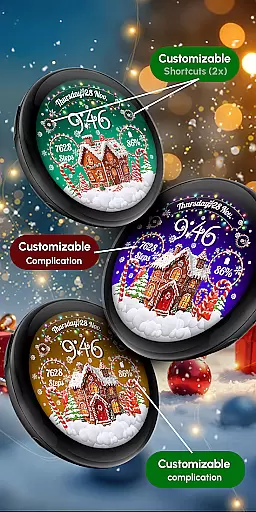
With customizable complications and shortcuts, users can personalize their experience. It offers three different scenes and color variations to suit individual preferences. The Always ON Display feature ensures important information is always visible. Optimized for API level 33+ devices, including Google Pixel and Galaxy Watch series.
The RW01 watch face stands out with its unique Christmas theme and practical features. The animated snow effect creates a festive atmosphere while maintaining usability with clear digital time display in both 12 and 24-hour formats. Users can track their daily steps and monitor battery levels conveniently.
Customization options include two complications and shortcuts, allowing users to display preferred information. The three available scenes and color variations provide flexibility in personalizing the look. For optimal battery performance, users can choose to disable the Always ON Display mode while maintaining full functionality through touch interactions.
Companion app integration is essential for a seamless wearable experience. The RW01 Wear OS Christmas Watch Face offers robust companion app features that ensure smooth synchronization between your smartphone and smartwatch.
This application allows users to customize their watch face with ease through the companion app. By simply touching and holding the display, users can access the customization mode and modify various elements such as complications and shortcuts according to their preferences.
The integration extends to health and activity tracking, where users can monitor their steps count directly from their wrist. This cohesive connection ensures that all data is accurately reflected and easily accessible, enhancing user engagement and convenience.
Furthermore, the RW01 supports multiple scenes and color variations, which can be effortlessly managed via the companion app. This level of control empowers users to tailor their watch face to match their festive spirit while maintaining optimal functionality.
Ensuring broad device compatibility is crucial for any Wear OS application. The RW01 Christmas Watch Face is designed to work seamlessly with API level 33+ devices, including popular models like Google Pixel, Galaxy Watch 4, 5, 6, 7, and other Wear OS models.
This wide compatibility range guarantees that most Wear OS users can enjoy the magical holiday-themed watch face without worrying about technical limitations. The inclusion of animated snow and charming gingerbread houses brings festive cheer right to your wrist.
For optimal performance, especially concerning battery life, it's recommended to disable the Always On Display feature. This setting helps in conserving battery while still allowing users to enjoy the delightful animations and detailed designs of the RW01 watch face.
Additionally, comprehensive support and troubleshooting resources are available at Recreative-watch.com, ensuring users have access to assistance whenever needed. This commitment to compatibility and support underscores the reliability and user-centric design of the RW01 Wear OS Christmas Watch Face.
Unique Christmas theme
Animated snow effect
Customizable complications
Multiple scene options
Always ON Display
Limited to Wear OS
Holiday-specific design
Battery optimization needed
Manual installation required
Scene limitations

Calming & relaxing sounds for sleeping and stress relief. Stay focused all day!
 4.20
4.20
WTW M17 is a premium and luxurious hybrid watch face
4.70
MyNISSAN® lets you remotely control your car from your phone.*
4.50
Bold, Modern Hybrid Watch Face for Wear OS. 10 Colors, Rich Info Display.
4.30
Structured watch face with seven complications and modular UI elements
3.90
Connect to your Bluelink equipped Hyundai vehicle from your smartphone.
4.50
Professional weather radar and more
3.90
Track your active life in one place and share the journey with friends.
4.40
Track airplanes and follow flights with our real-time flight tracker
4.50
Easy Voice Recorder is your everyday companion to record important moments.
4.70
Be an elegant and classy secret agent, with this carefully detailed watch face
4.70
Hybrid watch face for Wear OS with customizable complications by Matteo Dini MD
4.70
Walking app for weight loss: walk & step tracker, pedometer, indoor treadmill
4.60
Nutrition, Macro tracker: Food, fitness & healthy diet tracking for weight loss
4.60
Connect, create, and collaborate with Gmail, part of Google Workspace.
4.10
The #1 source of faces for your smartwatch!
4.00
Get helpful reminders, take progress photos and find answers to your questions.
3.90
Watch face designed for Thanksgiving Day. 7 Background Styles included.
3.20
Analog watch face with 8 complications and expedition styling
4.5


User Reviews