
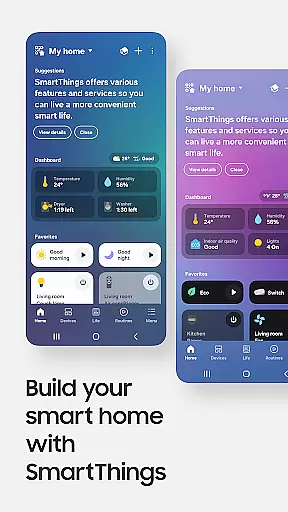
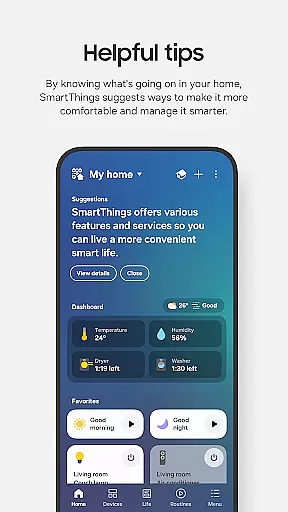
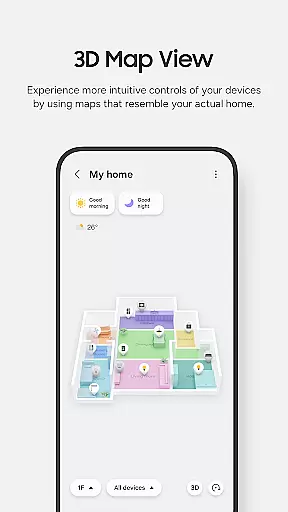
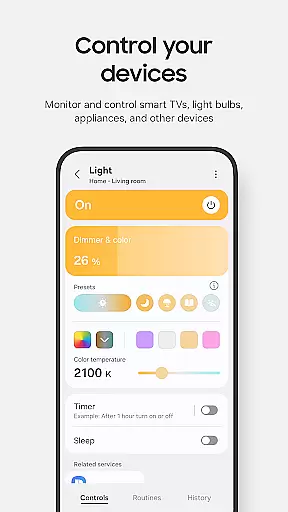
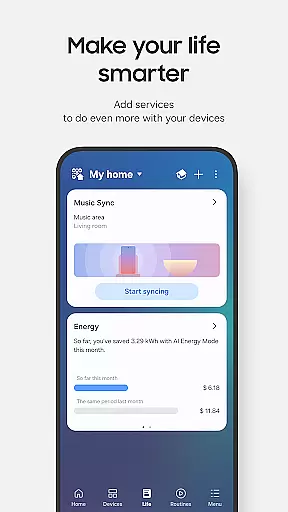
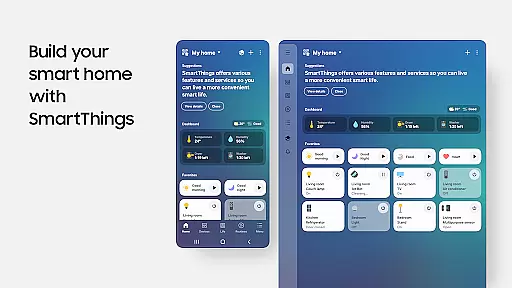
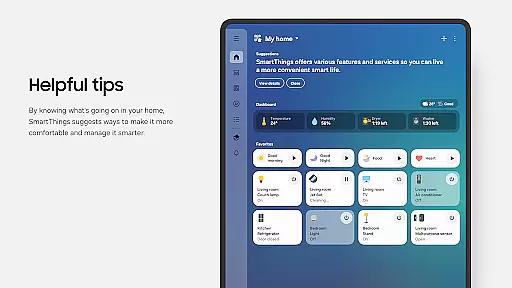
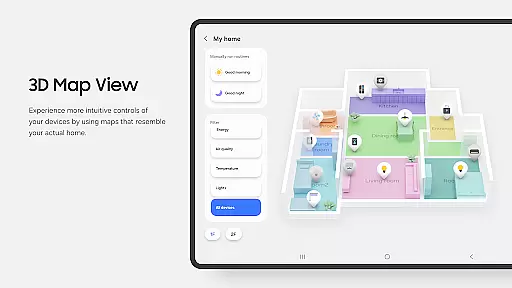
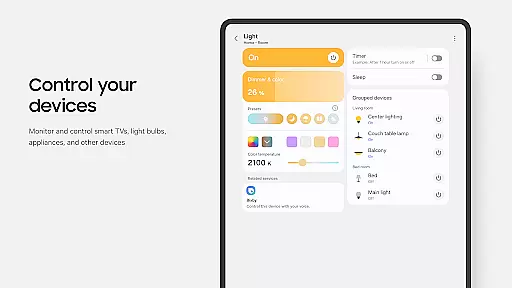
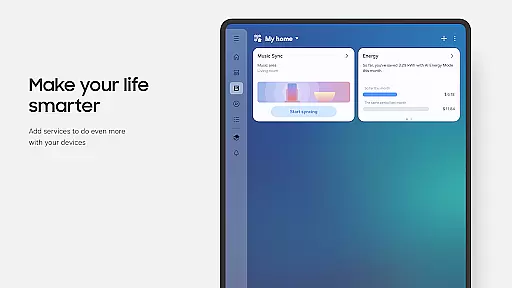
SmartThings is a comprehensive smart home management application that allows users to seamlessly connect and control all their smart devices from a single platform. Compatible with hundreds of smart home brands, the app supports Samsung Smart TVs, smart appliances, and integrates with popular voice assistants like Alexa, Bixby, and Google Assistant.
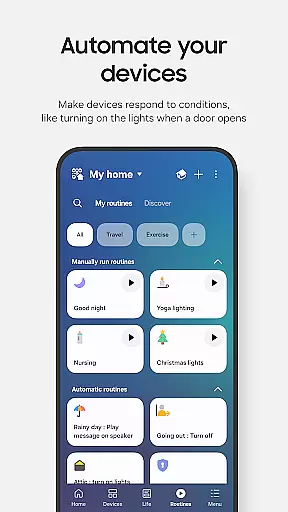
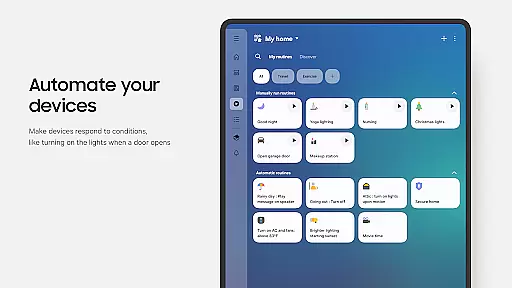
The app's core functionality lies in its ability to unify device management, enabling users to monitor and control multiple smart gadgets efficiently. Whether you're at home or away, SmartThings provides real-time updates and automated notifications about your devices. It also offers advanced features such as creating routines based on time, weather, or device status, ensuring smooth operation of your smart home ecosystem.
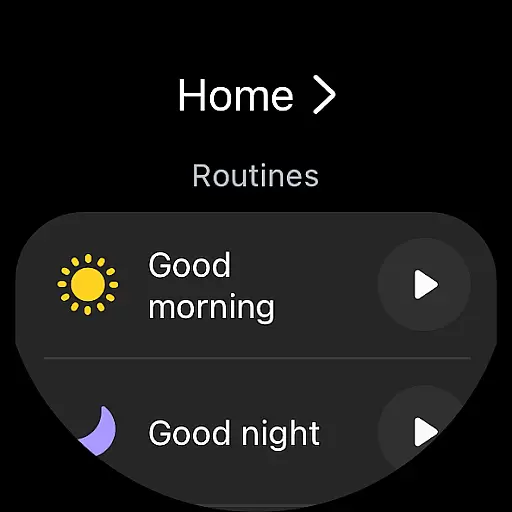
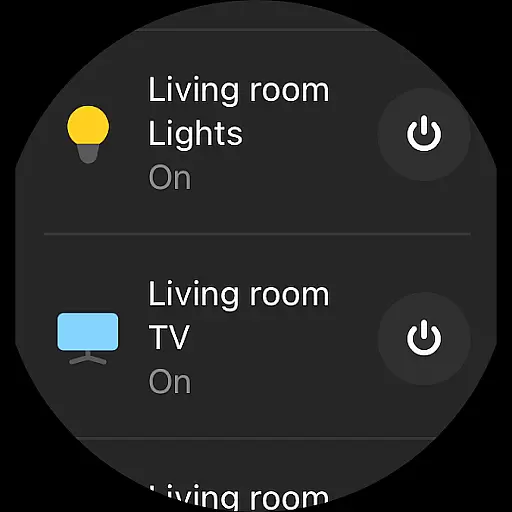
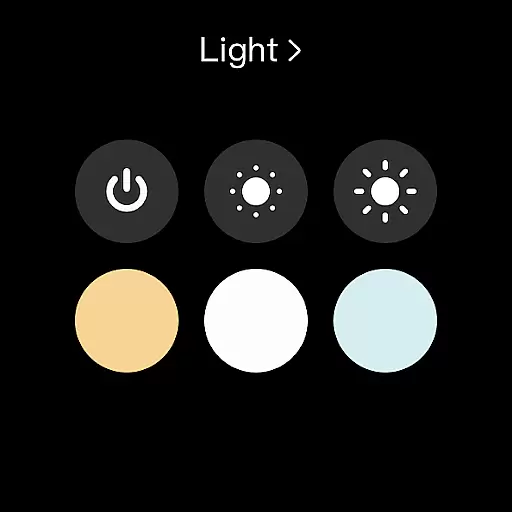
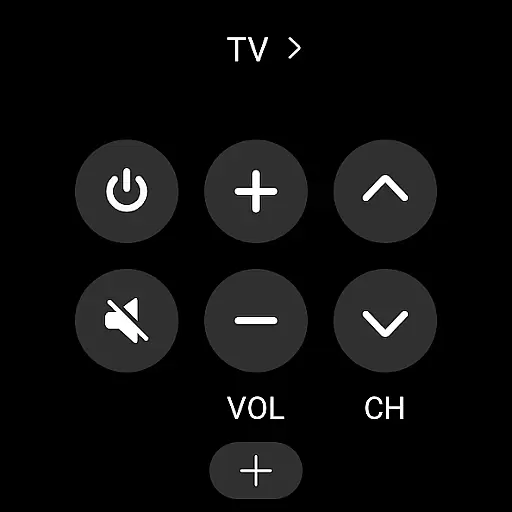
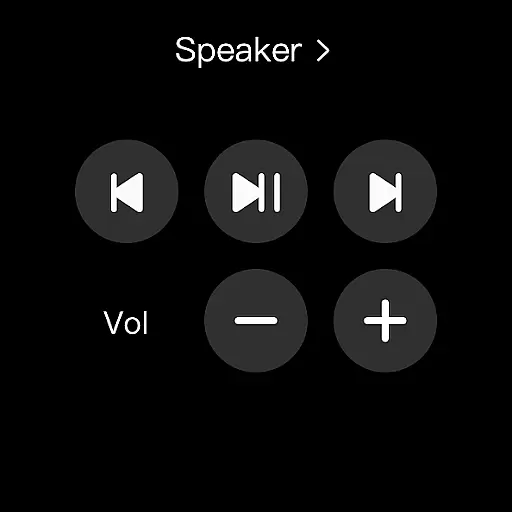
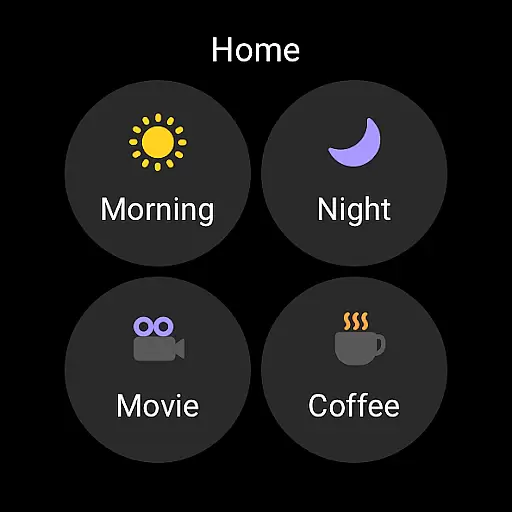
Particularly useful for Samsung smartphone users, SmartThings optimizes the smart home experience by offering additional compatibility with Wear OS-based watches. This allows quick access to routines and device controls directly from your wrist, making it an essential tool for managing modern smart homes.
SmartThings stands out with its extensive compatibility across various smart home brands and devices. The app supports not only Samsung products but also integrates with third-party brands like Ring, Nest, and Philips Hue, providing a centralized control hub for all your smart devices.
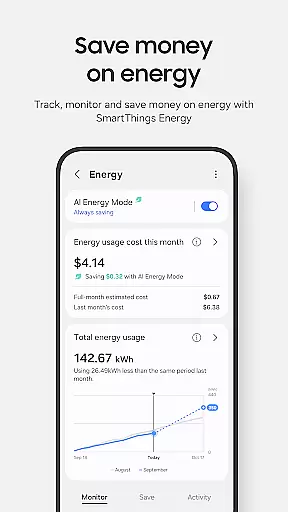
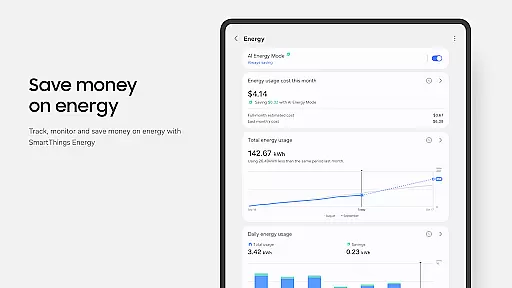
A key feature is the ability to create customized routines and automation based on specific triggers such as time, weather conditions, or device status. These routines help streamline daily tasks and optimize energy usage. Additionally, the app offers robust sharing capabilities, allowing multiple users to access and control shared devices, which is particularly beneficial for family settings.
SmartThings also includes innovative wearable integration, supporting Wear OS-based watches. This feature enables users to control their smart home devices and execute routines directly from their smartwatch, providing unparalleled convenience and accessibility. The app's comprehensive permission system ensures secure and customizable access to different functionalities.
SmartThings offers seamless companion app integration, allowing users to control and monitor their smart home devices from wherever they are. The app connects with Samsung Smart TVs, smart appliances, and other brands like Ring, Nest, and Philips Hue, all from one centralized location.
The integration extends to wearable devices operating on Wear OS, where users can access routines and control devices by adding SmartThings tiles on their watch face. This connectivity ensures that whether you're at home or away, your smart devices remain accessible through a single interface.
By incorporating voice assistants such as Alexa, Bixby, and Google Assistant, SmartThings enhances user interaction, making it not only about control but also about creating an interconnected ecosystem that operates smoothly in the background.
SmartThings is optimized for Samsung smartphones but also provides compatibility with Wear OS-based watches, ensuring a broad range of device support. When used with a Wear OS watch, the app allows quick access to routine runs and device controls directly from the watch face.
Despite some features potentially being limited on non-Samsung devices, SmartThings delivers essential functionalities across different platforms. For users with Android 12 and above, additional permissions enhance device scanning and interactions, although these are not mandatory for basic operations.
This compatibility ensures that regardless of the device you own, SmartThings remains a versatile tool for managing your smart home environment efficiently and effectively.
User-friendly interface
Wide device compatibility
Advanced automation features
Secure sharing options
Wearable device support
Limited third-party features
Occasional connectivity issues
High system requirements
Varied device performance
Complex setup process

an Analog Watch Face for winter season with freeze winter background for Wear OS
 4.1
4.1
MyNISSAN® lets you remotely control your car from your phone.*
4.50
A watch face that fuses motorsport precision with contemporary smartwatch design
4.3
Stylish digital watch face for Wear OS devices with customizable features
4.5
Monitor health with the stress test and pulse checker in the heart rate app.
4.60
Get helpful reminders, take progress photos and find answers to your questions.
3.90
Track your active life in one place and share the journey with friends.
4.40
Start and succeed with PAP
4.10
Back up your contacts & access them anywhere
4.30
The most customizable hybrid watch face. For Wear OS 5.0, API 34+ and later
4.70
Ideal for surviving in the wasteland left after nuclear fallout
4.50
Beautiful artistic animated digital watch face, with a customizable layout!
4.40
A white realistic classic analog watch face with many customization options.
4.40
Bold, Modern Hybrid Watch Face for Wear OS. 10 Colors, Rich Info Display.
4.30
Calming & relaxing sounds for sleeping and stress relief. Stay focused all day!
4.20
Wear Os Watch Face - Animated Snow Effect & Magic Spark - 6 Scenes
4.10
Daily Weather forecast with 15 weather images for Day & Night plus Big Bold time
4.10
Wear Os Watch Face - Animated Snow Effect & Christmas Lights
4.3
Hybrid Vibrant Health Watch Face for Wear OS
4.1


User Reviews