
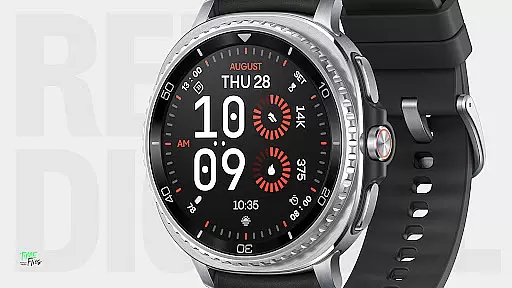
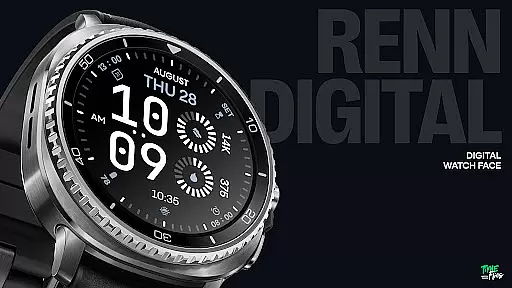
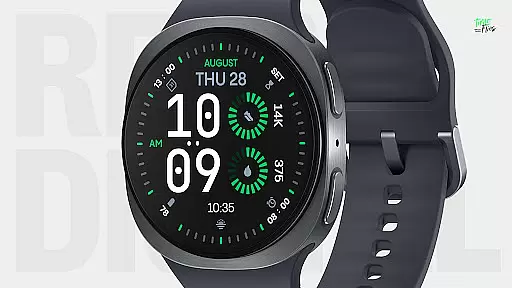
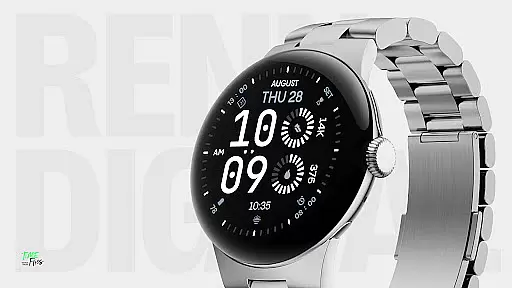
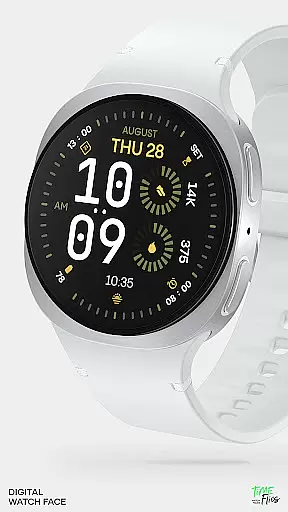
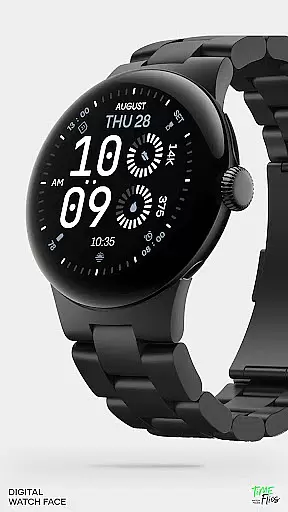
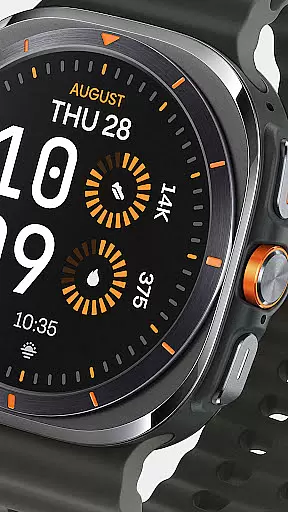
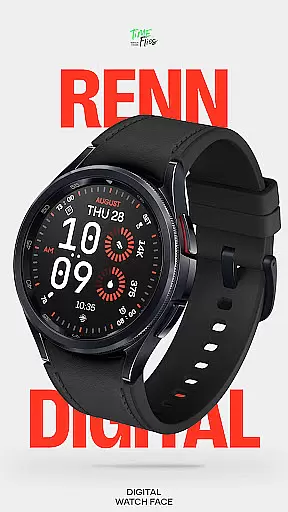
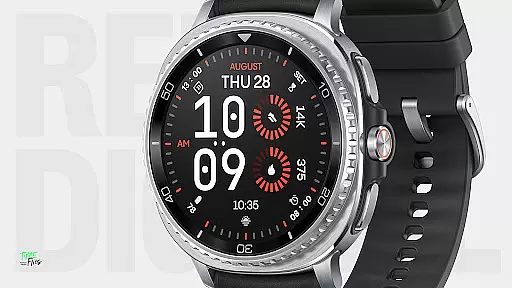
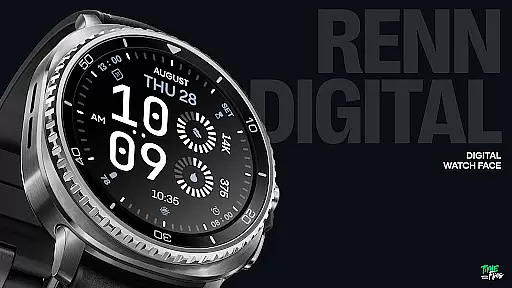
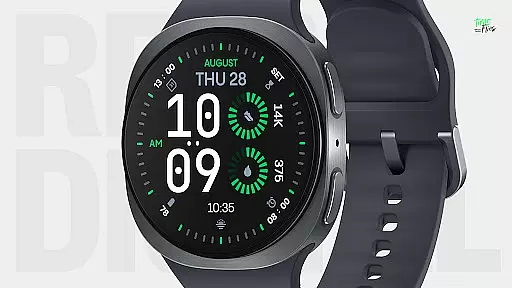
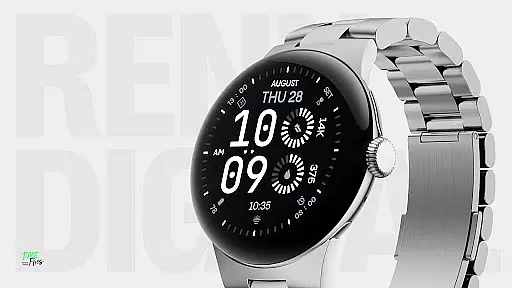
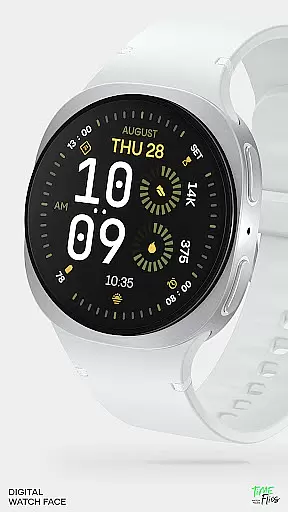
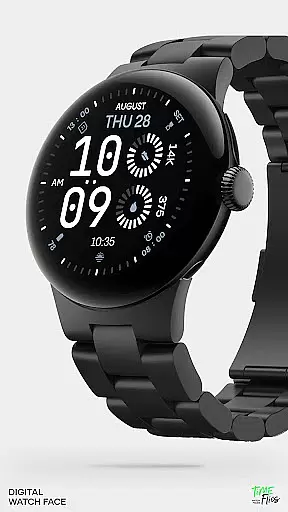
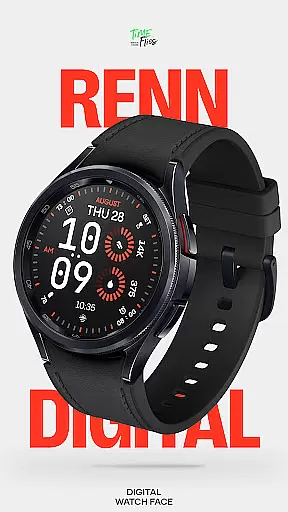
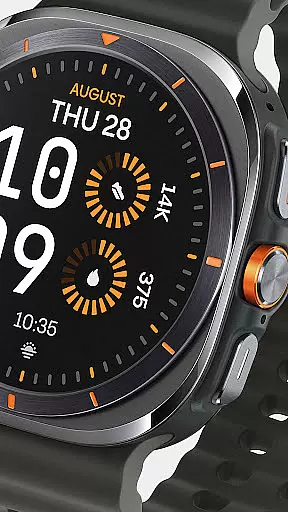
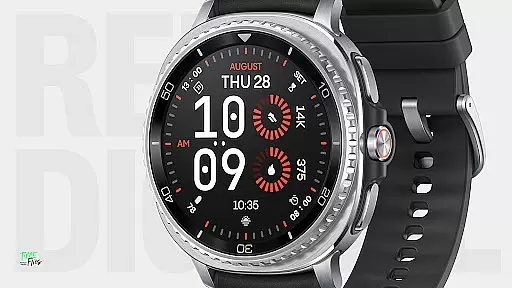
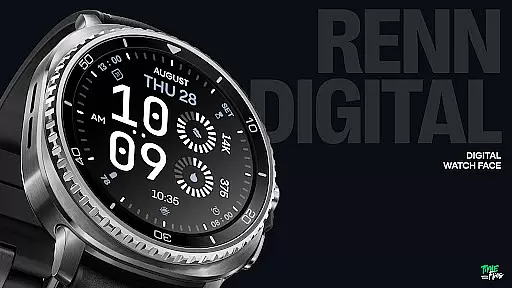
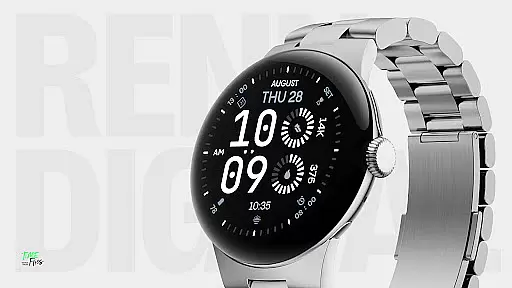
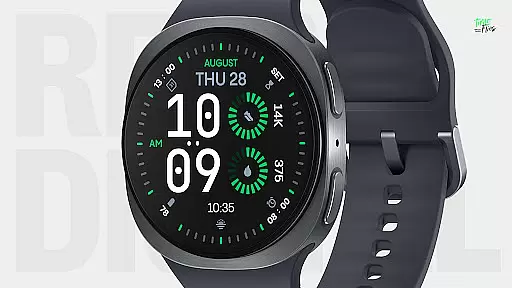
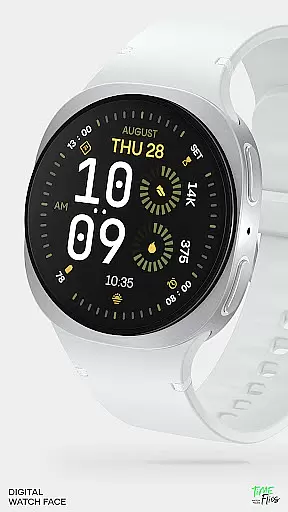
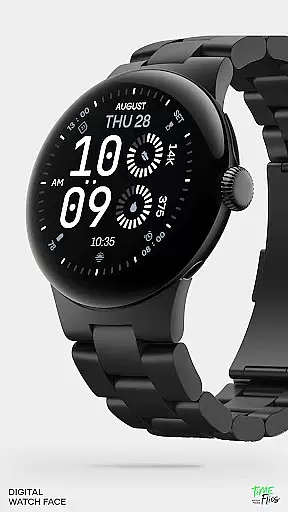
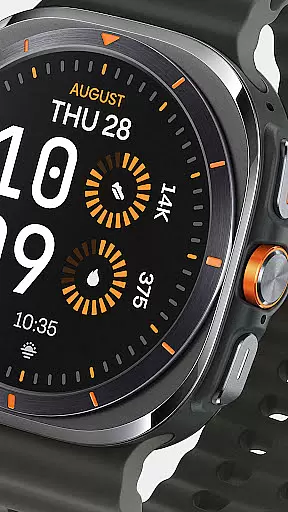
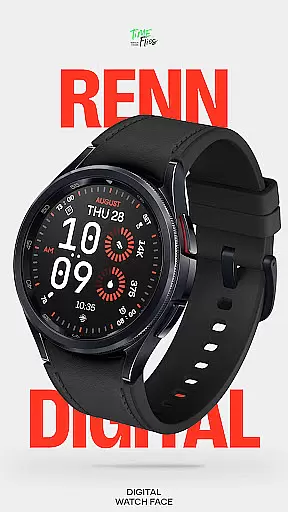
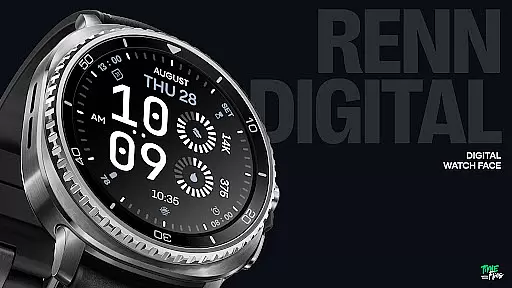
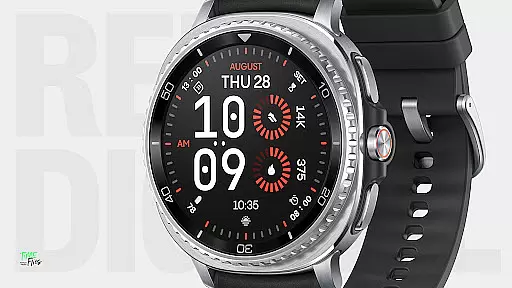
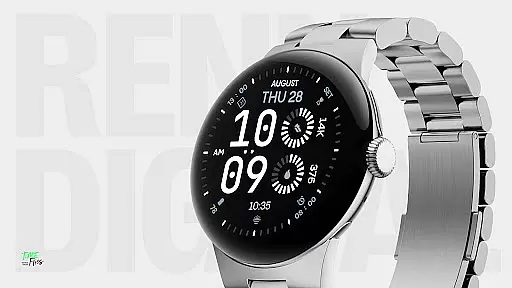
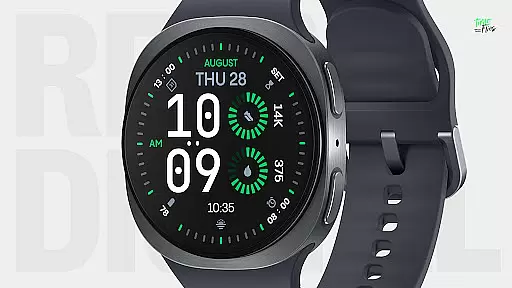
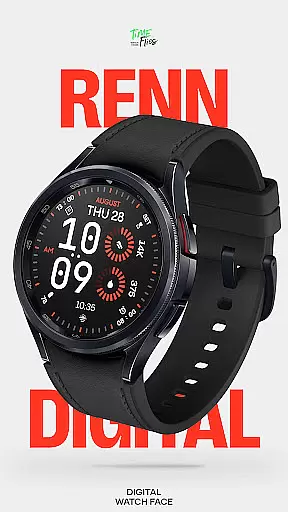
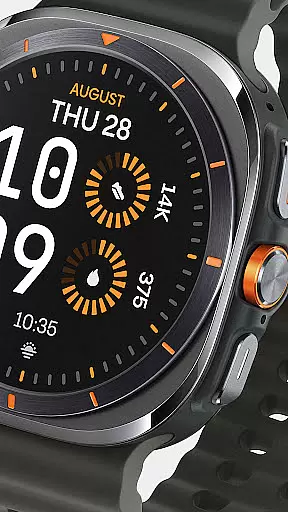
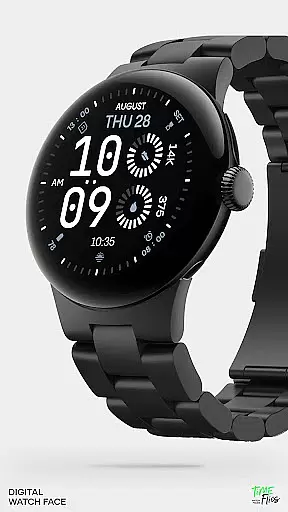
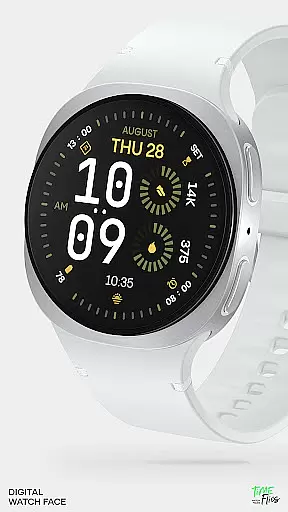
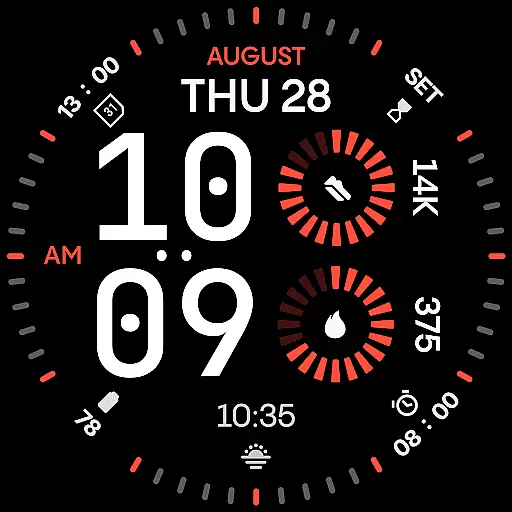
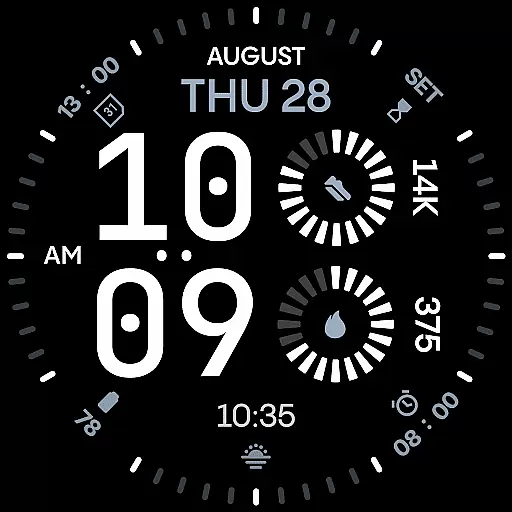
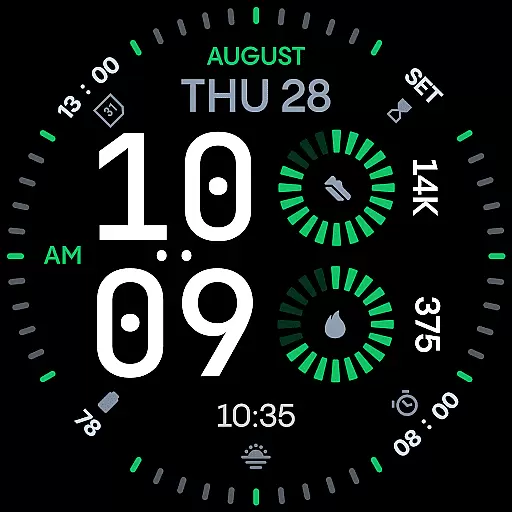
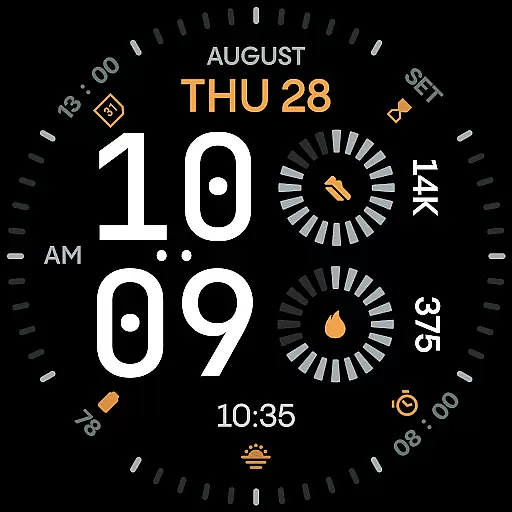
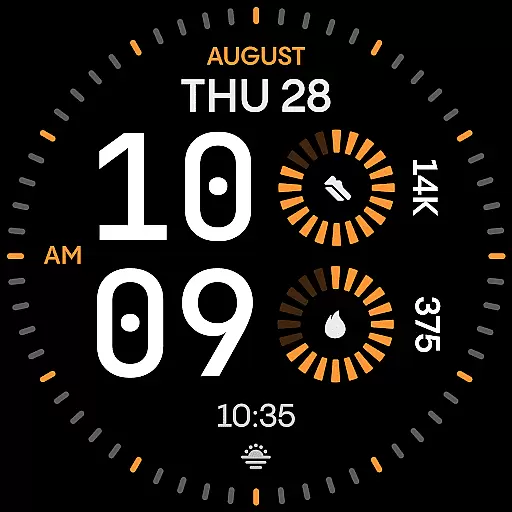
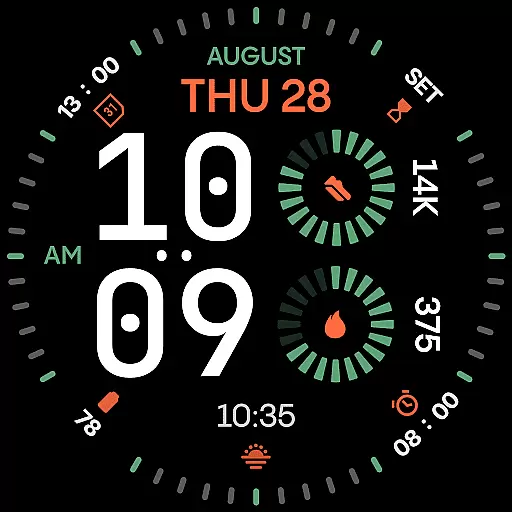
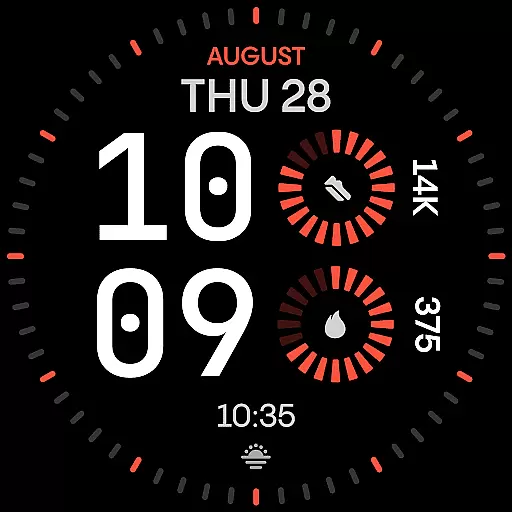
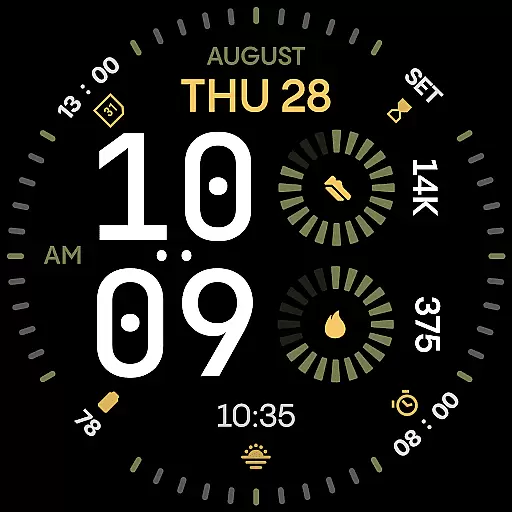
Renn Digital Watch Face is a modern digital watch face designed specifically for Wear OS smartwatches. It features bold, geometric numerals that ensure ultra-clear legibility at a glance, making it ideal for users who prioritize clarity and style. The design includes radial progress complications and customizable elements, offering both functionality and personalization.
With 7 customizable complications, users can display key stats such as steps, heart rate, battery, calendar events, or weather information. The watch face also supports AM/PM indicators, optional tic marks, and 5 Always-On Display (AoD) modes, ensuring adaptability to various user preferences. Its 30 bold color themes provide high-contrast options that enhance readability while maintaining aesthetic appeal.
This watch face is optimized for energy efficiency, ensuring smooth performance with reduced power consumption. Whether heading to the office, gym, or anywhere in between, Renn Digital offers an expressive yet practical design that adapts seamlessly to different lifestyles.
Renn Digital Watch Face stands out with its strong digital typography, featuring oversized time digits that deliver a distinct character through clean angles and confident forms. This design ensures maximum clarity and creates a powerful visual statement on Wear OS smartwatches.
The watch face includes 7 customizable complication slots, allowing users to display real-time data like steps, heart rate, battery status, calendar events, or weather updates. These complications come in radial types and short text formats, providing both functionality and accessibility. Additionally, users can choose from 30 striking color themes, each offering high contrast to improve readability while elevating visual appeal.
Advanced features include an AM/PM indicator, optional tic marks for refining the look, and 5 Always-On Display (AoD) modes that balance visibility and battery savings. Built using the latest Watch Face File format, Renn Digital ensures efficient performance with smart refresh behavior and reduced power draw, all without compromising aesthetics.
Companion app integration is a crucial feature for smartwatch applications like Renn Digital Watch Face. This functionality allows users to seamlessly manage their watch face settings through an Android companion app.
The Time Flies companion app, designed specifically for Renn Digital, enables users to discover new watch faces, receive update notifications, and manage installations with ease. This ensures that users always have access to the latest features and improvements without needing to manually check for updates.
Through the companion app, users can customize their watch faces more extensively. They can adjust color themes, toggle design elements such as tic marks, and configure Always-On Display modes according to their preferences. This level of control enhances user satisfaction by allowing personalization that truly reflects individual style.
Furthermore, the integration provides essential support functions. Users can troubleshoot issues, access help documentation, and provide feedback directly through the companion app interface. This comprehensive approach to companion app integration demonstrates Renn Digital's commitment to delivering a complete smartwatch experience.
Wear OS and device compatibility are fundamental aspects of any smartwatch application, including Renn Digital Watch Face. This compatibility ensures that the watch face functions optimally across various Wear OS devices and versions.
Renn Digital is built using the latest Watch Face File format, guaranteeing smooth performance and efficient energy usage on supported devices. The application is optimized to work seamlessly with different screen sizes and resolutions found in modern Wear OS smartwatches, providing consistent visual quality and functionality regardless of the device model.
The watch face supports both 12-hour and 24-hour time formats, catering to global user preferences. Its AM/PM indicator and customizable time behavior options demonstrate thoughtful consideration for diverse user needs while maintaining compatibility with various regional settings.
Additionally, Renn Digital offers five Always-On Display modes that balance visibility with battery savings. This feature is particularly valuable as it adapts to different device capabilities and user preferences, ensuring optimal performance across the entire range of compatible Wear OS devices. The combination of technical optimization and user-centric features makes Renn Digital a versatile choice for smartwatch enthusiasts.
Ultra-clear legibility
Customizable complications
Energy-efficient design
High-contrast color themes
Always-On Display modes
Limited analog appeal
Requires Wear OS
No advanced widgets
Premium feature lock
Companion app needed

Watch the sharpness of the sky on your wrist..
 3.70
3.70
Current temperature, weather hourly, weather radar by the weather forecast app
4.40
Beautiful artistic animated digital watch face, with a customizable layout!
4.40
Reliable phone calls with spam protection, caller ID and more helpful features
4.40
Real-time results, stats, schedules and player profiles for all leagues
4.60
Bold weather Digital watchface with forecast & optional animated background
4.40
Your local weather forecast, storm tracker, radar maps & live weather news
3.40
Want to take charge of your health? Let Google Fit help you reach your goals.
3.50
Back up your contacts & access them anywhere
4.30
Christmas - Festive - Christmas Village - Winter - Christmas lights
5.00
The most customizable hybrid watch face. For Wear OS 5.0, API 34+ and later
4.70
Kia Access makes getting your vehicle information easier than ever
4.60
Christmas watch face. For Wear OS devices.
4.30
Animated video-game inspired “secret agent” simulation, right on your wrist!
4.20
sleep, alarm, snoring, stress, healing, focus, sound therapy, circadian rhythm
4.10
Connect, create, and collaborate with Gmail, part of Google Workspace.
4.10
Structured watch face with seven complications and modular UI elements
3.90
Christmas is near, let's count together the days left until Santa comes
4.0
Minimalistic design modern digital watch face.
4.1


User Reviews