
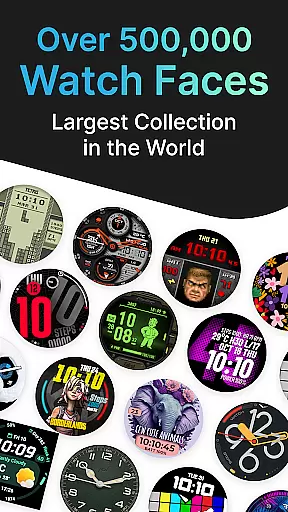
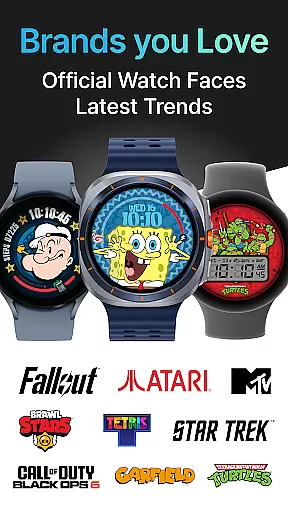
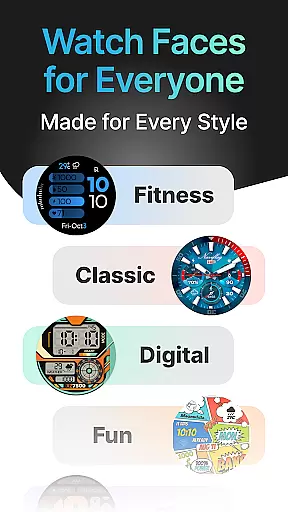
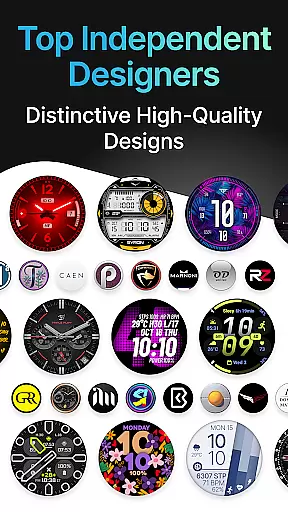
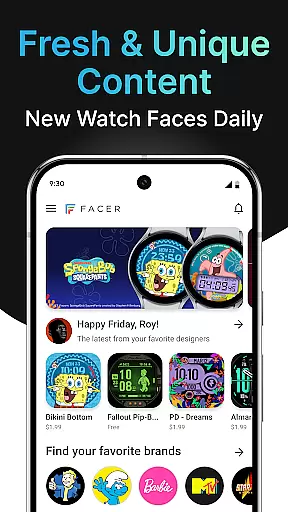
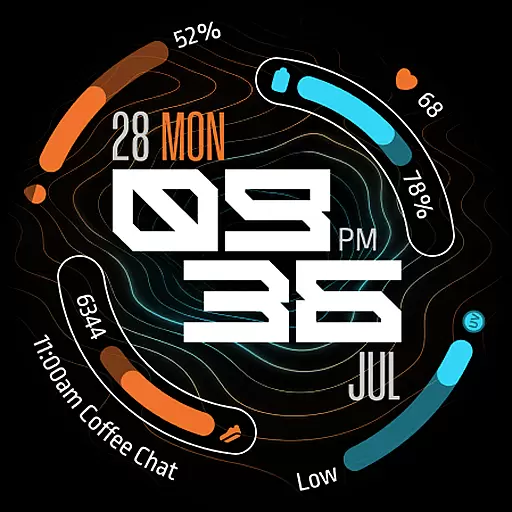
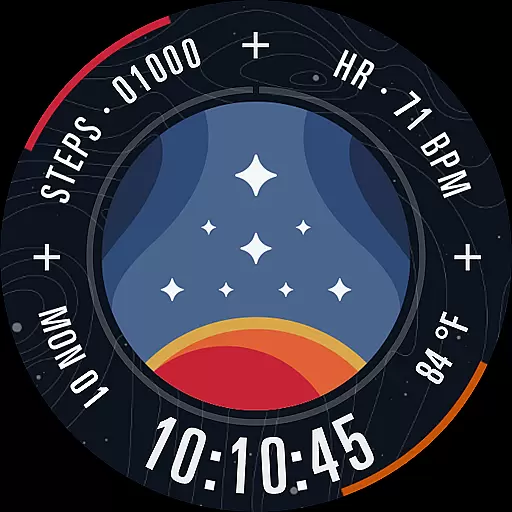
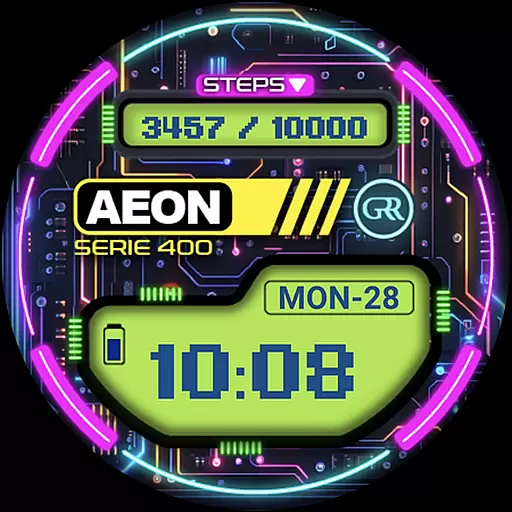
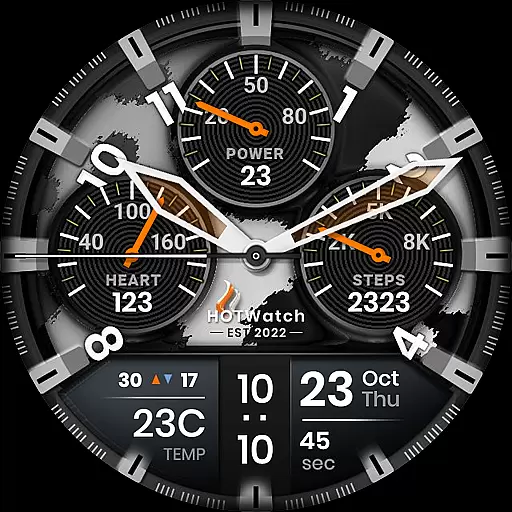
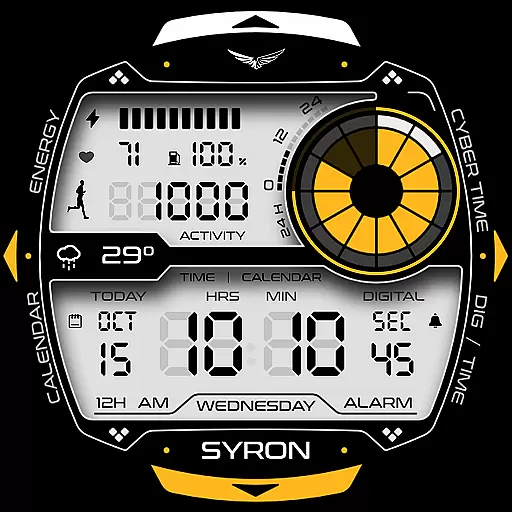
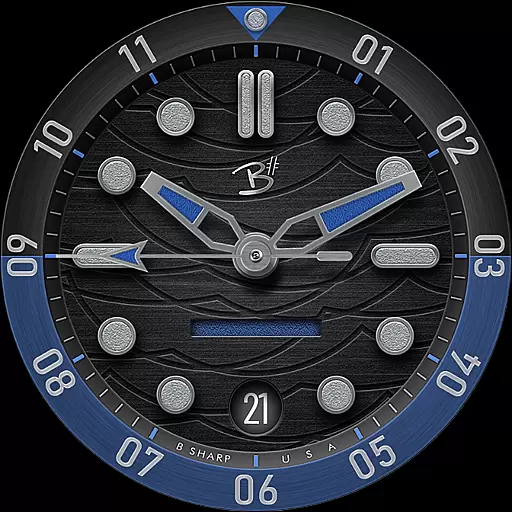
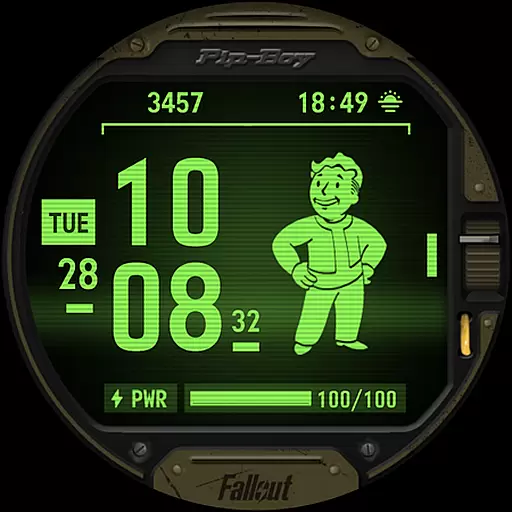

Facer Watch Faces is the ultimate customization tool for your smartwatch, offering over 500,000 free and premium watch faces from leading brands and independent artists. Whether you're looking to personalize your style or explore designs from talented creators, Facer provides endless options for Wear OS, Tizen, Apple Watch, and more.
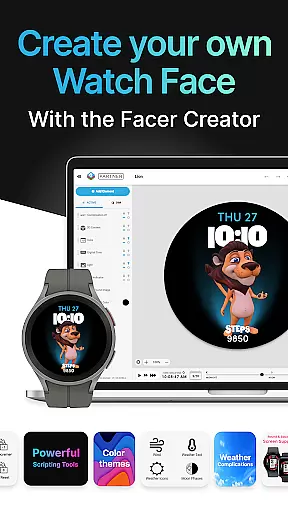
With support for a wide range of devices, including Samsung Galaxy Watches, Google Pixel Watches, and other popular models, Facer ensures that your watch face seamlessly transitions across platforms. The app also features Facer Creator, a powerful web-based editor that allows users to design and share their own watch faces with the world.
Facer stands out with its massive library of watch faces, featuring everything from original designs by independent artists to branded collaborations like Tetris™, Star Trek, and Garfield. This diversity ensures there's something for everyone, whether you prefer minimalist designs or dynamic, feature-rich faces.
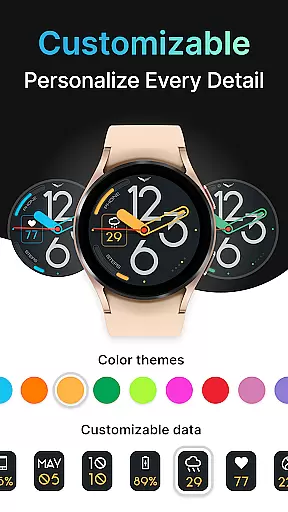
Beyond its extensive catalog, Facer offers tools for creativity and personalization. Users can leverage Facer Creator to build custom watch faces using a web-based editor. Additionally, the app integrates with health and fitness data, weather updates, and more, allowing for functional and visually appealing designs tailored to individual preferences.
Companion app integration is essential for a seamless smartwatch experience. Facer ensures that its mobile application works harmoniously with its smartwatch counterpart, providing users with effortless synchronization and management of watch faces.
With Facer installed on both your smartphone and smartwatch, the process of browsing, selecting, and setting watch faces becomes intuitive and efficient. The companion app serves as a control center where users can access a vast library of over 500,000 watch faces, including options from leading brands and independent artists.
The true value of this integration lies in its ability to offer users not just variety but also personalization. Whether you're looking for free options or premium designs, the Facer app delivers choices that cater to individual styles and preferences, ensuring that your smartwatch reflects your unique personality.
Moreover, the app provides necessary setup guidance and support, making certain that users can enjoy an uninterrupted experience across different devices and operating systems such as Wear OS, Tizen, and AppleWatch.
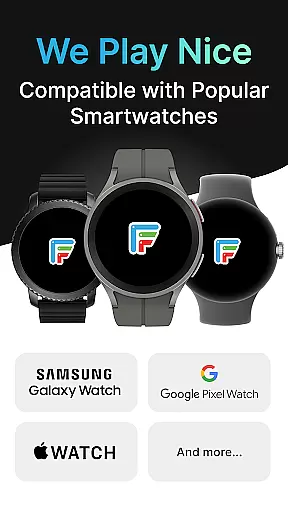
Device compatibility is a cornerstone of Facer's appeal, offering support for a wide range of smartwatches powered by Wear OS. This extensive compatibility ensures that regardless of your device, you can enjoy the rich features and customization options provided by Facer.
Facer stands out by supporting the latest advancements in Wear OS technology, including full compatibility with Wear OS 6. For devices yet to receive updates, Facer continues to provide a legacy experience that maintains access to its comprehensive catalog of watch faces.
Whether you own a Samsung Galaxy Watch, Google Pixel Watch, or any other model from esteemed brands like Fossil, Diesel, or Armani, Facer has got you covered. Its broad device support extends to include even older models running on Tizen or previous versions of Wear OS.
This commitment to compatibility means that users are not limited by their hardware choice; instead, they have the freedom to personalize their smartwatch experience with Facer's diverse selection of watch faces, regardless of their device's make or operating system version.
User-friendly interface
Extensive device compatibility
Vast library of designs
Customizable watch faces
Active community support
Premium faces require payment
Some features need permissions
Occasional syncing issues
Limited free options
Advanced tools for pros only

Highly customizable hybrid watch face for Wear OS, perfect for everyday use.
 4.60
4.60
Current temperature, weather hourly, weather radar by the weather forecast app
4.40
Elegant animated Christmas tree with multiple customization options
4.20
A modern premium sporty hybrid watch face for Wear OS by Ballozi
4.70
The most customizable minimal watch face. For Wear OS 5.0, API 34+ and later
4.70
Digital watch face. For Wear OS devices.
4.40
Nutrition, Macro tracker: Food, fitness & healthy diet tracking for weight loss
4.60
A realistic hybrid watch face with many customization options.
4.60
Back up your contacts & access them anywhere
4.30
Diet tracker for weight loss - track calories, food and macros. Simple and easy!
4.70
Walking app for weight loss: walk & step tracker, pedometer, indoor treadmill
4.60
Fast and smart typing with Emojis, GIFs, and more
4.50
Reliable phone calls with spam protection, caller ID and more helpful features
4.40
Your music, your playlists, and more—offline and unlimited.
4.20
Snowflake Rose Gold Watch Face - Digital, modern, & sleek with GYRO effect.
4.10
Wear Os Watch Face - Animated Snow Effect & Magic Spark - 6 Scenes
4.10
Daily Weather forecast with 15 weather images for Day & Night plus Big Bold time
4.10
Precision analog watch face with 7 complications and style options
4.3
A heartwarming Christmas scene featuring a cute image of Santa and Rudolf
4.2


User Reviews