
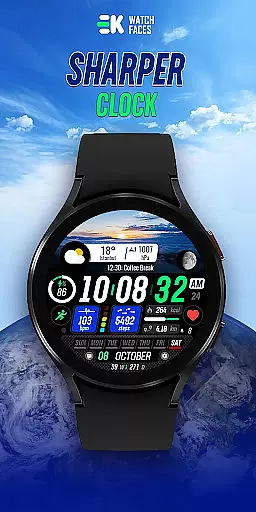
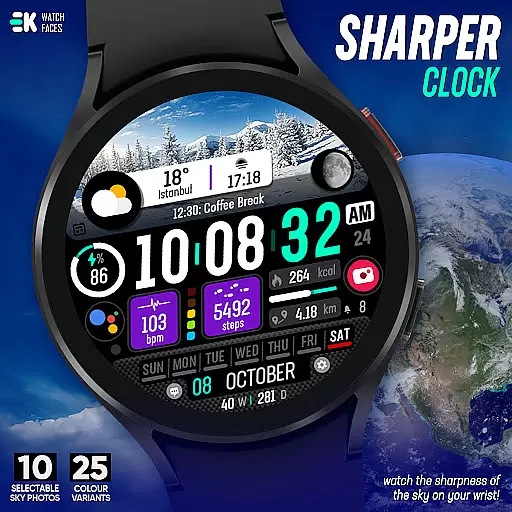
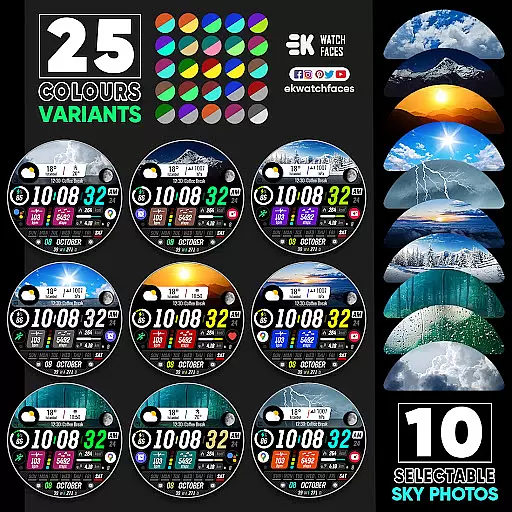
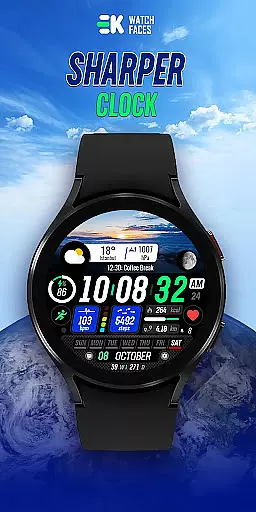
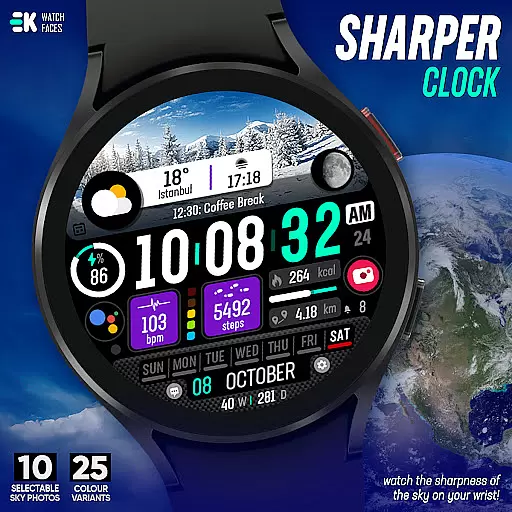
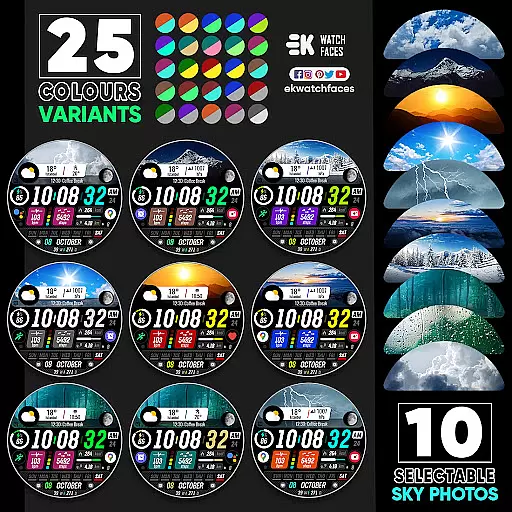
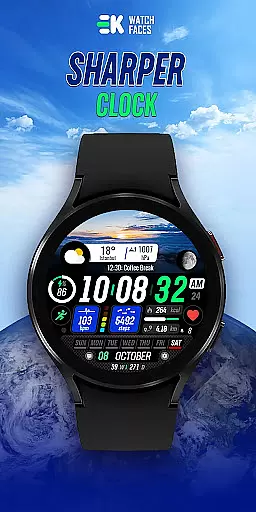
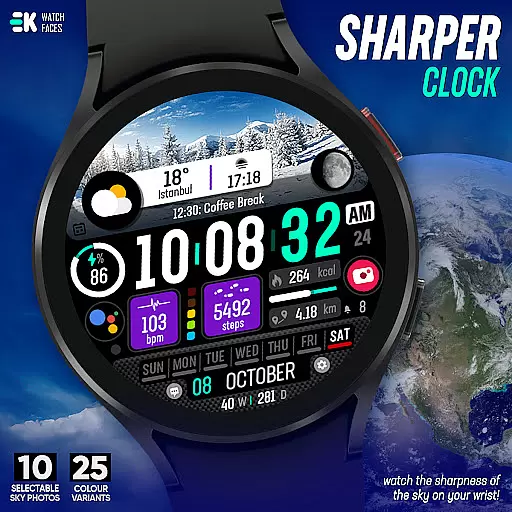
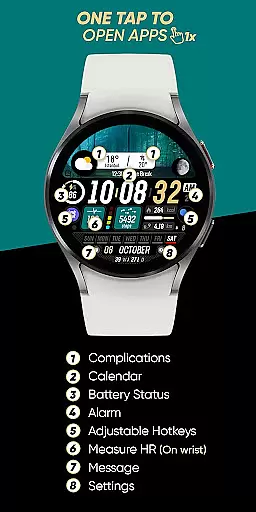
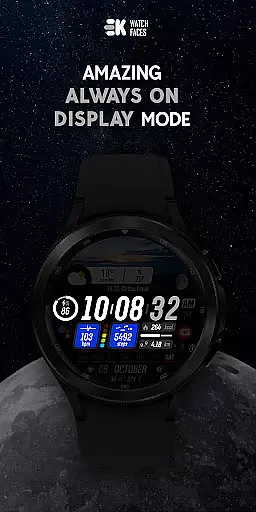
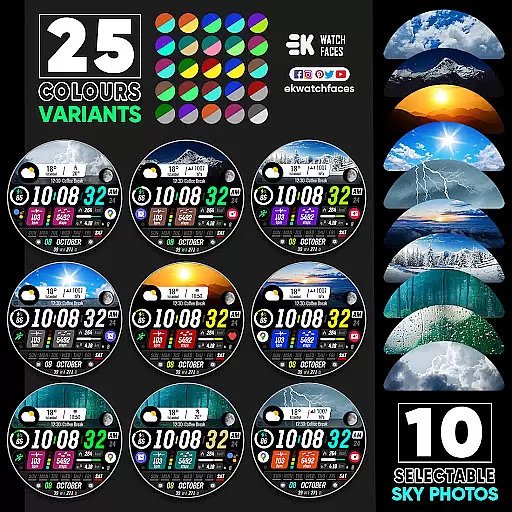
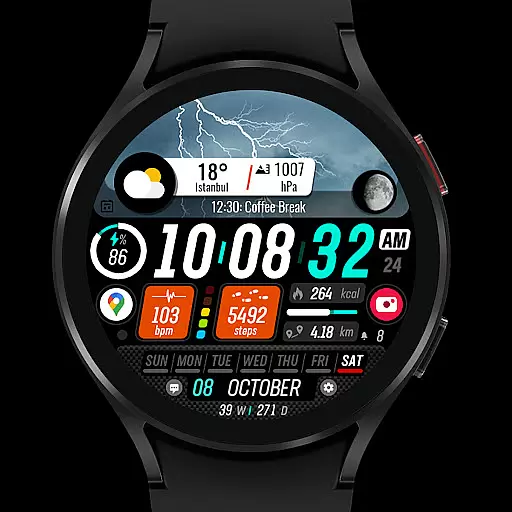
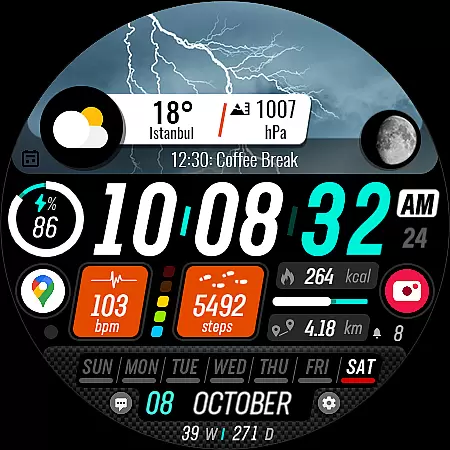
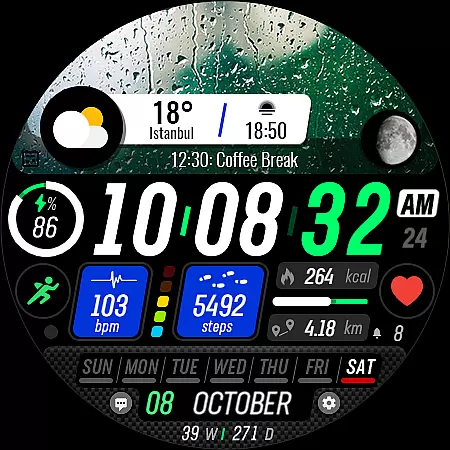
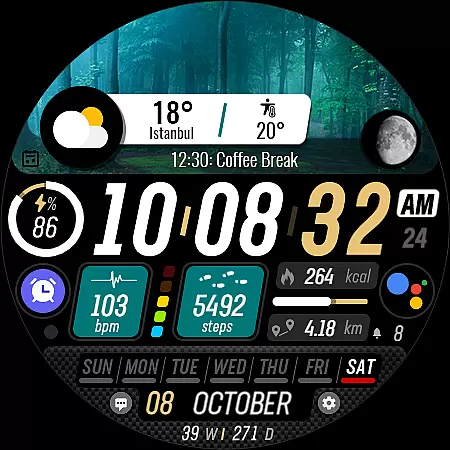
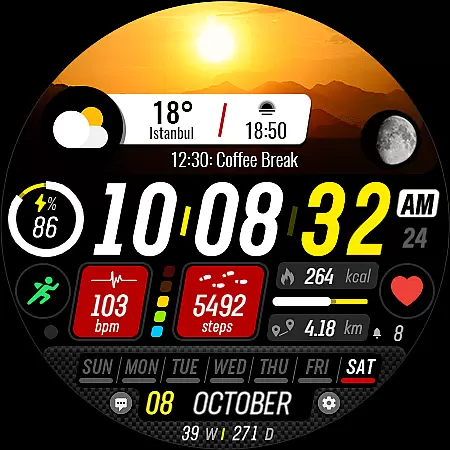
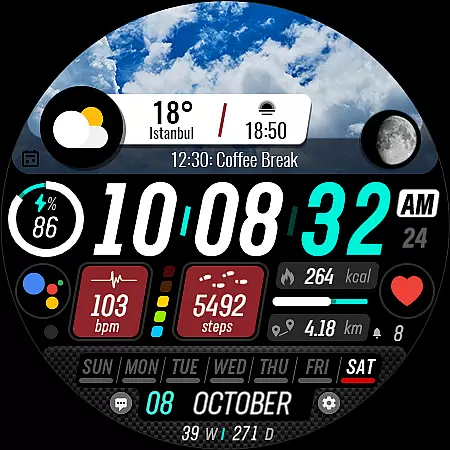
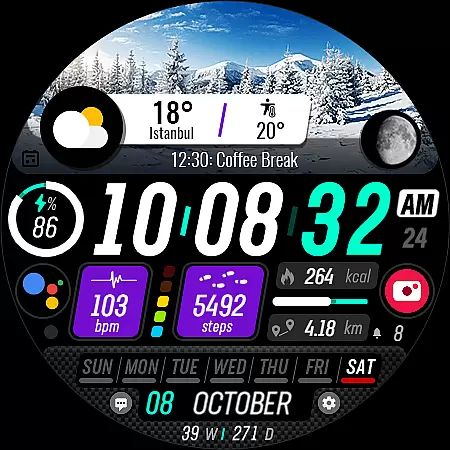
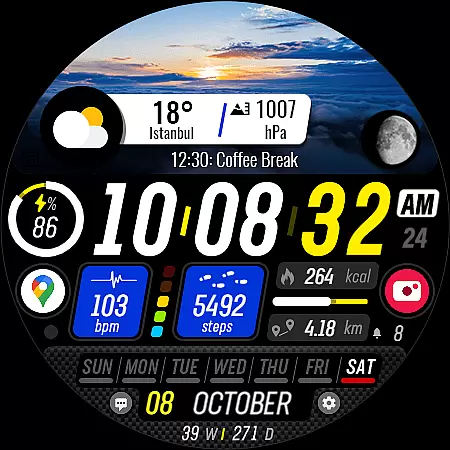
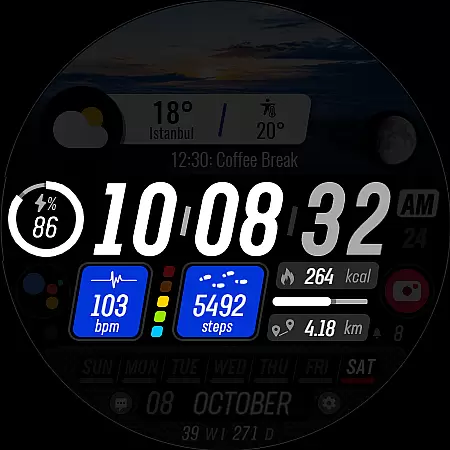
Sharper Clock is a premium watch face app designed exclusively for Wear OS devices, offering users a sophisticated and customizable timekeeping experience. The app features 10 selectable sky photos with 25 color variants, creating visually stunning displays that adapt to your personal style.
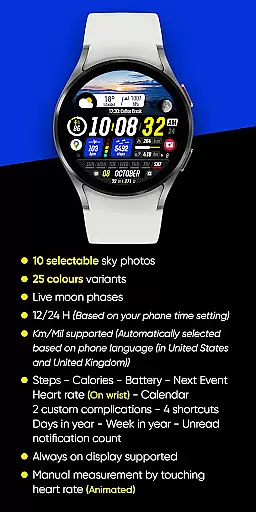
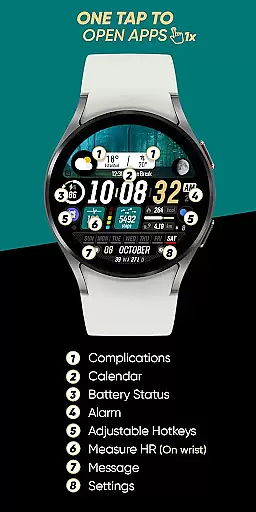
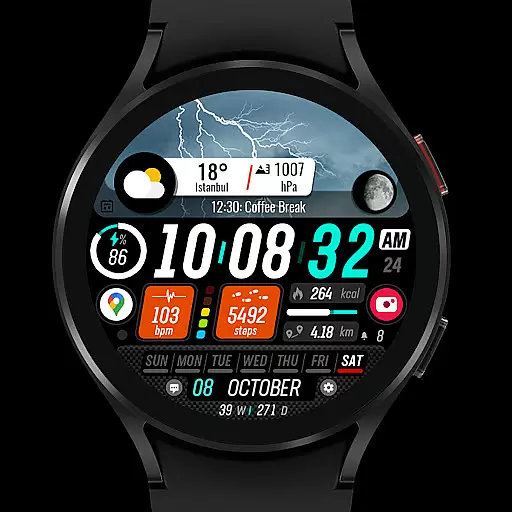
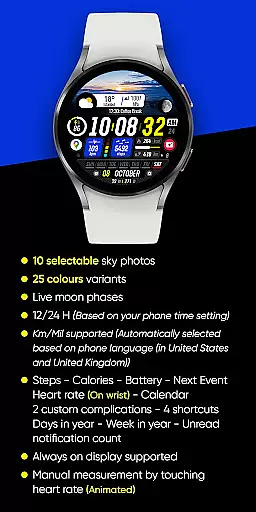
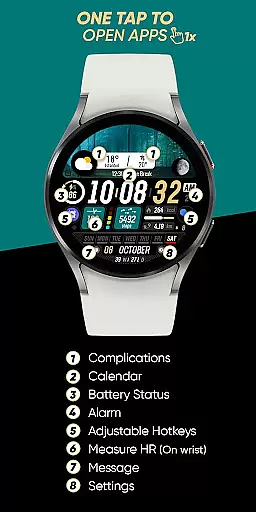
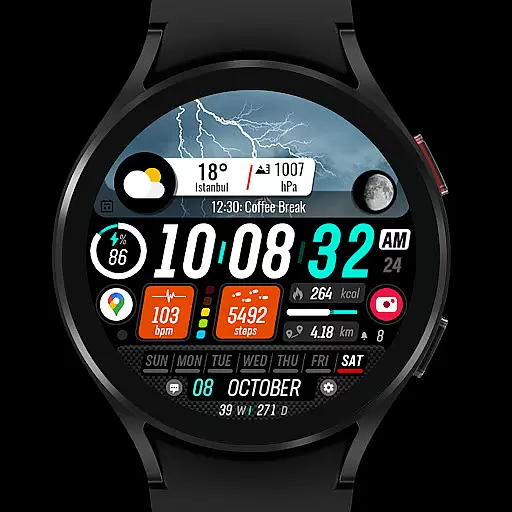
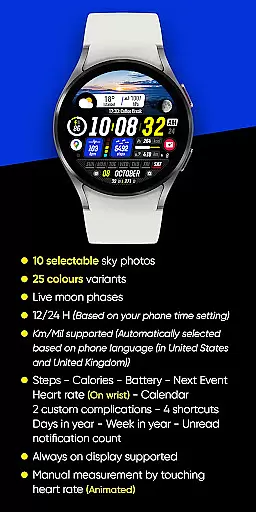
In addition to its aesthetic appeal, Sharper Clock provides practical functionality with live moon phases, 12/24-hour time formats, and automatic metric/imperial unit selection. Users can access essential information including steps, calories burned, battery status, next event details, heart rate monitoring, and calendar integration through various complications and shortcuts.
Sharper Clock stands out with its comprehensive feature set tailored for Wear OS users. The app's signature feature is its collection of high-resolution sky photographs that serve as watch face backgrounds, each available in 25 different color variations to suit individual preferences.
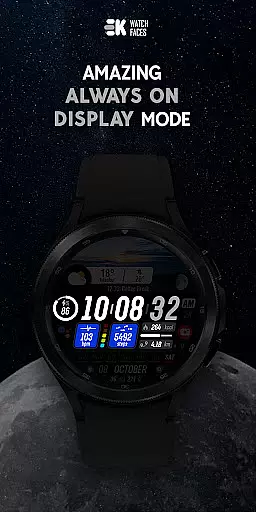
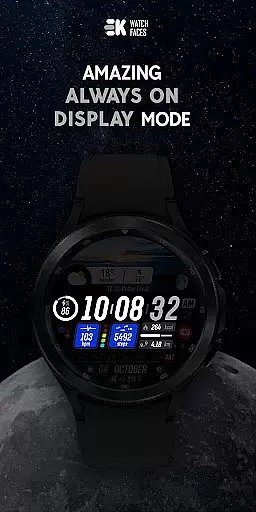
The application integrates seamlessly with device sensors, displaying real-time data such as live moon phases, health metrics, and notification counts. Its intelligent system automatically adjusts time format and measurement units based on user settings and location, while supporting always-on display functionality for convenient time checking.
Advanced customization options include two custom complications, four shortcuts, and various data points like day of the year and week number. To ensure optimal performance, users must manually enable sensor permissions and complication data access within the app settings.
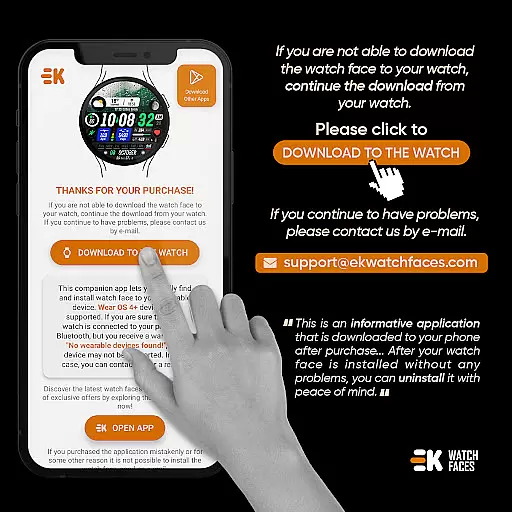
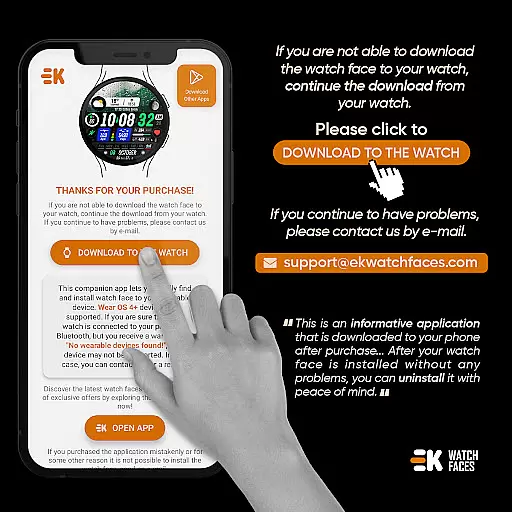
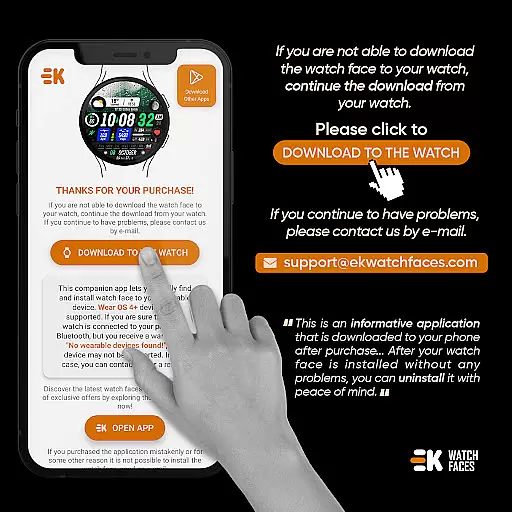
Sharper Clock - Watch Face offers seamless companion app integration, ensuring that your watch and phone work in harmony. The phone app acts as a placeholder to simplify the installation process and helps you locate the watch face on your Wear OS device effortlessly.
By connecting your watch to your phone, you can tap on the 'DOWNLOAD TO THE WATCH' option within the phone app, which initiates the installation directly onto your wearable. This connection not only facilitates easy installation but also ensures that updates and synchronizations occur without hassle.
The app provides clear instructions for users who may encounter synchronization issues between their devices and Google servers. By waiting a few minutes or restarting the watch, any temporary glitches are resolved, allowing for a smooth user experience.
This integration highlights the importance of having a reliable connection between devices, enhancing the overall utility and accessibility of the watch face application.
Designed specifically for Wear OS devices running API 33+, Sharper Clock - Watch Face guarantees optimal compatibility and performance. This ensures that users with compatible devices can take full advantage of the app's features without worrying about system incompatibilities.
The watch face boasts an array of functionalities including live moon phases, selectable sky photos, and various color variants. These features are rendered beautifully on Wear OS, providing users with a visually stunning and personalized timekeeping experience.
Moreover, the app supports both metric and imperial units based on the phoneu2019s language settings, alongside health tracking metrics like steps, calories, and heart rate monitoring. Such comprehensive support showcases the versatility and adaptability of the application across different regions and user preferences.
For those seeking a feature-rich and visually appealing watch face, this app delivers a top-notch experience tailored for Wear OS devices.
Visually stunning designs
Extensive customization options
Real-time data integration
Automatic unit conversion
Comprehensive health tracking
Limited to Wear OS devices
Requires API 33+
Potential installation complexity
Manual permission setup needed
Premium price point

Calming & relaxing sounds for sleeping and stress relief. Stay focused all day!
 4.20
4.20
Artistic Digital Watchface
4.4
Beautiful, colorful and practical watch face. For Wear OS devices.
5.00
Locate your family members by GPS phone location tracker everywhere and anytime
4.30
Stylish, Energizing and Modern Watch Face crafted by Dominus Mathias.
4.50
The most customizable hybrid watch face. For Wear OS 5.0, API 34+ and later
4.70
Premium hybrid watch face with many customizations for Wear OS devices.
4.40
Daily Weather forecast with 15 weather images for Day & Night plus Big Bold time
4.10
Simple, helpful messaging by Google
4.60
Period, ovulation & pregnancy tracker. Fertility insights & menstrual calendar.
4.90
A modern hybrid informative watch face for Wear OS designed by BALLOZI
4.80
Gym & home workout plans with strength training, exercise tracking, HIIT & more.
4.60
A realistic hybrid watch face with many customization options.
4.60
Beautiful artistic animated digital watch face, with a customizable layout!
4.40
A customizable Christmas watch face for Wear OS with a countdown.
4.20
Snowflake Rose Gold Watch Face - Digital, modern, & sleek with GYRO effect.
4.10
The #1 source of faces for your smartwatch!
4.00
A digital watch face that celebrates Christmas.
4.00
Analog watch face with 8 complications and expedition styling
4.2


User Reviews