
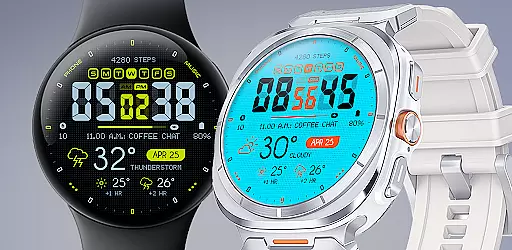
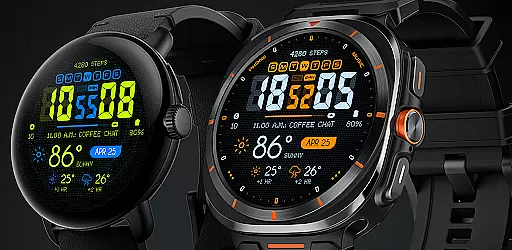
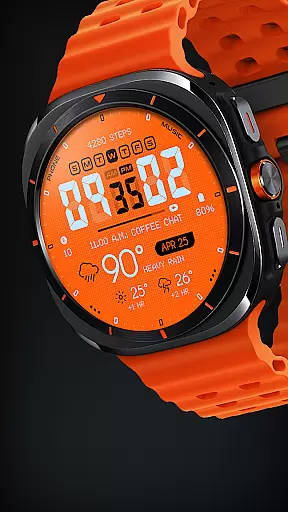
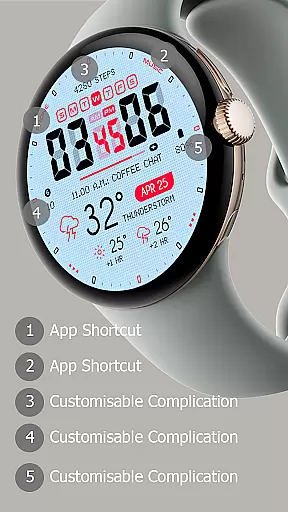
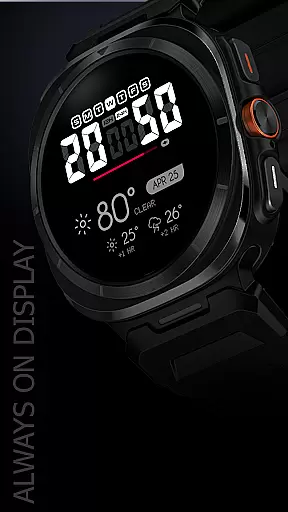
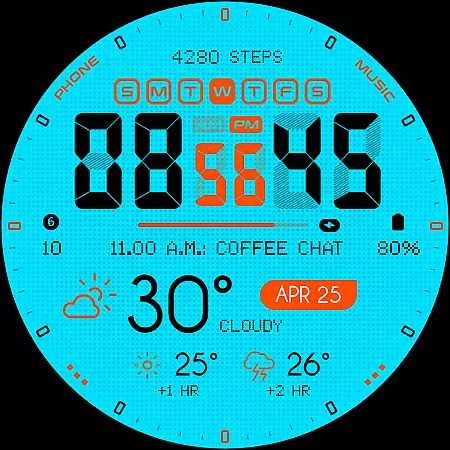
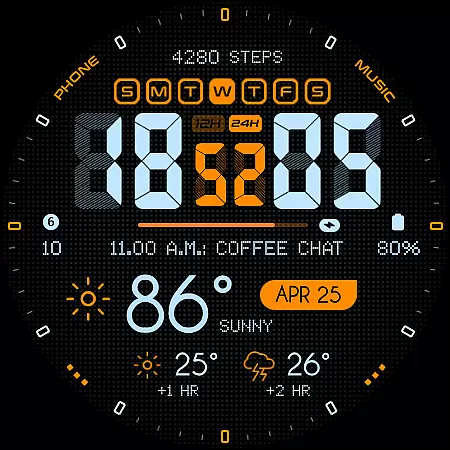
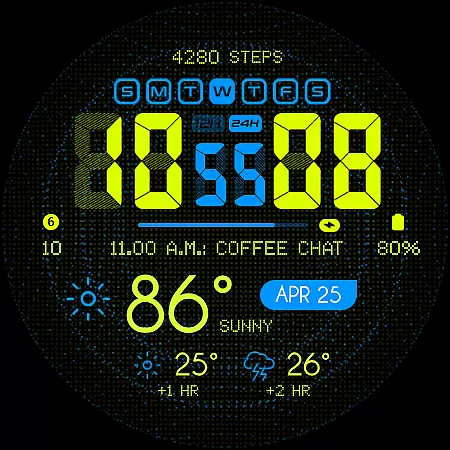
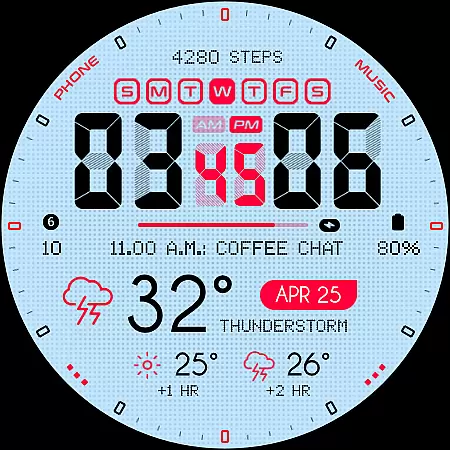
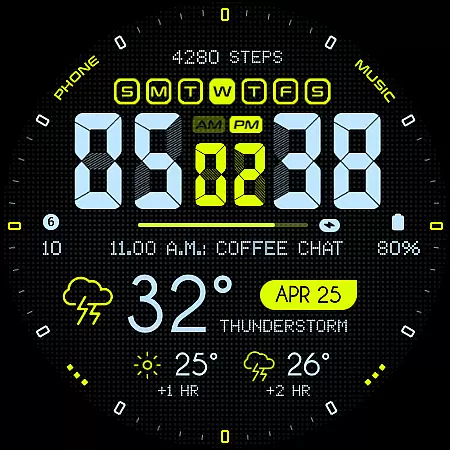
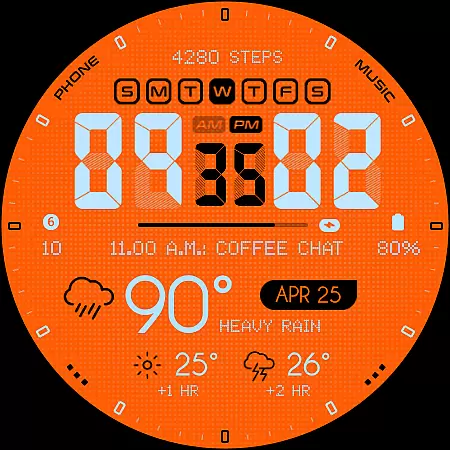
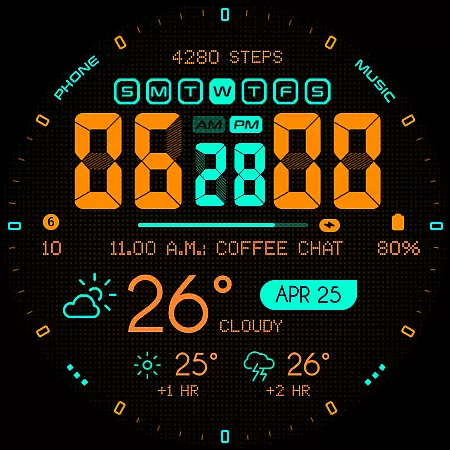
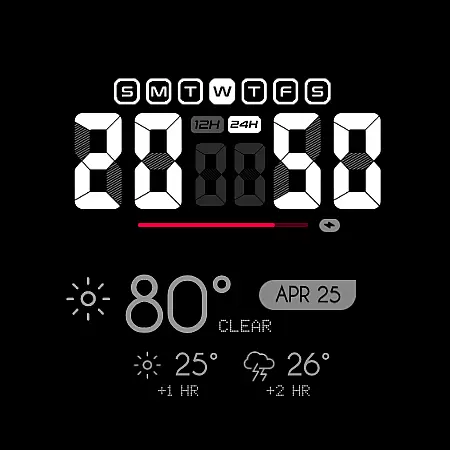
Oogly Atmos is a dynamic weather-themed watch face designed for Wear OS devices. It combines vivid colors with a clean layout to display current weather conditions and a 2-hour forecast directly on your wrist. The watch face offers both style and functionality, featuring customizable elements like animated backgrounds and index toggles.
Designed for WEAR OS API 34+ and compatible with Galaxy Watch 5 or newer, Pixel Watch, Fossil, and other Wear OS devices with minimum API 30, this app ensures real-time weather updates while maintaining an inspiring aesthetic. Whether you need quick access to weather information or want to personalize your watch face, Oogly Atmos delivers a seamless experience.
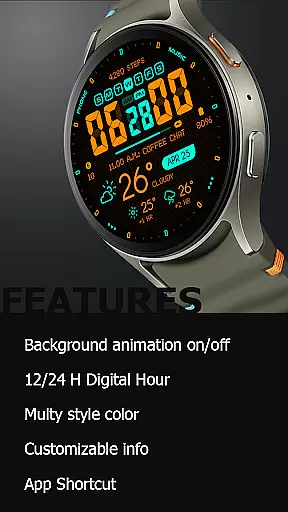
Oogly Atmos stands out with its range of innovative features tailored for both functionality and personalization. The watch face supports both 12/24 hour formats and includes a visually appealing background animation that can be toggled on or off based on user preference.
Users can customize their experience further by turning the index on or off for a cleaner layout, accessing customizable information, and utilizing the always-on display feature. Additionally, the app shortcut allows quick access to essential functions, making it easy to stay informed about weather conditions without interrupting your daily routine.
Companion app integration is essential for a seamless wearable experience. Oogly Atmos ensures that your watchface works in perfect harmony with its companion app on your smartphone.
This weather-themed watchface connects effortlessly to provide real-time updates and forecasts directly to your wrist. The synchronization between devices guarantees that any changes made in the app reflect immediately on the watchface.
Users benefit from this integration through enhanced customization options. Whether it's adjusting the animation settings or toggling information displays, the companion app makes personalization intuitive and straightforward.
The reliability of this integration means you're always informed and inspired by vivid visuals and accurate weather data, enhancing both style and functionality.
Ensuring broad device compatibility is crucial for maximizing user accessibility. Oogly Atmos is designed for Wear OS API 34+, supporting devices like Galaxy Watch 5, Pixel Watch, Fossil, and other Wear OS with minimum API 30.
This compatibility ensures that users across various devices can enjoy the bold, weather-themed design and features without limitations. The meticulous attention to compatibility details guarantees a smooth installation and operation process.
By supporting a wide range of devices, Oogly Atmos caters to diverse user preferences and needs. This inclusivity enhances user satisfaction as everyone can access its vivid colors, clean layout, and functional benefits regardless of their device choice.
Ultimately, this commitment to compatibility underscores the dedication to providing a versatile and reliable wearable experience for all users.
Real-time weather updates
Customizable layout options
Vivid color design
Compatible with multiple devices
Animated background feature
Limited to Wear OS
Requires API 30+
No iOS support
Premium features may cost extra
Animation may drain battery

Walking app for weight loss: walk & step tracker, pedometer, indoor treadmill
 4.60
4.60
WTW M17 is a premium and luxurious hybrid watch face
4.70
Embrace the holiday spirit with this magical animated watch face!
4.40
A heartwarming Christmas scene featuring a cute image of Santa and Rudolf
4.0
3 Complications. All shadow on/off. 30 Themes color palette...
4.1
Authentic military-tactical design with ZULU time! Realistic and functional!
3.80
Nutrition, Macro tracker: Food, fitness & healthy diet tracking for weight loss
4.60
Stay in touch with your friends and family using LINE!
3.40
Spam call blocker and caller ID for automatic call protection!
4.40
Christmas - Festive - Christmas Village - Winter - Christmas lights
5.00
The most customizable hybrid watch face. For Wear OS 5.0, API 34+ and later
4.70
Rose gold watch face with festive lights & customizable features.
4.60
Kia Access makes getting your vehicle information easier than ever
4.60
Retro digital watch face with customizable colors and a unique lighting effect
4.60
Connect to your Bluelink equipped Hyundai vehicle from your smartphone.
4.50
Digital watch face with big numbers and many customization for Wear OS devices
4.40
Locate your family members by GPS phone location tracker everywhere and anytime
4.30
Your music, your playlists, and more—offline and unlimited.
4.20
Sleek, highly customizable watch face inspired by Galaxy Watch Circle Dashboard.
4.5


User Reviews