
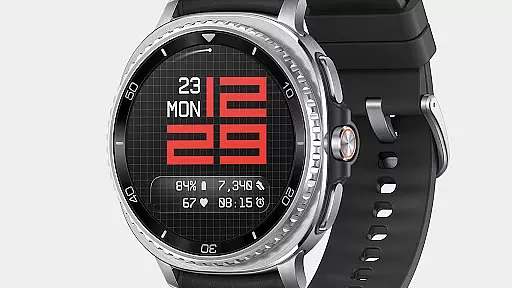
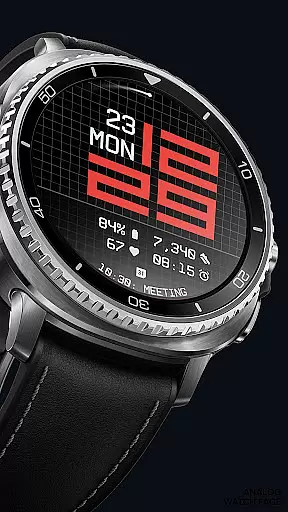
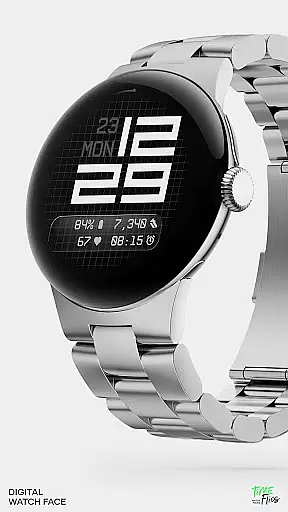
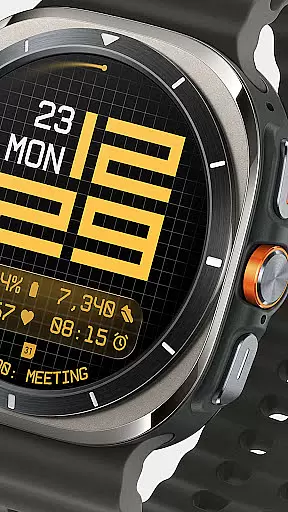
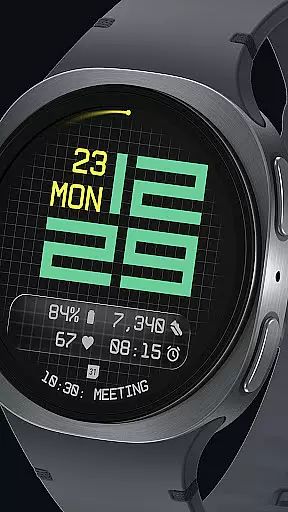
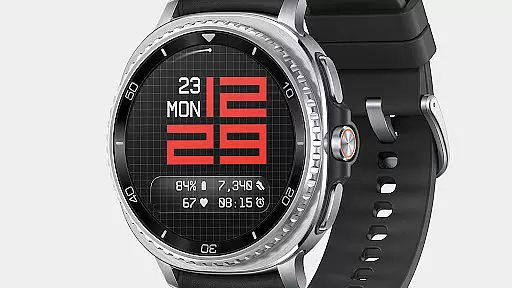
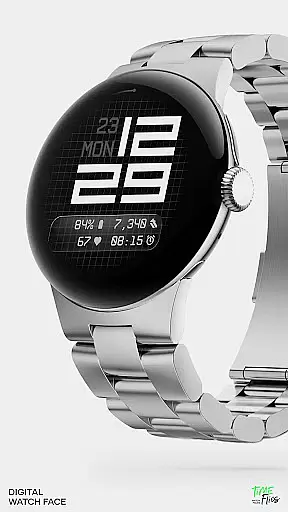
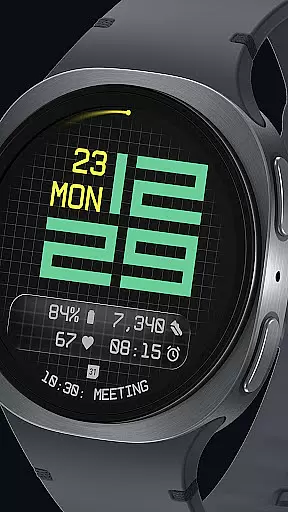
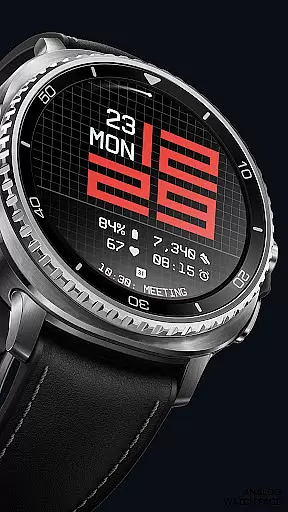
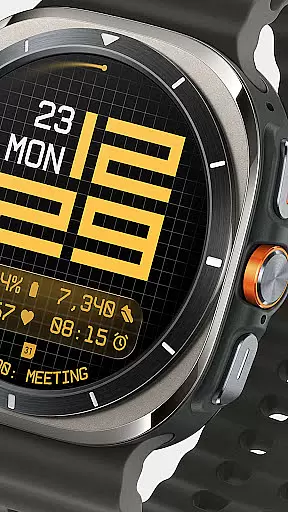
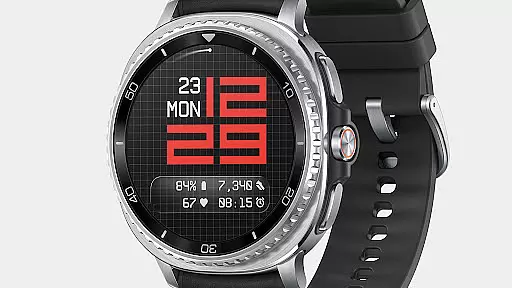
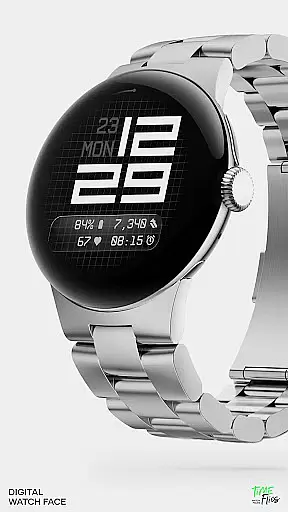
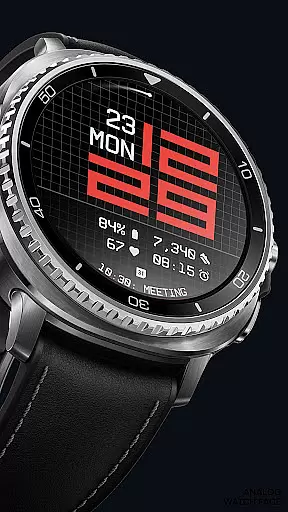
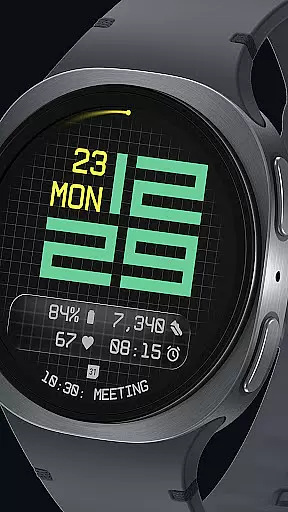

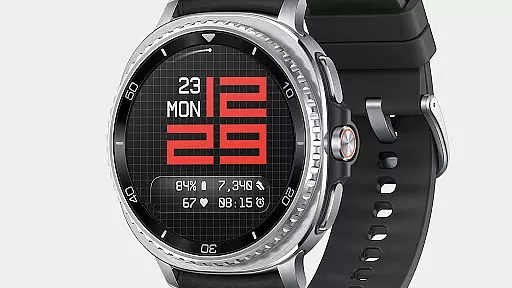
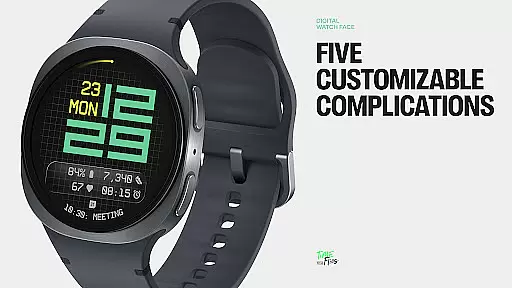
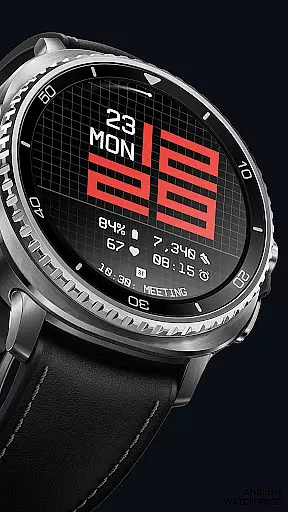
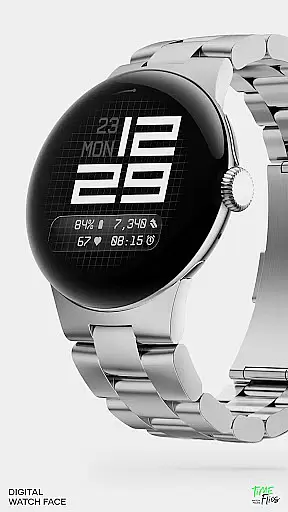
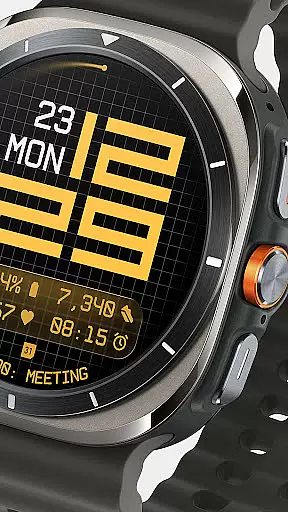
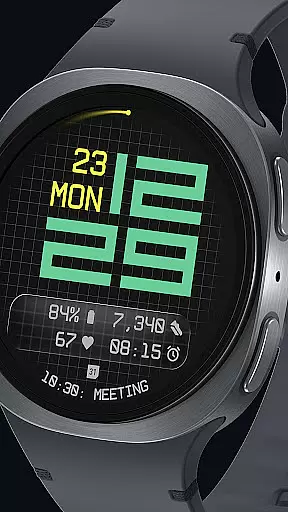
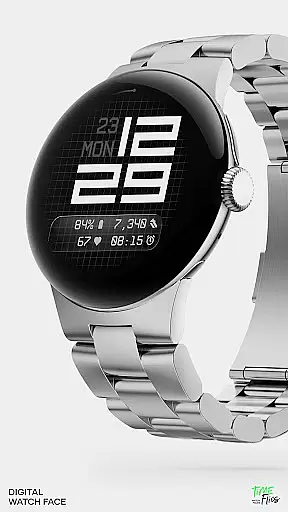
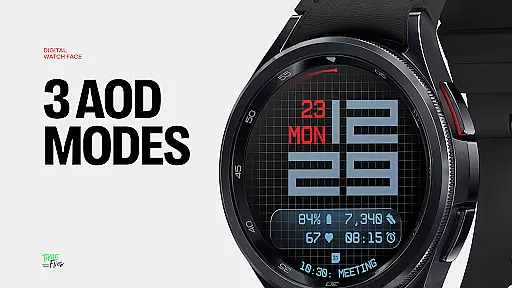
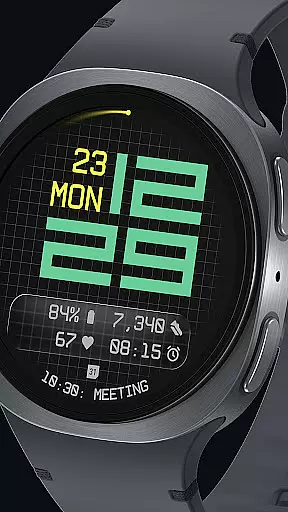
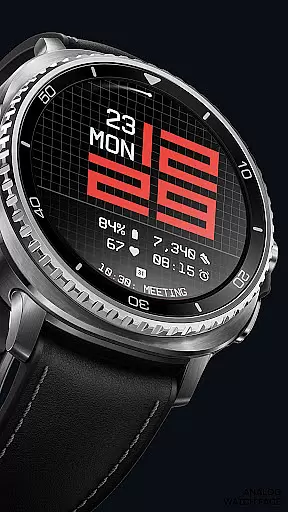
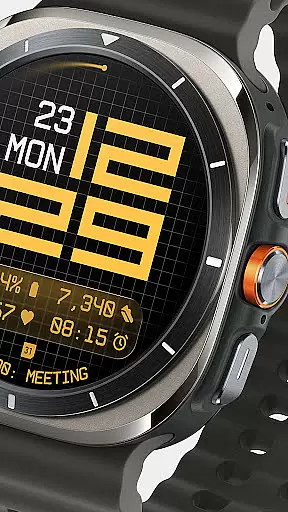
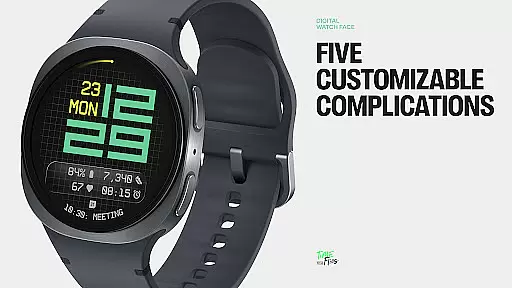
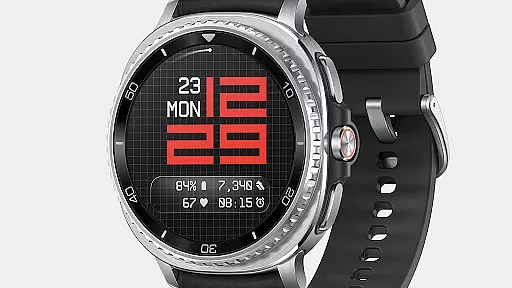
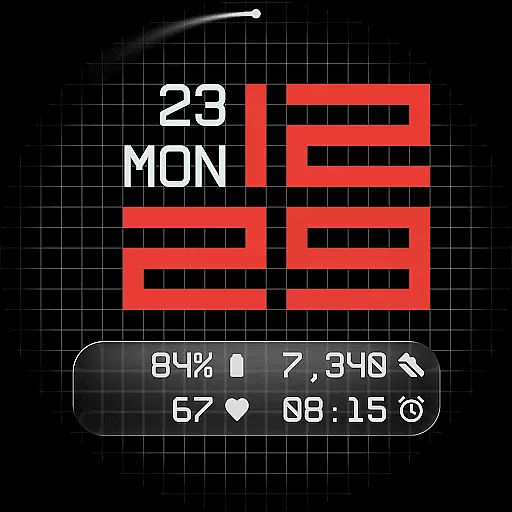
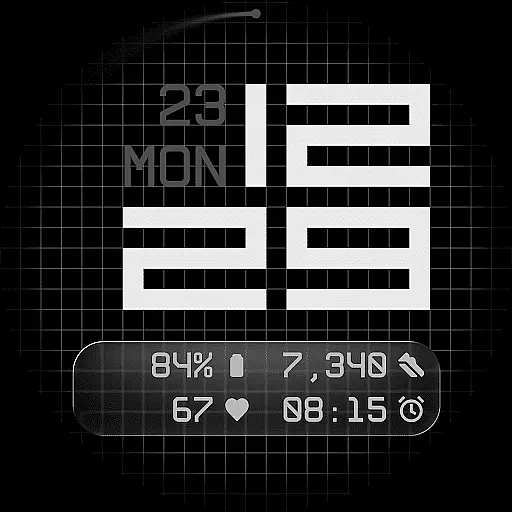
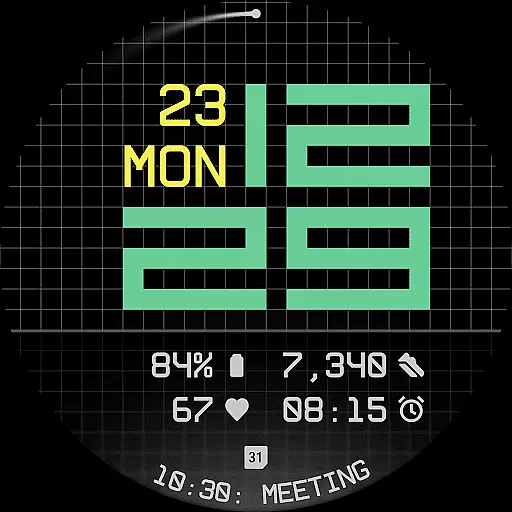
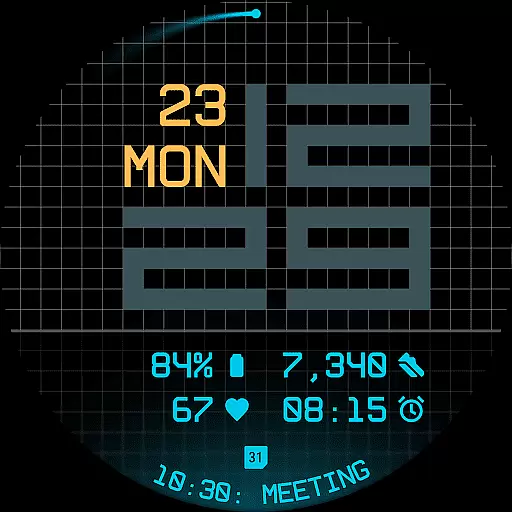
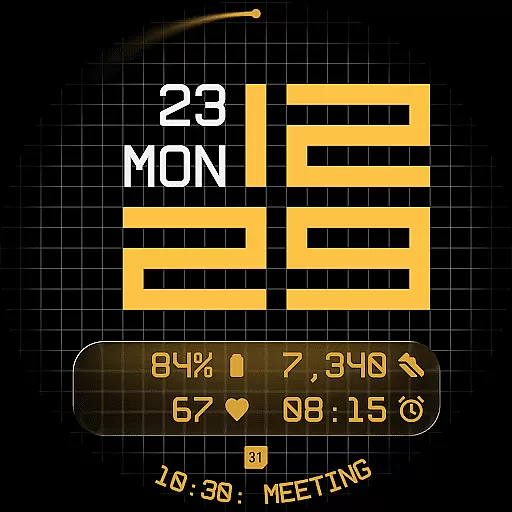
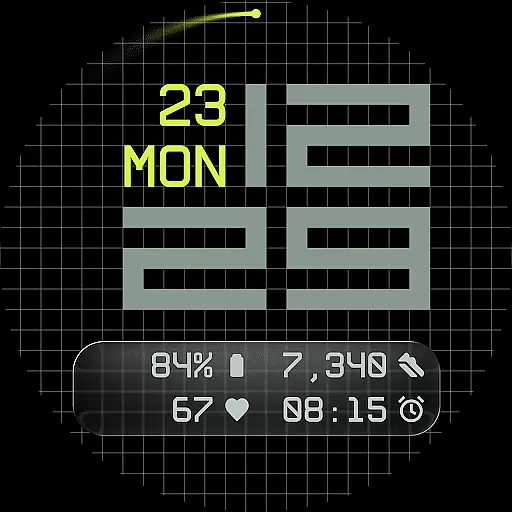
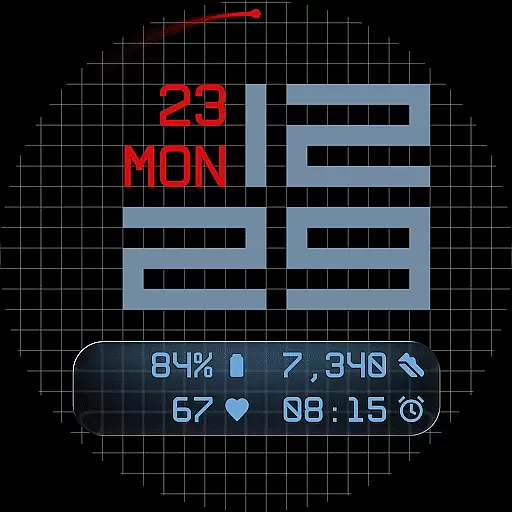
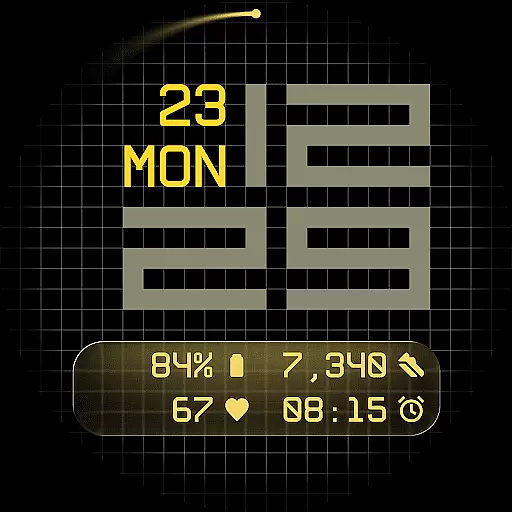
Fast Lane Watch Face is a cutting-edge digital watch face designed specifically for Wear OS smartwatches. It combines typographic clarity with modern aesthetics, creating a timepiece that is both visually striking and highly functional. The modular numerical structure of the time display draws inspiration from automotive instrument panels, offering users a sense of speed and precision in their daily lives.
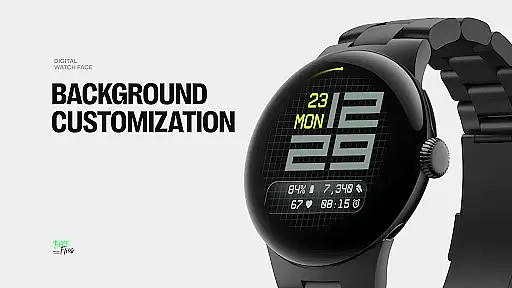
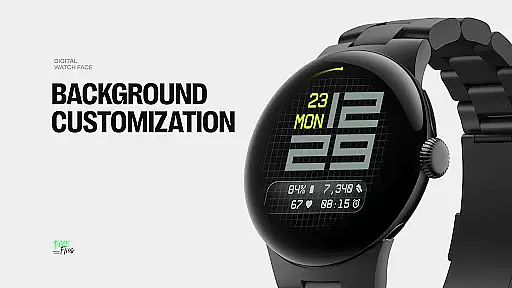
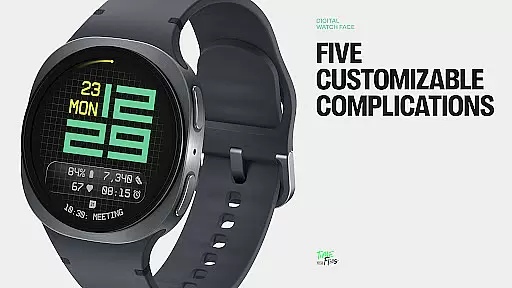
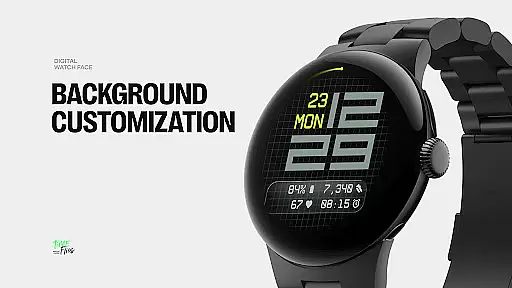
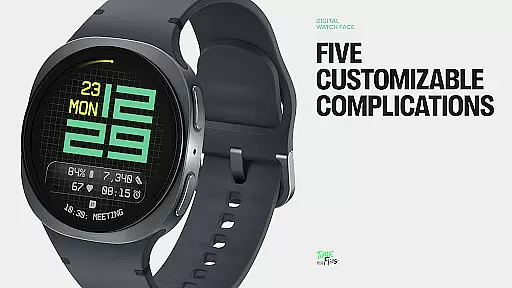
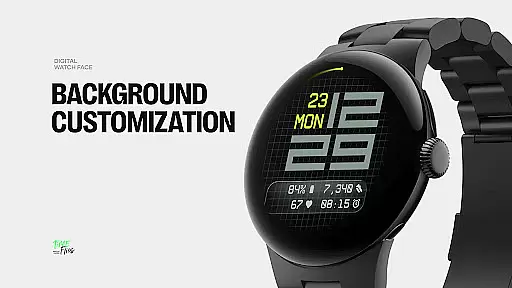
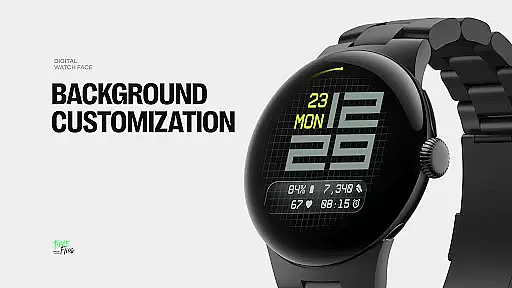
The watch face features a refined grid system that serves as its foundation, providing subtle structure and texture to the background. Users can choose from multiple display styles, including a minimal grid, a softly blurred circular accent, or a translucent UI-inspired glass island that hosts complications. With five available complications, Fast Lane allows for extensive customization while maintaining visual coherence. These include four short-text slots and one long-text slot, perfect for displaying calendar events, moon phases, or Google Assistant information.
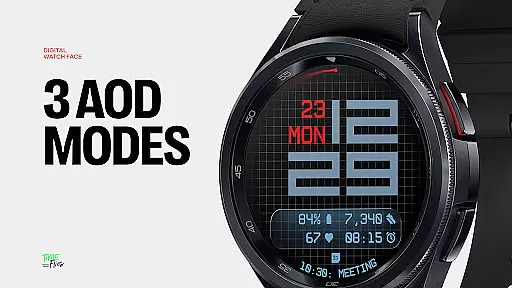
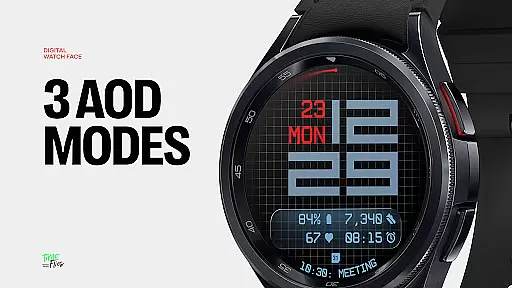
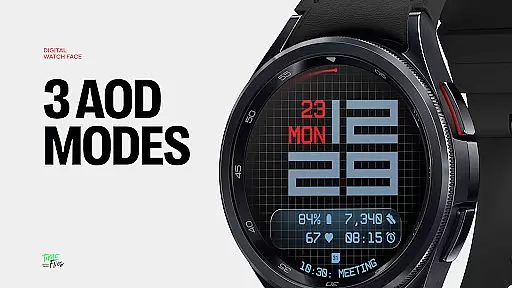
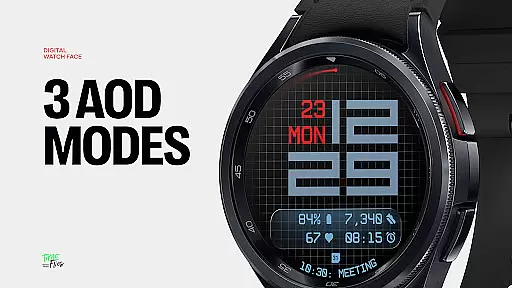
Ideal for tech-savvy individuals who value both form and function, Fast Lane Watch Face offers 30 color themes to suit any device and lighting condition. Its optional seconds indicator and three Always-On Display modes ensure optimal performance and energy efficiency across all Wear OS devices. Whether you're an Android enthusiast or simply looking for a sophisticated smartwatch experience, Fast Lane delivers a perfect blend of style and utility.
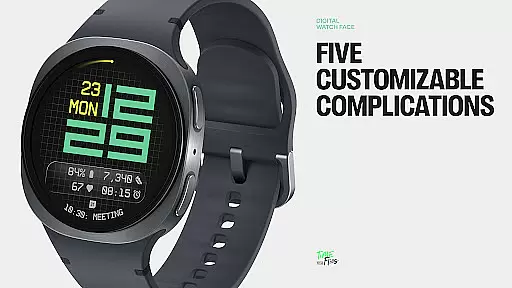
Fast Lane Watch Face stands out through its innovative features and customizable options. One of its most notable characteristics is the inclusion of five customizable complications, allowing users to maximize information density on their smartwatch display. These complications are strategically placed within the lower segment of the screen, ensuring easy readability without cluttering the interface.
The watch face also boasts modular UI layers, giving users the freedom to select from various background options. These include a stylized grid, a softly blurred segment, or a translucent UI plate that hosts additional complications. This flexibility enables users to tailor the appearance of their watch face to match their personal preferences while maintaining a cohesive visual design.
Another key feature is the contemporary time display, which uses structured and balanced typography to create a sense of speed and precision. The integration of day and date information in the upper part of the layout further enhances usability, providing essential details at a glance. With 30 color themes and three Always-On Display modes, Fast Lane ensures optimal visibility and energy efficiency. Built using the Watch Face File Format, this application guarantees seamless performance across all Wear OS devices, making it a top choice for those seeking a versatile and visually appealing smartwatch experience.
For Fast Lane Watch Face, seamless companion app integration is a key feature that enhances the overall user experience. The optional Time Flies companion app serves as a bridge between your smartphone and Wear OS smartwatch, allowing for effortless management of watch faces.
This integration enables users to browse the full collection of watch faces, receive timely updates, and install new styles with ease. Such functionality not only simplifies personalization but also ensures that users have access to the latest designs and features without hassle.
The ability to manage your watch face directly from your phone adds a layer of convenience. With just a few taps, you can customize your smartwatch to match your style or mood, making the Fast Lane Watch Face an ideal choice for those who value both aesthetics and practicality.
Fast Lane Watch Face is meticulously crafted to ensure broad compatibility across all Wear OS devices. This universal design approach guarantees that users can enjoy a consistent and optimized experience regardless of their specific smartwatch model.
By adhering to the Watch Face File Format, the application achieves superior performance and energy efficiency. These technical considerations translate into longer battery life and smoother operation, which are crucial for maintaining the functionality of your wearable device.
Moreover, the availability of thirty color themes and three Always-On Display modes means that Fast Lane Watch Face can be tailored to suit any device and lighting condition. This flexibility ensures that every user can find a configuration that perfectly fits their needs and preferences.
Highly customizable
Modern aesthetic design
Optimized energy efficiency
Wide color palette options
Innovative complication layout
Limited to Wear OS
Complex for beginners
Fewer features in free version
Requires companion app
Not suitable for all devices

Christmas Theme Watch Face for Wear Os
 5.00
5.00
Current temperature, weather hourly, weather radar by the weather forecast app
4.40
A modern premium sporty hybrid watch face for Wear OS by Ballozi
4.70
The most customizable minimal watch face. For Wear OS 5.0, API 34+ and later
4.70
sleep, alarm, snoring, stress, healing, focus, sound therapy, circadian rhythm
4.10
Find EV charging stations
4.30
Real-time results, stats, schedules and player profiles for all leagues
4.60
Animated video-game inspired “secret agent” simulation, right on your wrist!
4.20
Track your active life in one place and share the journey with friends.
4.40
The Chevron App allows you to pay for fuel from the comfort of your car!
4.80
Hybrid watch face for Wear OS with customizable complications by Matteo Dini MD
4.70
To-Do List: daily schedule planner, task organizer, to do reminder app, calendar
4.60
Gym & home workout plans with strength training, exercise tracking, HIIT & more.
4.60
Fast and smart typing with Emojis, GIFs, and more
4.50
"PER27 Galaxy Digital" is a digital Wear OS watch face designed by PERSONA
4.10
Watch face designed for Thanksgiving Day. 7 Background Styles included.
3.20
Christmas is near, let's count together the days left until Santa comes
4.5
A Wintery Snow Globe on Your Wrist; now celebrating Christmas!
4.0
Stunning modern digital watch face with 7 complications and strong contrast
4.2


User Reviews