
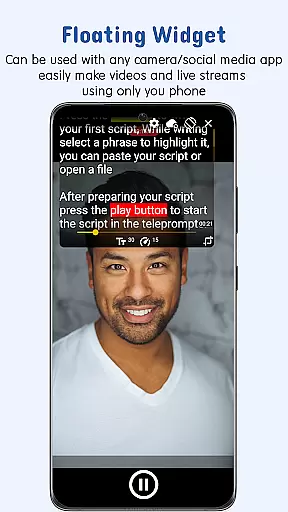
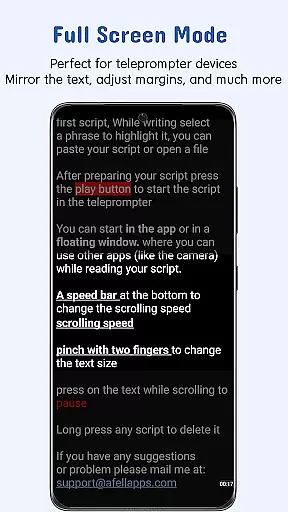
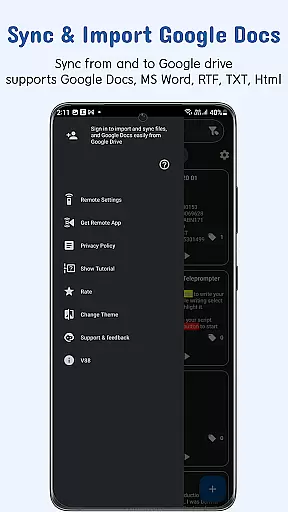
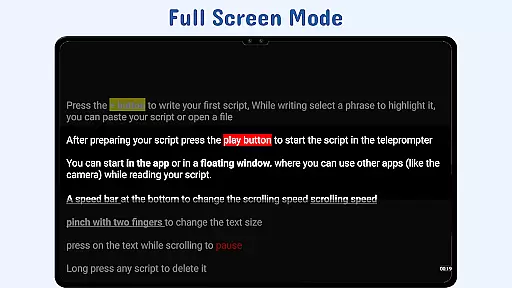
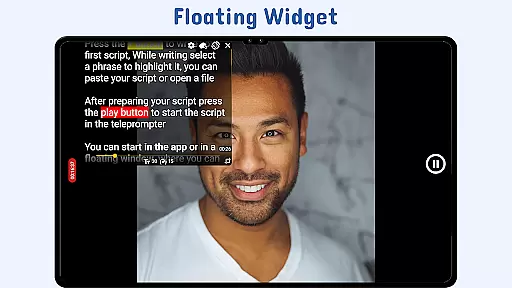
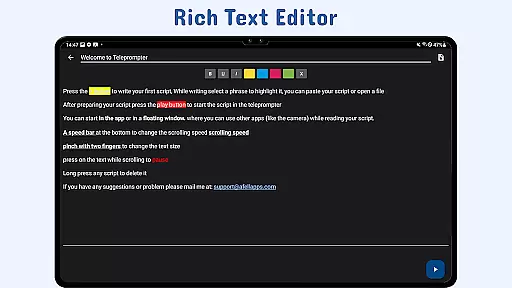
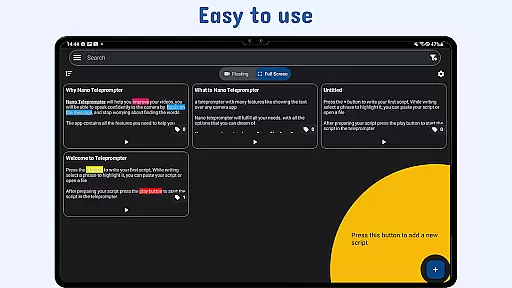
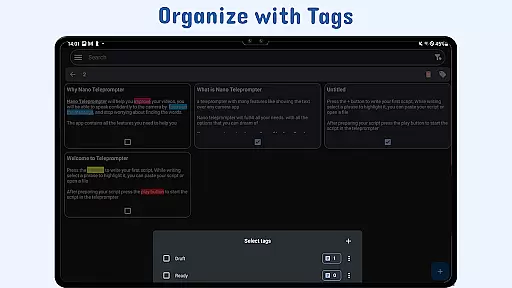
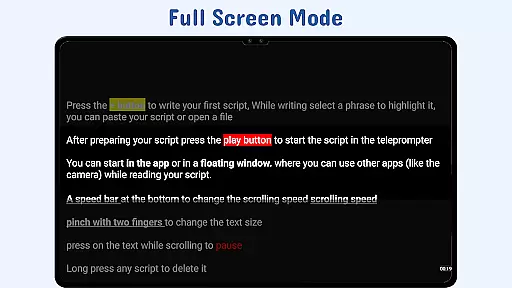
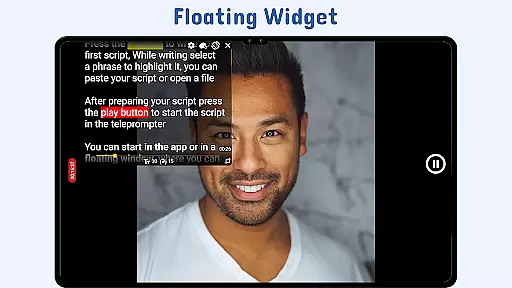
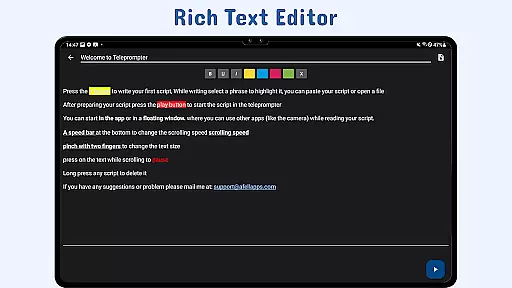
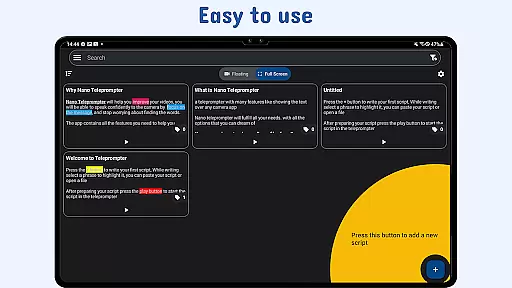
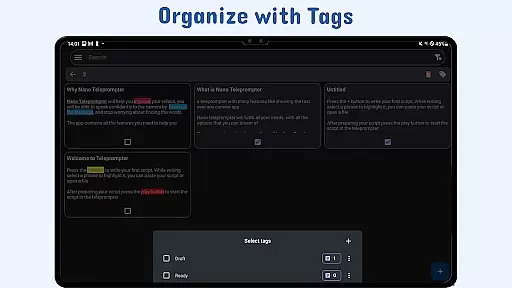
Nano Teleprompter is a versatile productivity tool designed to streamline the process of script management and delivery for video recording, live streaming, or public speaking. The app offers an intuitive floating widget that works seamlessly with any camera app, allowing users to record in both landscape and portrait modes while viewing their scripts. With real-time Google Drive integration, users can create, edit, and sync scripts effortlessly across devices.
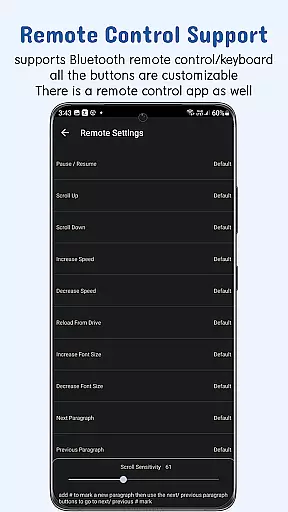
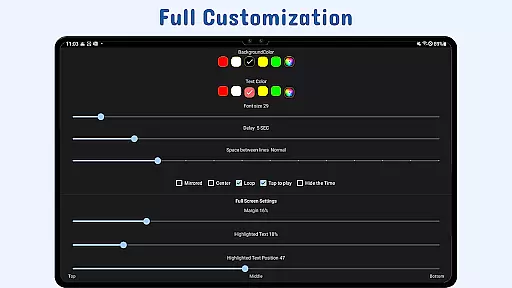
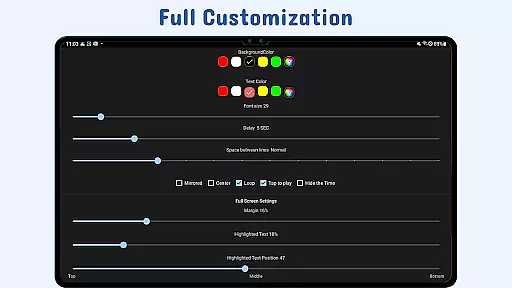
Key features include customizable text and background settings, gesture controls for zooming and resizing, adjustable scroll delay, and remote control support for hands-free operation. These capabilities ensure smooth teleprompting with enhanced readability and precise control. Whether you're a content creator, educator, or professional speaker, Nano Teleprompter provides the flexibility and functionality needed to deliver polished presentations.
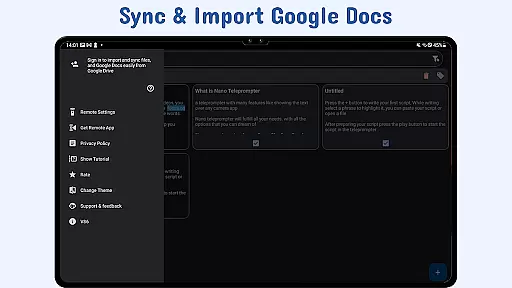
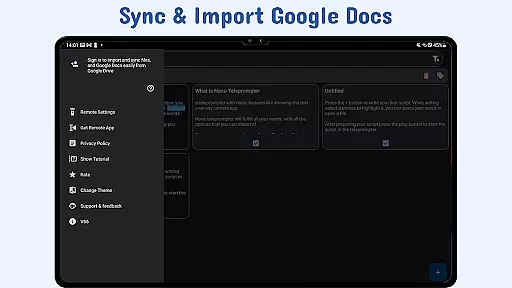
Nano Teleprompter stands out with its robust feature set tailored for productivity-focused users. One of its core strengths is the real-time Google Drive sync, which allows users to manage scripts directly from their browser or synced folders, ensuring that all updates are instantly reflected in the app. This eliminates the hassle of manual file transfers and ensures your scripts are always up-to-date.
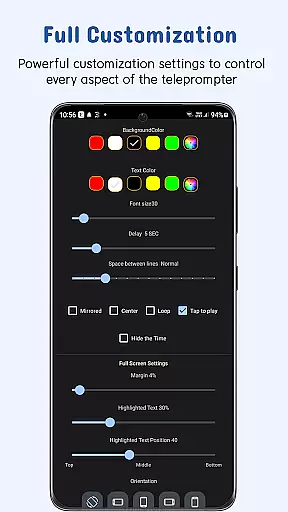
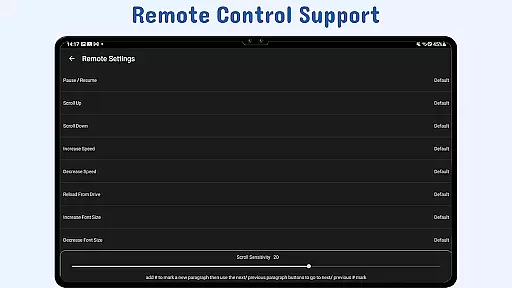
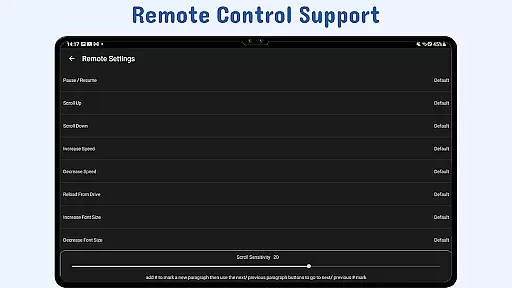
The app also includes advanced customization options such as adjustable text size, color, margins, and line spacing, enabling users to tailor the display to their specific needs. Gesture-based controls add another layer of convenience, letting users zoom or resize the teleprompter widget with simple touch gestures. Additionally, the remote control functionality supports multiple actions like pausing, resuming, and scrolling, offering complete hands-free operation during recordings or live sessions.
Task management is at the heart of productivity applications, and Nano Teleprompter excels in this area by offering users a seamless way to handle scripts for various tasks. Whether you're recording videos or delivering speeches, the app's ability to organize and present your content effectively ensures that you can focus on your performance without distraction.
The app provides real-time Google Drive sync, which means your scripts are always up-to-date across all devices. This feature allows users to create, edit, and manage their scripts directly in Google Drive, with automatic updates reflected in Nano Teleprompter. Such integration simplifies workflow and enhances efficiency, as changes made from any location are instantly available.
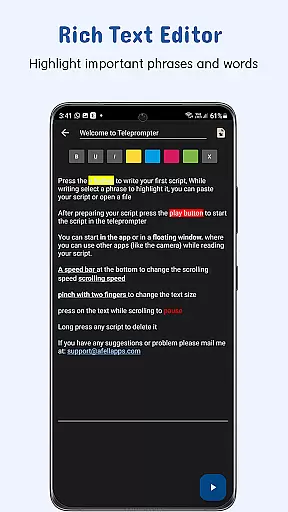
With customizable text options, including size, color, background opacity, margins, and line spacing, Nano Teleprompter empowers users to tailor the display of their scripts for optimal readability. These adjustments ensure that each user can create a personalized experience that suits their specific needs, making task management not only efficient but also comfortable.
Cross-device synchronization is crucial for users who operate across multiple platforms, and Nano Teleprompter addresses this need with reliable cloud syncing capabilities. By leveraging Google Drive, the app ensures that your scripts are consistently backed up and accessible no matter where you are or what device you're using.
This synchronization process is not just about backing up files; it's about providing real-time access to the latest versions of your documents. As you make edits or add new scripts, Nano Teleprompter automatically updates these changes across all linked devices. This dynamic updating process guarantees that you're always working with the most current information.
Moreover, the ability to open text files directly from the file explorer or share text from any app adds another layer of convenience. Users can quickly import content into Nano Teleprompter, ensuring that all materials are centralized and readily available. This comprehensive approach to synchronization underscores Nano Teleprompter's commitment to delivering a robust and dependable cross-device experience.
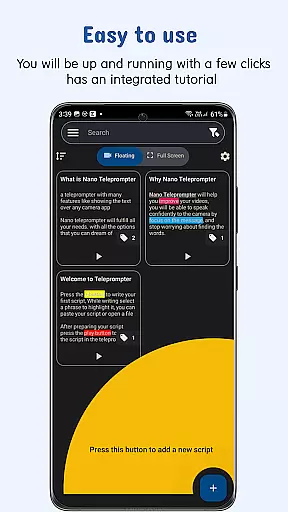
User-friendly interface
Real-time cloud syncing
Flexible camera compatibility
Customizable display options
Remote control support
Limited offline functionality
Premium features require subscription
Occasional sync delays
Complexity for first-time users
Dependent on third-party services

A customizable calendar for your Wear OS watch
 4.20
4.20
Professional calendar app for Google Calendar, MS Outlook & Exchange
4.20
Wake up & get tasks done! Add alarms & reminders on the Clock Launcher.
4.00
aCalendar+ makes your day, week and month
4.70
Subscribe to Webcal & .ics calendars and keep them up-to-date!
4.50
Secure, open-source, SPICE and SSH Remote Desktop for QEMU KVM virtual machines
4.00
Code on-the-go with VScode for Android. Edit,debug and collaborate from mobile!!
3.10
A simple Whisper AI keyboard for reliable speech transcription and rewording
4.60
AT&T Internet customers can use this app to personalize their Wi-Fi network.
4.40
The long-awaited modern gallery app for your Nextcloud server
4.70
App lock - lock apps with fingerprint, password, pin or pattern, protect privacy
4.70
Quickly and easily keep track of your work shifts
4.70
Secure, fast, open-source, Remote Desktop Client for Windows and Linux with SSH
4.60
Lightweight PDF, Word, Excel reader.
4.60
Docker, Kubernetes management over Portainer Mobile
4.40
Secure your apps with lock screens, use custom themes and different features.
4.40
Share files & memories safely. Keep your photos and videos secure.
4.40
All in One PDF Reader: Manage, Read and Edit your Documents
4.20
Remotely view listen control and record cameras.
3.70


User Reviews