
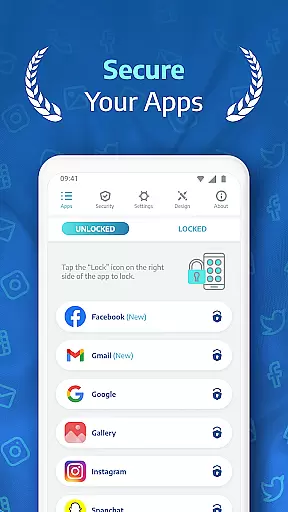
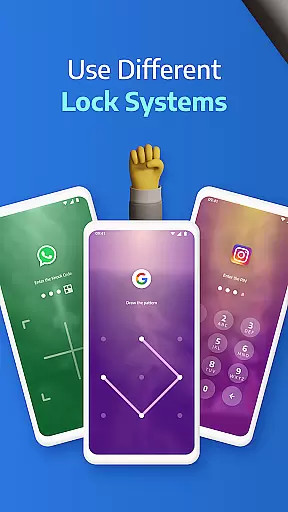
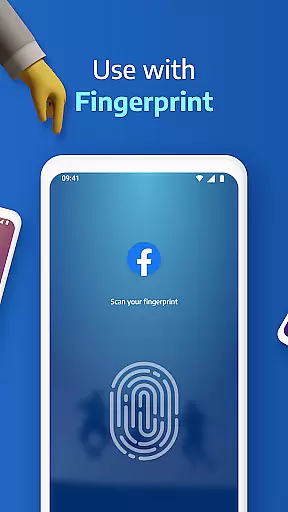
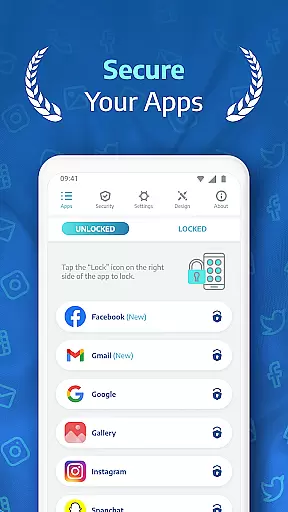
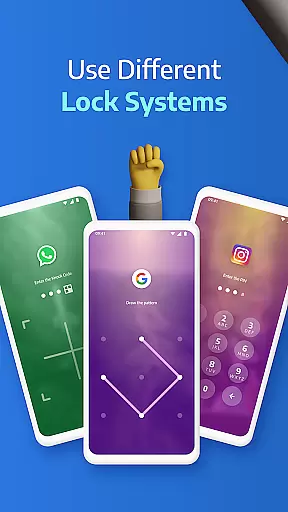
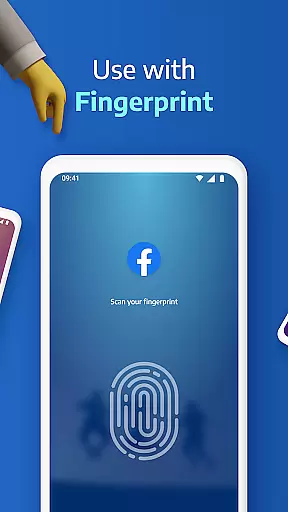
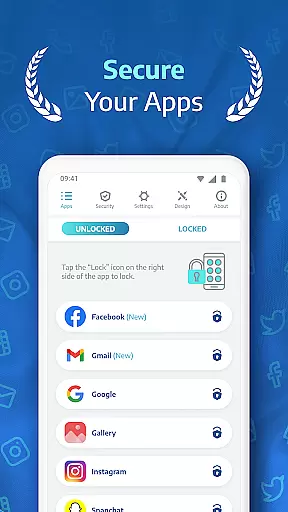
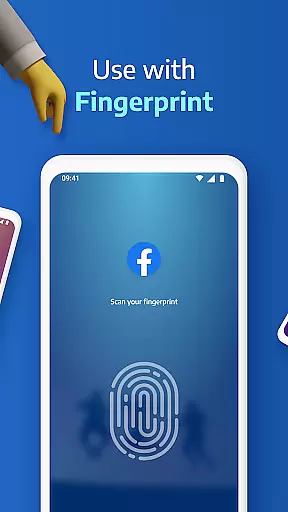
AppLock Pro is a premier productivity app designed to secure your personal data by locking access to specific apps and media on your device. This powerful tool allows users to protect sensitive information within messaging apps, social media platforms, photo galleries, and system settings using multiple lock methods such as PIN, pattern, fingerprint recognition, or KnockCode.
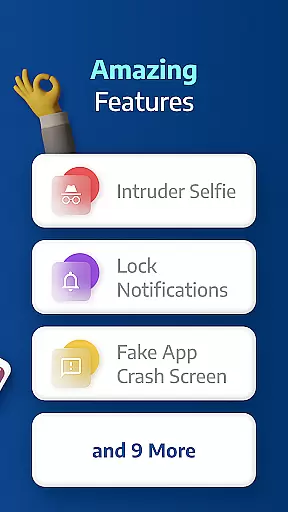
Beyond basic locking features, AppLock Pro offers advanced functionalities like spy camera protection, which discreetly captures photos of anyone attempting unauthorized access. The app also includes customizable lock screens, auto-relock timers, and fake error messages to deter intruders. With its lightweight design optimized for minimal battery and RAM usage, AppLock Pro ensures robust security without compromising device performance.
Whether you're at work, home, or traveling, this app provides peace of mind by safeguarding your digital privacy in any scenario where device sharing or theft might be a concern.
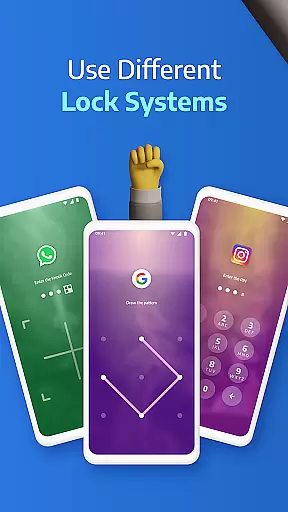
AppLock Pro stands out with its comprehensive suite of security features tailored for privacy-conscious users. One of the key highlights is its versatile locking mechanism, supporting PINs, patterns, fingerprints (on compatible devices), and the unique KnockCode feature, allowing users to choose the most convenient method for securing their apps.
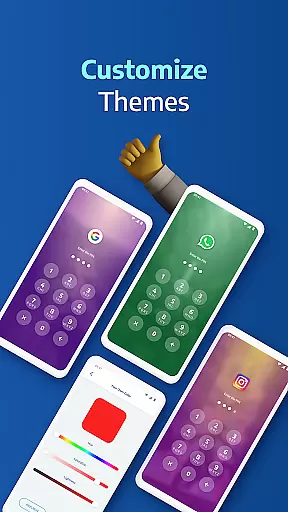
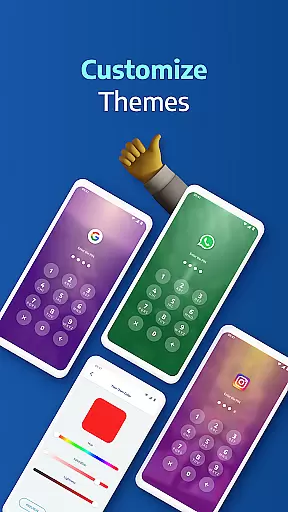
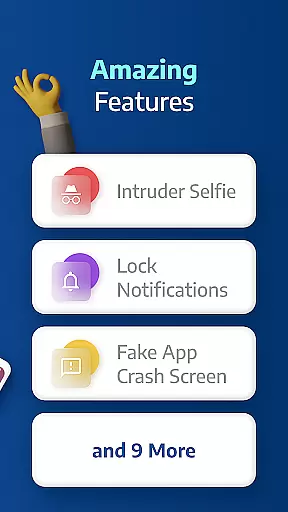
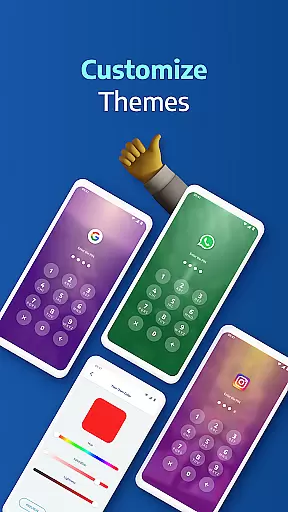
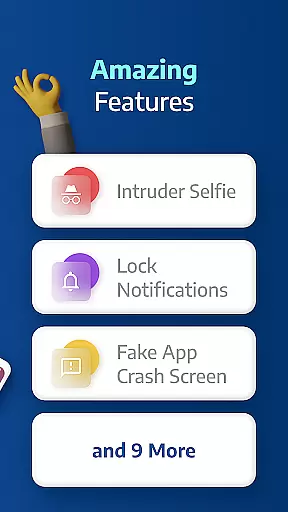
In addition to standard locking, the app incorporates innovative protective measures such as spy camera functionality that takes a photo of anyone who enters the wrong password multiple times. It also offers a fake error message option to mislead potential snoopers and hide notifications from locked apps to prevent sensitive information leaks. Users can customize their experience further with personalized themes and backgrounds sourced from their own gallery.
Smart settings enhance usability by providing options like vibration feedback, new app alerts, and automatic re-lock timers. These features collectively ensure that AppLock Pro not only secures your data but does so in a way that's both user-friendly and adaptable to individual preferences.
Applock Pro excels in core task management by providing users with a comprehensive suite of security features designed to protect sensitive apps and data. The app allows you to lock any application using various methods such as PIN, pattern, fingerprint, or KnockCode, ensuring that only authorized access is permitted.
The functionality extends to managing different lock timers and auto-re-lock settings, giving users control over when their apps are accessible. This granular level of task management ensures that your privacy settings adapt to your daily routine without constant manual intervention.
Additionally, the inclusion of smart settings like vibration feedback, new app alerts, and locking recent apps enhances the overall user experience. These features collectively contribute to an efficient and secure environment where productivity is not compromised by security concerns.
While Applock Pro primarily focuses on securing individual devices, its reliability in maintaining consistent protection across multiple scenarios is noteworthy. Although it doesn't offer traditional cross-device synchronization, the app ensures that your security preferences are reliably maintained through features like spy camera protection and fake error messages.
The spy camera feature takes a front-camera photo after five failed password attempts, providing valuable evidence against unauthorized access attempts. Meanwhile, the fake error message feature cleverly disguises locked apps, adding an extra layer of obfuscation for potential intruders.
Moreover, the ability to customize themes and set unique backgrounds from your gallery adds a personal touch while maintaining security integrity. This combination of personalized security measures and reliable protection mechanisms makes Applock Pro a robust solution for safeguarding your digital life.
Highly secure
User-friendly interface
Customizable lock types
Lightweight performance
Advanced anti-intrusion features
Premium version required
Permissions can be intrusive
Occasional bugs reported
Limited free features
Fingerprint support varies

 4.20
4.20
Seamlessly integrate data and reports to build your presentation to impress
4.80
Device's storage information in a simple and clear graphical form (infographics)
4.10
CalenGoo is a very flexible and feature-rich calendar app
4.40
Find and delete junk files & block unwanted notifications & manage files
3.70
Great calculator for Android named one of USA TODAY's "25 Essential Apps".
4.90
A beautiful digital clock with autostart and many other functions
4.70
Use powerful, industry-leading AI tools to generate visual charts from any data
4.80
QuickEdit is a fast, stable and full featured text and code editor.
4.20
Mind Map and brainstorm, note taking and idea collection
4.80
Direct Chat without saving contacts & Dual WA Account on Single Device
4.70
The Pro Version of Android's tiniest Notepad app. Just 0.3MB but feature-packed!
4.60
Absolutely the best CNC machinist speed and feed calculator around. fswizard.com
4.60
App Lock with fingerprint, password: Lock apps & hide photos with lock screens
4.60
A simple Whisper AI keyboard for reliable speech transcription and rewording
4.60
When you Focus, so will your Bean in this cozy focus timer
4.30
Professional calendar app for Google Calendar, MS Outlook & Exchange
4.20
Create and edit presentations with Google Slides, part of Google Workspace.
4.00
Easiest event planning, volunteer signups & parent teacher conference scheduling
2.20


User Reviews